AI Agent Memory: Best Practices for Claude Code and Cursor
Every coding agent starts a session knowing nothing about yesterday. Claude Code, Cursor and Codex all have a way around that, and most people use it badly: they pile everything into one instruction file until the agent ignores half of it, or they let plans pile up as loose files in the repo where nobody, human or agent, ever looks again.
Good AI agent memory is mostly a filing problem. Some things the agent should see every time, some it should look up only when it needs them, and all of it should be something you can read and fix yourself.
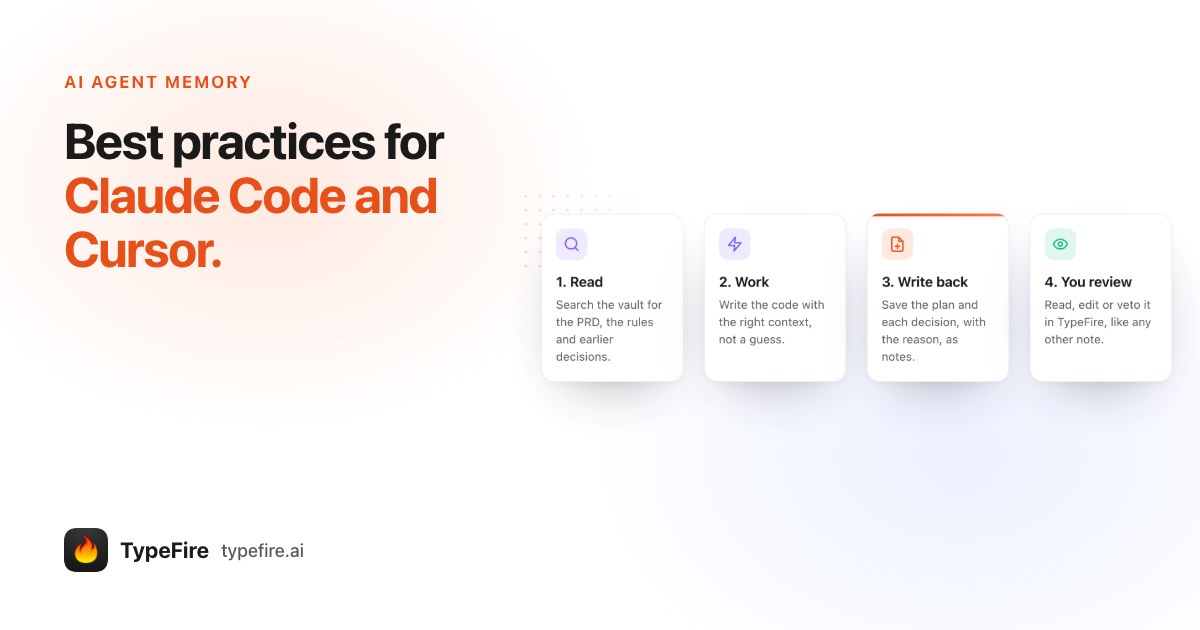
The short version
- Three layers. Instruction files (CLAUDE.md, AGENTS.md, Cursor rules) for short, stable rules. The agent's own notes for preferences it picks up. A searchable notes vault for plans, decisions, PRDs and research.
- Keep instruction files short. They load every session. Point them at the vault instead of pasting everything in.
- One vault per project, plus one for shared rules, reachable by every agent over MCP and by you in an ordinary notes app.
- Write decisions down with the reason. It's what stops an agent re-proposing the thing you already ruled out.
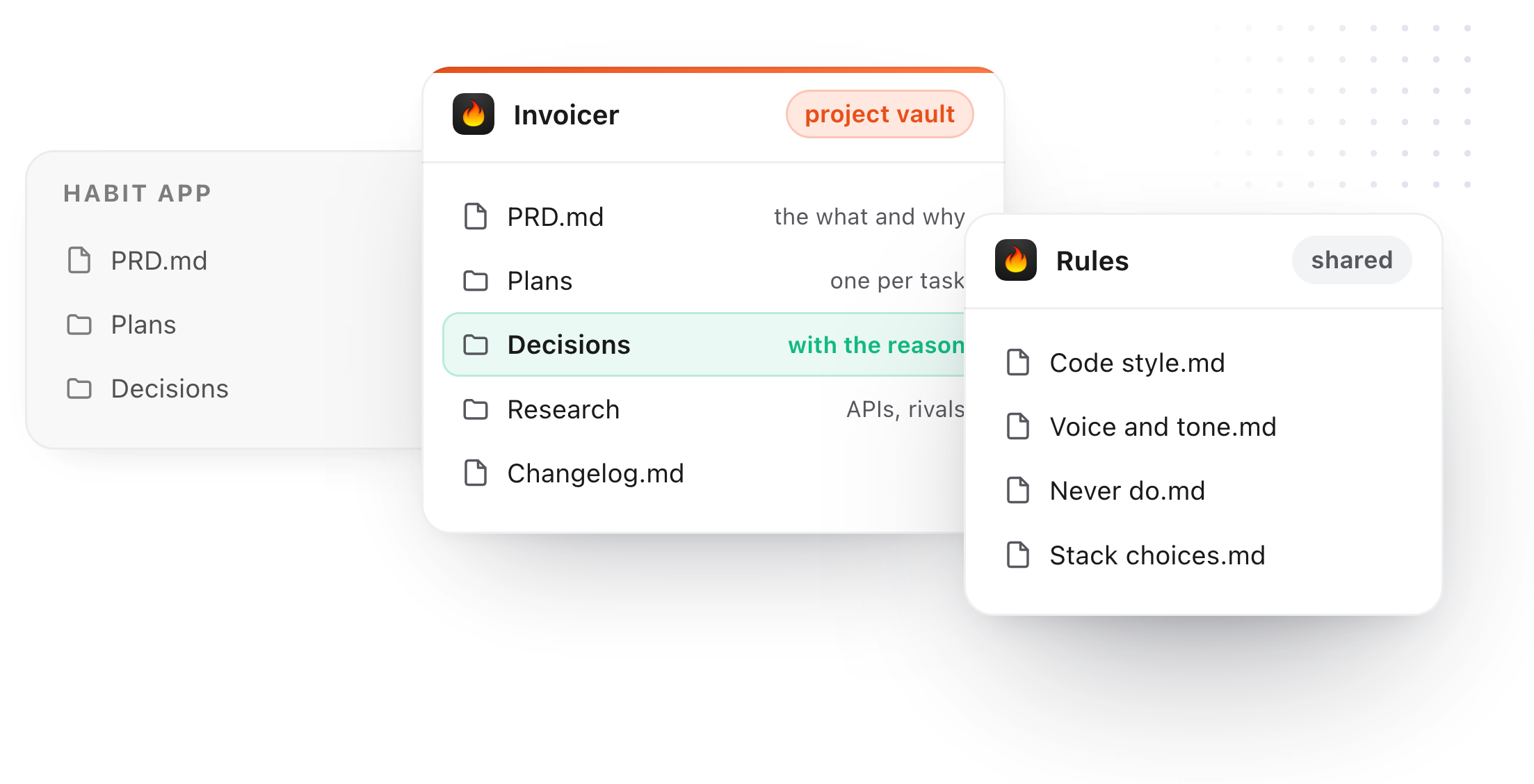
The three layers of AI agent memory
| Layer | Examples | Loaded | Best for |
|---|---|---|---|
| Instruction files | CLAUDE.md, AGENTS.md, .cursor/rules |
Every session | Build commands, conventions, "always do X" |
| The agent's own notes | Claude Code's auto memory | Every session (an index) | Your preferences and corrections |
| A searchable store | A notes vault over MCP, a memory server | Only when searched | Plans, decisions, PRDs, research |
The first two cost context every time a session starts, so they should stay small. Anthropic's own guidance is to keep a CLAUDE.md under about 200 lines, because longer files get followed less reliably. The third layer costs nothing until the agent asks for it, which is why the long material belongs there.
Where each kind of knowledge should live
Rules and preferences ("use pnpm", "no default exports", "write in American English") go in instruction files, or in a shared Rules vault when several projects use them. They rarely change, and every task needs them.
PRDs go in the project's vault. The agent reads the one that matters at the start of a task instead of you pasting it into chat.
Plans go in the vault, one note per task. A plan written before the work is the cheapest code review you'll ever do.
Decisions go in the vault with their reason. "Stripe, not Paddle, because we need usage billing" is a sentence that saves an hour next month.
Research (API limits, competitor notes, what a vendor's docs actually say) goes in the vault, linked to the decision it led to.
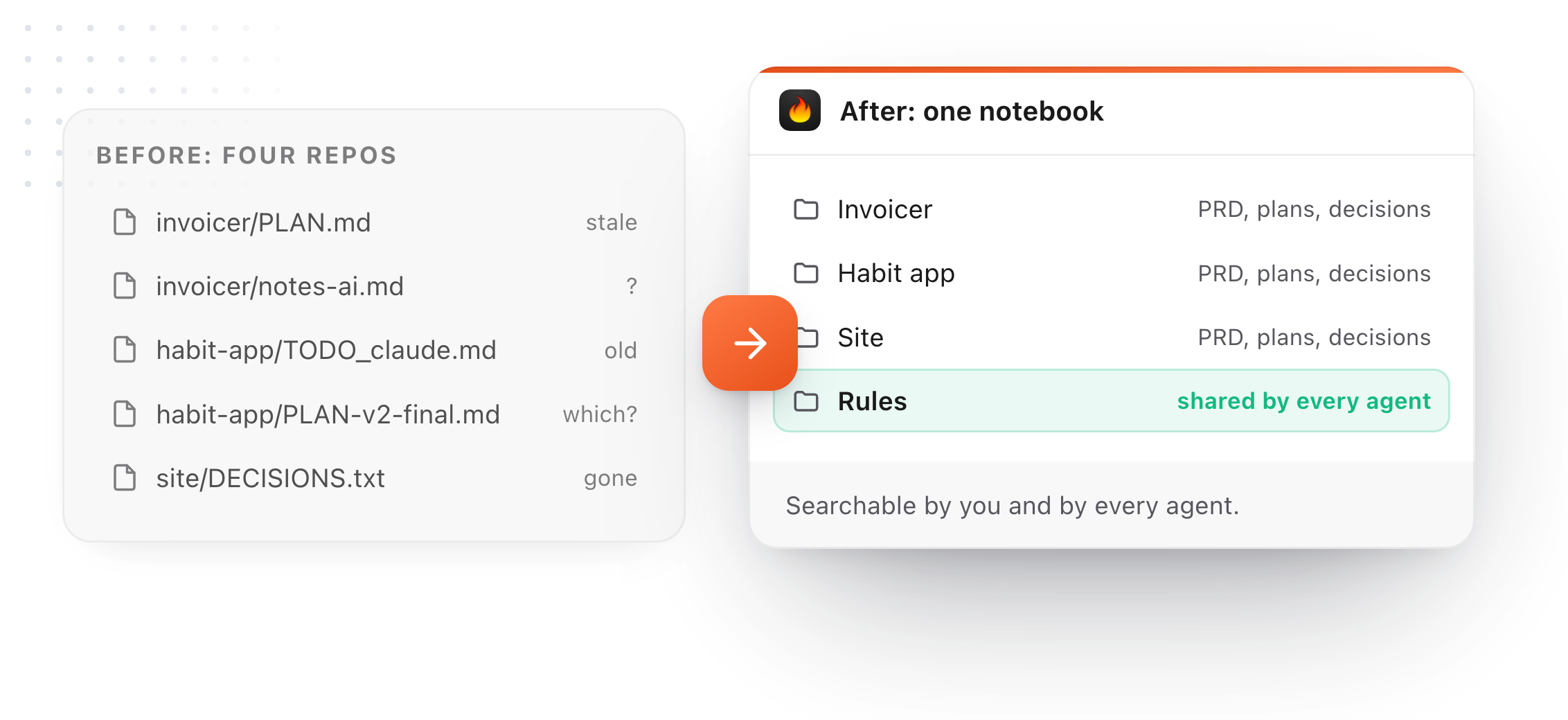
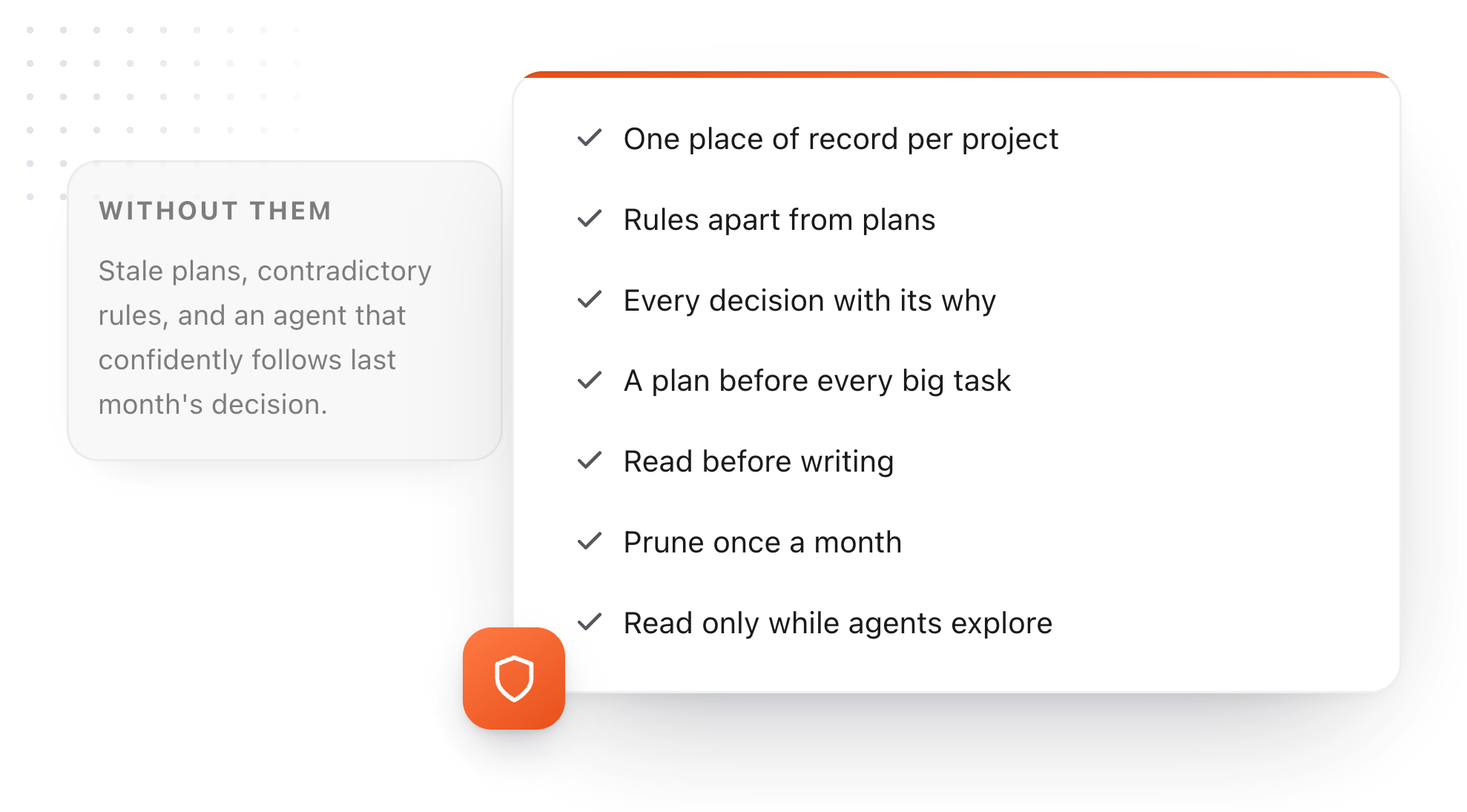
7 AI agent memory best practices
- One place of record per project. Everything the agent writes goes into one vault, instead of a PLAN.md in the repo, a TODO_claude.md in another folder and a decision buried in a chat log.
- Keep rules apart from plans. Rules almost never change; plans change daily. Mixing them is how a CLAUDE.md grows to 600 lines and stops working.
- Write every decision with its why. The code shows what you did. Only the note shows why, and the why is what stops an agent from undoing it.
- A plan before every big task. Ask the agent to write the plan as a note first. You read it, fix it, then it builds.
- Read before writing. The single most useful line in an instruction file is "look in the vault before starting new work". It turns past decisions into context instead of history.
- Prune once a month. Archive finished plans, delete rules nobody follows, merge duplicates. Stale memory is worse than none, because the agent trusts it.
- Turn on read only while agents explore. When you let an agent poke around a new codebase or brainstorm, switch AI apps to read only. It can search and read everything and change nothing.
Make the memory readable by you, too
Memory you can't see is memory you can't correct. That's the weak spot of most agent memory: it lives in a hidden folder or a database, and you find out what the agent "knows" only when it gets something wrong.
A notes vault fixes that, because the agent's memory is just your notes. You open it in a notes app, search it, link it, and edit a wrong decision in ten seconds. The agent reads the corrected version next time.
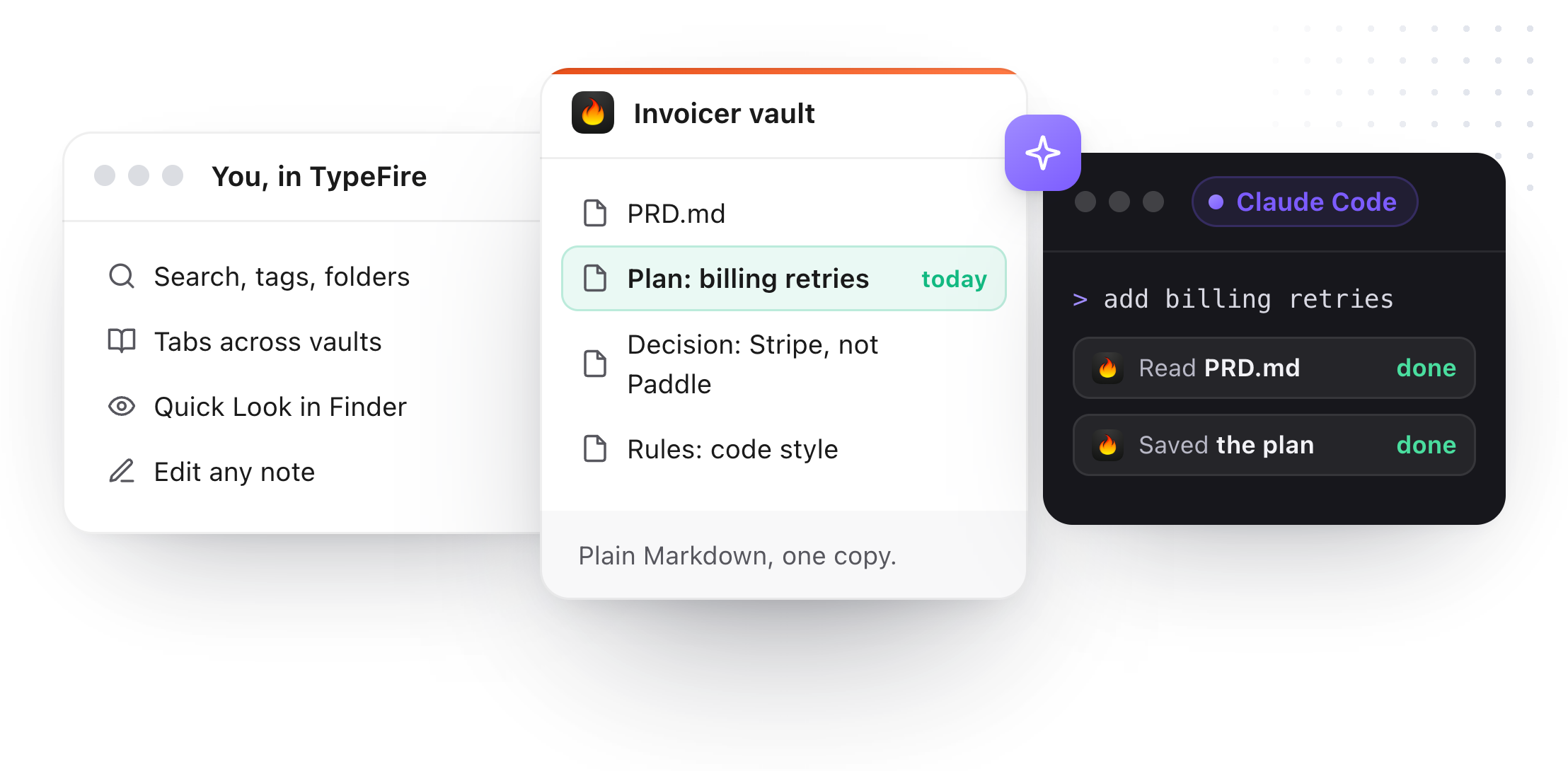
TypeFire is built for this on a Mac. It's a notes app over plain Markdown folders (an Obsidian vault works as it is), and from 6 it's also an MCP server. Claude Code, Cursor, Codex and other AI apps on your Mac connect with one click in Settings, AI apps (MCP), then search, read and save notes in every vault. You see the same notes in TypeFire, with tabs, search and Quick Look in Finder.
A few things make it safe to hand an agent your notes:
- If you changed a note after the agent read it, its edit is refused, so it can't overwrite your fix.
- Deletes go to the Trash, and more than 20 in a minute are refused.
- Read only lets agents search and read without changing anything.
- The connection stays on your Mac, with no API key. What a cloud AI does with what it reads is up to that AI, the way it is with anything you paste into it.
Searching and reading are free. Creating and editing notes from an AI app need TypeFire Pro, $18 once.
The one block to add to your instruction file
Settings in TypeFire has a ready line for each vault. Paste it into the project's CLAUDE.md, AGENTS.md or Cursor rules:
Save plans, decisions and research for this project as notes in my TypeFire vault "Invoicer", and look there before starting new work.
That one sentence takes care of practices 1 and 5, and most of 4. For a complete AGENTS.md built around it, with a vault for every project, see AGENTS.md example: one notes vault for every AI project.
Download TypeFire for Mac, see how TypeFire works as an MCP server, or read Claude Code memory with a notes vault.
Loved by people who type all day.
Unprompted reactions from users, in their own words.
Used by people at
Company names are places where our users work. They do not imply endorsement or affiliation.