Best MCP Servers for Notes on Mac in 2026: 6 Compared
A year ago, "give Claude my notes" meant pasting them into the chat. Now most AI apps on a Mac speak MCP, and the question is which server sits between them and your notes. The answer depends mostly on where your notes already live, and on how much setup you'll put up with.
These are the six worth knowing in 2026, each read on its own project page on 30 September 2026.
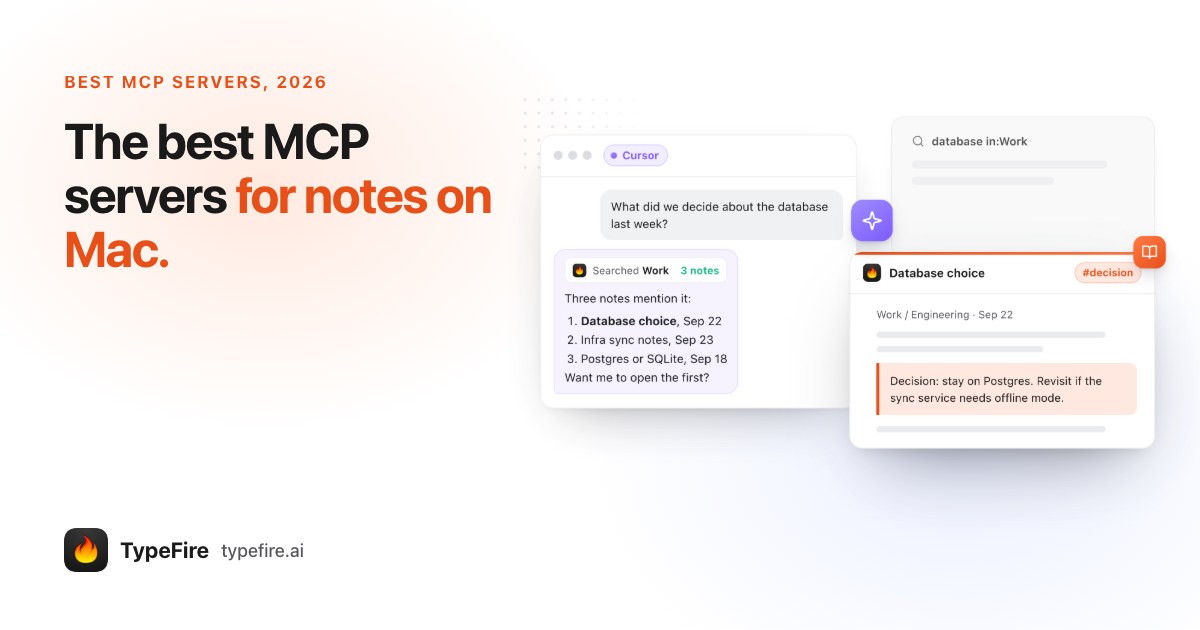
The short version
- Your notes are in Bear: Bear 2.8's own MCP server and Claude connector.
- Your notes are in Notion: Notion's hosted MCP server, over OAuth.
- Your notes are Markdown, or an Obsidian vault, and you want one click: TypeFire. No plugin, no API key, Obsidian can stay closed, and snippets and clipboard history come with it.
- Obsidian, and you're happy editing config: MCPVault, free and open source, reads the folder directly.
- Obsidian with live editor context: the Local REST API plugin, which serves MCP while Obsidian is open.
- Apple Notes: a community server; Apple doesn't ship one.
1. TypeFire: Markdown notes, snippets and clipboard, one click per app
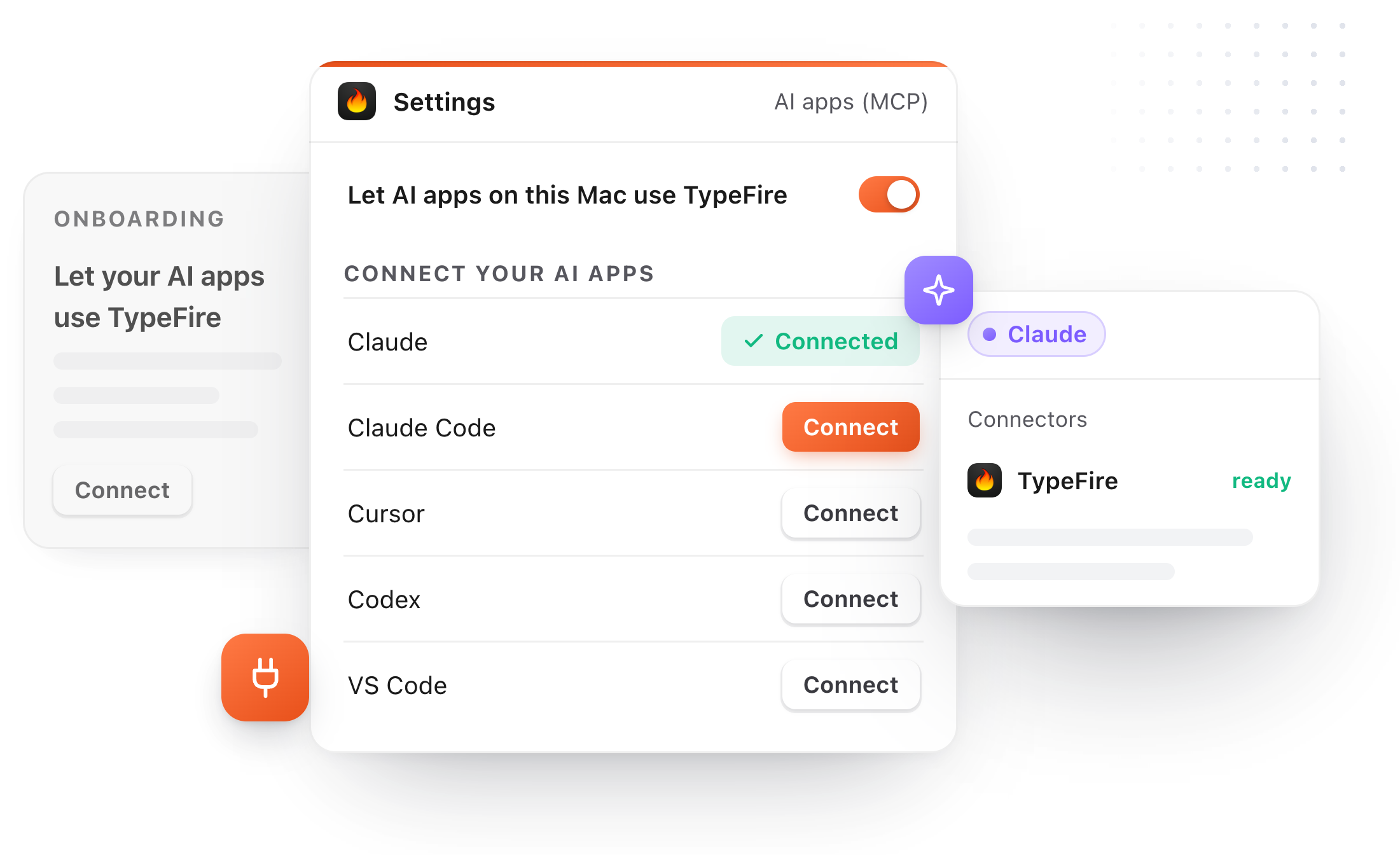
Price: Free to search and read; saving and editing from AI apps need Pro, $18 once, or the trial. Setup: Settings, AI apps (MCP), Connect. Works with: Connect is built for Claude, Claude Code, Cursor, Codex, VS Code (GitHub Copilot agent mode), LM Studio and Windsurf; any other MCP app by hand.
Full disclosure, this is ours. TypeFire is a Mac app with a text expander, a clipboard manager and Markdown notes, and 6 builds an MCP server into it. It opens any folder of Markdown, including an Obsidian vault, as it is, so there's no plugin and Obsidian doesn't need to be open. AI apps can search every vault, read a note or one section, follow links and backlinks, and with Pro create, edit, rename and delete to the Trash. If you changed a note after the AI read it, its edit is refused.
It's the only one here that also hands AI apps your snippets and, if you switch it on, your clipboard history.
Pick it if: you want notes in plain files and zero config.
2. Bear: built in, for Bear's notes
Price: Comes with Bear 2.8. Setup: Help, Advanced, Install Claude Connector for the Claude Mac app; the bearcli mcp-server command for Claude Code and other MCP tools.
Bear added an official CLI, a Claude connector and an MCP server in April 2026. It reaches Bear's notes, and Bear says nothing connects until you set it up. If Bear is where you write, this is the obvious choice and needs nothing else.
Pick it if: your notes live in Bear.
3. Notion MCP: hosted by Notion
Price: Comes with Notion. Setup: Connect from an MCP client and authorize with OAuth.
Notion's server is remote, run by Notion, and works with Claude Code, Cursor, Codex and others. It searches, reads, creates and updates the pages you can access. It's the only cloud option on this list, which is a plus if you work across machines and a minus if you want notes in local files.
Pick it if: your team's notes are in Notion.
4. MCPVault: open source, reads the Obsidian folder
Price: Free, MIT licensed. Setup: an npm package you add to each AI app's settings by hand.
MCPVault reads, searches and edits the files in an Obsidian vault directly, so Obsidian can stay closed, and its project page says frontmatter updates keep existing formatting. It supports wikilinks and tags. You run it yourself and wire it into each AI app's config.
Pick it if: you want a free, file based Obsidian server and don't mind JSON.
5. Obsidian's Local REST API plugin
Price: Free, open source community plugin. Setup: install the plugin in Obsidian, copy its API key into each AI app.
Obsidian doesn't ship an MCP server, but this popular plugin now serves MCP itself. Because it runs inside Obsidian, it can see things a file reader can't, like the note that's open, and for the same reason Obsidian has to be running. Older community servers such as mcp-obsidian sit on top of this same plugin.
Pick it if: you live in Obsidian all day and want the AI to see what's open.
6. Apple Notes community servers
Price: Free, open source. Setup: by hand, usually an npm or Swift package added to each AI app's settings.
Apple doesn't make one. Several community projects on GitHub automate the Notes app through AppleScript to search, read and create notes. Quality and upkeep vary by project, so check when one was last updated before you trust it with years of notes.
Pick it if: your notes are in Apple Notes and you're comfortable vetting a GitHub project.
The best MCP servers for notes, compared
| Notes it reaches | Setup | App must be open | Also snippets and clipboard | Price | |
|---|---|---|---|---|---|
| TypeFire | Any Markdown folder, Obsidian vaults | Connect button | No, starts itself | Yes | Reads free, writes Pro $18 once |
| Bear | Bear notes | Installer or CLI | Not stated | No | With Bear |
| Notion MCP | Notion pages | OAuth | Hosted | No | With Notion |
| MCPVault | Obsidian vault files | Edit config | No | No | Free |
| Local REST API | The open Obsidian vault | Plugin and API key | Yes, Obsidian | No | Free |
| Apple Notes servers | Apple Notes | Edit config | Varies | No | Free |
Which MCP server for notes to use
Start from where your notes are. Bear and Notion users already have an official server and should use it. For Markdown files and Obsidian vaults, the choice is setup: MCPVault if you're fine editing config, the plugin if you want Obsidian's live context, and TypeFire if you want a button per app, a read only switch, and your snippets and clipboard in the same place. There's more on the Obsidian routes in Obsidian MCP, compared.
Loved by people who type all day.
Unprompted reactions from users, in their own words.
Used by people at
Company names are places where our users work. They do not imply endorsement or affiliation.