Obsidian MCP: Every Way to Connect Your Vault to AI, Compared
If you search "obsidian mcp" you get GitHub repos, plugin listings and forum threads, and no clear answer. That's because Obsidian doesn't make an MCP server. Everything that connects a vault to Claude, Cursor or Codex is someone else's project, and they split into two families: ones that run inside Obsidian, and ones that read the files.
Which family you pick decides almost everything else: whether Obsidian has to stay open, whether you need an API key, and how much config you edit.
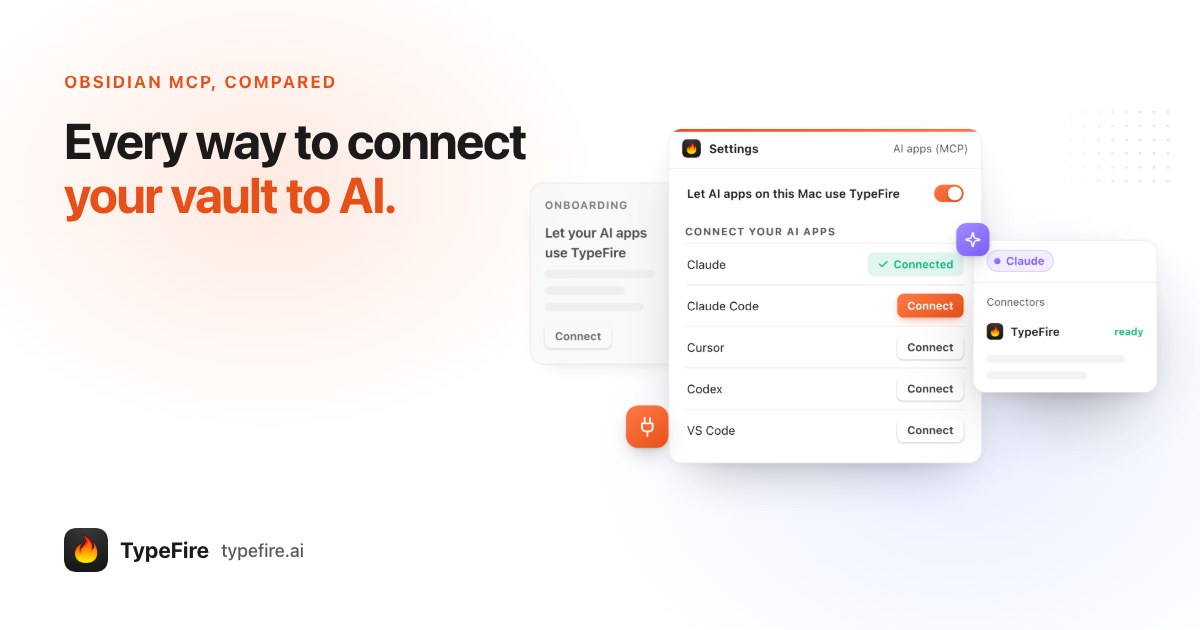
The short version
- Inside Obsidian: the Local REST API plugin serves MCP itself. Needs the plugin, its API key, and Obsidian running. Can see the note you have open.
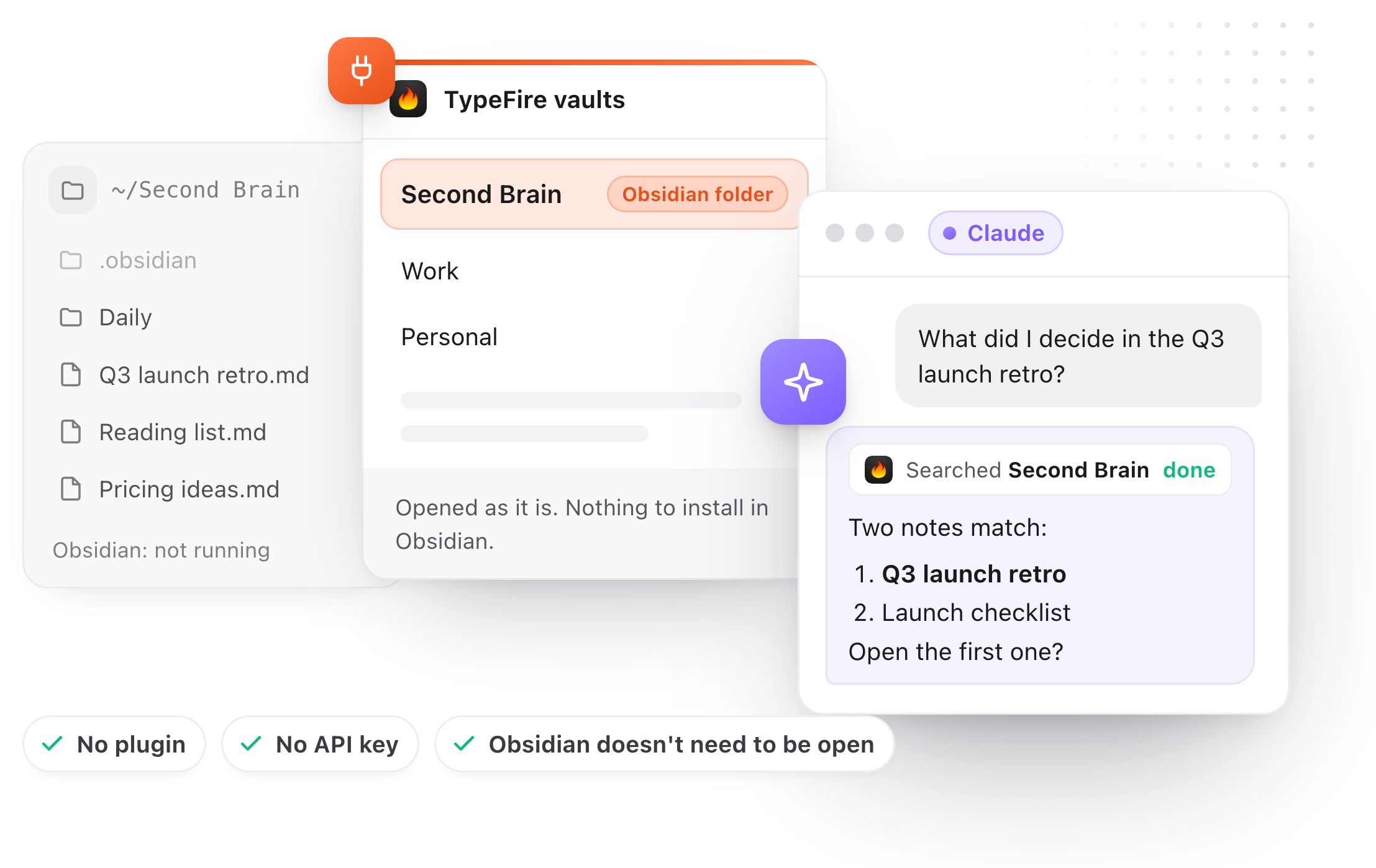
- Reads the folder: MCPVault (free, open source, edit config by hand) and TypeFire (a Mac app, one Connect click per AI app). No plugin, no key, Obsidian can stay closed.
- Checked on each project's own page, 30 September 2026.
Route 1: the Local REST API plugin
The most used route. It's a community plugin that opens an HTTP server inside Obsidian, and recent versions include an MCP endpoint, so AI apps can talk to it without anything in between.
What you do: install the plugin, find its API key in its settings, and add the endpoint and key to each AI app's MCP config.
What you get: read, search and write in the open vault, plus Obsidian's live state, like the active note and the command palette.
The catch: the plugin is part of Obsidian, so Obsidian has to be running whenever an AI app wants your notes. Close it and the server goes with it.
Route 2: a server on top of the plugin
Projects like mcp-obsidian came first and still work: a separate server, usually Python or Node, that calls the Local REST API plugin. You get the same requirements as route 1, plus a runtime to install and keep updated. With the plugin now speaking MCP itself, there's less reason to add this layer unless you want a specific project's tools.
Route 3: servers that read the vault's files
An Obsidian vault is a folder of Markdown. A server that reads the folder doesn't need Obsidian at all.
MCPVault is the open source option: an npm package, MIT licensed, that reads, searches and edits vault files, handles wikilinks and tags, and keeps frontmatter formatting. You add it to each AI app's config yourself.
TypeFire is the same idea built into a Mac app. You add the vault folder once, then open Settings, AI apps (MCP), and click Connect beside each AI app. Connect is built for Claude, Claude Code, Cursor, Codex, VS Code (GitHub Copilot agent mode), LM Studio and Windsurf.
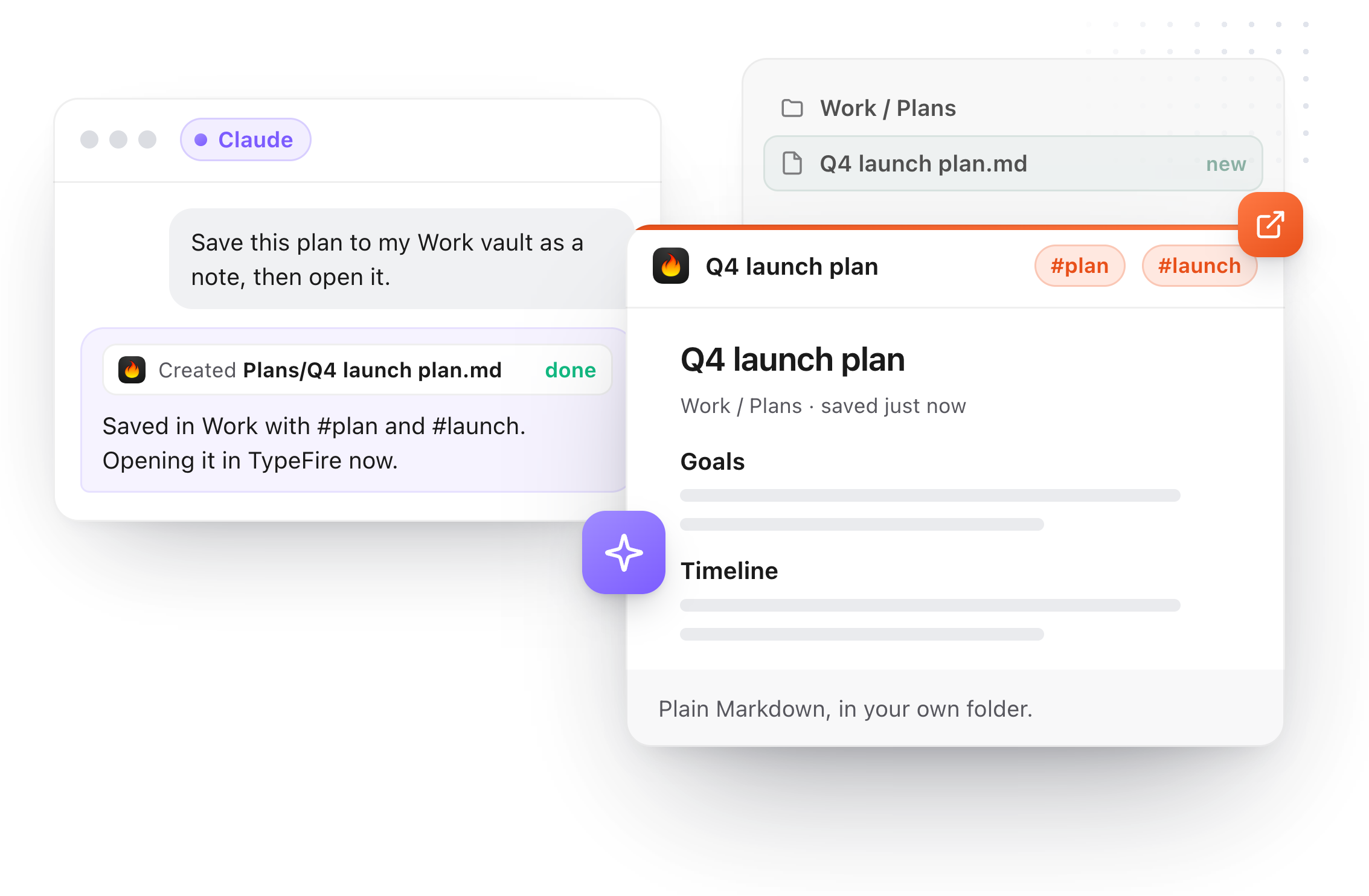
What TypeFire does with an Obsidian vault, as engineering confirmed it against the 6 build:
- Search by words, tag: and in:folder, across every vault you've added, about 20,000 files each.
- Read a whole note or just one heading's section, and follow links and backlinks through [[wikilinks]].
- With Pro: create notes with tags and properties, add to a note or today's daily note, rewrite a section, rename or move with [[wikilinks]] updated, delete to the Trash.
- Never touch
.obsidianor any dot folder. Leave frontmatter byte for byte unless a property was what you asked to change. - Refuse an edit if you changed the note after the AI read it.
And what it doesn't do: it reads text notes, not canvases, PDFs, images or Dataview queries, and it doesn't read Obsidian's own settings for daily notes or templates.
Obsidian MCP servers compared
| Local REST API plugin | Server on the plugin | MCPVault | TypeFire | |
|---|---|---|---|---|
| Plugin in Obsidian | Yes | Yes | No | No |
| API key | Yes | Yes | No | No |
| Obsidian must be open | Yes | Yes | No | No |
| Setup per AI app | Edit config | Edit config, install runtime | Edit config | Connect button |
| Sees the open note | Yes | Yes | No | No |
| Snippets and clipboard too | No | No | No | Yes |
| Price | Free | Free | Free | Reads free, writes Pro $18 once |
Which Obsidian MCP route to take
If you want the AI to know what you're looking at in Obsidian right now, use the plugin and keep Obsidian open. If you'd rather your vault be reachable whether Obsidian is running or not, read the folder: MCPVault if you like editing JSON, TypeFire if you'd rather click Connect and get your snippets and clipboard history in the same place.
Whichever you choose, keep the vault backed up. Write access is write access.
Download TypeFire for Mac, see the Obsidian MCP page, or read the best MCP servers for notes on Mac.
Loved by people who type all day.
Unprompted reactions from users, in their own words.
Used by people at
Company names are places where our users work. They do not imply endorsement or affiliation.