Claude Code Memory: Give It a Notes Vault It Can Search
Every Claude Code session starts empty. It reads your CLAUDE.md, loads its own auto memory, and then has no idea that yesterday you spent an hour deciding why the auth tokens move to the Keychain. So it asks again, or worse, it doesn't ask and proposes the thing you already ruled out.
Claude Code has two memory systems built in, and both are good at what they're for. Neither is built for the plans and decisions a project piles up. That's what a notes vault is for, and with MCP the agent can use one.
The short version
- CLAUDE.md is for instructions you write: build commands, conventions, "always do X". Keep it under about 200 lines.
- Auto memory is Claude's own notes about your preferences and corrections, kept per repository on your Mac.
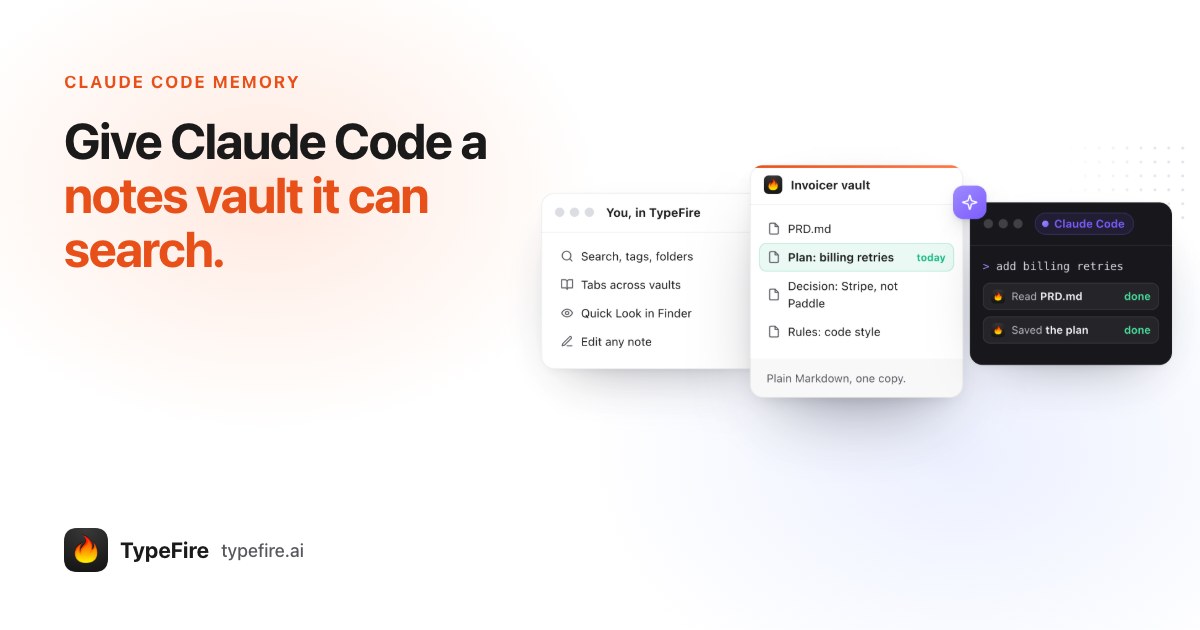
- A notes vault over MCP is for the long things: plans, research, decisions with their reasons. Claude Code saves them as Markdown notes and searches them before starting work.
- With TypeFire it takes one Connect click and one line in CLAUDE.md. Searching and reading are free.
How Claude Code memory works today
Anthropic's docs describe two mechanisms, both loaded at the start of every session.
CLAUDE.md files are instructions you write. There's one for the project (checked into the repo), one for you across every project (~/.claude/CLAUDE.md), and a local one you keep out of git. Claude Code can also read AGENTS.md if that's what your repository uses. The guidance is to keep each file short and concrete, because a longer file eats context and gets followed less reliably.
Auto memory is notes Claude writes for itself: your role, corrections you gave it, ongoing work it can't work out from the code. It lives in a folder per repository on your Mac, with an index whose first 200 lines load into every session. Claude deliberately skips anything it can derive from the codebase.
Both are context that's always on. That's the right shape for rules and preferences. It's the wrong shape for a 40 line plan you'll need twice a month.
What falls through the gap
Three kinds of thing don't belong in either file.
- Plans. A refactor plan written before the work starts. Claude Code writes these all day, usually as
PLAN.mdornotes/refactor.mdin the repo, where they get committed by accident, deleted with the branch, or never looked at again. - Decisions and their reasons. "Stay on Postgres; revisit if sync needs offline mode." The code shows what you did, not why, and the why is what stops the agent re-proposing SQLite next month.
- Research. Rate limits of an API, what a vendor's docs actually say, the three libraries you compared. Too long for CLAUDE.md, too useful to lose.
These need to be written down somewhere you can read, that the agent can search when it needs them, and that outlives any branch. That's a notes vault.
Give Claude Code a notes vault over MCP
MCP is how Claude Code reaches other apps. TypeFire is a Mac app with an MCP server built in, so once it's connected, Claude Code can search, read and save notes in your vault, as plain Markdown files.
- Add a vault in TypeFire. Any folder of Markdown notes works, including an Obsidian vault you already keep. A vault per project, or one called Work, both work well.
- Connect Claude Code. Settings, AI apps (MCP), and click Connect beside Claude Code. No API key, no config file to edit, no restart.
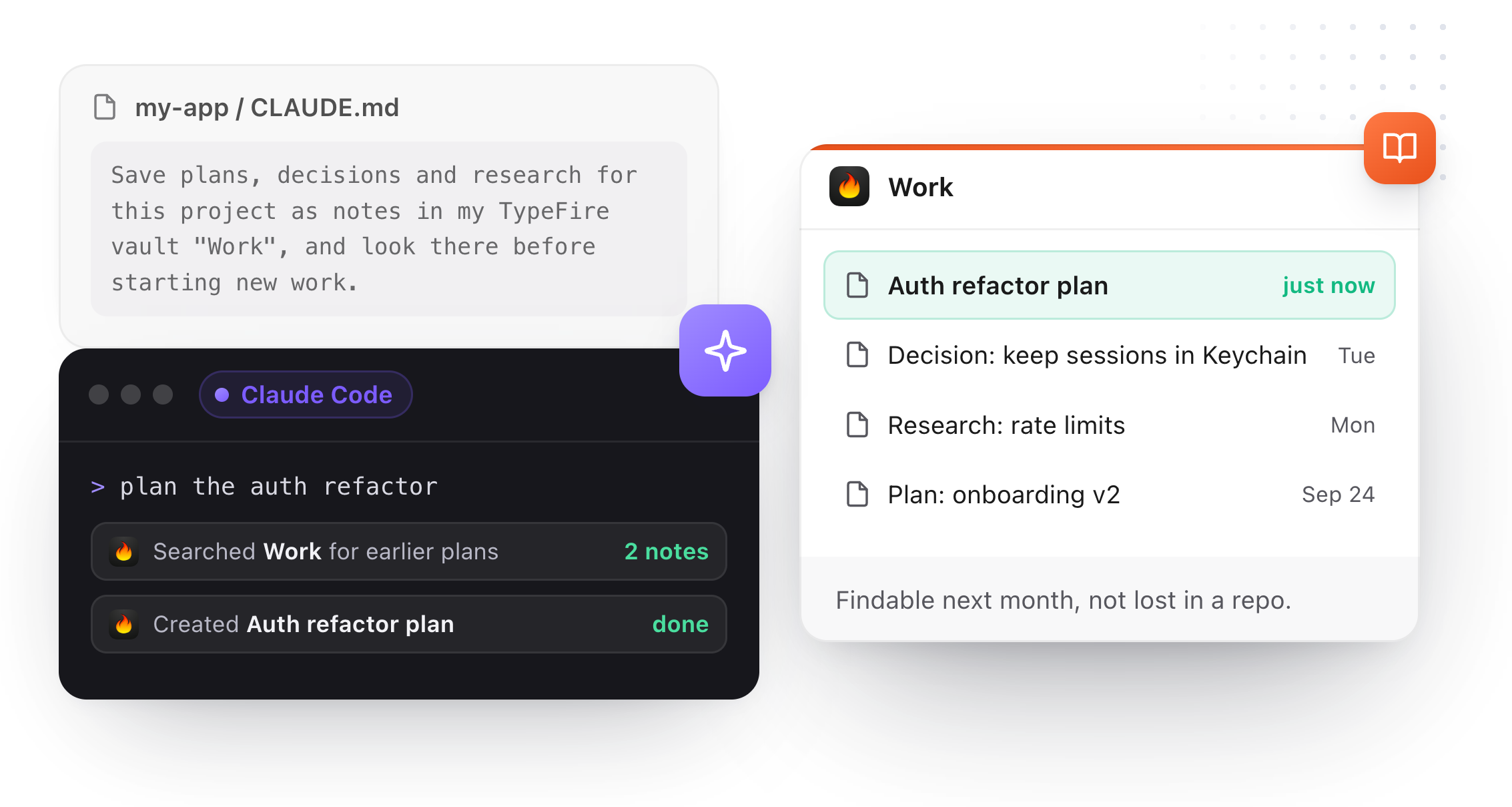
- Paste the notebook line into CLAUDE.md. The same Settings tab has a ready line per vault under Make TypeFire your agent's notebook.
The line reads like this, with your vault's name:
Save plans, decisions and research for this project as notes in my TypeFire vault "Work", and look there before starting new work.
That's the whole setup. From then on, "plan the auth refactor" starts with a search of the vault for earlier plans, and ends with the new plan saved as a note.
Why a vault makes better agent memory than a file in the repo
- You can read it. The agent's notes are your notes, in a notes app, with search, tags and backlinks. Nothing is hidden in a tool's folder.
- It searches instead of loading. CLAUDE.md and the memory index cost context in every session. A vault costs nothing until Claude searches it, and then it reads one note, or one heading's section of one.
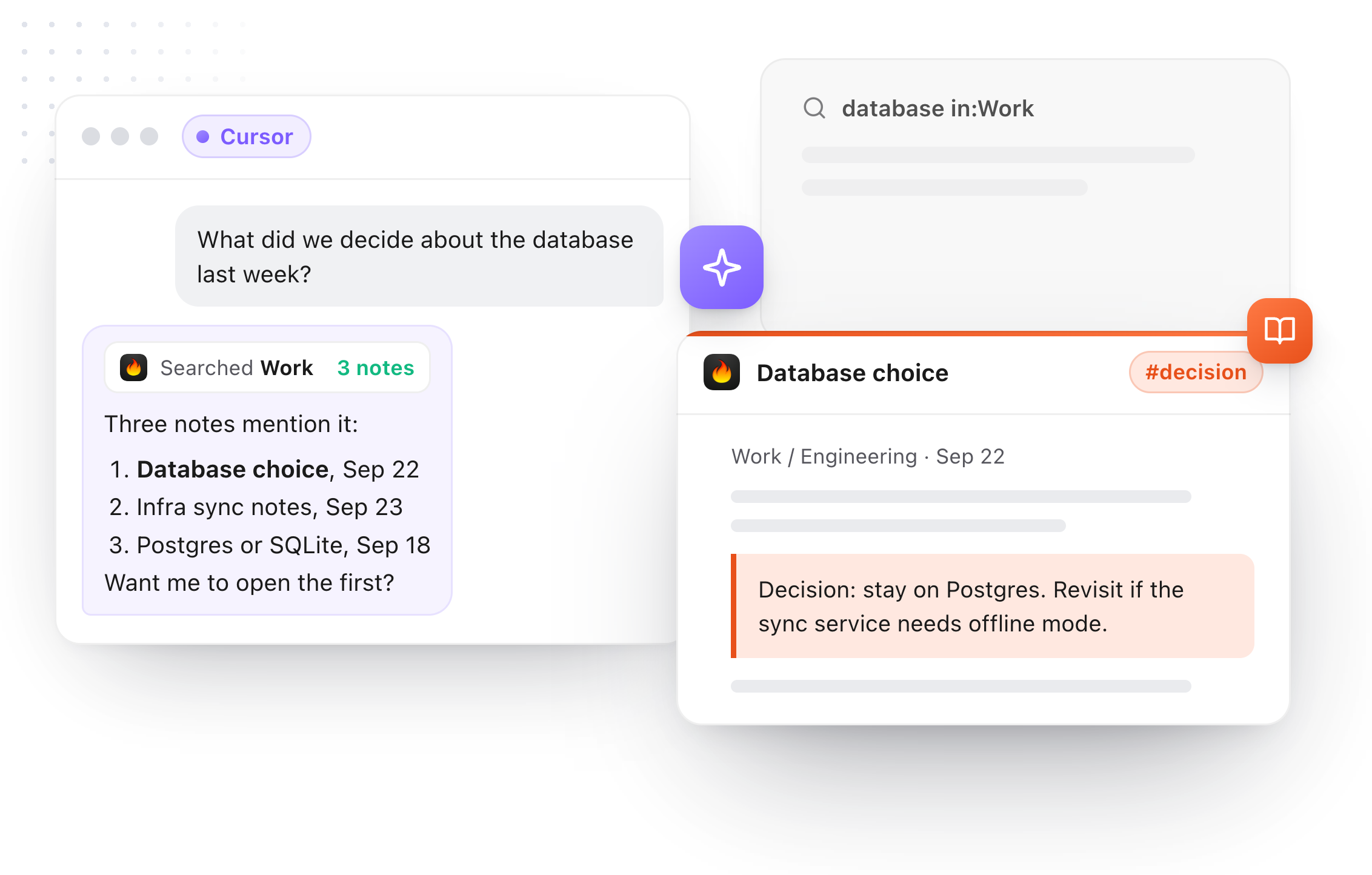
- It's shared across agents. The same vault connects to Cursor, Codex and the other AI apps TypeFire's Connect is built for. Plans made in Claude Code are there when you switch to Cursor.
- It outlives the branch. Merged, rebased or deleted, the decision note stays.
- It's careful with your edits. If you changed a note after the agent read it, its edit is refused and it reads the note again. Deletes go to the Trash.
What it costs
Searching and reading notes from Claude Code are free in TypeFire. Saving and editing notes from an AI app need TypeFire Pro, $18 once, or the free trial. The connection stays on your Mac and nothing goes through TypeFire's servers; Claude's model runs in the cloud, so what it reads goes to Anthropic the same way anything you paste into Claude does.
Keep CLAUDE.md for what it's good at
None of this replaces CLAUDE.md. Build commands, conventions, "never push to main" stay there, short and always loaded. Auto memory keeps learning how you like to work. The vault takes everything that's too long for either and too important to lose.
For the habits that keep it useful, see AI agent memory best practices, and for a ready file, the AGENTS.md example.
Download TypeFire for Mac, read how TypeFire works with Claude, or see everything AI apps can do with it.
Loved by people who type all day.
Unprompted reactions from users, in their own words.
Used by people at
Company names are places where our users work. They do not imply endorsement or affiliation.