A Typora alternative that
previews in Finder too
Is there a free Typora alternative for Mac?
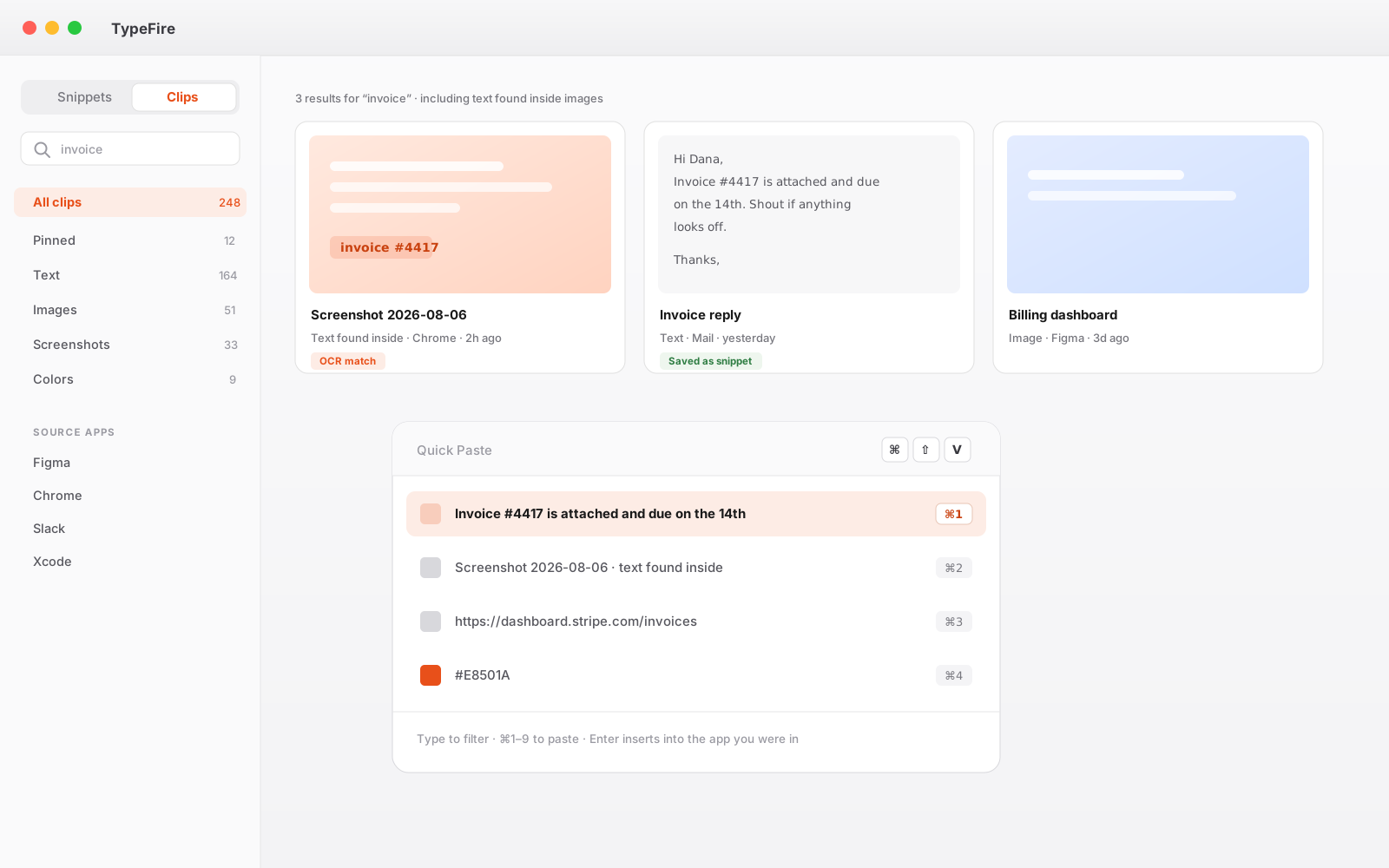
Typora is a one time purchase for a single editor. TypeFire edits markdown in place for free, and adds Quick Look preview so any .md file renders from Finder with the space bar.
It also opens whole folders and vaults rather than one file at a time, with wikilinks, backlinks and a graph view.
Why people move from Typora
The specific reasons people give for switching.
Typora stops at its own window
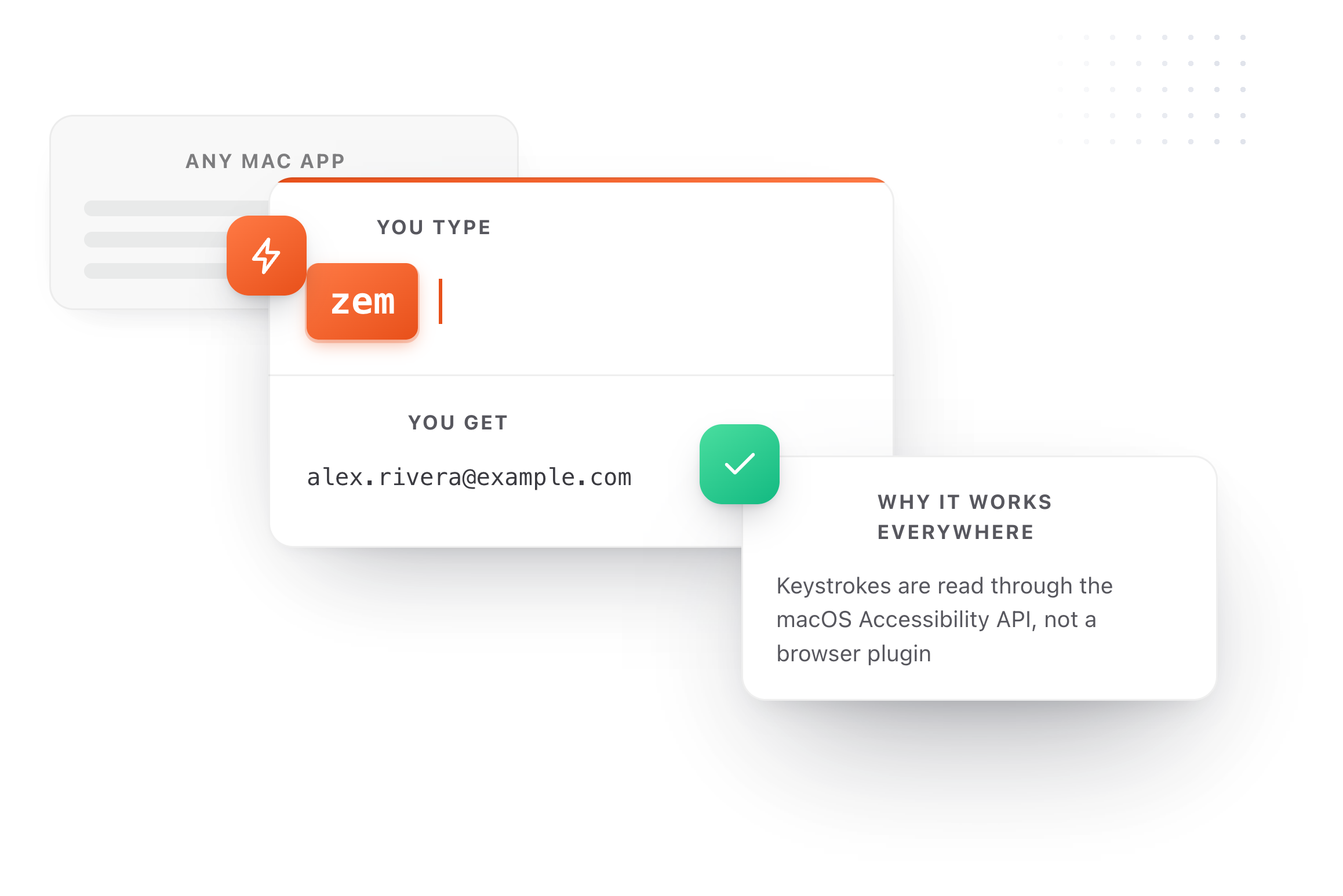
You still cannot press space on a .md file in Finder and read it rendered. TypeFire installs a Quick Look extension, so every Markdown file on your Mac previews properly whether TypeFire created it or not.
No text expansion
Writing Markdown means retyping the same link formats, callouts, front matter and code fences. TypeFire expands abbreviations into any of those, in Typora too if you keep using it.
One file at a time
Typora is a document editor. TypeFire treats your Markdown as a library: collections, tags, favorites, full-text search, and a Spotlight-style launcher over the lot.
No AI in the editor
Highlight a paragraph and rewrite, translate or shorten it in place, with Apple Intelligence or a local model so it can stay on your machine.
You pay before you know
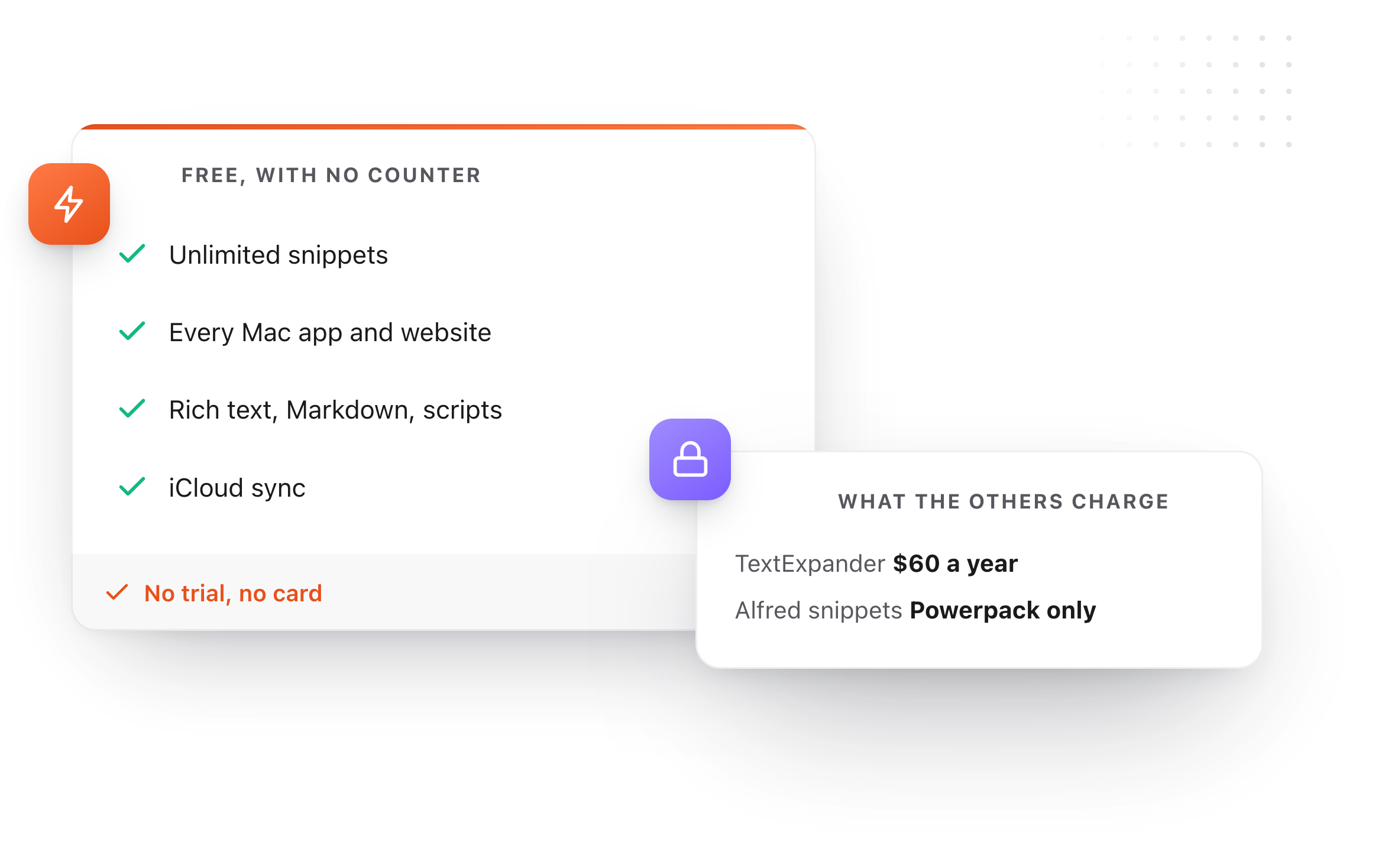
Typora is $14.99 after a 15 day trial. TypeFire's Markdown editing, Quick Look and text expander are all free with no countdown.
TypeFire compared with Typora
Prices and capabilities as of September 2026.
| TypeFire | Typora | |
|---|---|---|
| Price | Free for editing and Quick Look | $14.99, 15-day trial |
| Markdown editor | Yes, renders live as you type | Yes, inline WYSIWYG |
| Can be default .md app | Yes | Yes |
| Quick Look preview in Finder | Yes | No |
| GitHub Flavored Markdown | Yes, tables and task lists | Yes |
| Inline WYSIWYG editing | Yes, formats as you type | Yes, and more complete |
| Text expander | Yes, unlimited, free | No |
| Clipboard manager | Yes, free for 10 clips | No |
| AI on selected text | Yes, Pro | No |
| Export to PDF, HTML, Word | HTML | Yes, extensive |
Typora pricing from typora.io, August 2026. Both apps keep your Markdown as plain files on disk.
What Typora does better
Three of them, named plainly, with what TypeFire does instead directly below.
A more complete writing environment
Both apps render Markdown in place as you type, with no preview pane. Typora goes further as a place to write long-form: typewriter mode, word count goals, and export to PDF, Word and HTML. TypeFire is built around the folder rather than the document: the same files, reachable from a hotkey inside any app, and rendered on space in Finder.
Export options
PDF, HTML, Word, OpenOffice, epub, LaTeX, with themes and templates. If you publish out of your editor, Typora is far ahead.
It is a writing app
Typewriter mode and word count goals. Typora is built for long-form writing sessions. TypeFire is a utility that happens to edit Markdown very capably.
What TypeFire adds
Not available in Typora at any price.
A notes vault, not just an editor
4.0 opens a whole folder of markdown, including an Obsidian vault, with wikilinks, backlinks, quick capture and a global hotkey that reaches any note from inside another app.
Live rendering that does not rewrite the file
Markdown renders as you type while the buffer stays raw, so callouts, embeds, footnotes and your own emphasis characters survive a save untouched.
Quick Look for every .md file
Press space on any Markdown file in Finder and read it rendered with syntax-highlighted code blocks, whether TypeFire made it or not.
A text expander for Markdown itself
Link formats, front matter blocks, callouts, tables and code fences behind three-character abbreviations, working in Typora as well as everywhere else.
Your Markdown as a searchable library
Collections, tags, favorites and a Spotlight-style launcher across every snippet, rather than one open document.
AI on your selection
Rewrite, translate, shorten or explain highlighted text in place. Chain several passes onto one trigger.
A clipboard manager in the same app
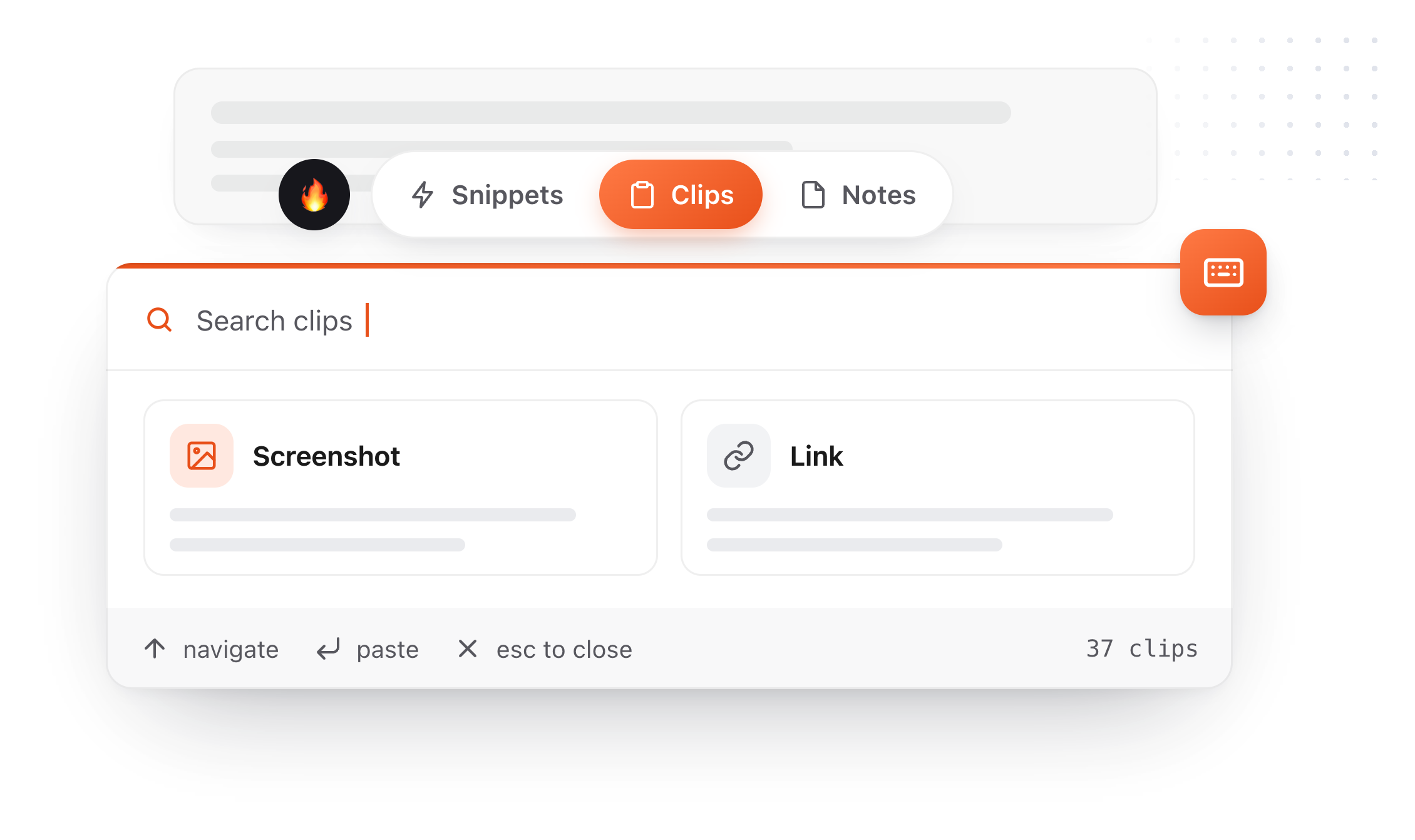
Everything you copied while writing, searchable, including the text inside screenshots.
Turn anything you copy into something you type
Right-click a clip, choose Save as snippet, give it an abbreviation. The thing you copied once becomes something you type three characters to get, forever. The same conversions run across all three surfaces: a clip becomes a note, and a note you keep rewriting becomes a snippet. Snippets, clips and notes live in one app, which is what makes each of those a single click rather than an export and an import.
- 01
Copy something
It lands in Clips alongside everything else you copied today.
- 02
Save as snippet
It leaves your rolling history and enters your permanent library.
- 03
Give it a trigger
Type
invfrom then on and never look it up again.
A clipboard manager you can tell what to ignore
A clipboard manager sees everything you copy. Until 4.0 the only control over that was a password-manager exclusion you could not see. There are three now, none of them gated, and the limits of the strongest one are stated rather than buried.
Turn image capture off
One switch. Text keeps being captured and pictures stop. Images you have already saved are kept rather than deleted, which is not what most people expect a privacy toggle to do, so it is worth saying.
Name apps to skip
Add any application and TypeFire ignores what you copy in it. Choose from the apps it has already seen, with clip counts, or browse to any app on your Mac. Each app gets one of three settings: allow it, block images only, or block everything you copy there. The middle one is what most people want for a work tool, keeping the text and losing the screenshots.
The password managers, now visible
TypeFire has always ignored password managers. That list is in Settings now, twenty-three apps including 1Password, Bitwarden, KeePassXC, Dashlane and Apple Passwords, blocked by bundle ID in code rather than by a setting you have to find. It shows which of them you have installed, and any one can be overridden.
Encrypted on your Mac
Clips are stored in an encrypted database on your Mac. The key is generated on your machine and kept in the macOS Keychain. Images sit beside it, readable only by your own account.
Secrets expire in minutes
Card numbers and high-entropy strings are detected and deleted after five minutes by default, adjustable in Settings. Everything else follows the retention you choose.
An on-device AI option
Apple Intelligence and local models through Ollama or LM Studio run entirely on your machine. If you pick Claude, OpenAI, or Gemini instead, text goes to that provider directly; TypeFire operates no server in that path.
Where blocking by app stops being a guarantee
macOS does not tell an application which other application wrote to the clipboard. TypeFire matches on the app that was in front at the time, plus any app that identifies itself using the standard convention. That covers the overwhelming majority of real cases and it is not absolute. The protection that does not depend on a guess is the concealed-content marker: password managers mark what they copy, and TypeFire never stores it whatever else is set.
The app list also covers what you copy, not screenshots you save as a file. A PNG on your desktop records nothing about what was on screen, so TypeFire matches those to an app where it can and skips them when it does. It is right in the ordinary case and it is not a promise: to keep saved screenshots out entirely, turn off Save screenshots to Clips.
Eighteen dollars. Once.
TypeFire Pro is a single payment that unlocks unlimited clips, Selection Prompts, Prompt Chains, notes sync, note version history and saving from AI apps through MCP. There is no subscription and no per-seat pricing.
Free tier, then one payment
No free tier at all
One time
No free tier
One time
Lifetime, or $3.99/mo
Five snippets free, then a subscription
Typora is $14.99 for the editor. TypeFire gives you Markdown editing and Quick Look free, with Pro at $18 once for AI and unlimited clips.
The graph is free, and it needs nothing
Press ` and TypeFire draws every note, snippet and clip on one canvas, using the links, tags and folders already in your files. Nothing to download and nothing to switch on. A connection you made is drawn solid, one TypeFire worked out is drawn dashed.
Turn on Weave and search starts matching what you meant rather than the exact words you typed. It runs on your Mac, with no account and nothing uploaded.
Moving from Typora
Still not answered?
It is a capable Markdown editor that renders as you type, the same idea Typora popularized: headings, bold, tables, task lists and code blocks format in place rather than behind a preview pane.
It handles GitHub Flavored Markdown, highlights code blocks, searches the rendered text rather than the raw source, and can be set as the default app for .md files. Where Typora is still ahead is as a place to write long-form: typewriter mode, word count goals and export to PDF, Word and HTML.
If drafting a long document is the job, Typora is the better editor and we would rather say so.
Yes. Press Command O in the editor window to open any Markdown file, or set TypeFire as the default handler for .md so double-clicking one opens it.
TypeFire registers against the standard Markdown file type, so it works with files from Obsidian, Typora, iA Writer, a git repo or anywhere else.
No. Typora renders Markdown inside its own window.
Pressing space on a .md file in Finder still shows raw source with visible hashes and asterisks unless you install a separate Quick Look plugin. TypeFire installs one as part of the app.
Yes, and it is a sensible combination. Keep Typora for long-form writing, and let TypeFire handle Quick Look previews in Finder, snippet expansion inside Typora, and the clipboard.
They do not conflict, since only one app needs to be the default .md handler.
Other comparisons
11 extensions compared
Every Mac markdown note app compared8 apps, where the notes live
Apple Notes alternativeNotes that are files
Notion alternativeLocal files, no workspace
Markdown on MacEditor, viewer and Quick Look
Markdown Quick LookPress space, read it
MacDown alternativeFree, but aging
Marked 2 alternativePreview plus editing
Obsidian alternativeFor the file layer
PricingWhat Pro actually covers
Loved by people who type all day.
Unprompted reactions from users, in their own words.
Used by people at
Company names are places where our users work. They do not imply endorsement or affiliation.