The guide
TypeFire Help
Snippets that expand in any app, a clipboard that remembers, notes in plain Markdown, and one search over all of it. Everything runs on your Mac.
Free core, foreverPro is $18, onceAI stays on your Mac
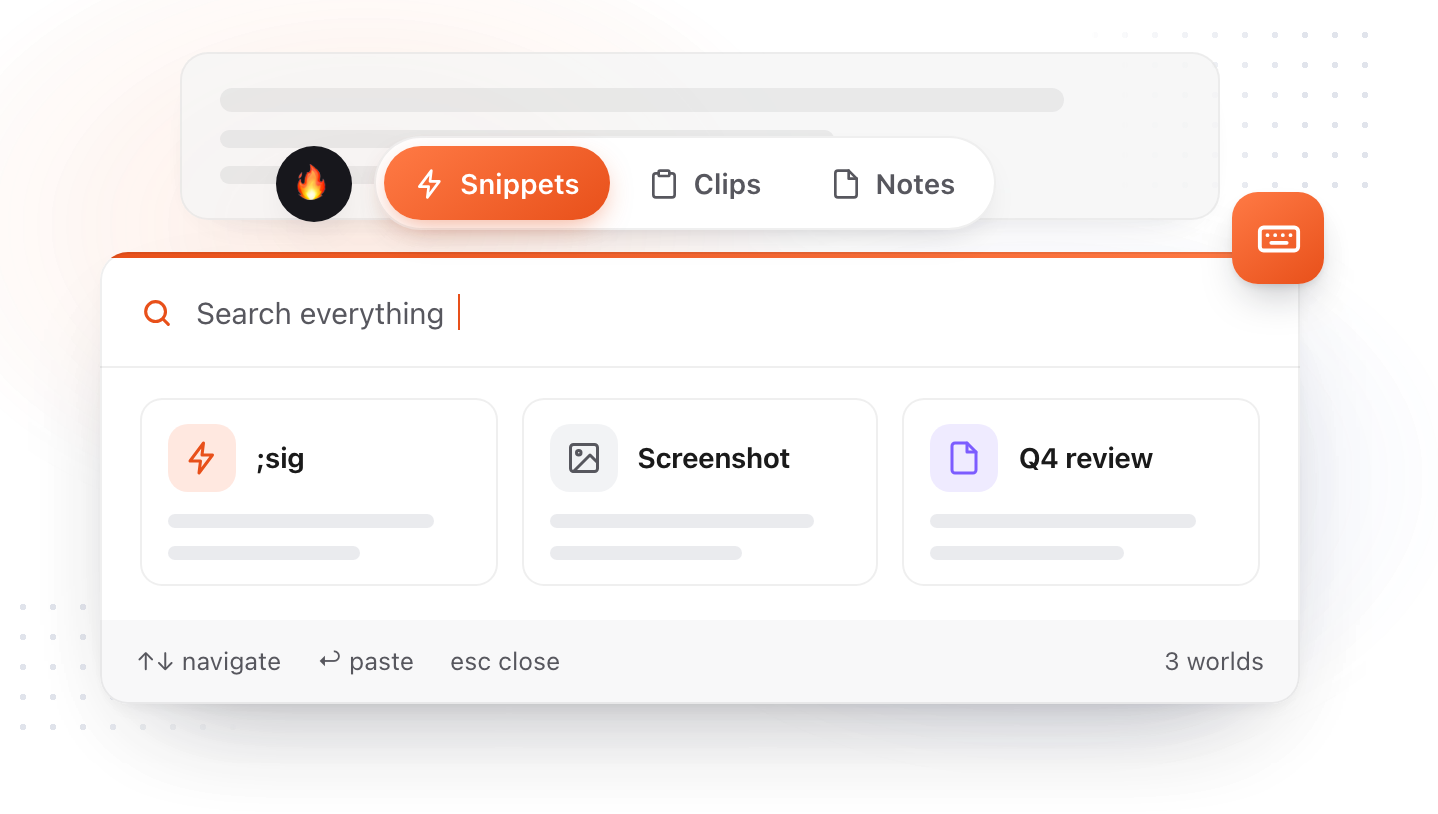
The worlds
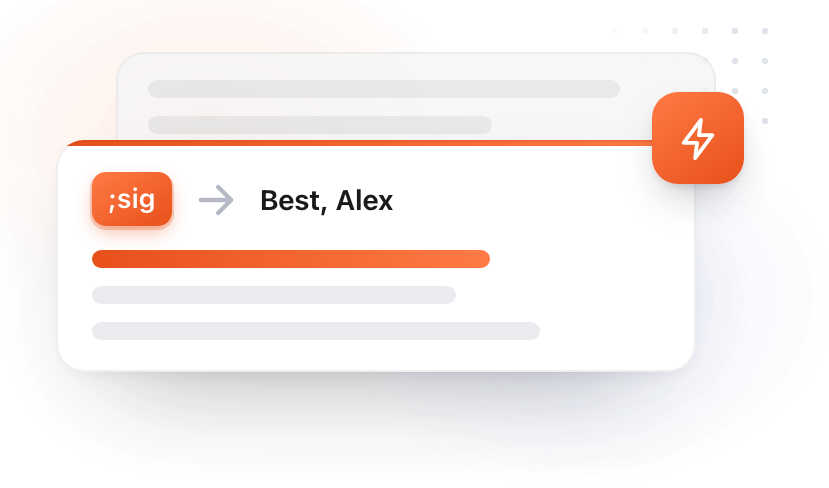
Type an abbreviation and the text lands, in any app. Plain, rich or Markdown, with tokens that fill in the date, the clipboard or a question you answer as it expands.
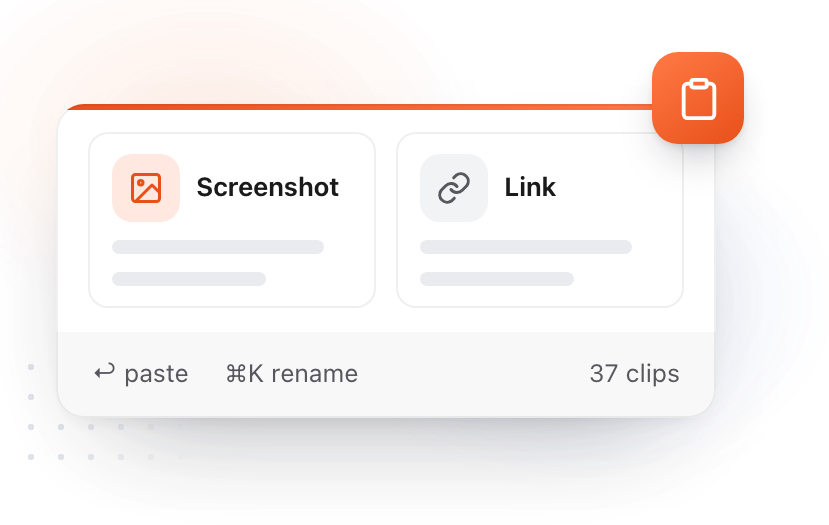
Everything you copy, kept on disk and encrypted. Pin it, tag it, search inside screenshots, paste it back with one key.
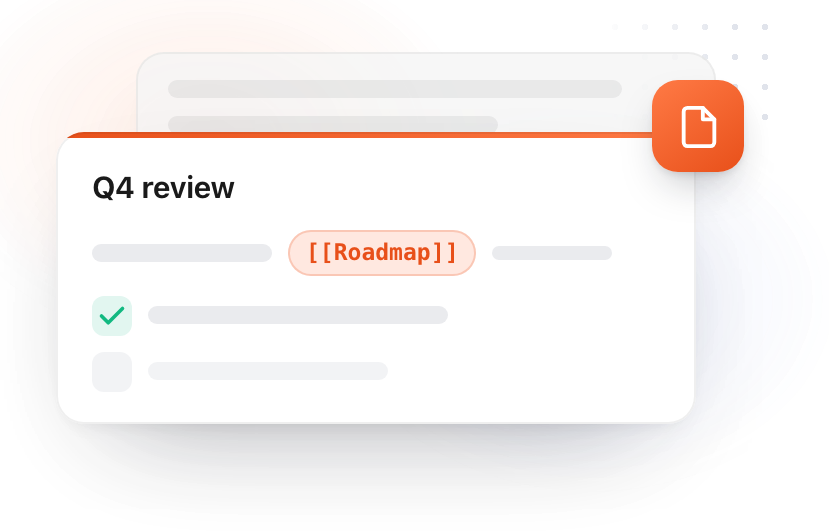
Plain Markdown files in a folder you choose, an Obsidian vault included. Wikilinks, backlinks, tables, pictures, daily notes and quick capture from any app.
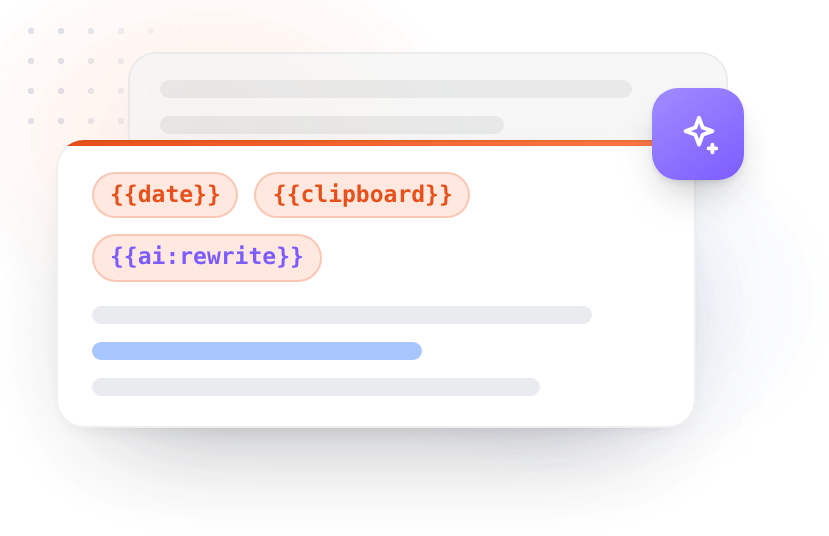
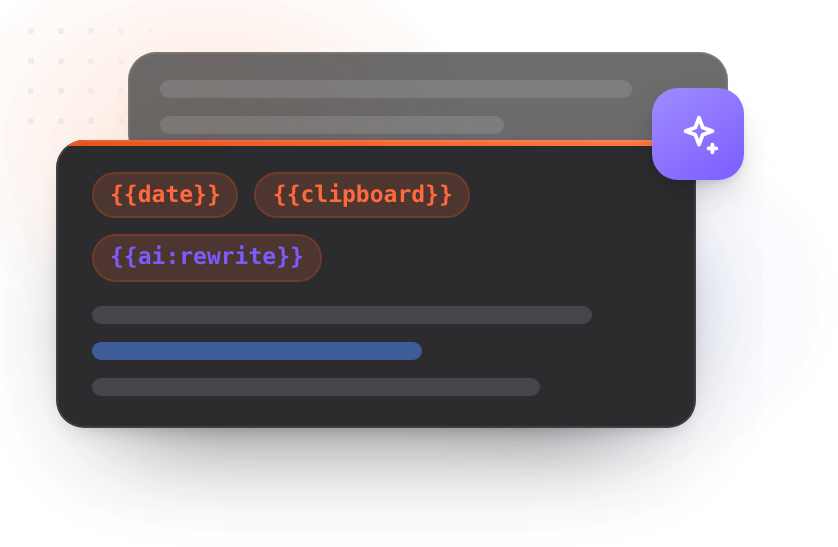
Dynamic tokens inside any snippet, and AI that rewrites, summarizes or translates the text you select, with Apple Intelligence, a local model or your own key.
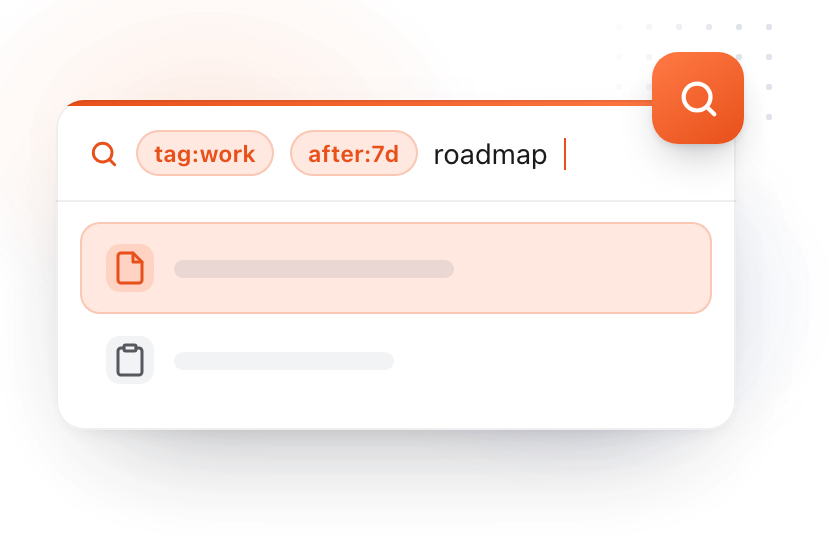
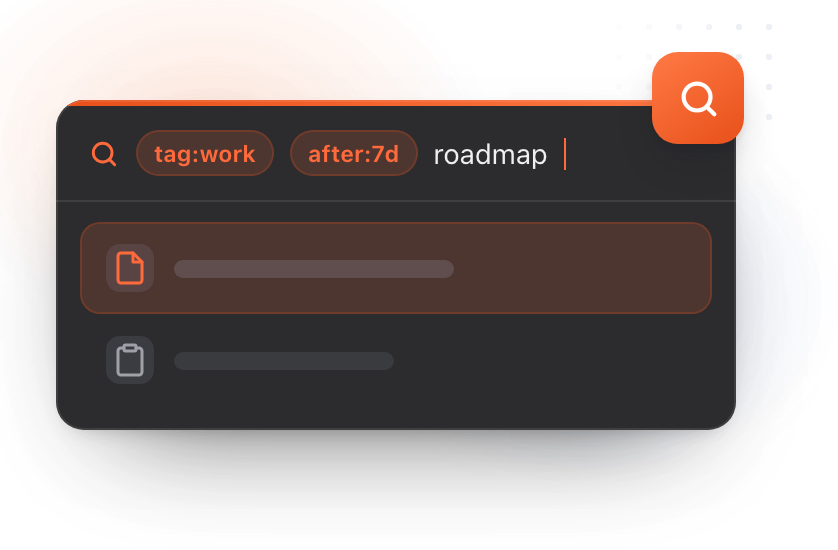
One box, everywhere: the app, the Spotlight windows, the notes overlay. Operators become capsules, and the same ones work on every surface.
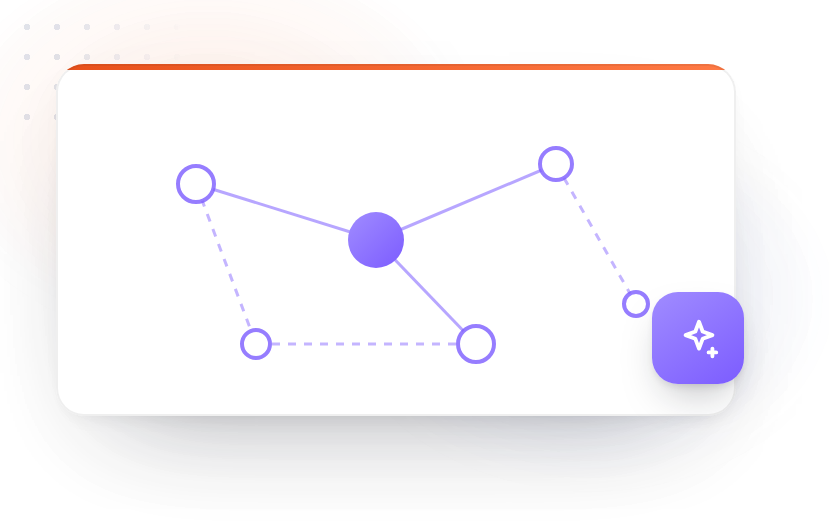
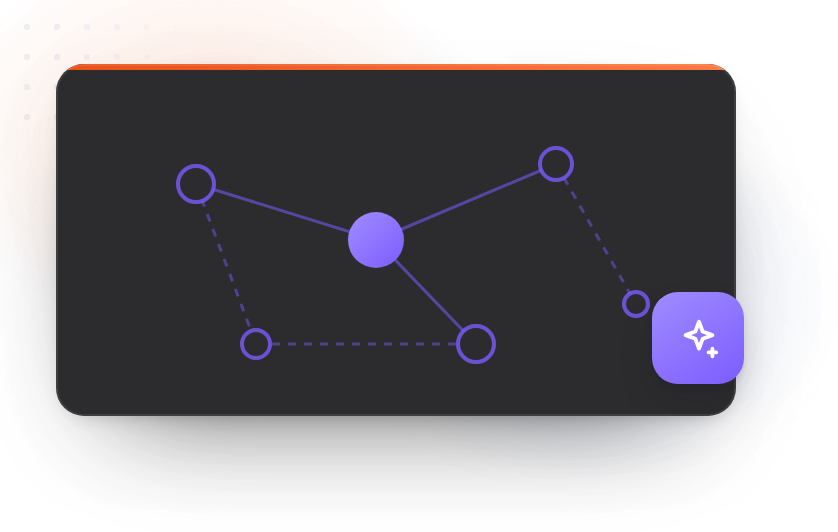
An index of everything you have written, built on your Mac. Search by meaning, and a graph that shows what connects to what.
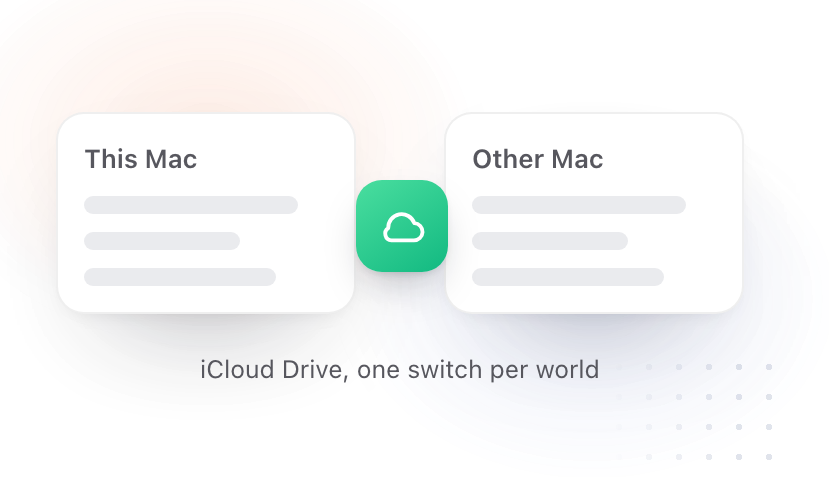
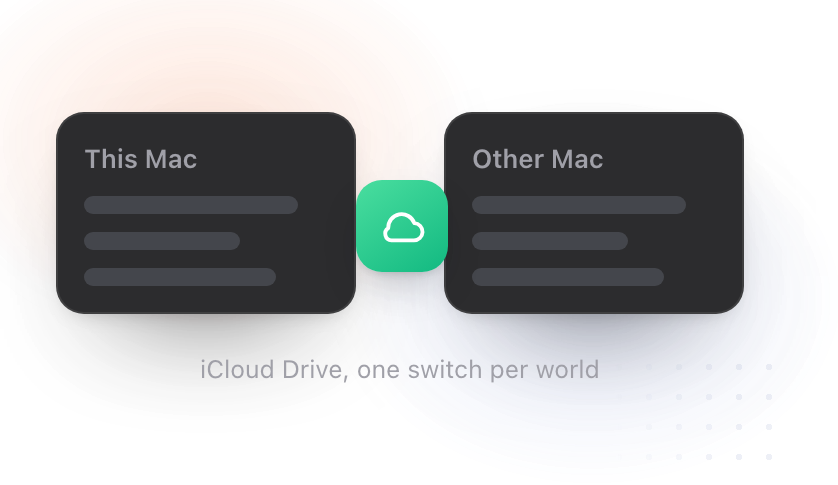
Snippets, clips and notes between your Macs through your own iCloud Drive. One switch per world, nothing on our servers.
Popular
Documentation for TypeFire 6.3.0. Updated 2026-10-28.