A Paste alternative
that is not a subscription
Is there a Paste alternative without a subscription?
Paste bills every year. TypeFire is free to start, and Pro is $18 once for up to three Macs, with no renewal and every future Pro feature included.
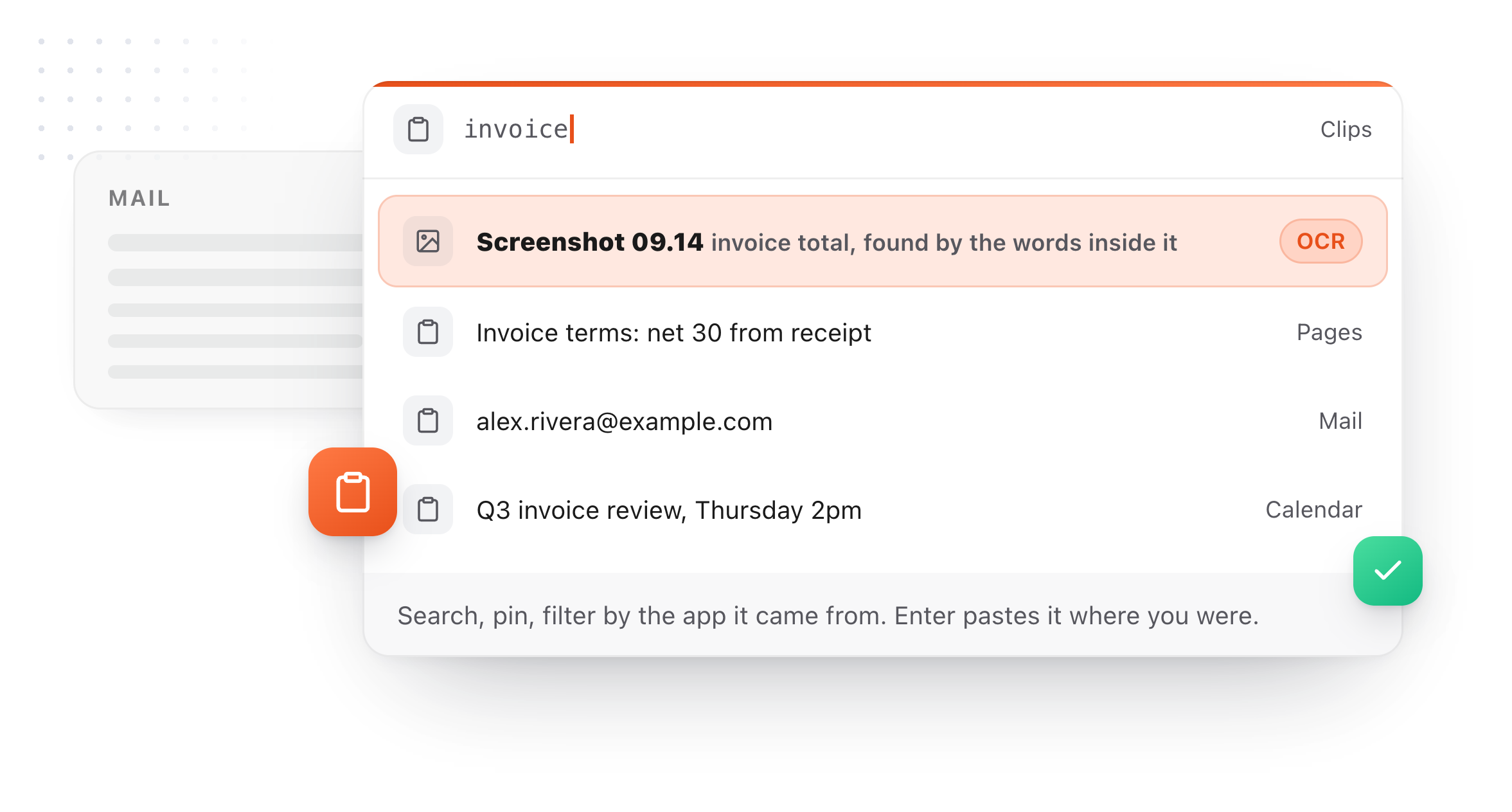
You get clipboard history with images and files, the text inside screenshots searched on device, and any clip promoted into a snippet you can type anywhere.
Why people move from Paste
The specific reasons people give for switching.
Paying monthly for clipboard history
$3.99 a month is $47.88 a year, forever, for a utility you interact with in two-second bursts. Most people who look for an alternative say it was the renewal notice that started it.
The lifetime price is steep
$89.99 to stop paying monthly is a real amount of money for a clipboard manager. TypeFire's equivalent is $18, and it also unlocks AI prompt features rather than only removing a cap.
It is cloud-first by design
Paste's headline feature is sync across your Mac, iPhone, and iPad, which means your clipboard history goes to a server. That is a genuine feature if you want it and a genuine objection if you do not. TypeFire syncs through your own iCloud Drive instead, so the history never touches a TypeFire server.
The trial ends and takes the app with it
Paste is free to try for a week, then it stops. TypeFire's free tier is permanent: a working clipboard manager at 10 clips, plus an uncapped text expander, with no countdown attached.
No text expansion
Paste has pinboards for things you reuse, but no abbreviation engine. You still cannot type three characters and have a paragraph appear, so you are still running a second app for that.
Nothing turns a clip into something permanent
You can pin a clip in Paste, which keeps it findable. TypeFire can promote it out of the clipboard entirely into a snippet with an abbreviation, which is a different thing.

TypeFire compared with Paste
Prices and capabilities as of September 2026.
| TypeFire | Paste | |
|---|---|---|
| Price | $0, then $18 once | $3.99/mo, $29.99/yr, or $89.99 lifetime |
| Permanent free tier | Yes, 10 recent clips | No, 1 week trial only |
| Subscription required | No, one payment | Yes, unless you pay $189.99 |
| Clip sync | Your own iCloud, per-stream switches | Yes, iCloud sync is the core feature |
| iPhone and iPad | Coming soon | Yes, full apps plus a keyboard |
| Text expander included | Yes, unlimited, free | No |
| Save a clip as a reusable snippet | Yes, with an abbreviation | No, pinboards only |
| OCR search inside images | Yes, on-device, free tier | Yes |
| AI actions on clips | Yes, free tier | Yes, Apple Intelligence |
| AI rewriting in any app | Yes, Selection Prompts on Pro | No |
| Chrome extension | Yes, free | No |
| Team plan | No | Yes |
Paste pricing from pasteapp.io and the App Store, August 2026. Paste also appears in Setapp, which changes the math if you already subscribe to Setapp for other apps.
What Paste does better
Three of them, named plainly, with what TypeFire does instead directly below.
It works across iPhone, iPad, and Mac
This is the real reason to pay for Paste. Copy on your Mac, paste on your phone, with a custom iOS keyboard to do it. TypeFire syncs clips between your Macs through your own iCloud, and an iOS app is coming soon. If you need a phone in that loop today, Paste has it now.
It is more mature and more polished
Paste has been shipping since 2015. The interface is genuinely lovely, the pinboard organization is well thought through, and it has had a decade of edge cases found and fixed. TypeFire's clipboard manager shipped in 2026.
Team plans exist
Paste sells a team tier with shared pinboards, which is useful if you want a group of people working from the same snippets and assets. TypeFire has no team offering.
What TypeFire adds
Not available in Paste at any price.
The clip-to-snippet loop
Pinning a clip keeps it in your clipboard history. Saving it as a snippet takes it out of the clipboard entirely and gives it an abbreviation, so it becomes three characters you type rather than a thing you go and find. Paste has no snippet engine, so pinboards are as far as it goes.
A full text expander, free and unlimited
Abbreviations that fire in every Mac app and every website, collections, tags, dynamic tokens for dates and clipboard contents, rich text, Markdown, and scripts in JavaScript and AppleScript.
AI that edits text in place
Highlight anything in any app, trigger a prompt by its abbreviation or its own shortcut, and rewrite, fix, translate or summarize it where it sits. Prompt Chains run several passes on one hotkey. Paste can act on clips, but not on the text you are currently writing.
No subscription, at any tier
$18 once, and that includes every future Pro feature. There is no plan that lapses and nothing to cancel.
Clips that stay on your machine
Sync runs through your own iCloud Drive, so no TypeFire server ever holds your clipboard history. The database is encrypted with a key generated on your Mac and kept in the Keychain, and password manager copies are never recorded at all.
A Chrome extension
Your snippets follow you into every web app on any operating system, including Windows and ChromeOS. Free, no paid tier.
Turn anything you copy into something you type
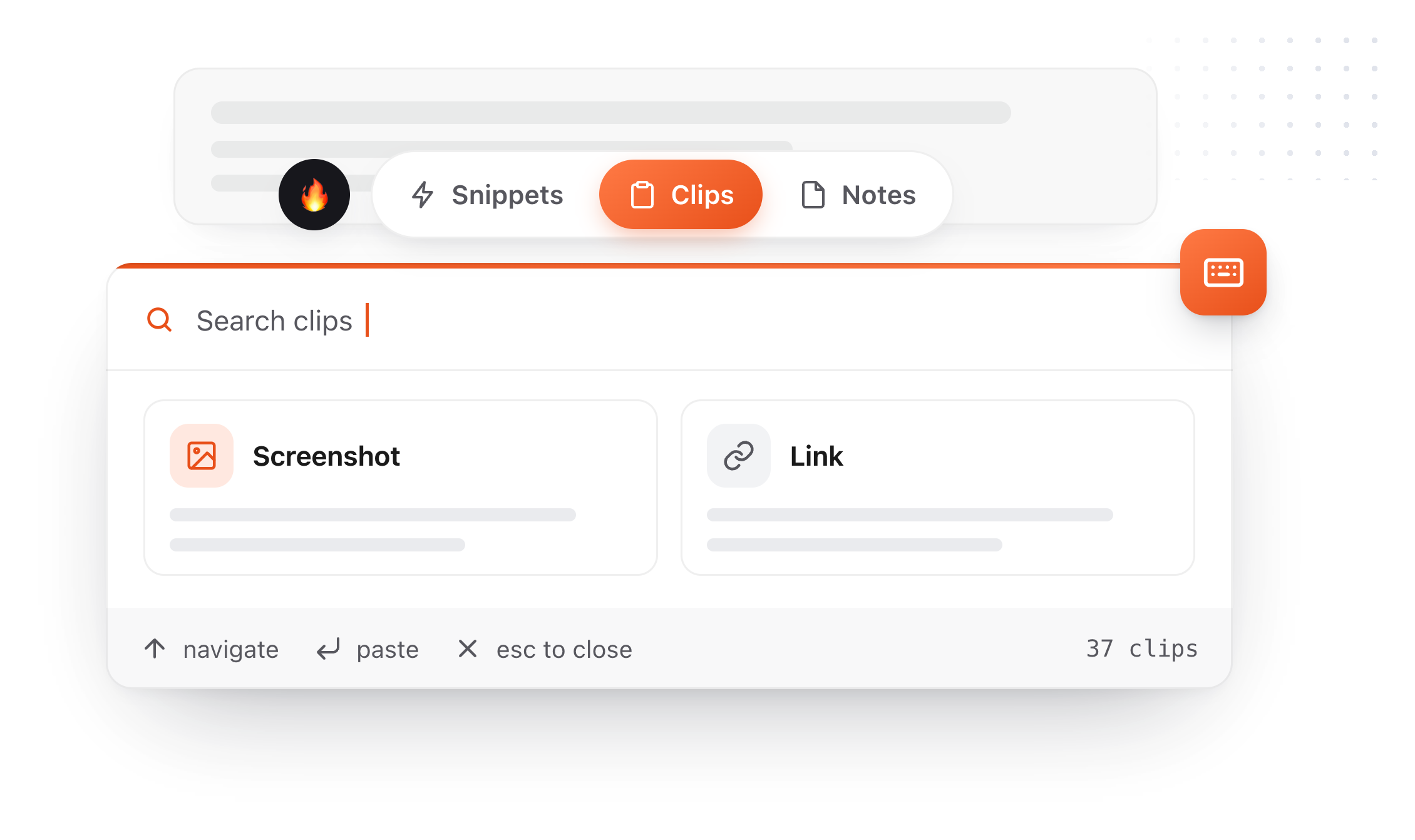
Right-click a clip, choose Save as snippet, give it an abbreviation. The thing you copied once becomes something you type three characters to get, forever. The same conversions run across all three surfaces: a clip becomes a note, and a note you keep rewriting becomes a snippet. Snippets, clips and notes live in one app, which is what makes each of those a single click rather than an export and an import.
- 01
Copy something
It lands in Clips alongside everything else you copied today.
- 02
Save as snippet
It leaves your rolling history and enters your permanent library.
- 03
Give it a trigger
Type
invfrom then on and never look it up again.
A clipboard manager you can tell what to ignore
A clipboard manager sees everything you copy. Until 4.0 the only control over that was a password-manager exclusion you could not see. There are three now, none of them gated, and the limits of the strongest one are stated rather than buried.
Turn image capture off
One switch. Text keeps being captured and pictures stop. Images you have already saved are kept rather than deleted, which is not what most people expect a privacy toggle to do, so it is worth saying.
Name apps to skip
Add any application and TypeFire ignores what you copy in it. Choose from the apps it has already seen, with clip counts, or browse to any app on your Mac. Each app gets one of three settings: allow it, block images only, or block everything you copy there. The middle one is what most people want for a work tool, keeping the text and losing the screenshots.
The password managers, now visible
TypeFire has always ignored password managers. That list is in Settings now, twenty-three apps including 1Password, Bitwarden, KeePassXC, Dashlane and Apple Passwords, blocked by bundle ID in code rather than by a setting you have to find. It shows which of them you have installed, and any one can be overridden.
Encrypted on your Mac
Clips are stored in an encrypted database on your Mac. The key is generated on your machine and kept in the macOS Keychain. Images sit beside it, readable only by your own account.
Secrets expire in minutes
Card numbers and high-entropy strings are detected and deleted after five minutes by default, adjustable in Settings. Everything else follows the retention you choose.
An on-device AI option
Apple Intelligence and local models through Ollama or LM Studio run entirely on your machine. If you pick Claude, OpenAI, or Gemini instead, text goes to that provider directly; TypeFire operates no server in that path.
Where blocking by app stops being a guarantee
macOS does not tell an application which other application wrote to the clipboard. TypeFire matches on the app that was in front at the time, plus any app that identifies itself using the standard convention. That covers the overwhelming majority of real cases and it is not absolute. The protection that does not depend on a guess is the concealed-content marker: password managers mark what they copy, and TypeFire never stores it whatever else is set.
The app list also covers what you copy, not screenshots you save as a file. A PNG on your desktop records nothing about what was on screen, so TypeFire matches those to an app where it can and skips them when it does. It is right in the ordinary case and it is not a promise: to keep saved screenshots out entirely, turn off Save screenshots to Clips.
Eighteen dollars. Once.
TypeFire Pro is a single payment that unlocks unlimited clips, Selection Prompts, Prompt Chains, notes sync, note version history and saving from AI apps through MCP. There is no subscription and no per-seat pricing.
Free tier, then one payment
No free tier at all
One time
No free tier
One time
Lifetime, or $3.99/mo
Five snippets free, then a subscription
Two months of Paste, or all of TypeFire. Paste's lifetime license is $89.99; TypeFire Pro is $18 and includes every future Pro feature.
The graph is free, and it needs nothing
Press ` and TypeFire draws every note, snippet and clip on one canvas, using the links, tags and folders already in your files. Nothing to download and nothing to switch on. A connection you made is drawn solid, one TypeFire worked out is drawn dashed.
Turn on Weave and search starts matching what you meant rather than the exact words you typed. It runs on your Mac, with no account and nothing uploaded.
Moving from Paste
Still not answered?
Between your Macs, yes, and an iOS app is coming soon.
Clip sync runs through your own iCloud Drive behind its own switch, with a second switch deciding whether images and files travel too, and there is no TypeFire server anywhere in it. Your 10 most recent clips sync free and Pro carries the full history.
Snippets and notes each have their own switch as well, so you choose stream by stream what leaves the machine.
Compared with Paste's monthly plan, $3.99 a month is $47.88 a year, so TypeFire's $18 one-time is roughly two months of Paste and then nothing.
Compared with Paste's $89.99 lifetime license, it is about a ninth of the price. Compared with the $29.99 annual plan, you break even in under four months.
And that is measured against a free tier you can stay on indefinitely rather than a trial that expires.
Not directly, and no clipboard manager imports another's database.
In practice pinboards are the part worth moving by hand, because anything you pinned is by definition something you reuse, which makes it a snippet rather than a clip. Copy each pinned item into TypeFire once and save it as a snippet with an abbreviation.
You will end up with something better than a pinboard: instead of opening a window to find it, you type three characters.
Not in every corner. Paste has been shipping since 2015 and its interface is one of the nicest on the Mac.
TypeFire's clipboard manager arrived in 2026, so Paste is ahead on visual refinement and on a decade of edge cases. Where TypeFire is ahead is scope: a text expander, a clipboard manager, and in-place AI editing in one app, for a one-time $18 rather than a subscription.
You keep a working clipboard manager, capped at your 10 most recent clips, permanently.
That free version is not crippled: OCR search inside images, filtering by source app, pinning, tagging, Quick Paste on ⌘⌃2, and AI actions on clips all work without paying. Compare that with Paste, where the free week ends and the app stops.
If the 7 day Pro trial lapses, nothing is deleted either: you simply drop back to 10 clips, and Selection Prompts and Chains gray out rather than disappearing.
No. Paste is available through Setapp at $9.99 a month alongside 240-odd other apps, which is good value if you already use several of them.
TypeFire is not on Setapp and does not need a subscription of any kind: download it free, and pay $18 once if you want unlimited clips.
Other comparisons
13 apps, prices checked
CopyClip alternativeSearch and images
Pastebot alternativeNo one-off purchase
ClipBook alternativeThey have no free tier
Supaste alternative$29 versus $18
Beyond MaccyImages, OCR, and snippets
Clipboard manager for MacThe full feature tour
Both in one appThe category fusion
PricingPro is exactly six things
Loved by people who type all day.
Unprompted reactions from users, in their own words.
Used by people at
Company names are places where our users work. They do not imply endorsement or affiliation.