A clipboard manager Chrome extension, with snippets beside it.
Works in Chrome
 Edge
Edge Brave
Brave
Search what you copied
Every clip is searchable by what it says, from the Clips tab or the Spotlight.
Pinned clips stay
Pin the ones you reach for. A pinned clip never drops off.
A clip becomes a snippet
Save any clip as a snippet with an abbreviation, or as a note.
Everything you copied, one search away.
Copies you make on web pages are kept in order. Find one by a word in it, give it a name, tag it, pin it. Then paste it back from the Clips tab in the app or from the Spotlight over any page.
Search by what it says
Type a few letters of the clip and it is there. Search operators work too.
Name, tag and pin
Named clips are easy to find again, tags group them, and pinned clips never drop off.
Paste from any page
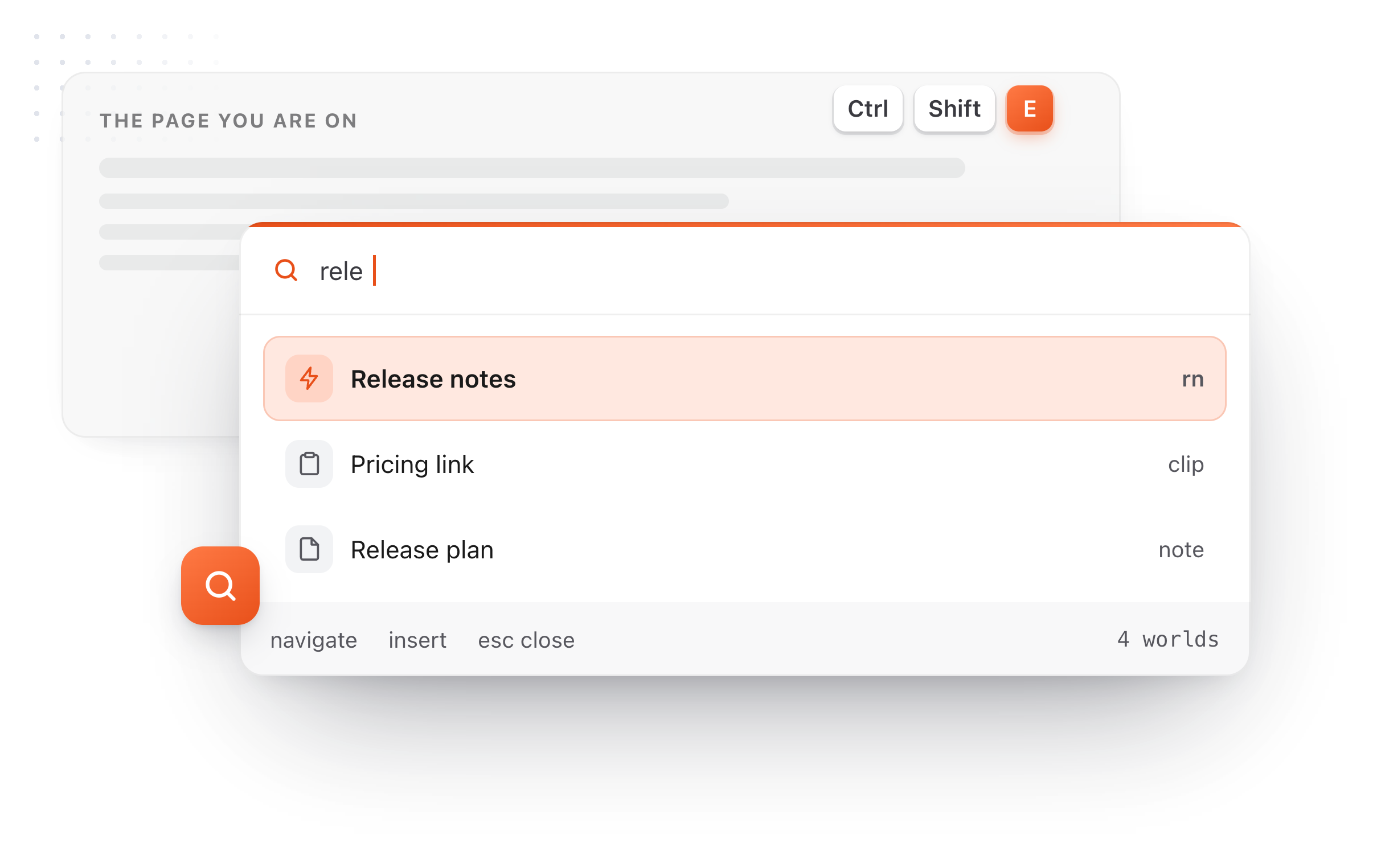
Open the Spotlight, pick the Clips tab, press Enter, and the clip lands where you were typing.
You choose where it records.
One list of sites where copies are recorded, one list where they never are. Your clips stay in your browser, on your computer.
Two site lists
Record everywhere except the sites you name, or only on the sites you name.
Keep it as a note
Save a clip into your Markdown notes, in the folder you own.
The Mac's clips too
With Pro, connect the folder the Mac app syncs its clips to, and they show up here, pictures included, read only.
Questions
What it keeps, what it costs, and how it works with the Mac app.
Still not answered?
Yes. TypeFire for Chrome keeps the things you copy on web pages, in order, searchable by what they say.
You can name, tag and pin a clip, and a pinned clip never drops off. Paste any of them back from the Spotlight over any page.
Copies you make on web pages in Chrome. Two site lists decide the rest: one for sites where copies are recorded, and one for sites where they never are.
Yes. Any clip can be saved as a snippet, so text you copy often gets an abbreviation, or saved as a Markdown note.
Clips are free, along with unlimited snippets, AI on your own key and Markdown notes.
Pro is one $18 purchase, or free when 5 people you invite join, and in the browser it adds the Mac app's synced clips, Selection Prompts, Prompt Chains and note history.
Yes. With Pro, connect the folder the Mac app syncs its clips to and the Mac's clips appear in the browser, pictures included, read only.
The Mac app keeps a clipboard history of everything you copy, in every app.
Loved by people who type all day.
Unprompted reactions from users, in their own words.
Used by people at
Company names are places where our users work. They do not imply endorsement or affiliation.