One text expander, on your Mac and your PC.
On a Mac
A native app that expands in every app: Mail, Slack, Xcode, a terminal, the browser.
On a PC
TypeFire for Chrome expands on every site, in Edge or Chrome, on Windows, Linux and ChromeOS.
One account
One sign-in, one Pro and the same snippet format on both.
Every app, not just the browser.
The Mac app expands your abbreviations in native apps, Electron apps, terminals and every browser. It adds a clipboard manager, Markdown notes and AI that rewrites text you have selected in any app.
Native and Electron apps
Mail, Notes, Slack, Notion, VS Code, Figma and the rest.
Terminals too
Commands and code snippets expand where you type them.
AI in your snippets
Apple Intelligence on device, a local model, or your own key.
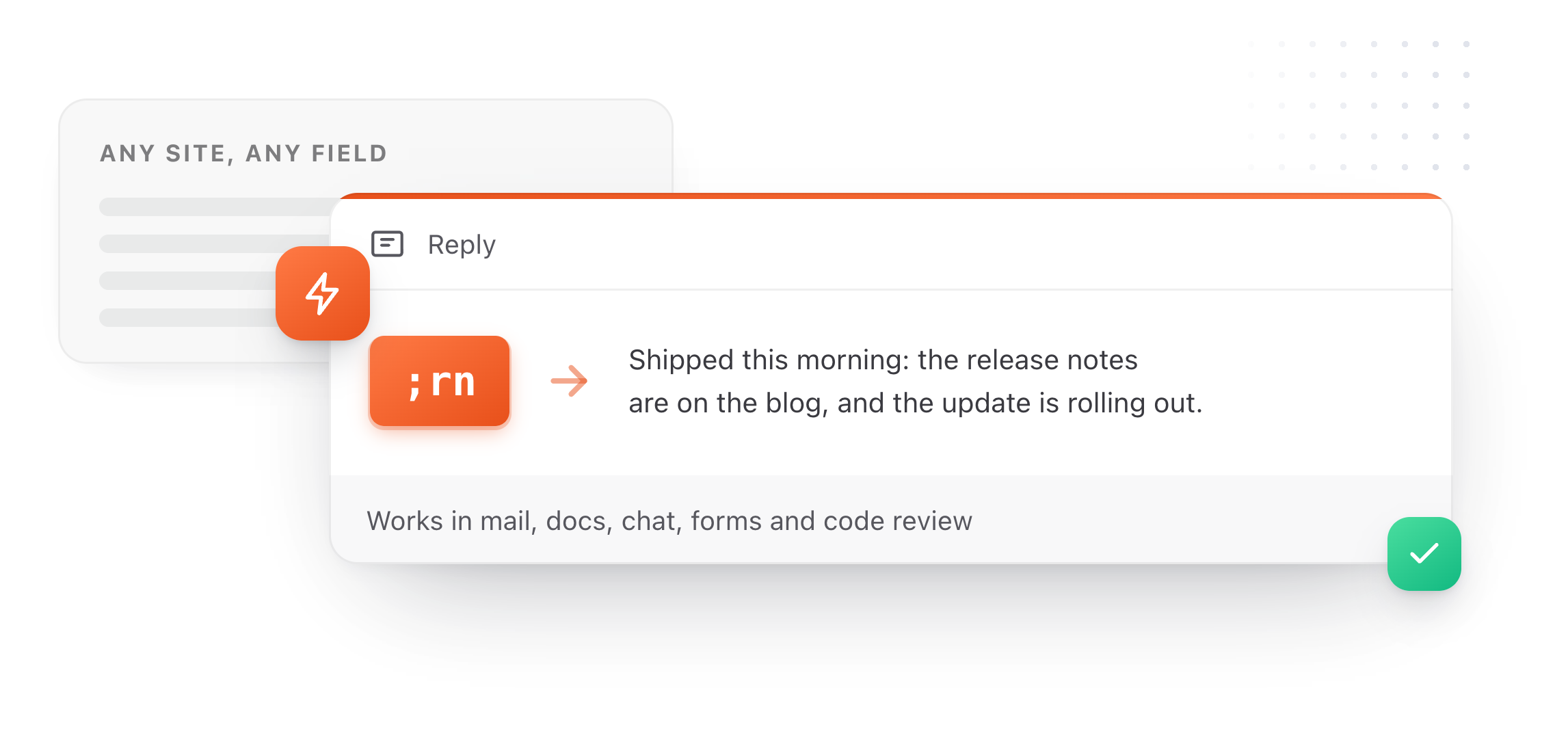
Every site, in Edge or Chrome.
TypeFire for Chrome is the whole app in a browser tab: snippets that expand in any field on any site, Markdown notes in a folder you own, and your clips one search away. It installs without admin rights.
Every web app
Outlook on the web, Teams, Gmail, Slack, Salesforce, Zendesk, ChatGPT.
Bring your library
Export from the Mac, import in the browser. Same format, nothing to convert.
One Pro for both
$18 once covers three Macs and three browsers, or free when 5 people you invite join.
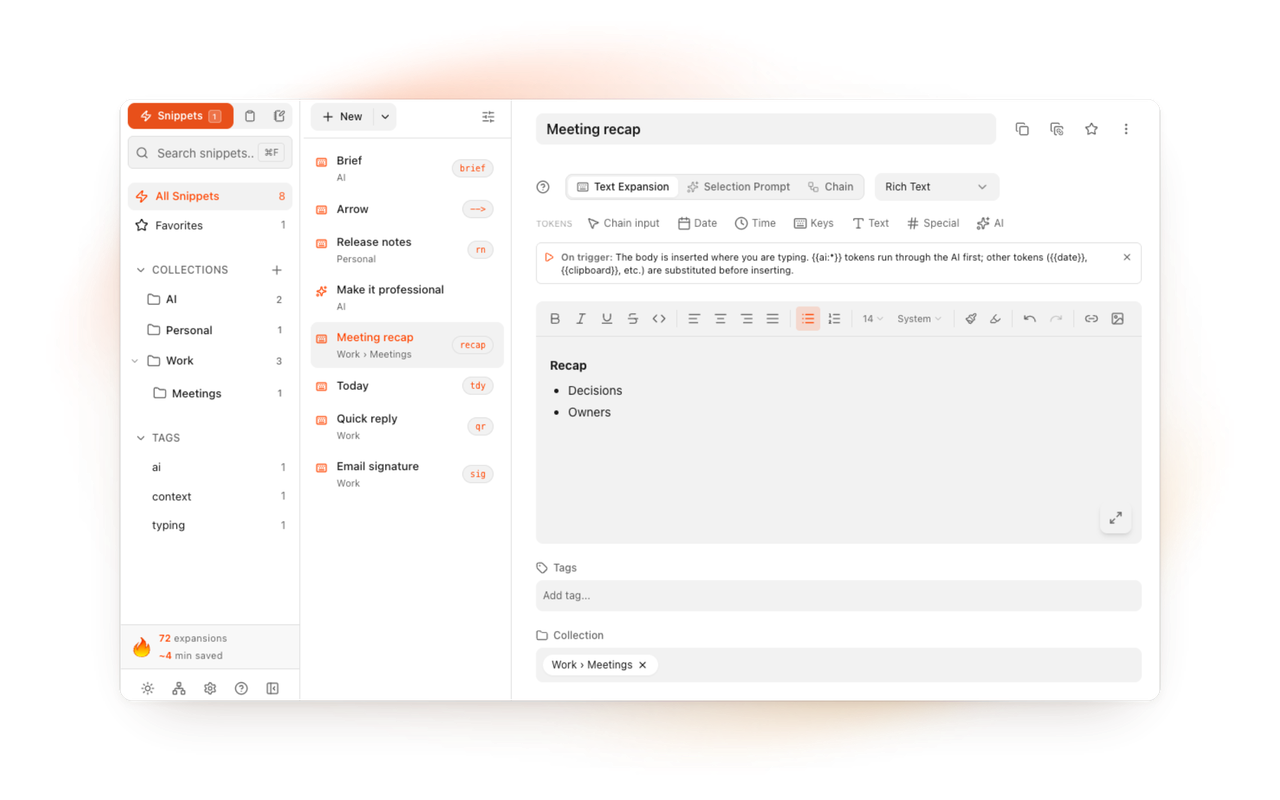
Yes. TypeFire runs as a native Mac app, where it expands in every app, and as TypeFire for Chrome on Windows, Linux and ChromeOS, where it expands on every website.
Both read the same snippet format and share one sign-in and one Pro.
Export your library from one and import it on the other.
The Mac app and the Chrome extension use the same format, so abbreviations, tokens and formatting come across as they are. The export doubles as a backup.
They work together. With the Mac app and the extension both installed, an abbreviation expands once.
Yes. The text expander is free with unlimited snippets on the Mac and in Chrome.
Pro is one $18 purchase that covers up to three Macs and three browsers, or free for good when 5 people you invite join.
Yes. On the Mac, TypeFire replaces what macOS text replacement does and also works in Chrome, Electron apps and terminals.
On a PC, TypeFire for Chrome expands in Edge and Chrome on every site.
Loved by people who type all day.
Unprompted reactions from users, in their own words.
Used by people at
Company names are places where our users work. They do not imply endorsement or affiliation.