Move your Apple Notes.
Keep your folders.
.md files, with every folder kept as a collection. It shows you the whole list before it writes anything, and it never overwrites a note you already have.Free. Your Apple Notes are copied, never moved or changed.
Structure, safety, and what it will take
Nobody abandons a move because the app was wrong. They abandon it because their folders came out flat, or something got overwritten, or half their files were the wrong format.
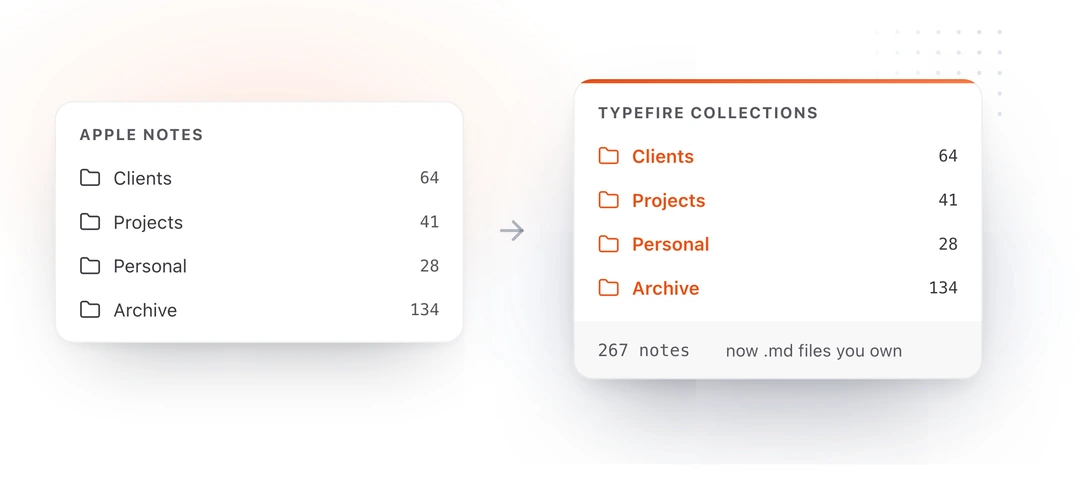
Your folders become collections
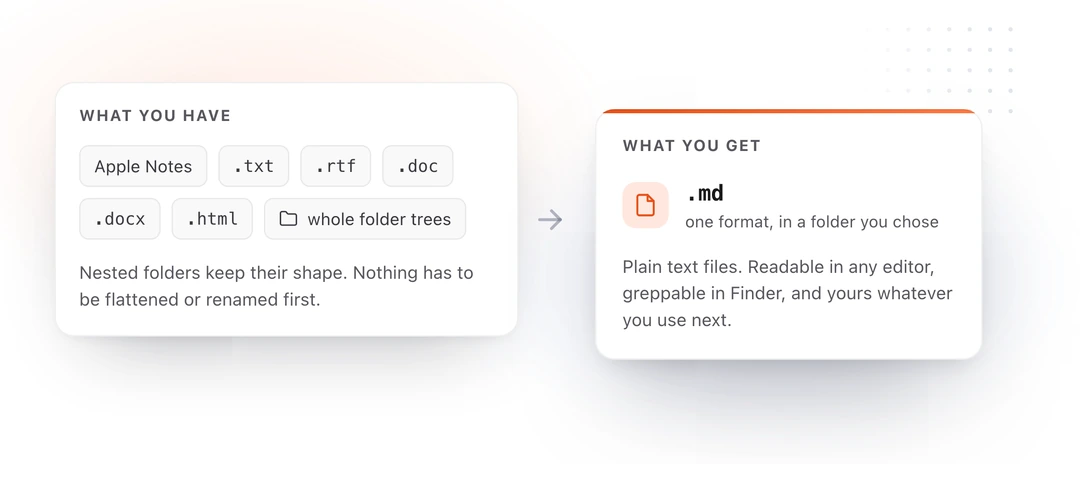
Every folder arrives with the same name and the same notes in it, and nested folders keep their shape instead of being flattened into one pile. Ten folders in, ten collections out.
It previews before it writes
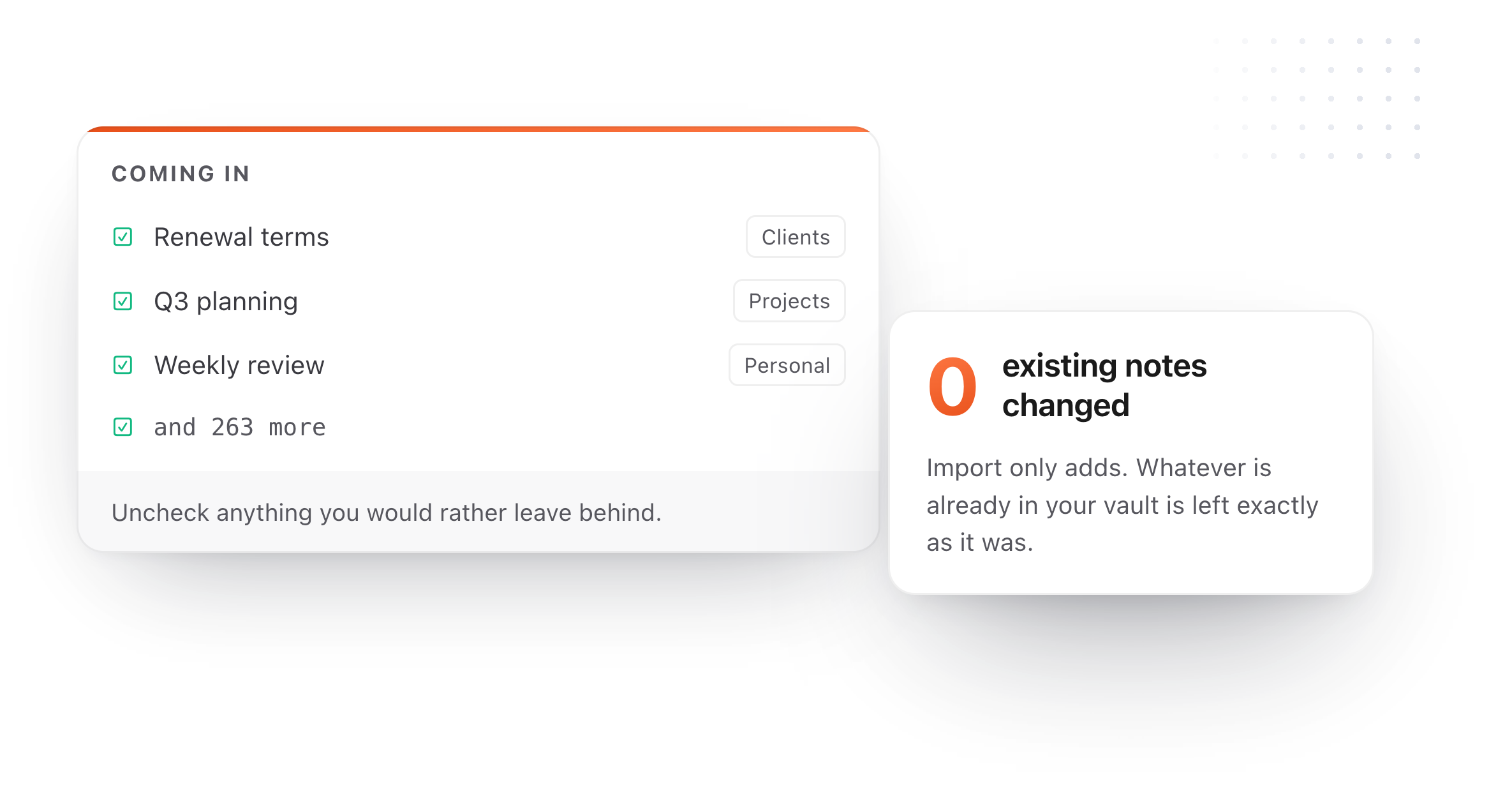
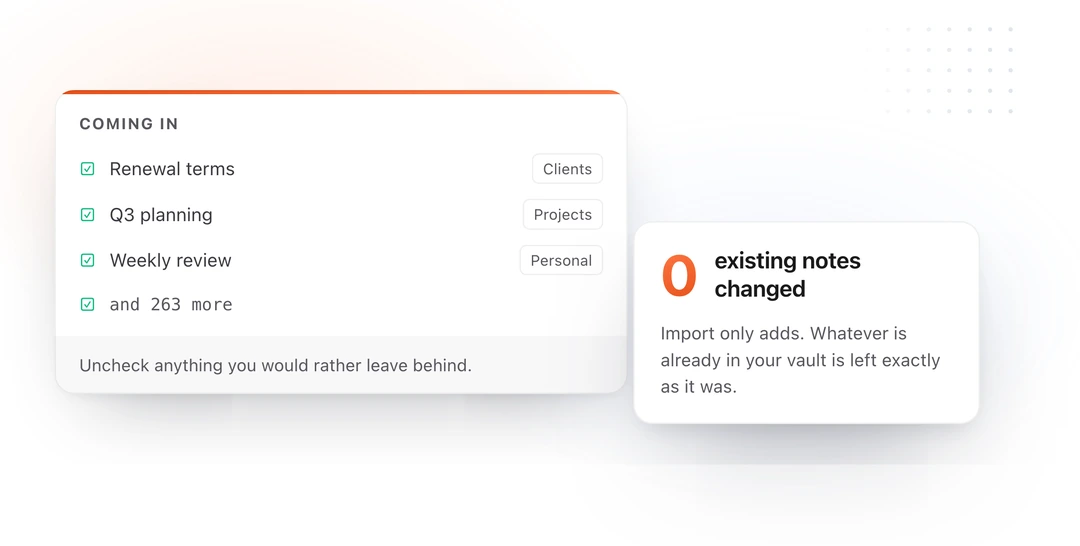
The whole list is shown first, and you can uncheck anything you would rather leave behind. Import only ever adds, so whatever is already in your vault is left exactly as it was.
It takes more than Markdown
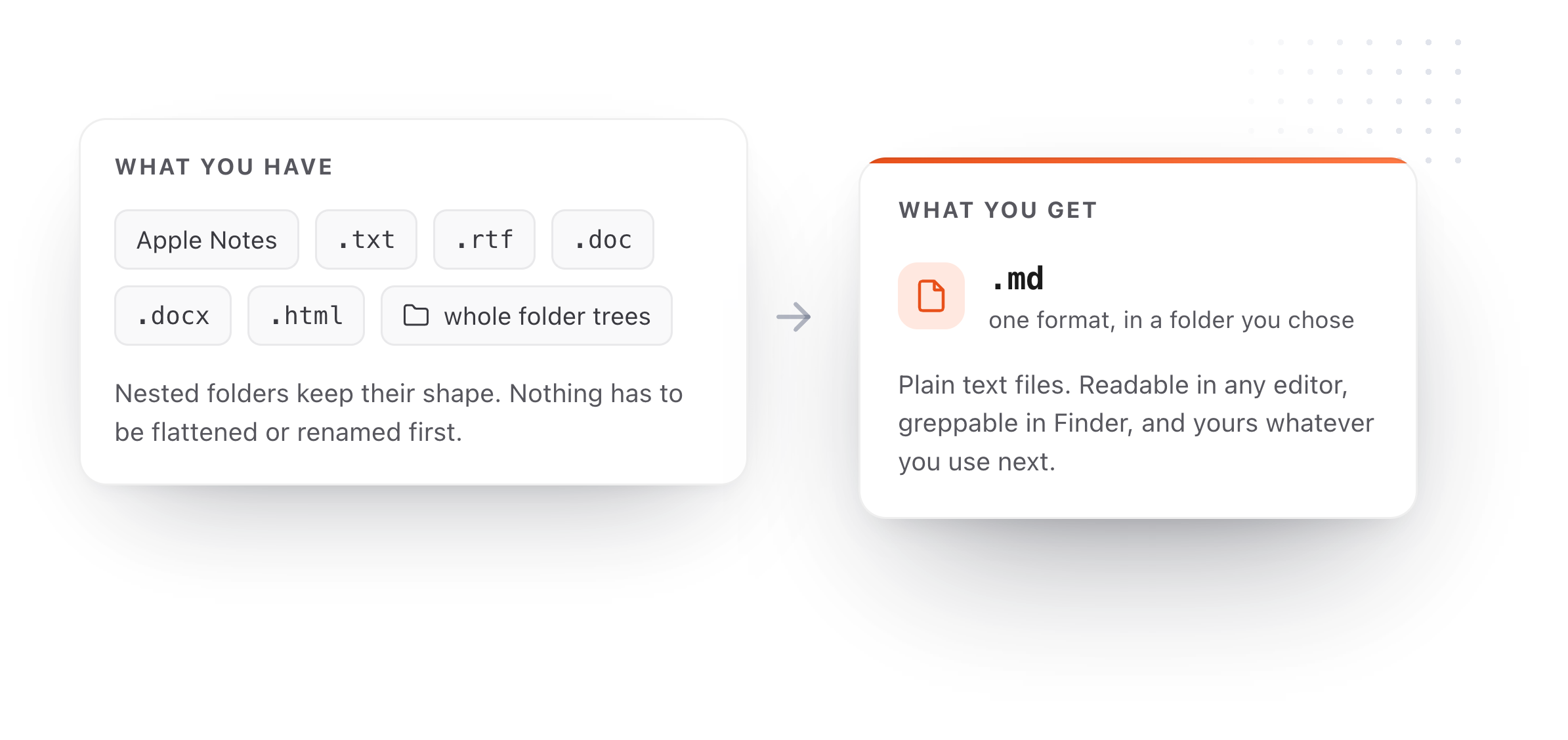
Apple Notes, plus .txt, .rtf, .doc, .docx and .html, and whole folder trees of them. Plain .txt files do not need converting at all: they open, index and edit like any other note.
Files, not another database
The reason to leave Apple Notes is rarely the app. It is that the notes are locked inside a format only Apple's software opens.
Ordinary files in a folder you chose
Every note is a
.mdfile you can open in Finder, back up, put in Dropbox, search with Spotlight, or hand to a different app entirely. There is no container to export from later. More on that on the Markdown notes page.Readable without opening an app
Select any imported note in Finder and press Space to read it rendered, through Markdown Quick Look. No app opens and nothing is imported a second time.
Structural formatting survives
Headings, bold, italic, lists, links, tables and quotes all become their Markdown equivalents. Handwriting, sketches, scanned documents and locked notes cannot come across, because Markdown has nothing to turn them into.
Your Apple Notes stay where they are
Import copies rather than moves, so nothing is deleted and nothing changes on your iPhone. Keeping both for a while costs nothing, and running the two side by side is a reasonable end state rather than a failure.
Moving from Apple Notes
Still not answered?
Yes. Point TypeFire at your Apple Notes and it brings the notes across as Markdown files, with your folders preserved as collections.
There is no conversion step to run first and no third-party tool to install. Every note becomes a .md file in a folder you chose, which means it stays readable long after you stop using any particular app.
Yes. Each folder arrives as a collection with the same name and the same notes in it.
Nested folders keep their shape rather than being flattened into one pile, which is the thing that usually makes people abandon a migration halfway through. If you have ten folders you will have ten collections.
No. Import shows you everything it is about to bring in before it writes a single file, and you can uncheck anything you would rather leave behind.
It only ever adds. Whatever is already in your vault is left exactly as it was, which matters if you are merging Apple Notes into a folder of Markdown you have been keeping for years.
Apple Notes, plus .txt, .rtf, .doc, .docx and .html files, and whole folder trees of them.
Everything is converted to Markdown on the way in. Plain .txt files do not need converting at all: TypeFire opens, indexes and edits them like any other note.
The structural formatting does: headings, bold, italic, bulleted and numbered lists, links, tables and quotes all become their Markdown equivalents.
What cannot survive is anything with no Markdown equivalent, which in Apple Notes means handwriting, sketches, scanned documents and locked notes. Those are worth checking before you retire the originals.
Not immediately. Import copies rather than moves, so your Apple Notes are untouched and you lose nothing by leaving them in place for a few weeks.
Open a handful of the imported files, confirm the ones you care about came across the way you expected, and only then decide. Nothing forces the choice.
Into the folder you picked as your vault, as ordinary .md files.
You can open that folder in Finder, back it up, put it in Dropbox or iCloud Drive, search it with Spotlight, or point another Markdown app at it. There is no database and no proprietary container, so the notes outlive the app that imported them.
Yes, and for a lot of people that is the right split.
TypeFire is a Mac application today, with an iOS app coming soon, so Apple Notes remains the better place for capturing something on a phone right now. Importing does not disable or change Apple Notes in any way; it copies what is there at the time you run it.
Loved by people who type all day.
Unprompted reactions from users, in their own words.
Used by people at
Company names are places where our users work. They do not imply endorsement or affiliation.