TypeFire for Chrome 1.0: The Whole App in a Tab, and a Spotlight on Every Page
The TypeFire Chrome extension started as a text expander for the browser: abbreviations that expand on any site, a search box for the library, and not much else. 1.0 is a different thing. The Mac app's frontend now runs in the browser, so the extension is the whole app in a tab, with a Spotlight on every page. Here is what changed, in the order you will meet it.
The app in a tab
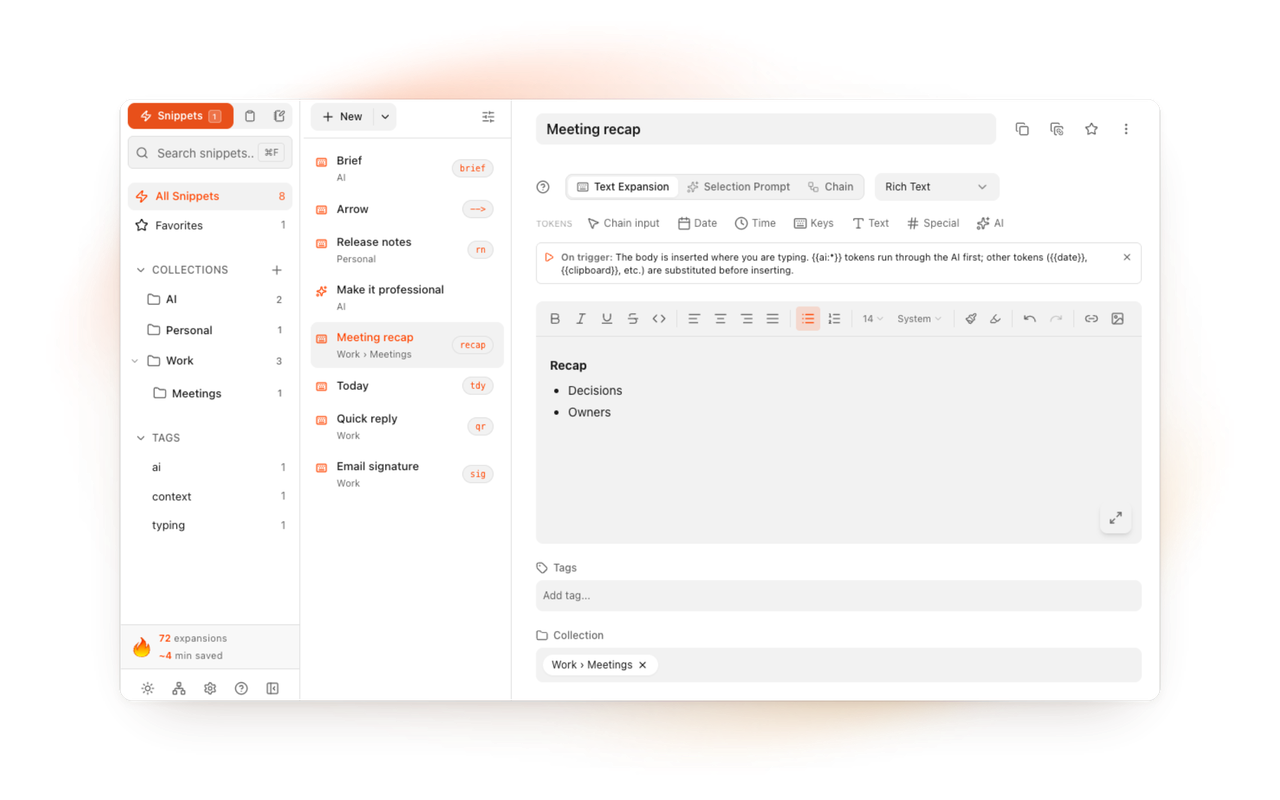
Click the toolbar icon and TypeFire opens in its own tab, as a window on a soft canvas: Snippets, Clips, Notes and Settings, the Mac app's layout, with a full tab's width for writing and editing. A toggle in the header fills the tab instead, and the choice is kept.

A Spotlight on every page
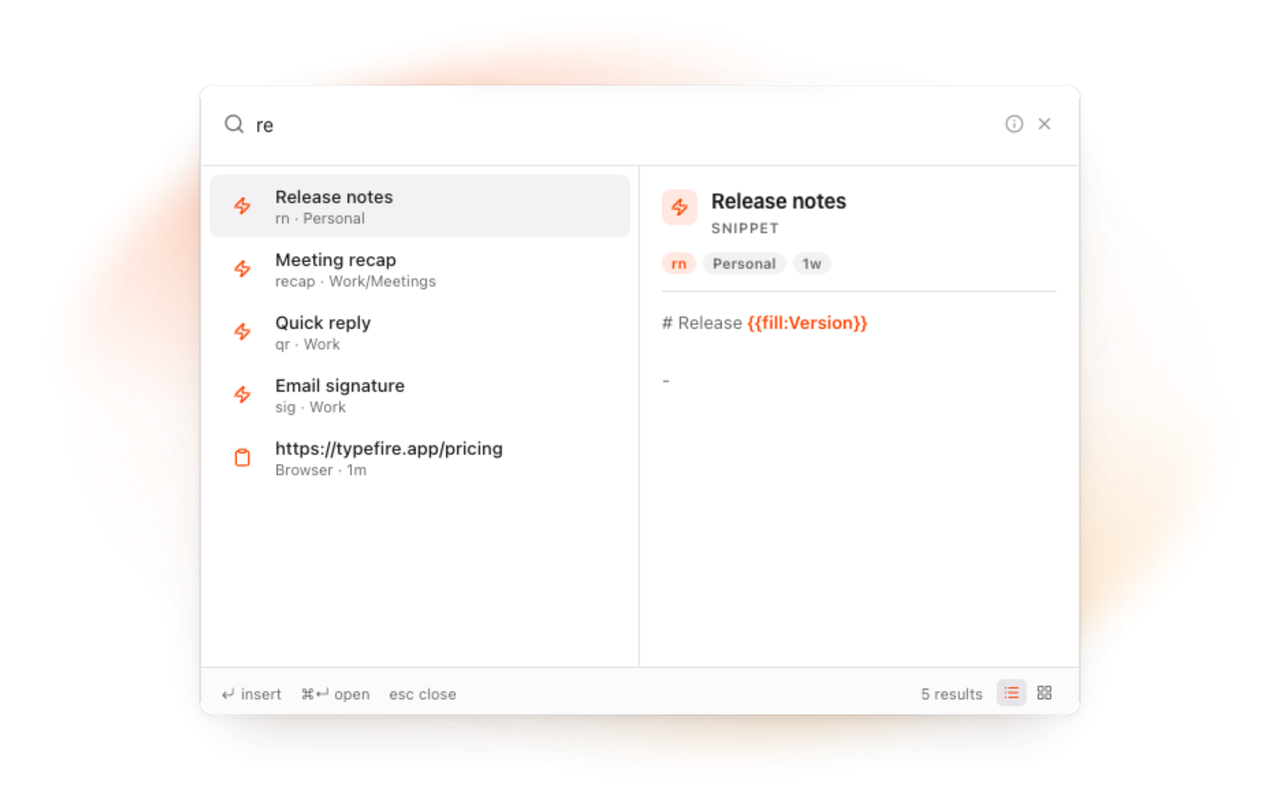
Press the Spotlight's shortcut and a panel opens over whatever page you are on: All, Snippets, Clips and Notes tabs, one search box. Enter puts a snippet in the field you were typing in, pastes a clip, or inserts a note's text. A vault or a collection is a result too. Search operators (tag:, in:, is:, type:, before:, after:, quotes, minus) work in every box. Drag the panel by its mark if it is in the way. Each tab can have its own shortcut, and every shortcut can be rebound.
Snippets, more of them
Expansion keeps the delimiter you typed, treats punctuation as a delimiter, and can adapt to the case you typed. Tokens now include {{fill:Name}} (a small form as the snippet expands), {{note:Title}} (a note's text, always current), {{snippet:abbr}} and date math like {{date:+1w:dddd}}. Import from the Mac app, an extension export, or a CSV from any other expander. A restore point is kept before every deletion and every few hours, restorable from Settings. Expansion can be limited to the sites you choose, or kept off the ones you list.
Notes, in a folder you own
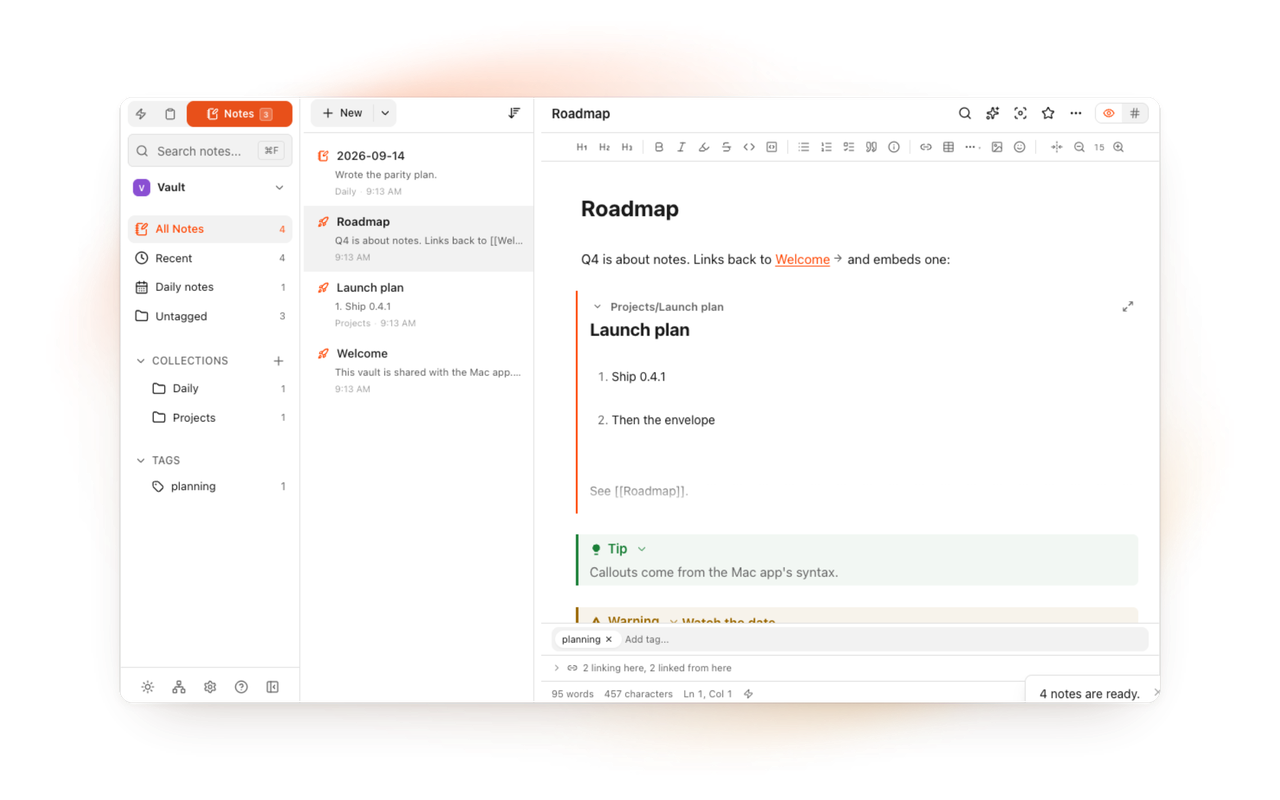
Point TypeFire at any folder of Markdown files, an Obsidian vault included, through Chrome's own folder dialog, and edit them in place in the live preview editor: wikilinks, backlinks, tables edited in place, images, callouts, code blocks, footnotes, tags, daily notes, quick capture, an outline, pinned notes, find and replace, a graph of the links and tags, several vaults with a switcher, and a note in its own tab. Copy a note as rich text into a mail. Files stay plain Markdown, and nothing is rewritten that you did not type. Choose Allow on every visit in the dialog and the folder stays open.
Clips
The last twenty things you copy on web pages, searchable, nameable, taggable, pinnable, in the Spotlight and in the Clips tab. Two site lists under Settings say where copies are recorded and where they never are; passwords are never recorded. If you use the Mac app with clip sync on, connect its folder and the Mac's clips appear here too, pictures included, read only.
AI, bring your own key
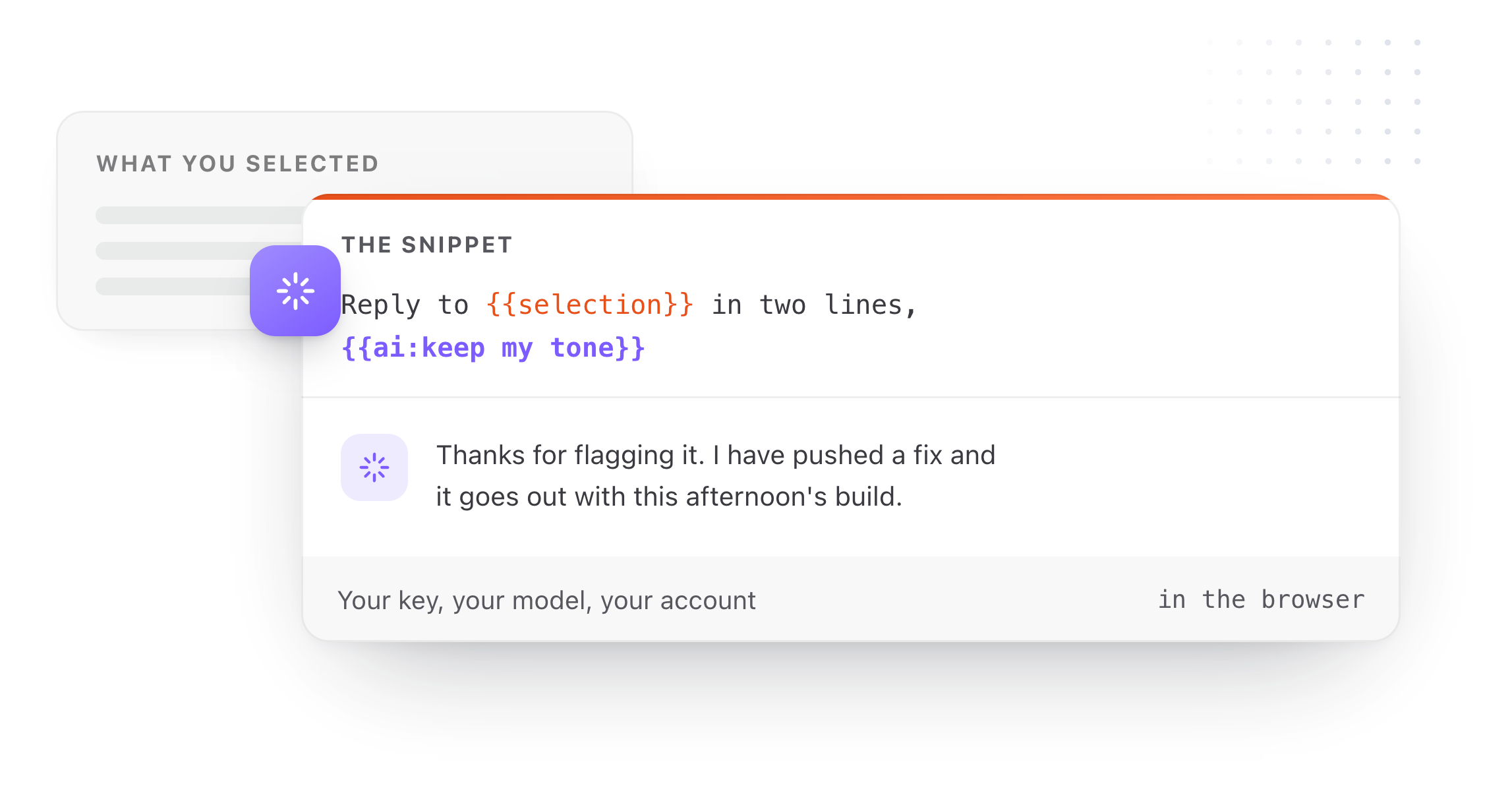
Three providers, your key, and calls that go from your browser straight to the provider. {{ai:rewrite}}, {{ai:summarize}}, {{ai:translate:fr}} and the rest run inside a snippet. Selection Prompts: select text on a page, open the Spotlight, pick a prompt, and the selection is rewritten in place. Prompt Chains run several prompts in order.
With the Mac app
Same sign-in, same snippet format, same notes folder. With both installed, an abbreviation expands once. The Mac app adds what a browser cannot: expansion in every Mac app, a clipboard history of everything you copy, sync across your Macs, Weave, and Quick Look for Markdown in Finder.
One Pro, both surfaces
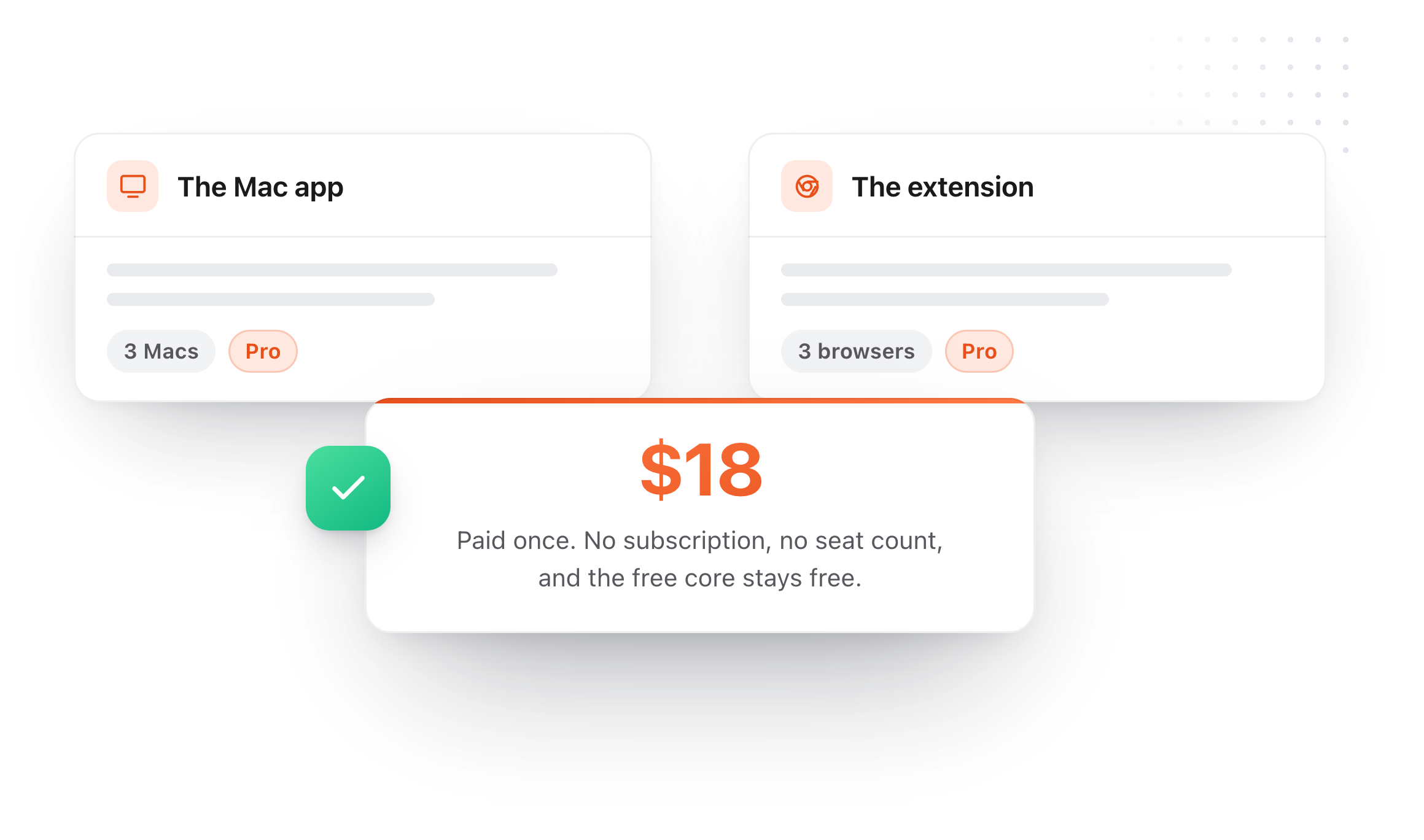
The core stays free: unlimited snippets, tokens, AI with your own key, notes in full including the graph, the browser's twenty clips. Pro is the same one-time $18 as the Mac app, and one purchase covers both, up to three Macs and three browsers. In the browser, Pro unlocks Selection Prompts, Prompt Chains, note version history and the Mac's synced clips folder. New accounts start a seven-day Pro trial with nothing to click. Invite five people and Pro is yours for good, from the Pro for FREE tab in Settings.
Trust, in one paragraph
It runs on every page, because that is how it expands what you type, and since 1.0 it also works in tabs that were already open when it installed, so nothing needs a reload. It can only contact seven hosts: the account service, the metrics endpoint, an anonymous usage counter, and the three AI providers, the last three only with your key. No remote code, nothing loaded from a CDN, and your snippets, notes, clips and the text you type on websites are never sent to us. The privacy page lists every permission and what it is for.
Get it
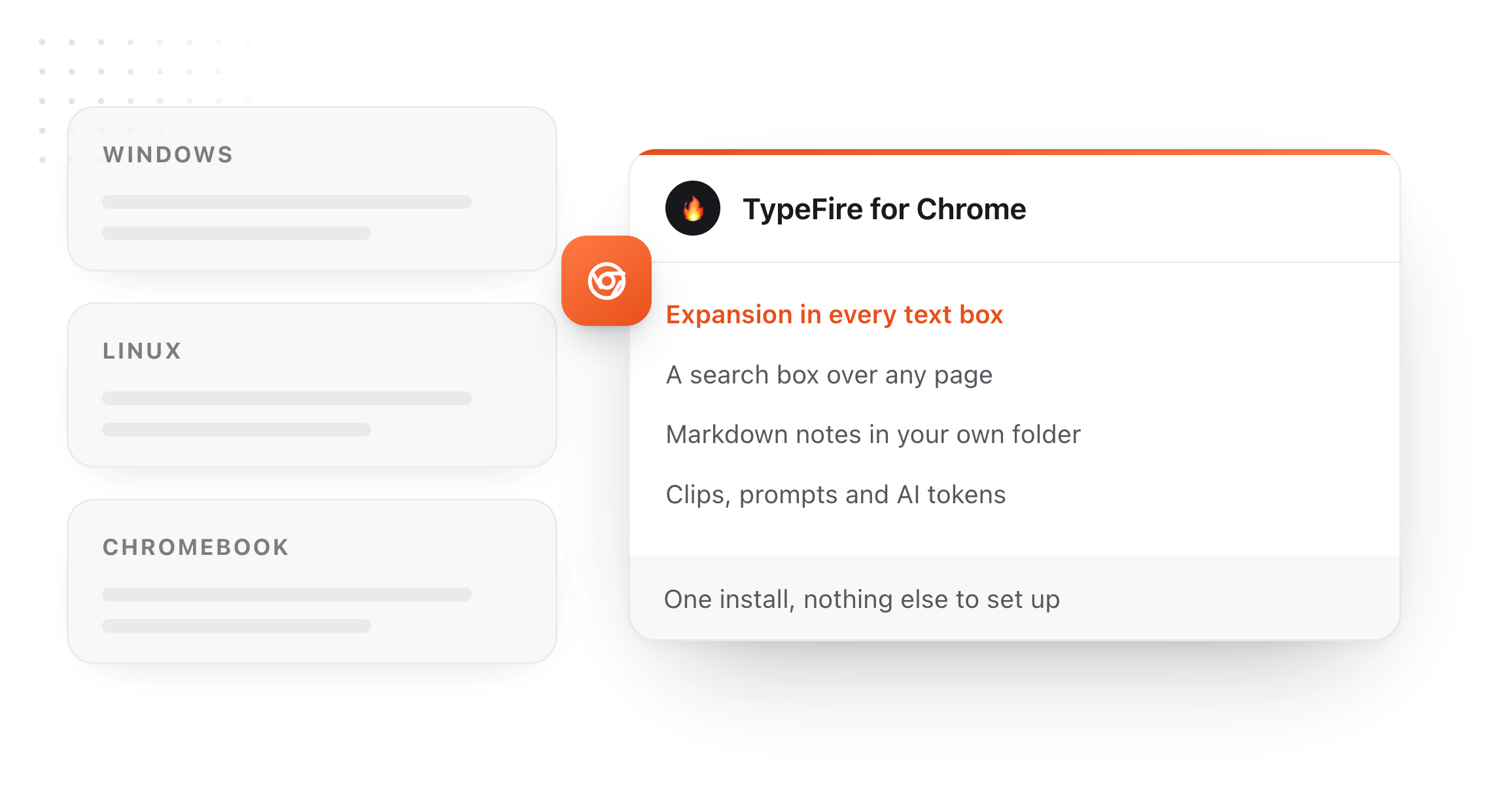
Chrome 114 or newer, Edge or Brave: add TypeFire to Chrome. TypeFire for Chrome walks through every feature, and the guide inside the app explains each one with the tutorial beside it.
Loved by people who type all day.
Unprompted reactions from users, in their own words.
Used by people at
Company names are places where our users work. They do not imply endorsement or affiliation.