The guide
TypeFire for Chrome Help
Snippets that expand on any site, Markdown notes in a folder you own, everything you copy on web pages, and one Spotlight over all of it. The whole app in a tab, in Chrome, Edge and Brave.
Free core, foreverPro is $18, once, with the Mac appAI on your own key
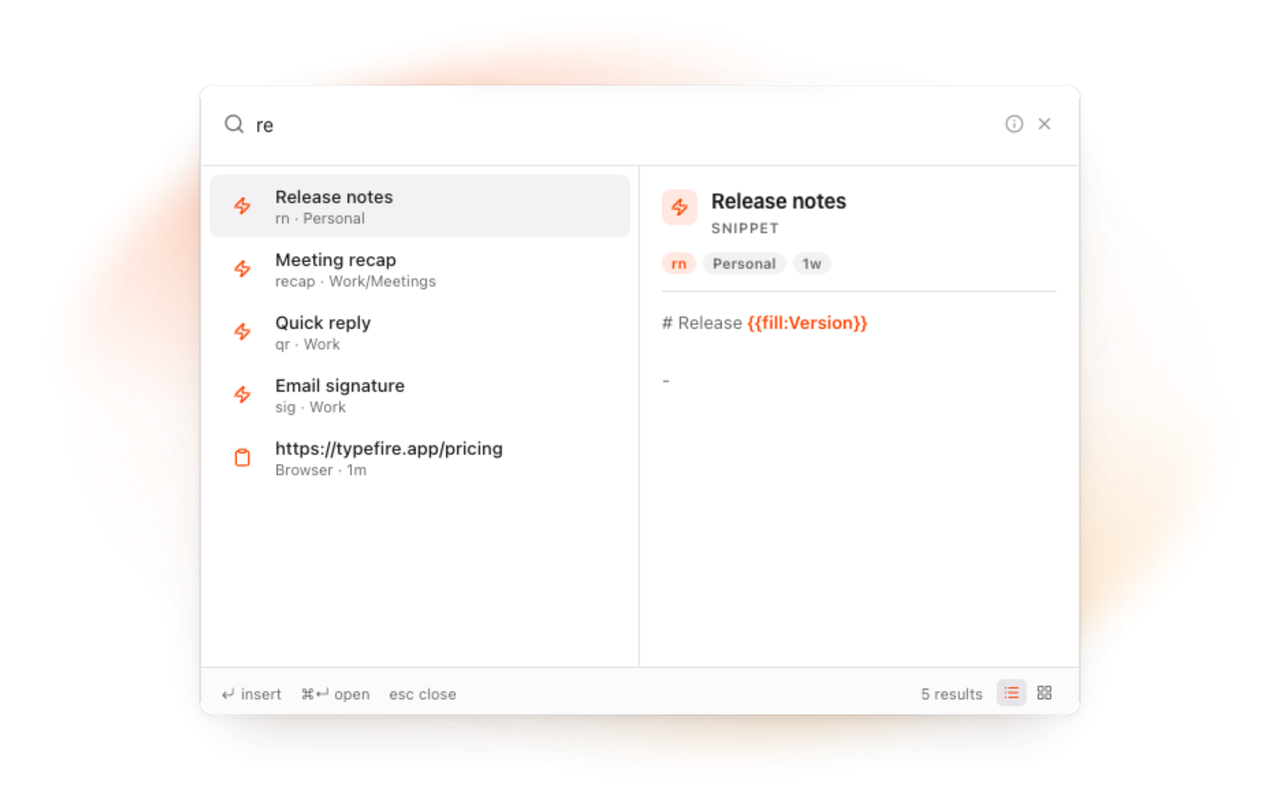
The worlds
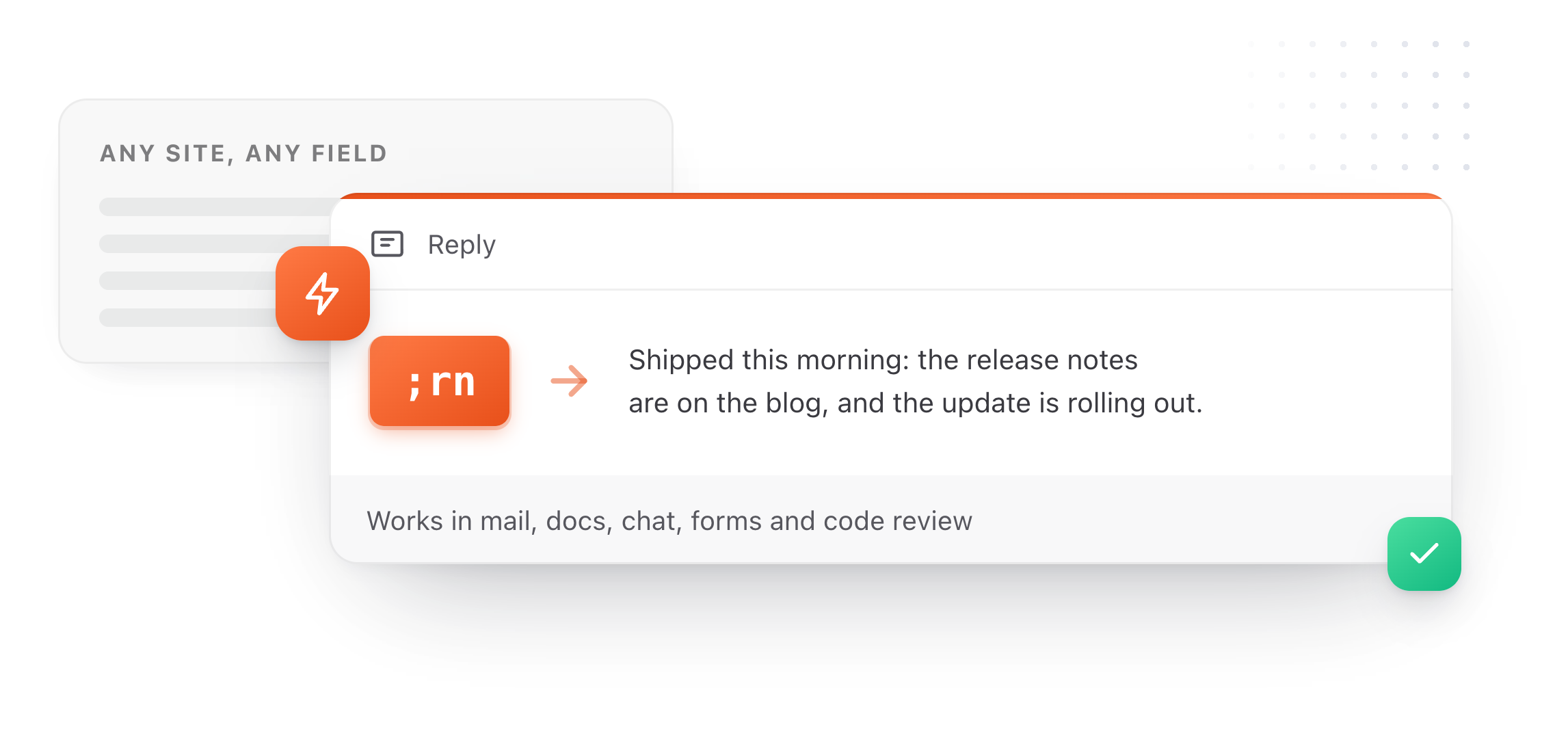
Type an abbreviation and the text lands, in any field on any site. Plain, rich or Markdown, with tokens that fill in the date, the clipboard, a note, or a question you answer as it expands.
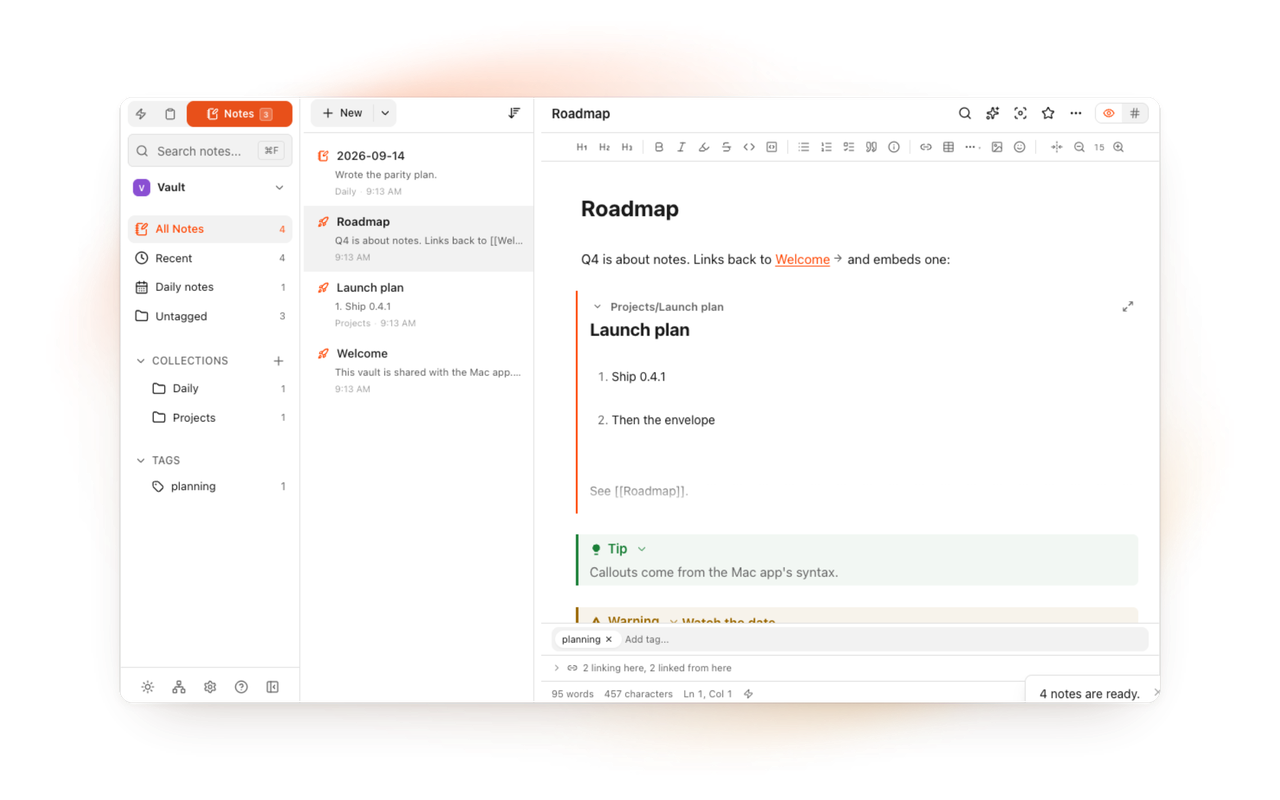
Plain Markdown files in a folder you choose, a vault from another notes app included. A live editor, wikilinks, backlinks, tabs, daily notes and quick capture from the Spotlight.
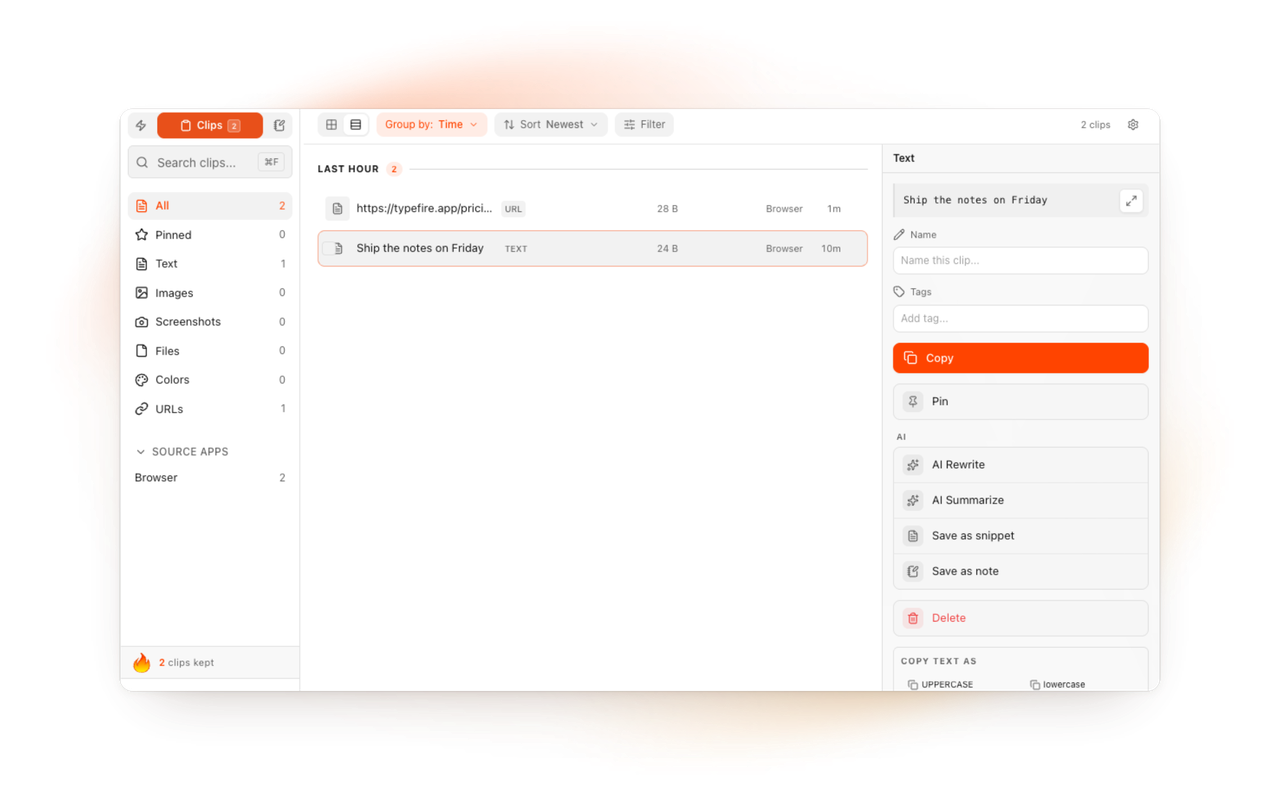
Everything you copy on web pages, kept in your browser. Search it, pin it, name it, tag it, and paste it back from the Spotlight. Choose the sites where nothing is recorded.
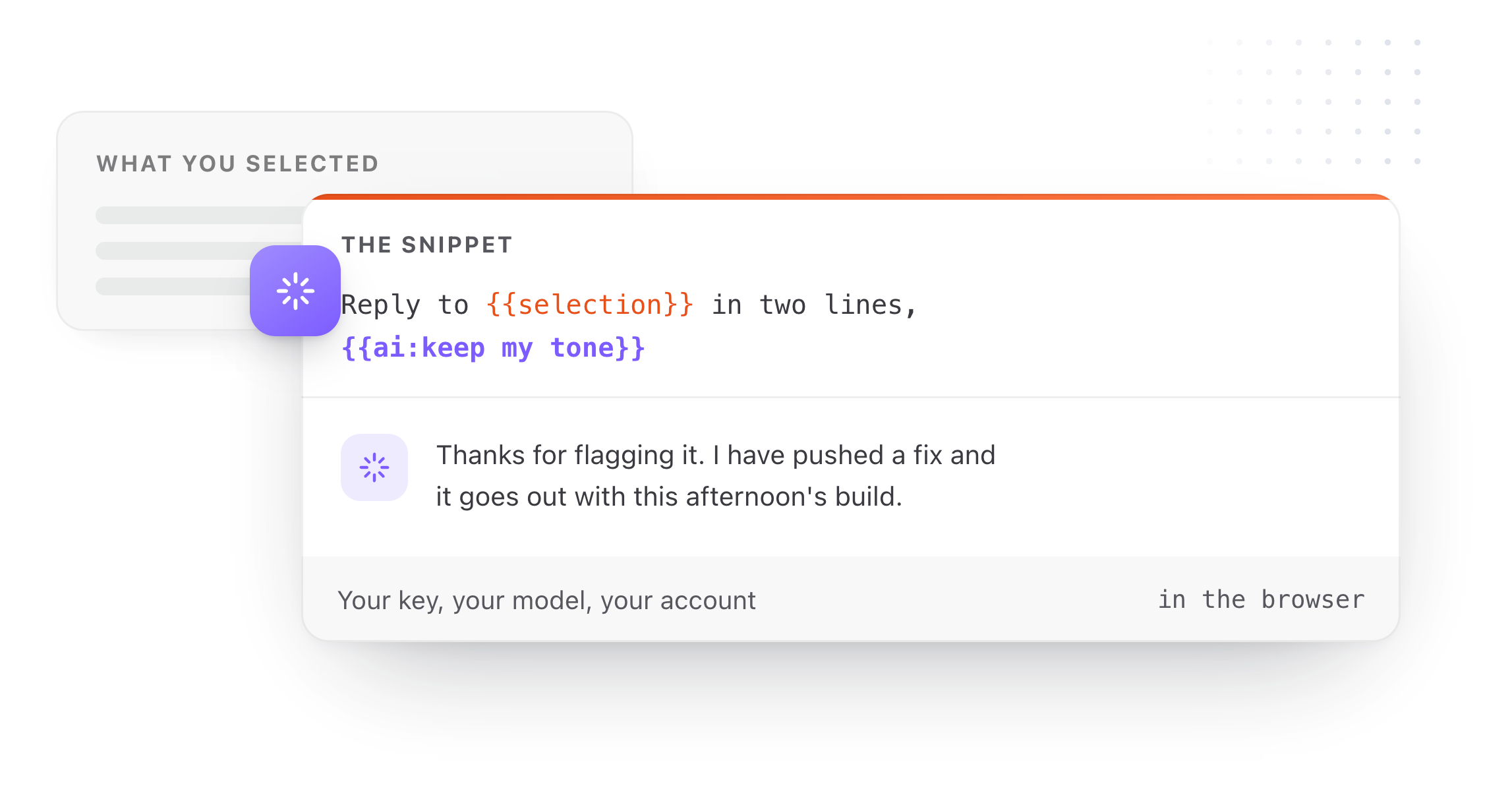
Dates with math, the clipboard, fill-in forms, and AI tokens on your own key. Select text on any page and a Selection Prompt rewrites it in place; a Prompt Chain runs several in a row.