Halloween sale. Pro for $12 instead of $18 with code TRICKORTF at checkout, until October 31.
Free · Focus mode · No sign-up

Distraction-free writing, in your browser

A quiet page for your words. Turn on focus mode and the menus and toolbars step away, go full screen, pick a dark theme, and every word saves as you type.

Chapter one.md
FileEditViewInsertFormatHelp
Chapter one.md

Chapter one

The house on Alder Street had been empty for three winters, and everyone on the block had a theory about why.

Write your own words over these. When you're ready, open View > Focus mode and everything but the page steps away.

Keep going

  • Your words save in this browser as you type
  • The word count sits at the bottom
  • File > Download keeps a copy as a Word document or a PDF
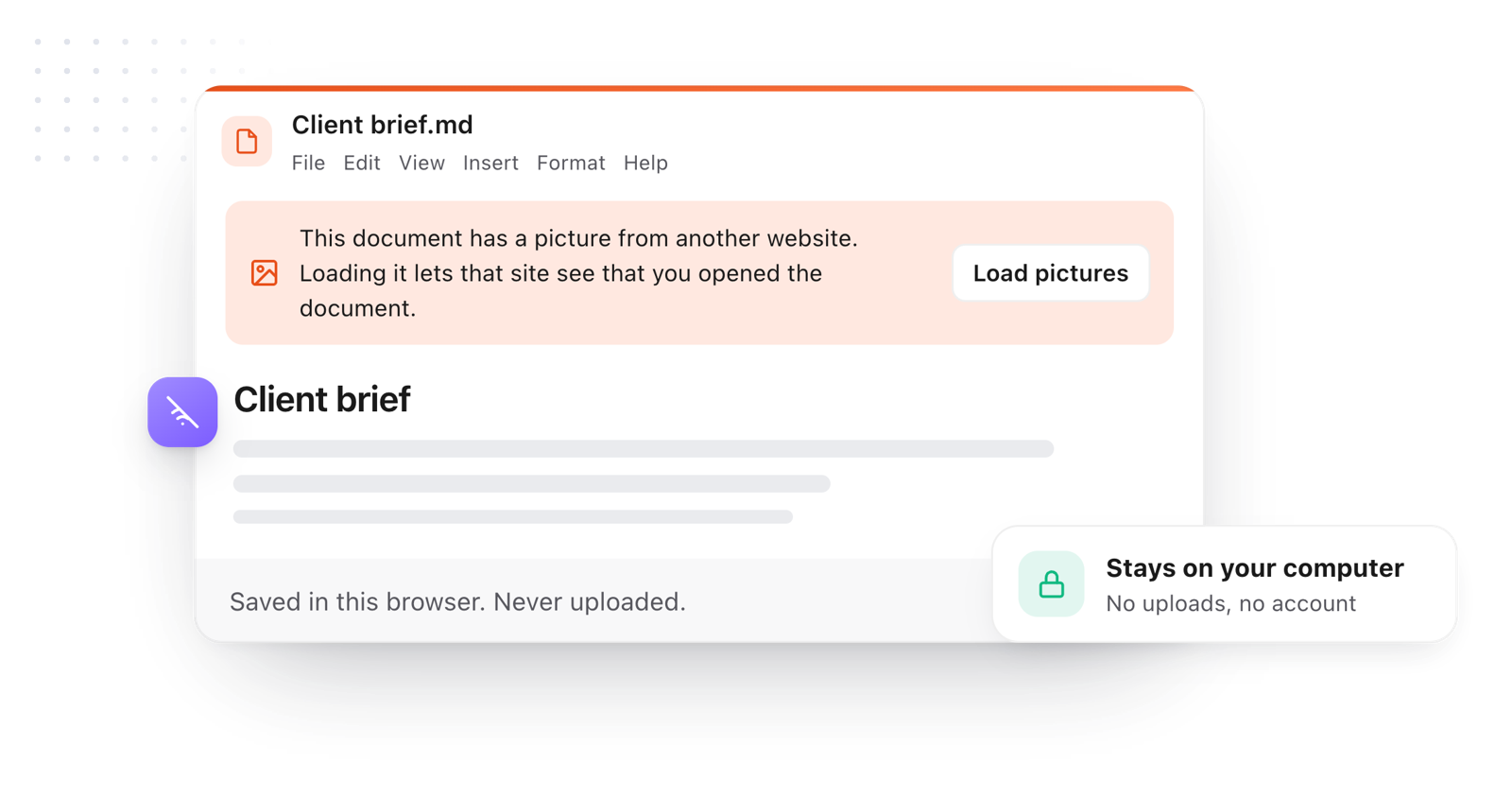
Loading the editor…Your files stay in your browser
  • Your files never leave your browser
  • Free, no sign-up
  • Download as Markdown, Word, a web page or a PDF

Keep this editor one click away

TypeFire for Chrome: your Markdown notes in tabs, a text expander and your clipboard history, free in Chrome, Edge and Brave.

How it works

Start a focused writing session

  1. 01

    Open focus mode

    Choose View > Focus mode. The menus, toolbar and tabs disappear, and only the page is left.

  2. 02

    Fill the window

    Use the full screen button at the top right so the page takes the whole browser window.

  3. 03

    Write, then step out

    Press Escape to bring the menus back. Your words have been saving the whole time.

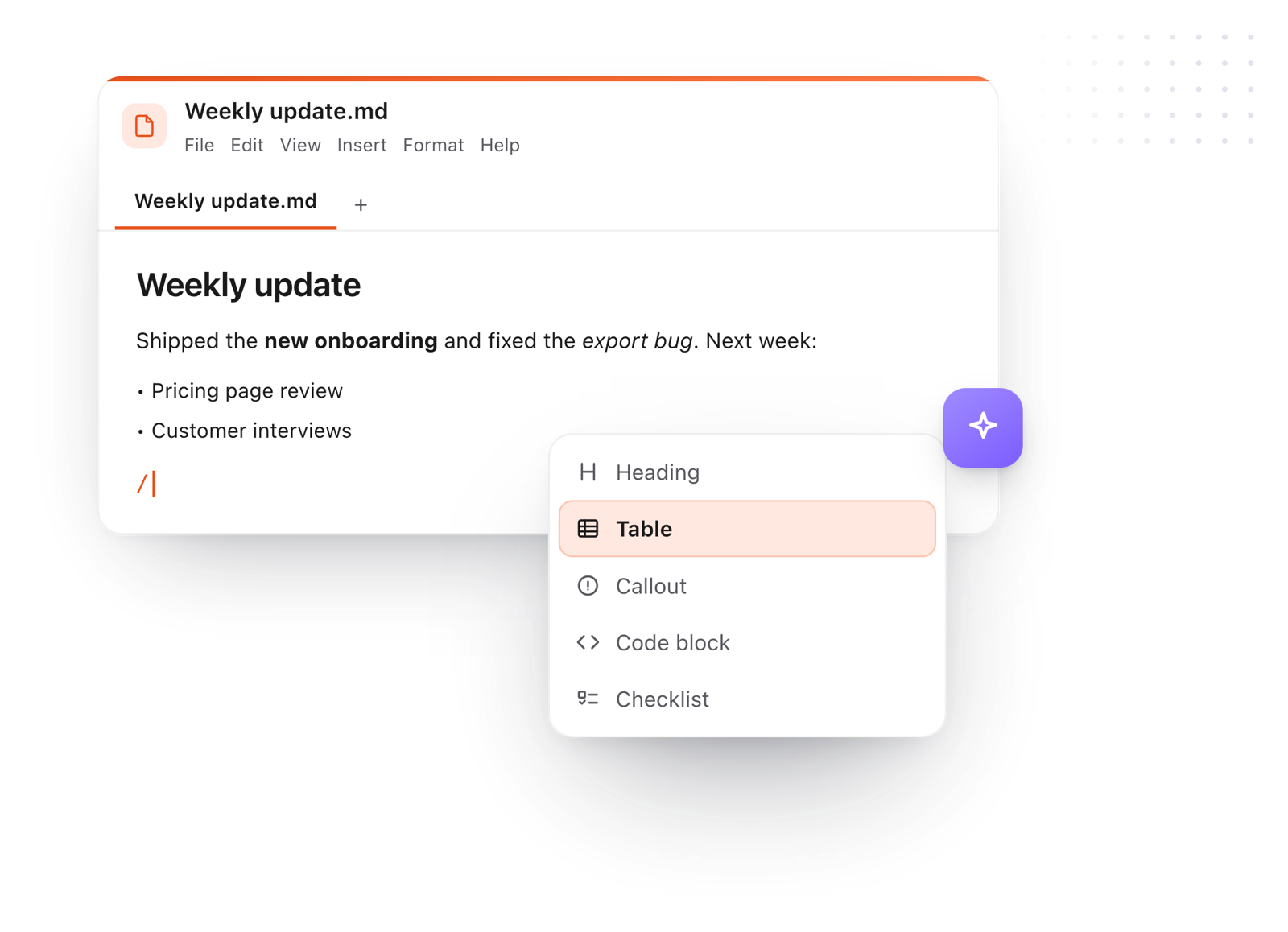
Writing in the editor with the slash menu open on Heading, Table, Callout, Code block and Checklist
Free for Mac and Chrome

Like this editor? Get TypeFire.

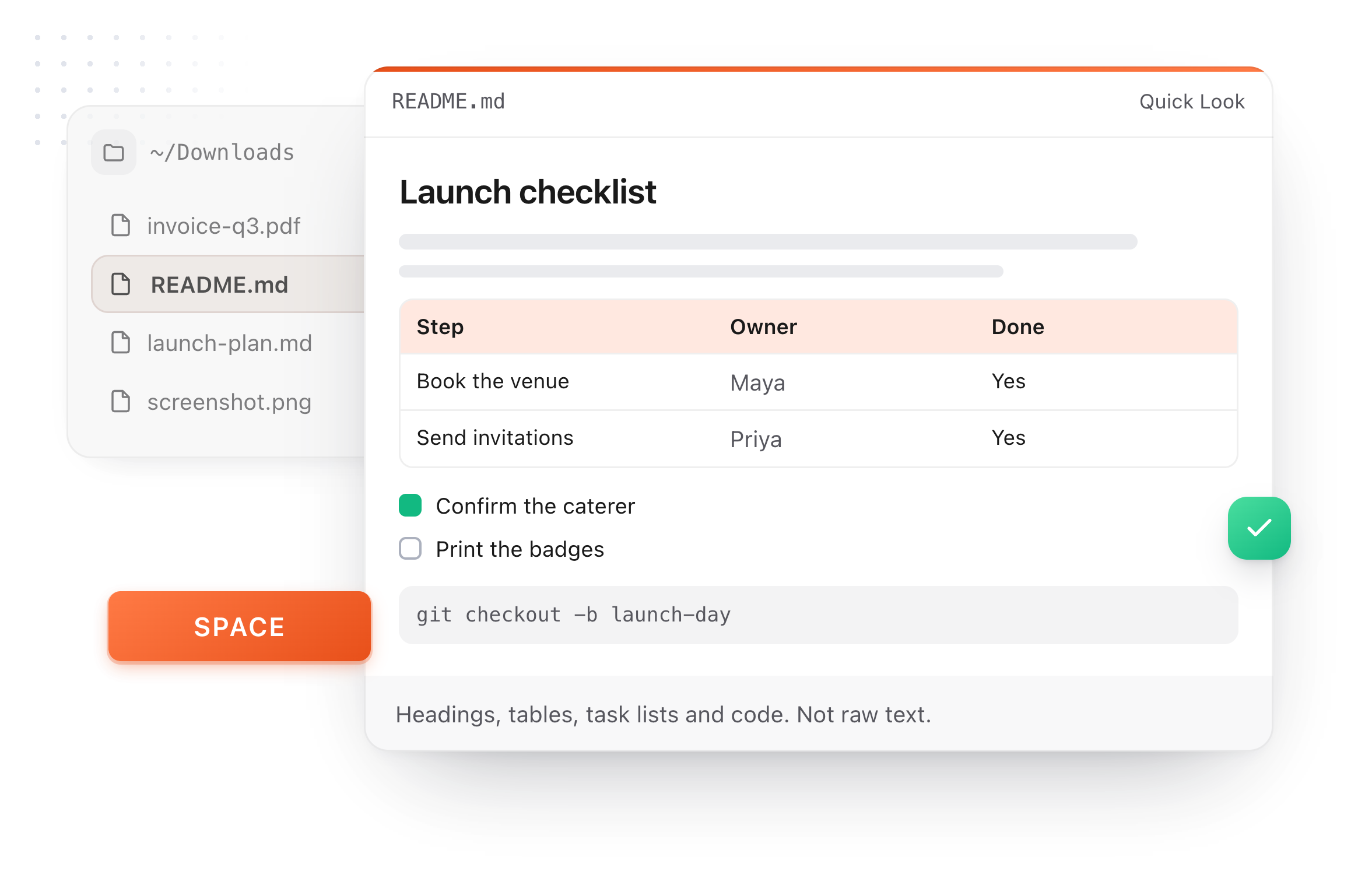
The same editor on your whole folder of Markdown notes, plus a text expander and a clipboard manager. On a Mac, every .md file previews in Finder when you press Space.

Download free for MacAdd to Chrome7 day Pro trial, no card required.

Free text expander, markdown notes and a clipboard manager. $18 once for unlimited clips, notes sync and AI prompts.

A README.md previewed in Finder with Quick Look on a Mac, after pressing Space
What it does

Built for getting words down

Nothing to set up and nothing to sign into, so the only thing left to do is write.

A draft saved in the browser as you type, never uploaded
  1. Nothing on screen but the page

    Focus mode hides every menu and button until you press Escape.

  2. A page that suits you

    Light, dark or dim, bigger or smaller text, and compact, normal or relaxed line spacing.

  3. Saved as you type

    Close the tab mid-sentence and your draft is waiting when you come back.

  4. Chapters in tabs

    Keep each chapter, scene or post in its own tab, with an outline of your headings when you want it.

  5. A word count that keeps up

    Words and characters update live at the bottom of the page, outside focus mode.

  6. Hand it in as Word or PDF

    Download your draft as a Word document, a PDF or a web page.

Take it further

The same editor, without the browser tab

This editor comes from TypeFire, a free app for Markdown notes, a text expander and a clipboard manager. Here it works on the files you open. In the app, it opens your whole folder.

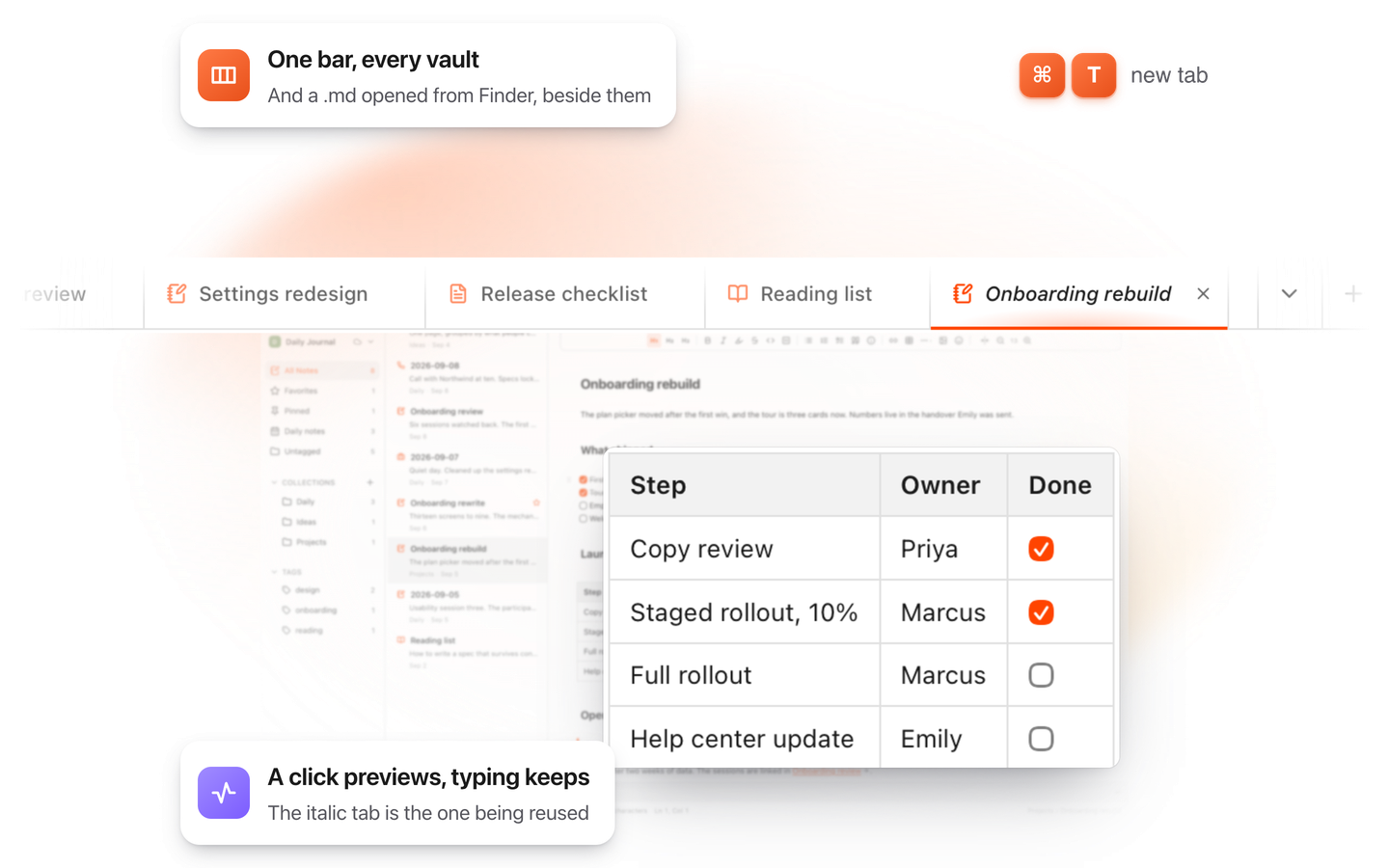
TypeFire for Mac with several Markdown notes open in one tab bar

TypeFire for Mac

  • Press Space on any .md file in Finder and read it rendered, with Quick Look.
  • Open a folder of Markdown, an Obsidian vault included, with tabs, search and links.
  • A text expander and a clipboard history in the same free app.
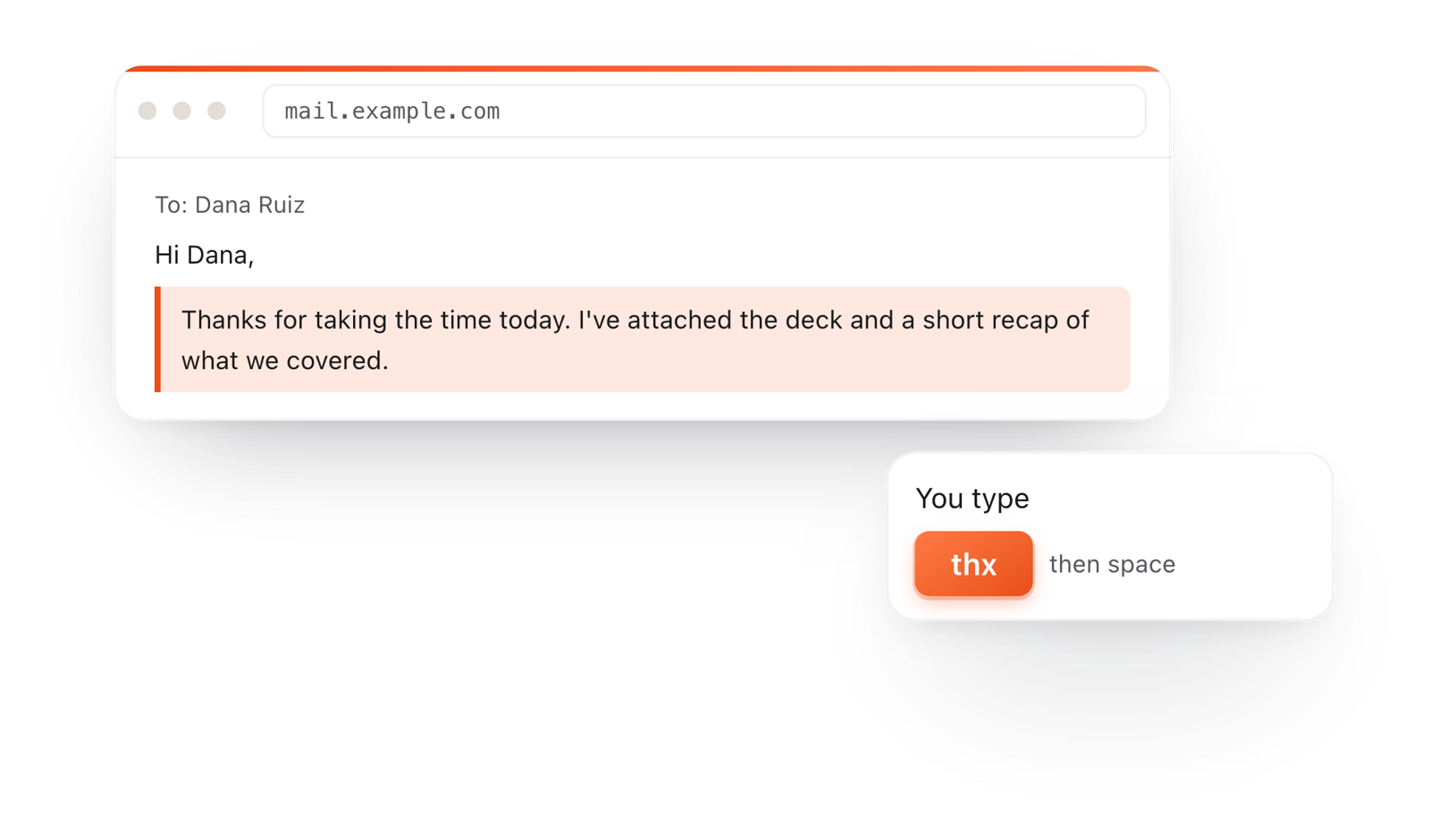
In a browser email, typing thx and a space expands into a whole thank-you reply

TypeFire for Chrome

  • This editor in its own tab, one click from the toolbar.
  • Your folder of .md notes in tabs, with search and links.
  • A text expander and your clipboard history on every site.

Frequently asked questions

Still not answered?

An editor that clears everything off the screen except your words: no toolbars, no menus, no tabs.

You write, and the rest steps away until you need it.

Yes, this one. Open View > Focus mode, then Full screen, and the page fills the window with just your writing.

It's free, with no account and nothing to install.

Choose View > Focus mode. To make the editor fill the browser window too, use the full screen button at the top right or View > Full screen.

Yes. Every word saves in this browser as you type, so you can close the tab and pick up tomorrow where you stopped.

Yes. The word and character count sit at the bottom of the page and update as you write.

Yes. Choose View > Theme for light, dark or dim, and set the text size and line spacing that suit you.

Yes. File > Download saves it as Word (.docx), a PDF, a web page or a Markdown text file.

It works well for drafting chapters, essays and posts.

Keep each chapter in its own tab, use headings to see an outline, and download a copy of your work regularly.

Yes. Everything stays in your browser and nothing is sent anywhere.

Write this way on your Mac

TypeFire for Mac has the same quiet editor for a whole folder of notes and drafts, plus a text expander and a clipboard manager. Free.

Download free for MacAdd to ChromeSee what $18 adds7 day Pro trial, no card required.

Free text expander, markdown notes and a clipboard manager. $18 once for unlimited clips, notes sync and AI prompts.

your clips your snippets