Halloween sale. Pro for $12 instead of $18 with code TRICKORTF at checkout, until October 31.
Free · Saves as you type · No sign-up

Free online notepad

Open the page and type. Every note saves in this browser as you go, each one gets its own tab, and any note downloads as a Word document, a PDF or a text file.

Untitled note.md
FileEditViewInsertFormatHelp
Untitled note.md

Start typing

Click anywhere in this note and write. It saves in this browser as you go, so you can close the tab and find it here next time.

Handy as you write

  • Type - for a list, or [ ] for a checkbox
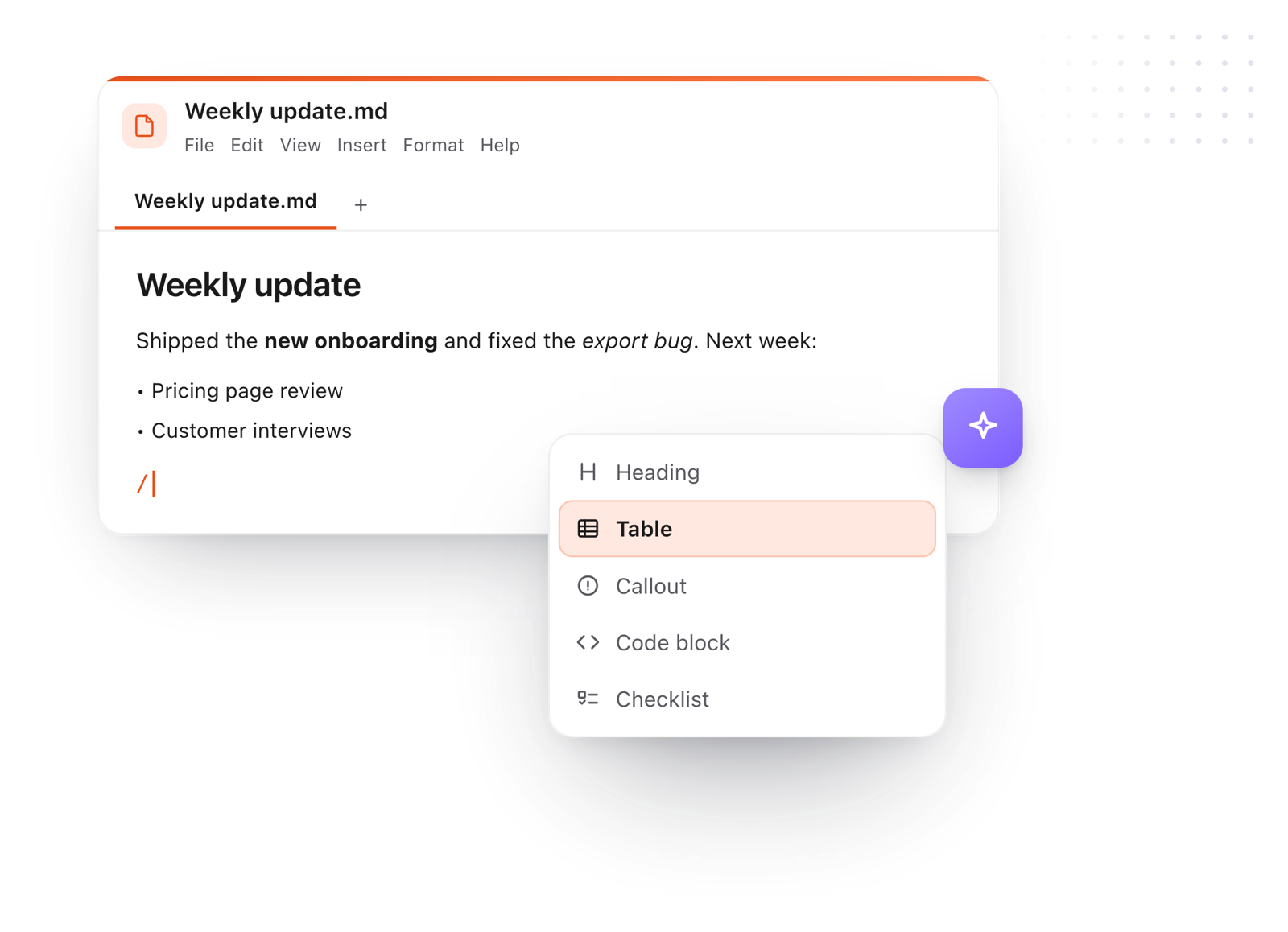
  • Press / for headings, tables and code
  • Press + above for a new note in its own tab

Want a copy?
File > Download saves this note as a text file, a Word document or a PDF.
Loading the editor…Your files stay in your browser
  • Your files never leave your browser
  • Free, no sign-up
  • Download as Markdown, Word, a web page or a PDF

Keep this editor one click away

TypeFire for Chrome: your Markdown notes in tabs, a text expander and your clipboard history, free in Chrome, Edge and Brave.

How it works

Write notes online in three steps

  1. 01

    Click and type

    Click into the note above and start writing. There's no Save button to remember.

  2. 02

    Add another note

    Press + for a new note in its own tab. Right-click a tab to rename it.

  3. 03

    Come back any time

    Your notes are here when you reopen this page. File > Download keeps a copy as a file.

A note being written with the slash menu open on Heading, Table, Callout, Code block and Checklist
Free for Mac and Chrome

Like this editor? Get TypeFire.

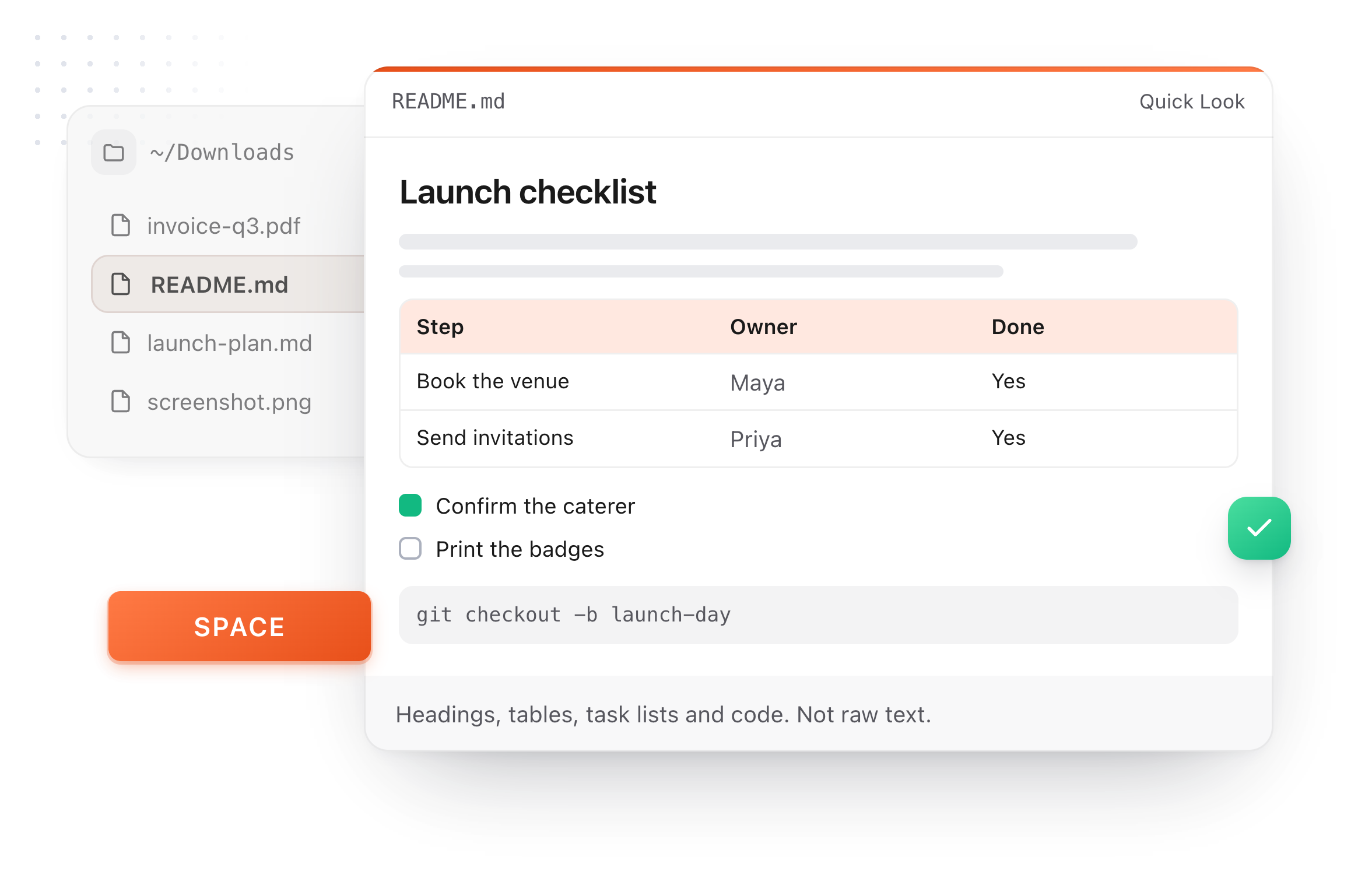
The same editor on your whole folder of Markdown notes, plus a text expander and a clipboard manager. On a Mac, every .md file previews in Finder when you press Space.

Download free for MacAdd to Chrome7 day Pro trial, no card required.

Free text expander, markdown notes and a clipboard manager. $18 once for unlimited clips, notes sync and AI prompts.

A README.md previewed in Finder with Quick Look on a Mac, after pressing Space
What it does

Everything a notepad should do

Quick to open, nothing to sign up for, and your notes stay on your computer.

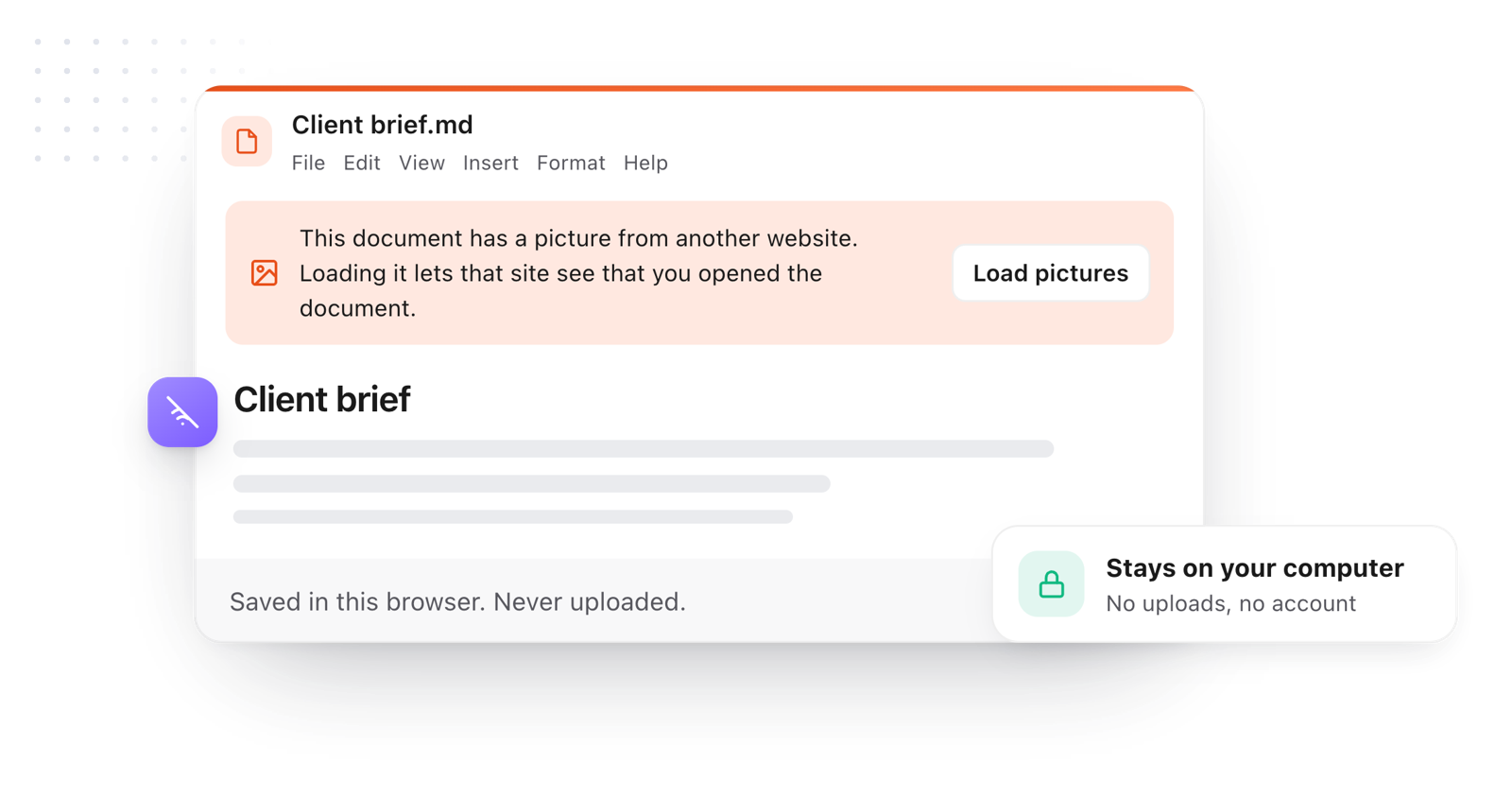
A note saved in the browser as you type, never uploaded
  1. Saves itself

    Every keystroke is saved in this browser, so a closed tab or a refresh never costs you a note.

  2. Tabs for every note

    Keep a to-do list, meeting notes and a draft open side by side, and switch with one click.

  3. Find, replace and count

    Find and replace with Ctrl F (⌘ F on a Mac), and see the word and character count as you type.

  4. Easy on the eyes

    Light, dark or dim, bigger text, relaxed line spacing and focus mode, all in the View menu.

  5. Yours to keep

    Download any note as a Word document, a PDF, a web page or a text file, or print it.

  6. Private

    Notes never leave your browser. On a shared computer, File > Clear saved documents wipes them.

Take it further

The same editor, without the browser tab

This editor comes from TypeFire, a free app for Markdown notes, a text expander and a clipboard manager. Here it works on the files you open. In the app, it opens your whole folder.

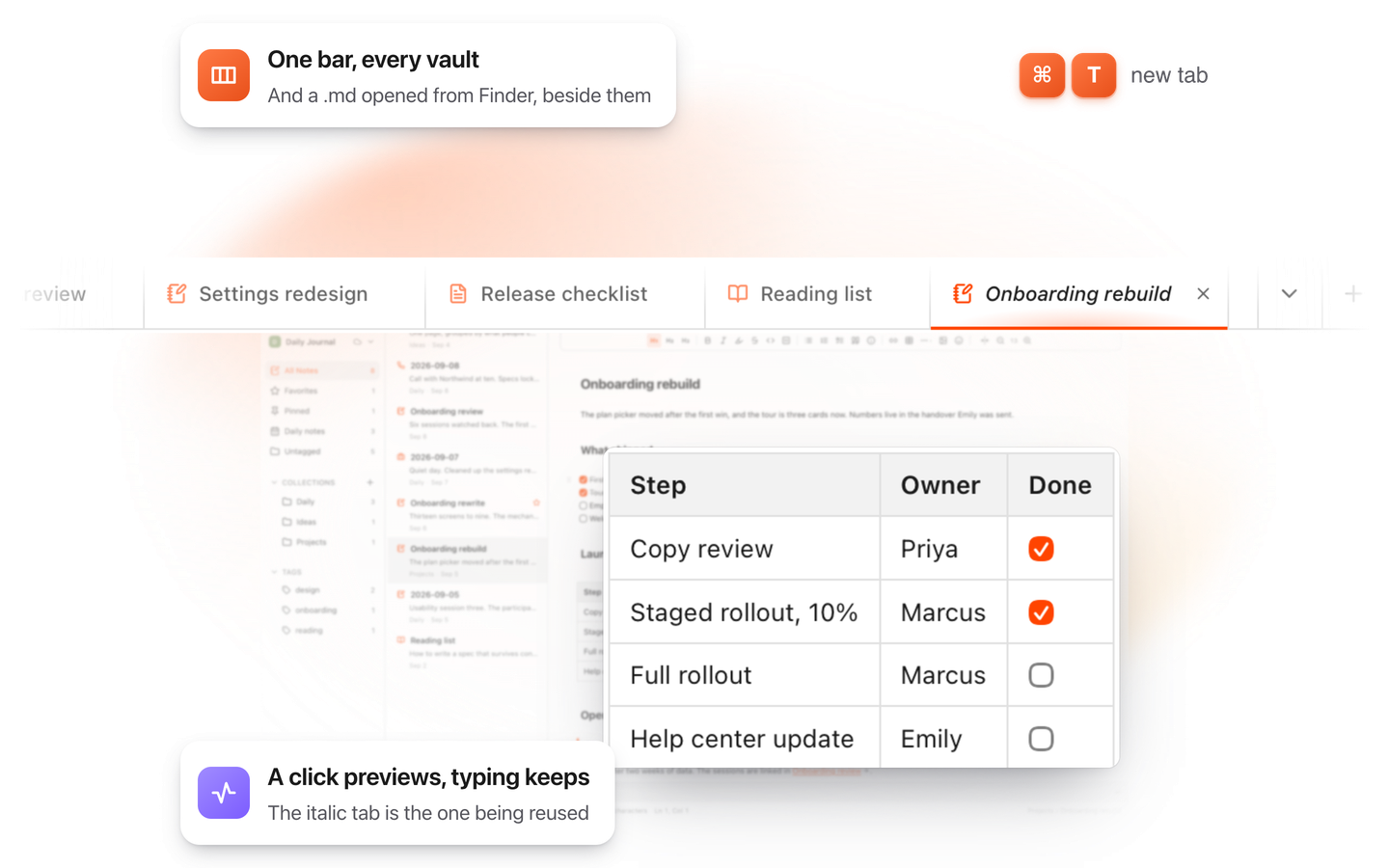
TypeFire for Mac with several Markdown notes open in one tab bar

TypeFire for Mac

  • Press Space on any .md file in Finder and read it rendered, with Quick Look.
  • Open a folder of Markdown, an Obsidian vault included, with tabs, search and links.
  • A text expander and a clipboard history in the same free app.
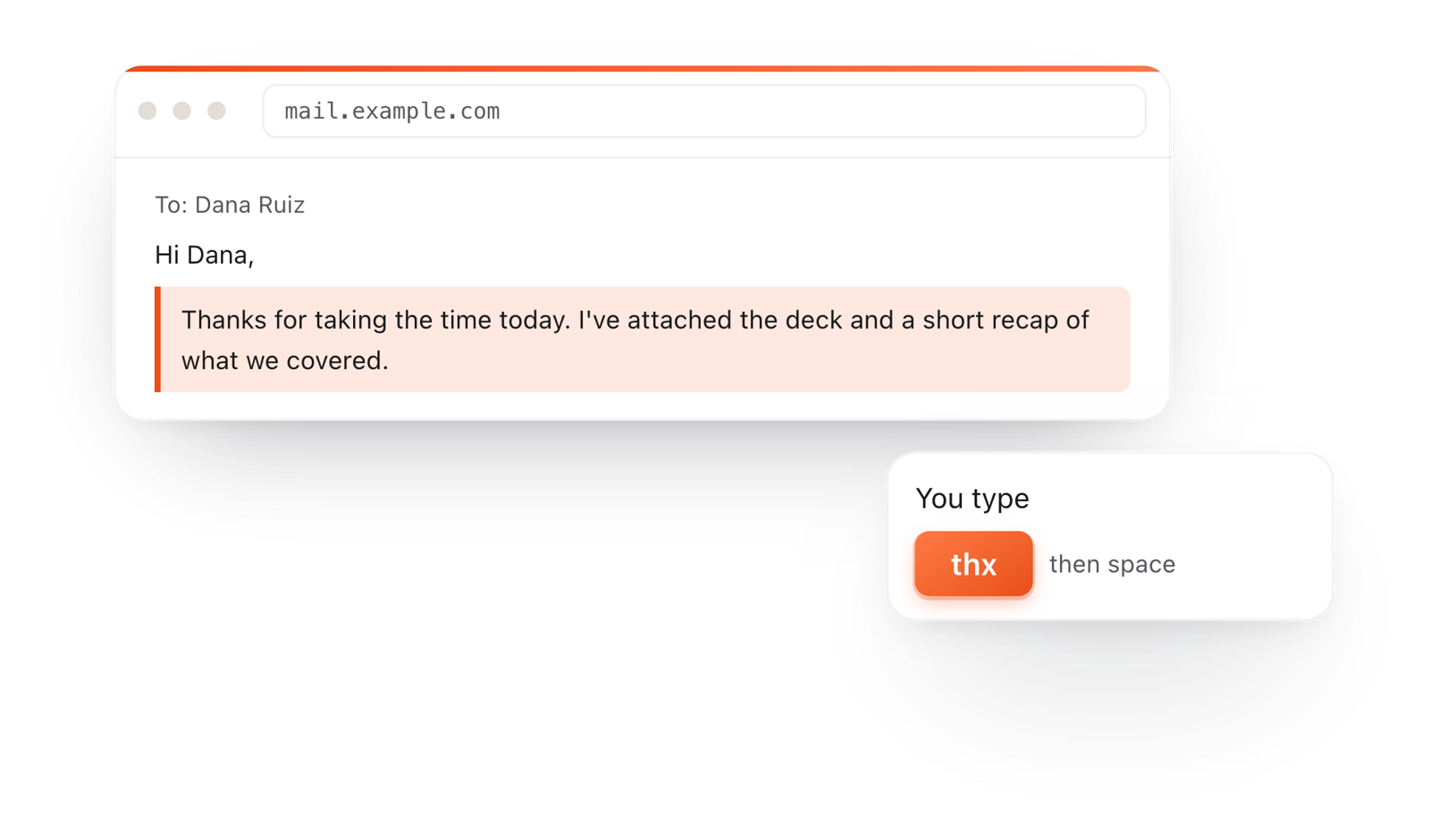
In a browser email, typing thx and a space expands into a whole thank-you reply

TypeFire for Chrome

  • This editor in its own tab, one click from the toolbar.
  • Your folder of .md notes in tabs, with search and links.
  • A text expander and your clipboard history on every site.

Frequently asked questions

Still not answered?

Yes, this one. Open the page and start typing.

There's no account, no email and nothing to install, and it costs nothing.

Yes. Every note saves in this browser as you type, so closing the tab or refreshing the page loses nothing.

Come back to this page and your notes are where you left them.

In this browser, on this computer. They aren't uploaded or sent anywhere.

To keep a copy somewhere else, use File > Download.

Clearing your browser's site data removes the notes saved here, the same as any notepad that saves in the browser.

Download anything you want to keep with File > Download first.

Yes. Each note opens in its own tab. Press + for a new one, right-click a tab to rename it, and drag tabs to put them in order.

Yes. File > Download saves the note as a Markdown text file, a Word document (.docx), a web page or a PDF.

File > Print works too.

Yes. Use the moon button at the top, or View > Theme for light, dark or dim.

Yes. The word and character count sit at the bottom of the note and update as you type.

Both. Type plainly, or add headings, bold, lists, checklists, tables and links from the toolbar or the / menu.

Underneath it's Markdown, a plain text format, so your notes open anywhere.

Your notes stay in that browser only. When you're done, File > Clear saved documents removes them from the computer.

This page does the everyday part of both: open a text file, type, find and replace, and save it back as a file, with tabs for several notes.

It runs in any modern browser on Windows, Mac, Linux or a Chromebook.

Want your notes on your Mac too?

TypeFire for Mac keeps your notes as plain files in a folder you choose, with tabs, search and links, plus a text expander and a clipboard manager. Free.

Download free for MacAdd to ChromeSee what $18 adds7 day Pro trial, no card required.

Free text expander, markdown notes and a clipboard manager. $18 once for unlimited clips, notes sync and AI prompts.

your clips your snippets