Free · Visual · Copy as Markdown

Markdown table generator

Build a Markdown table the way you'd build one in a spreadsheet: type into cells, add rows and columns, drag them into order. Then copy it as Markdown.

Table.md
FileEditViewInsertFormatHelp
Table.md

Build a Markdown table

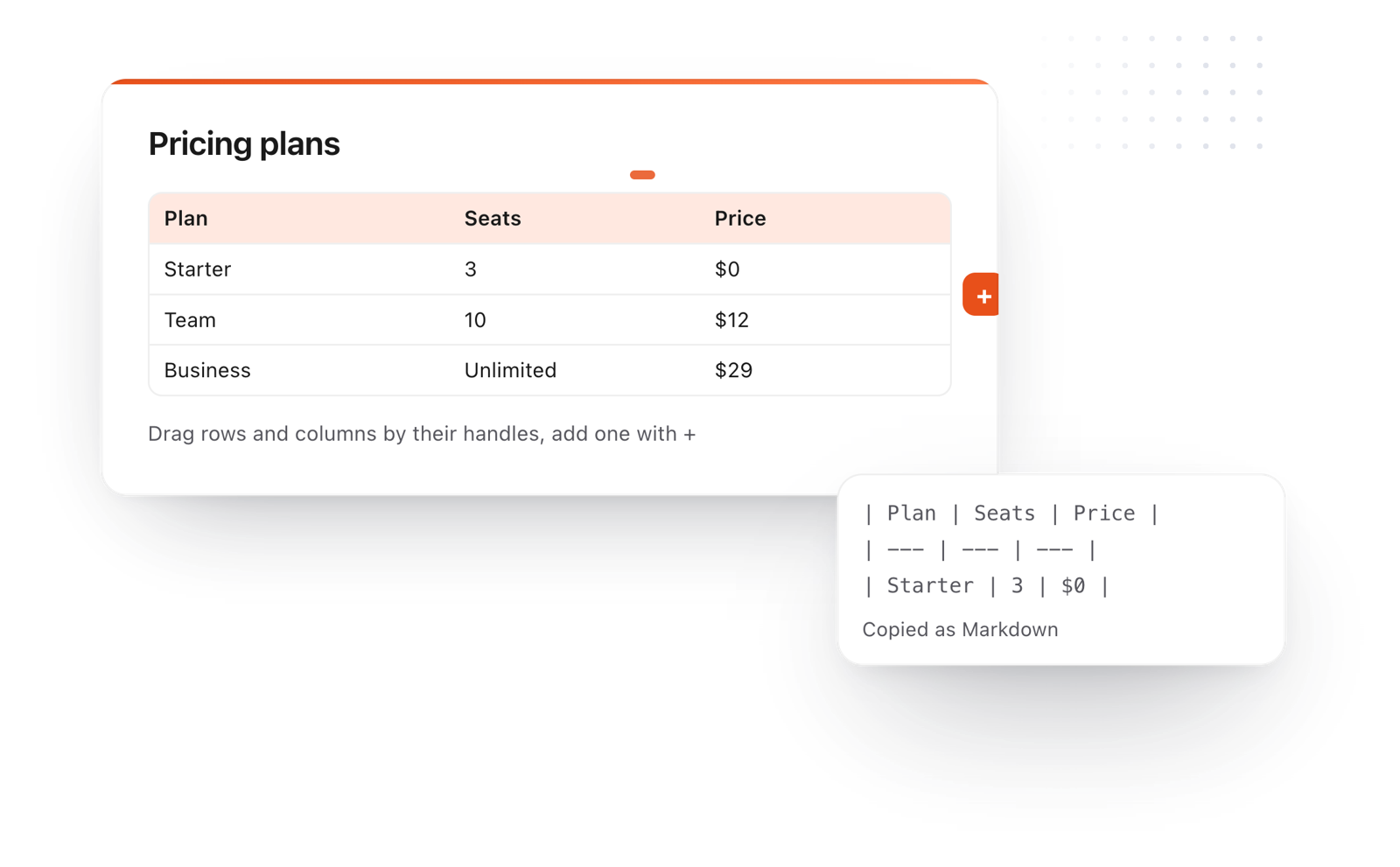
Click into the table below and start typing. Drag a row or column by its handle to move it, or use + to add one.

Plan Seats Price
Starter 3 $0
Team 10 $12
Business Unlimited $29

When it's ready, File > Copy > As Markdown copies the whole table as Markdown, ready to paste into a README, a doc or a chat.

Need another one? Insert > Table.
Loading the editor…Your files stay in your browser
  • Your files never leave your browser
  • Free, no sign-up
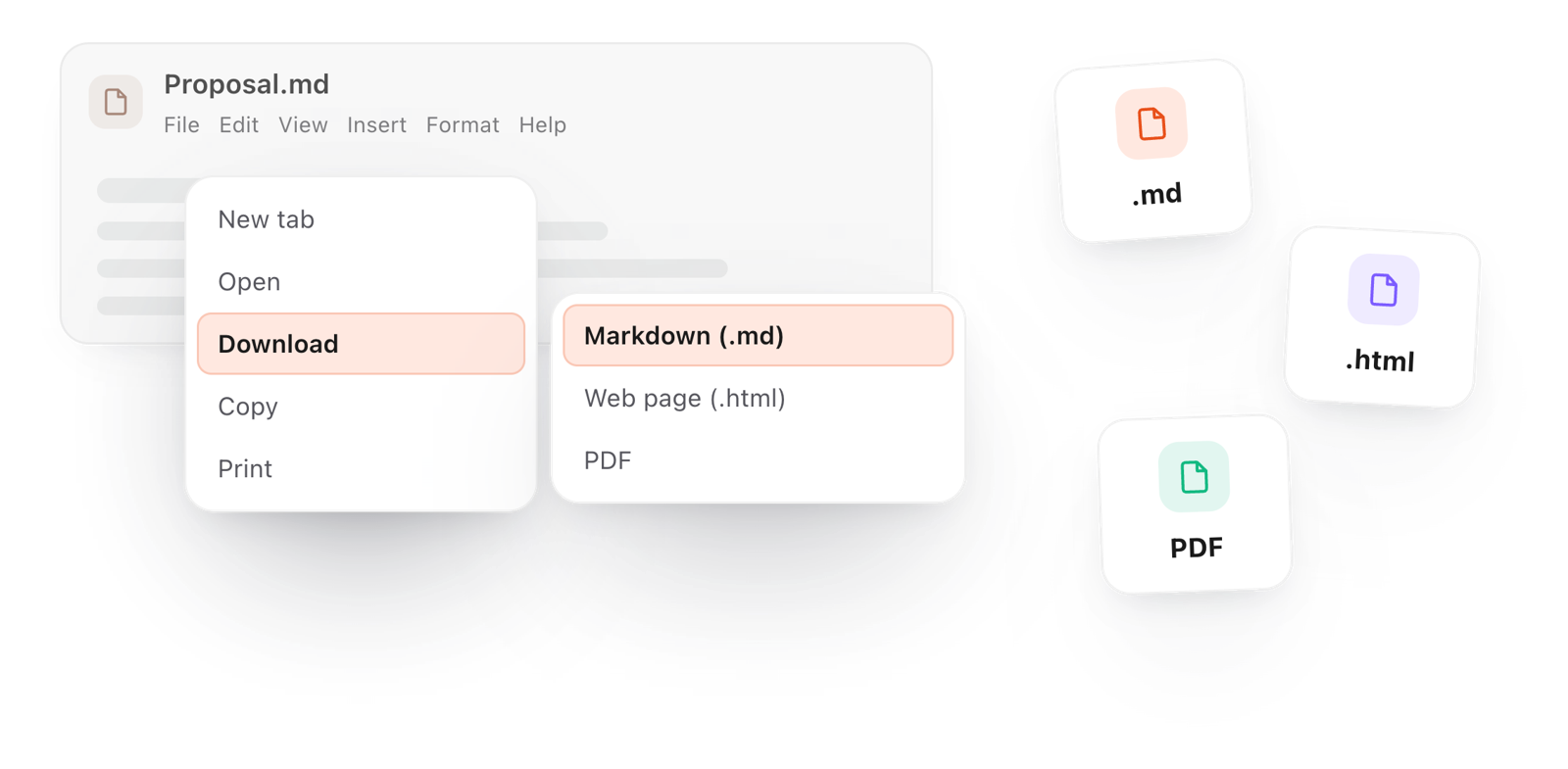
  • Download as Markdown, a web page or a PDF

This editor comes from TypeFire, free for Mac

Your whole folder of Markdown notes in tabs, Quick Look previews in Finder, plus a text expander and a clipboard manager.

How it works

Make a Markdown table in three steps

  1. 01

    Start from the table

    The page opens on a ready table. Click a cell and type, or use Insert > Table for a new one.

  2. 02

    Shape it

    Add a row or a column with +, and drag either by its handle to reorder.

  3. 03

    Copy it

    File > Copy > As Markdown copies the whole document, table included, ready to paste.

A table being built with drag handles and a + button, copied out as Markdown
Free for Mac and Chrome

Like this editor? Get TypeFire.

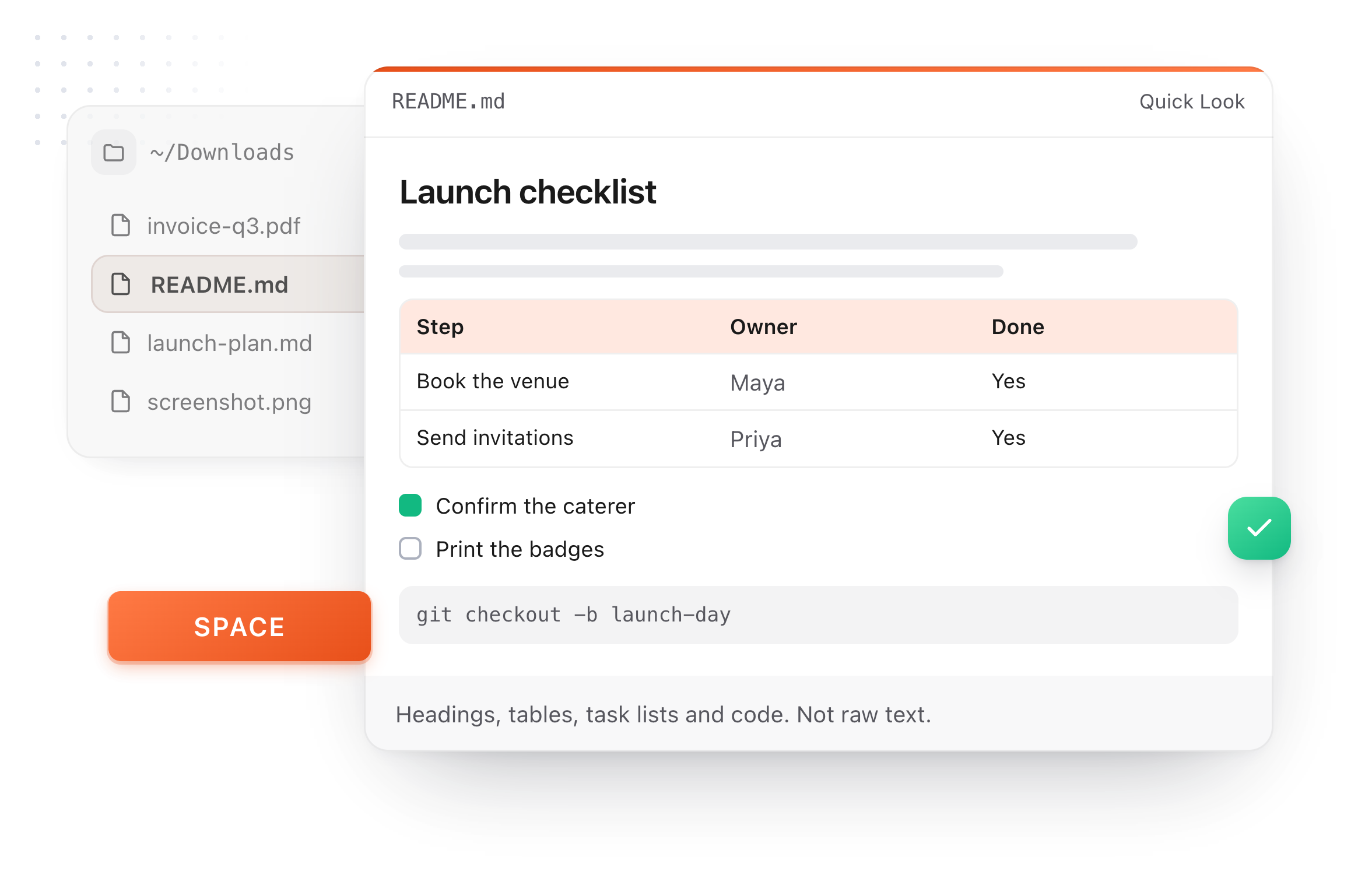
The same editor on your whole folder of Markdown notes, plus a text expander and a clipboard manager. On a Mac, every .md file previews in Finder when you press Space.

Download free for MacAdd to Chrome7 day Pro trial, no card required.

Free text expander, clipboard manager and markdown notes. $18 once for unlimited clips, notes sync and AI prompts.

A README.md previewed in Finder with Quick Look on a Mac, after pressing Space
Table syntax

Markdown table syntax, at a glance

What the generator writes for you, if you ever need to write it by hand.

Header row
Markdown:| Plan | Price |
Note:The first row is always the header
Separator row
Markdown:| --- | --- |
Note:Required, right under the header
Align left
Markdown:| :--- |
Note:Colon on the left
Align center
Markdown:| :---: |
Note:Colons on both sides
Align right
Markdown:| ---: |
Note:Colon on the right
A pipe inside a cell
Markdown:\|
Note:Escape it with a backslash
What it does

Tables without the pipes

Markdown tables are easy to read and fiddly to write. This does the fiddly part.

Download a document as Markdown, a web page or a PDF from the File menu
  1. Type into cells

    No pipes, no dashes, no lining up columns by hand.

  2. Drag to reorder

    Move rows and columns by their handles.

  3. Paste in a table

    Paste a Markdown table and edit it the same way.

  4. Copy as Markdown

    Get clean Markdown back, ready for a README, a doc or a chat.

  5. Free and private

    No sign-up, and nothing leaves your browser.

Take it further

The same editor, without the browser tab

This editor comes from TypeFire, a free app for Markdown notes, a text expander and a clipboard manager. Here it works on the files you open. In the app, it opens your whole folder.

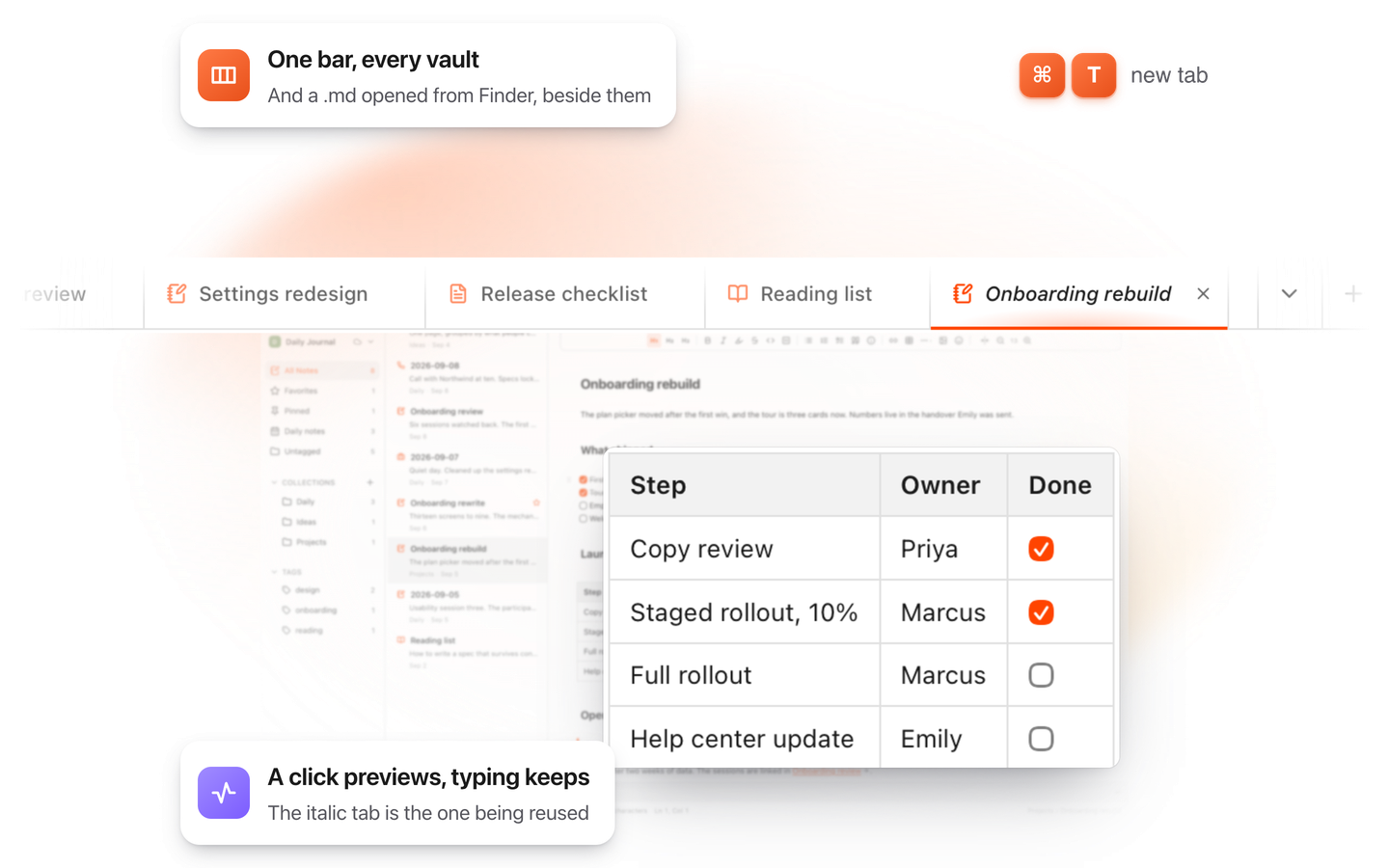
TypeFire for Mac with several Markdown notes open in one tab bar

TypeFire for Mac

  • Press Space on any .md file in Finder and read it rendered, with Quick Look.
  • Open a folder of Markdown, an Obsidian vault included, with tabs, search and links.
  • A text expander and a clipboard history in the same free app.
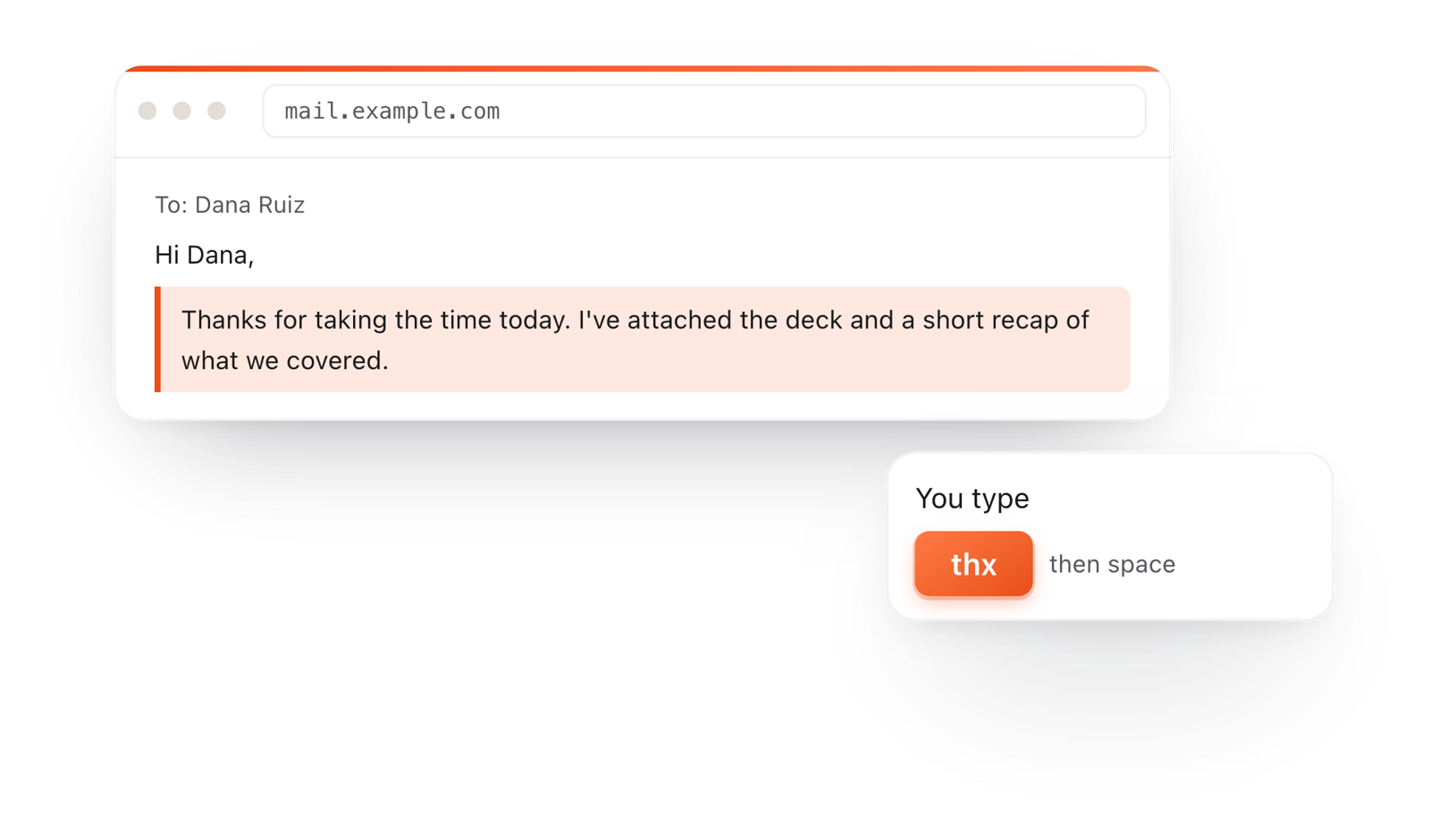
In a browser email, typing thx and a space expands into a whole thank-you reply

TypeFire for Chrome

  • A free text expander for Chrome, Edge and Brave.
  • Type a few letters and get the whole reply, on any site.
  • Works on Windows, Linux, ChromeOS and Mac.

Frequently asked questions

Still not answered?

Write a header row with cells separated by |, then a row of --- under it, then one line per row.

Or build it here visually and copy it as Markdown.

Yes. No account and no sign-up.

Yes. Paste it into the document and it becomes an editable table with handles.

File > Copy > As Markdown copies the document as Markdown.

Delete anything you don't need first, or copy just the table by selecting it.

In Markdown, colons in the separator row set alignment: :--- left, :---: center, ---: right.

Need tables in your notes every day?

TypeFire for Mac edits Markdown tables like this in your whole notes folder, with a text expander and a clipboard manager. Free.

Download free for MacAdd to ChromeSee what $18 adds7 day Pro trial, no card required.

Free text expander, clipboard manager and markdown notes. $18 once for unlimited clips, notes sync and AI prompts.

your clips your snippets