Free · No sign-up · Saved in your browser

Free online Markdown editor

Write Markdown and watch it format as you type. Tables, callouts, code blocks and task lists are a keystroke away, your work saves in this browser, and it exports to .md, HTML or PDF.

Untitled.md
FileEditViewInsertFormatHelp
Untitled.md

Team sync, Tuesday

Start typing anywhere
Press / on an empty line for headings, lists, tables, callouts and code. Ctrl+B or ⌘B makes text bold.

Quick notes from this week's call. Decisions are in bold, open questions in italics, and the big one is highlighted. The old staging box is still up retired. Agenda lives in the shared doc.

Decisions

  1. Move the launch to Thursday
  2. Keep the free plan as it is
    • No new limits
    • Revisit in June

Action items

  • Send the recap
  • Update the pricing page
  • Book the design review

Numbers

Metric Last week This week
Signups 412 538
Churn 2.1% 1.8%

We should ship smaller things, more often.

The slash menu
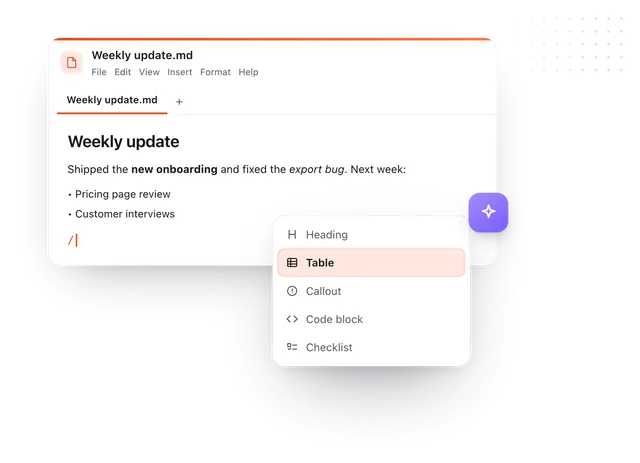
The slash menu inserting a table

Snippet from the call

def weekly_growth(prev, now):
    return round((now - prev) / prev * 100, 1)

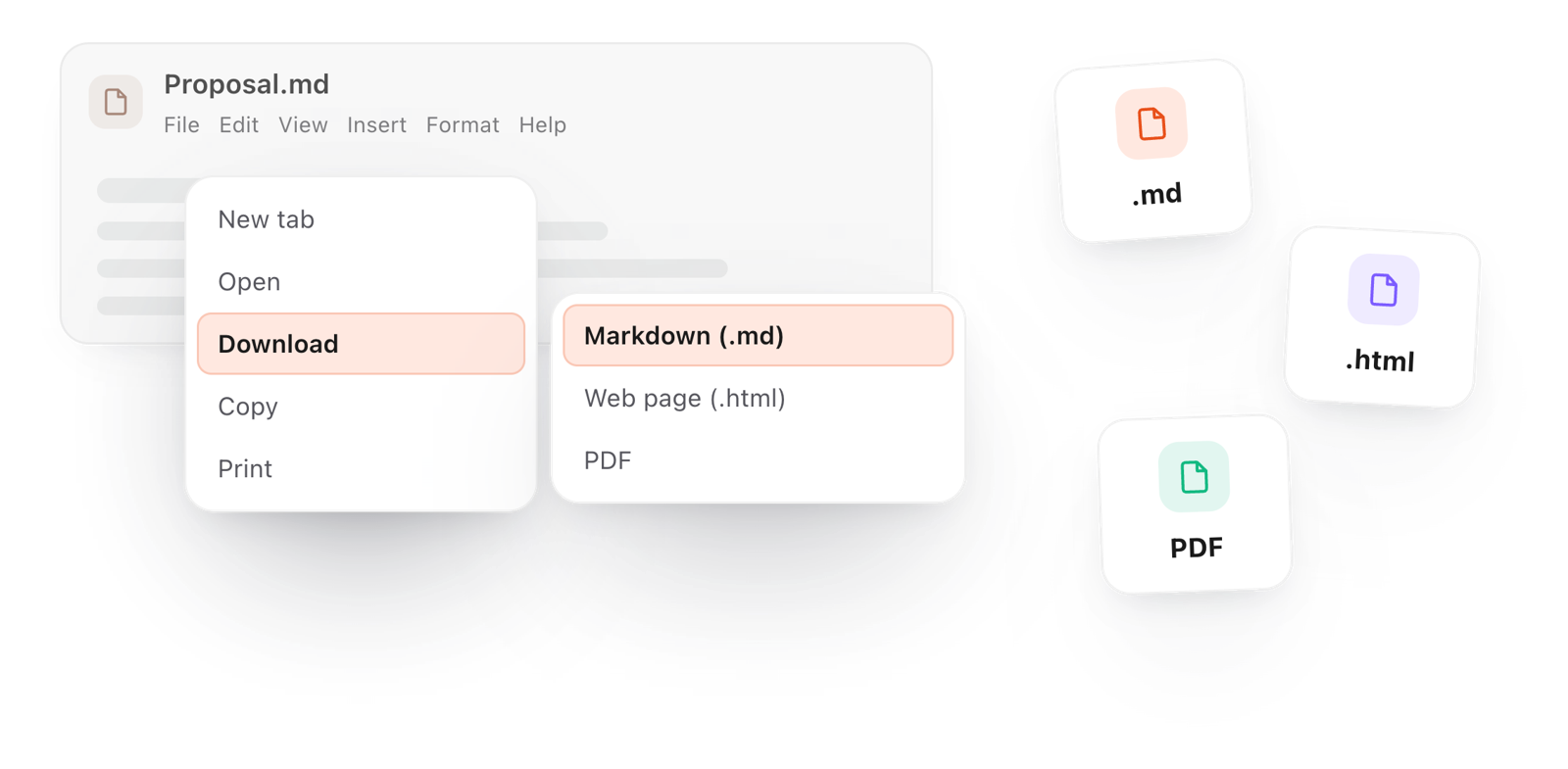
Saved in this browser as you type. File > Download keeps a copy as Markdown, a web page or a PDF.
Loading the editor…Your files stay in your browser
  • Your files never leave your browser
  • Free, no sign-up
  • Download as Markdown, a web page or a PDF

This editor comes from TypeFire, free for Mac

Your whole folder of Markdown notes in tabs, Quick Look previews in Finder, plus a text expander and a clipboard manager.

How it works

Write Markdown without memorizing it

  1. 01

    Start typing

    The page opens on a fresh document. Type the way you'd type anywhere; the formatting appears as you go.

  2. 02

    Reach for the / menu

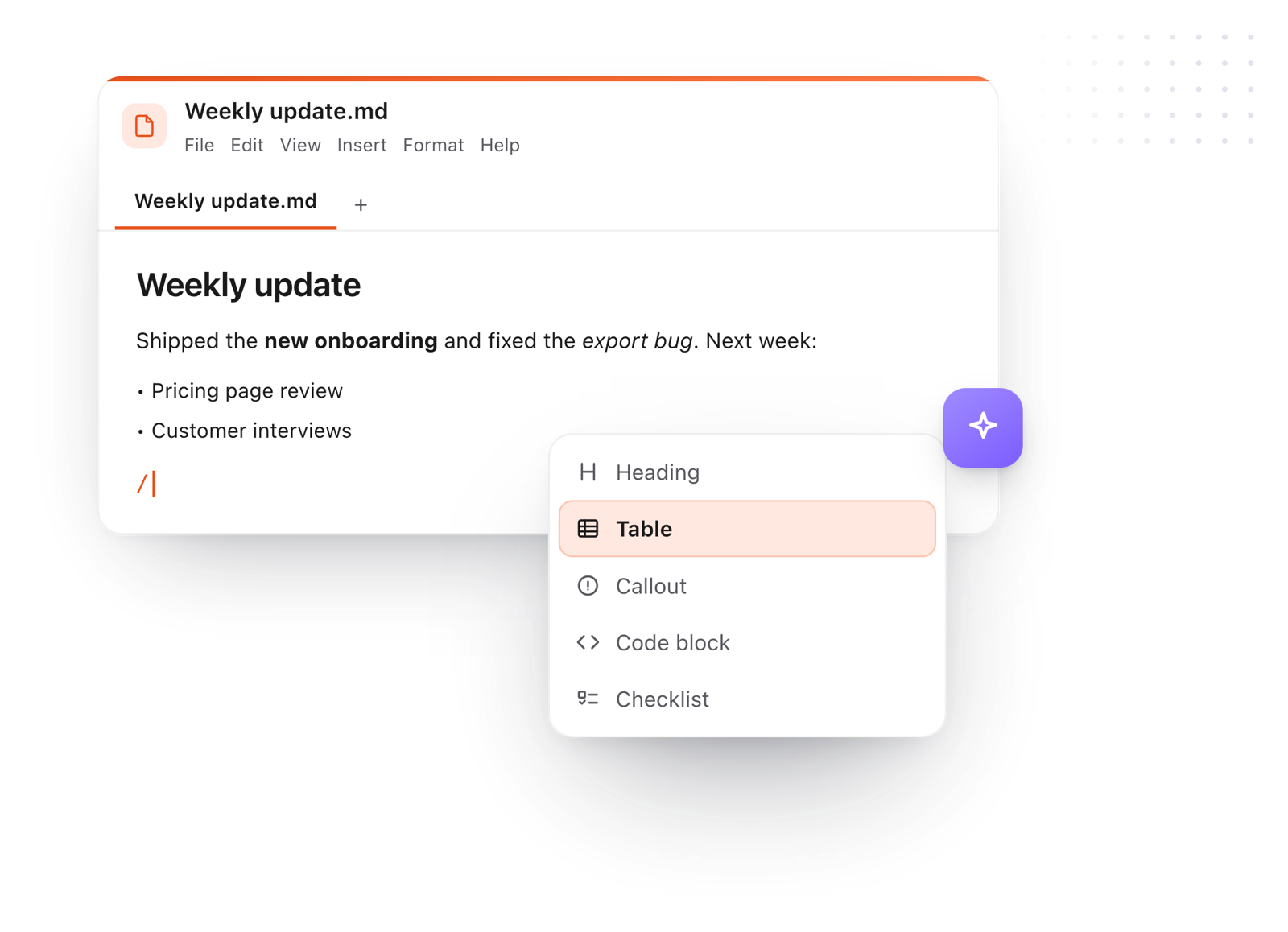
    Press / on an empty line for headings, lists, tables, callouts and code blocks, or use the toolbar above the page.

  3. 03

    Keep it

    Your work saves in this browser as you type. File > Download keeps a copy as Markdown, a web page or a PDF.
Writing a weekly update in the editor, with the slash menu open on Heading, Table, Callout, Code block and Checklist
Free for Mac and Chrome

Like this editor? Get TypeFire.

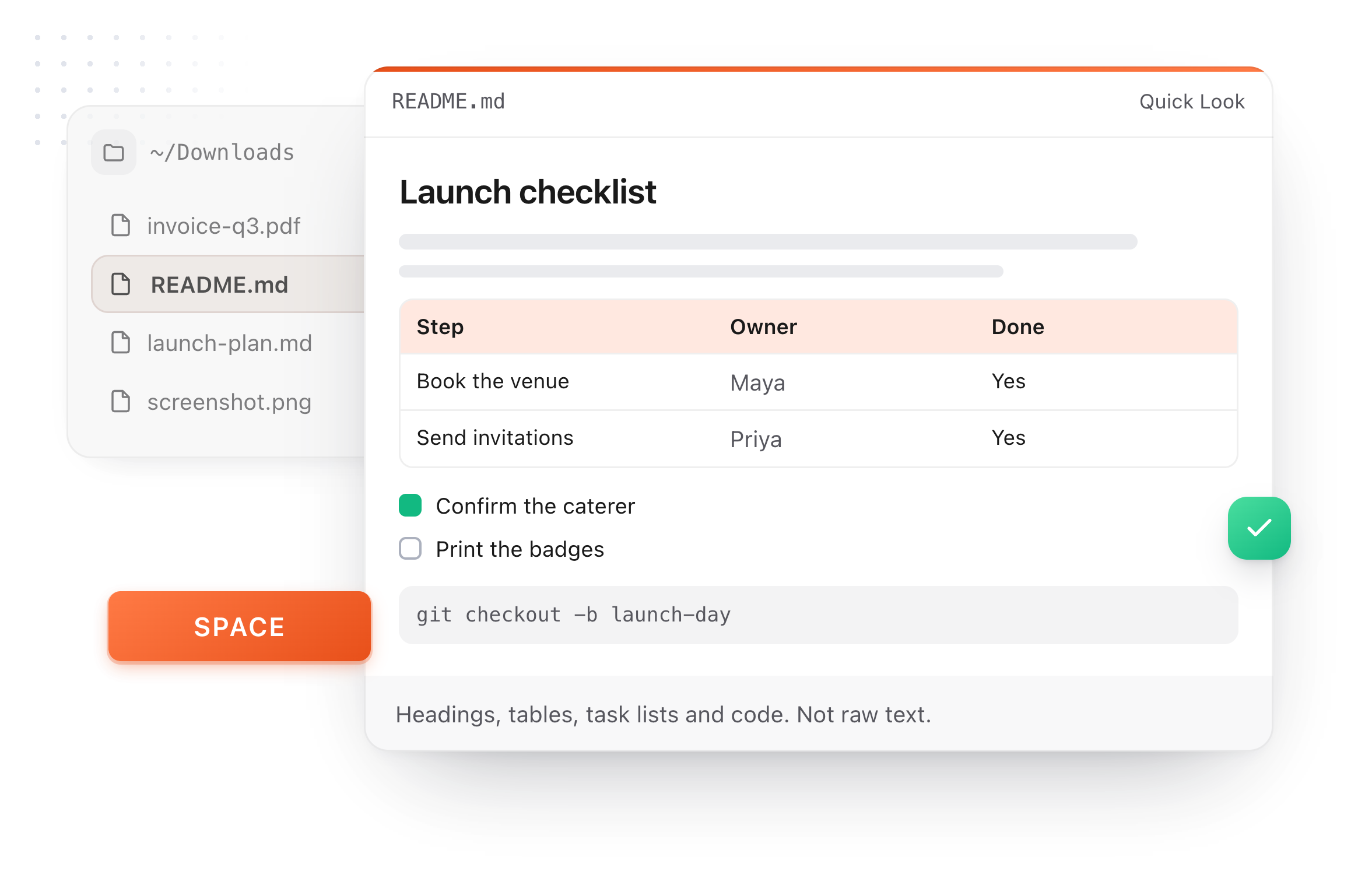
The same editor on your whole folder of Markdown notes, plus a text expander and a clipboard manager. On a Mac, every .md file previews in Finder when you press Space.

Download free for MacAdd to Chrome7 day Pro trial, no card required.

Free text expander, clipboard manager and markdown notes. $18 once for unlimited clips, notes sync and AI prompts.

A README.md previewed in Finder with Quick Look on a Mac, after pressing Space
What it does

An editor that keeps up with you

The editor from the TypeFire app, free in your browser.

The File menu's Download submenu, saving the document as Markdown, a web page or a PDF
  1. Formatting as you type

    Bold, headings, lists and links take shape while you write, so the page always reads like the finished document.

  2. Paste from anywhere

    Rich text copied from a web page, an email or a doc arrives as clean Markdown, with its headings, links and lists kept.

  3. Tables without the pipes

    Add rows and columns with a click, drag them by their handles, and type straight into the cells.

  4. Find your way around

    Find and replace, an outline of your headings, and a live word and character count.

  5. Room to think

    Full screen and focus mode clear the page down to your words. Pick Light, Dark or Dim from the View menu.

Take it further

The same editor, without the browser tab

This editor comes from TypeFire, a free app for Markdown notes, a text expander and a clipboard manager. Here it works on the files you open. In the app, it opens your whole folder.

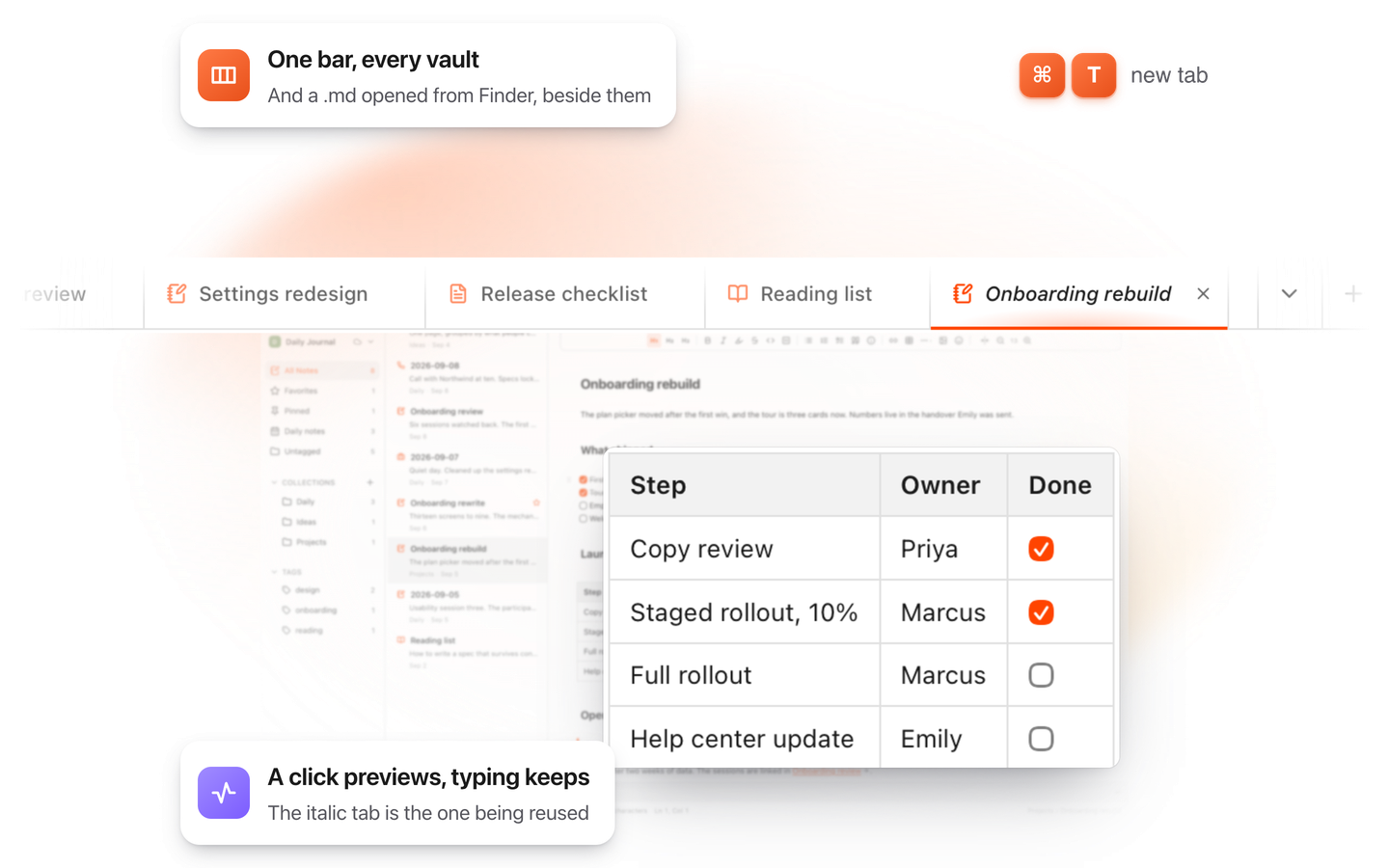
TypeFire for Mac with several Markdown notes open in one tab bar

TypeFire for Mac

  • Press Space on any .md file in Finder and read it rendered, with Quick Look.
  • Open a folder of Markdown, an Obsidian vault included, with tabs, search and links.
  • A text expander and a clipboard history in the same free app.
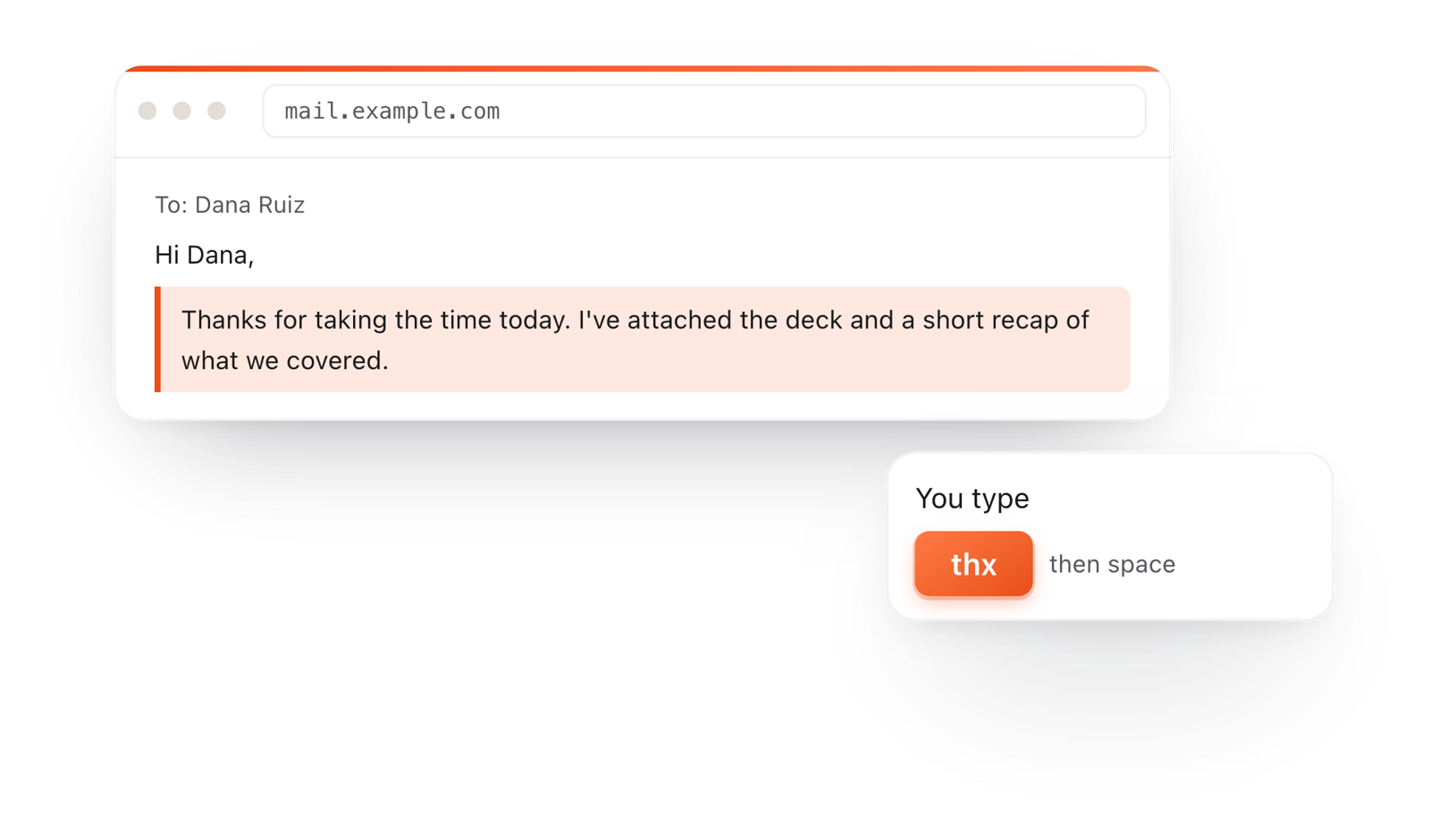
In a browser email, typing thx and a space expands into a whole thank-you reply

TypeFire for Chrome

  • A free text expander for Chrome, Edge and Brave.
  • Type a few letters and get the whole reply, on any site.
  • Works on Windows, Linux, ChromeOS and Mac.

Frequently asked questions

Still not answered?

One that formats as you type, handles tables without counting pipes, saves your work, and exports cleanly.

This one does all four, in your browser, free and without an account. Your writing saves in this browser and is never uploaded.

Yes. Every tab saves in this browser as you type, so closing the page or refreshing loses nothing.

To keep a copy as a file, use File > Download. On a shared computer, File > Clear saved documents wipes them from this browser.

Yes. Paste rich text and it becomes Markdown, keeping headings, bold, links and lists.

Paste plain Markdown and it formats as it lands.

Close to it. You type Markdown and see it formatted in place, so there's no second preview pane to watch.

The toolbar and the / menu insert anything you don't want to type by hand.

No. The toolbar and the / menu do the formatting for you, and the Markdown cheat sheet is one click away in the Help menu.

Yes. File > Download offers Markdown, a web page (.html) or a PDF, and File > Copy > As rich text pastes into an email or a doc with the formatting kept.

Yes. TypeFire for Mac is the same editor working on a whole folder of notes, with tabs, search, links and Quick Look previews in Finder.

It's free.

Write Markdown like this everywhere

TypeFire for Mac is this editor on your whole notes folder, plus a text expander and a clipboard manager. Free.

Download free for MacAdd to ChromeSee what $18 adds7 day Pro trial, no card required.

Free text expander, clipboard manager and markdown notes. $18 once for unlimited clips, notes sync and AI prompts.

your clips your snippets