A Mermaid flowchart
Try this
- Change
LRtoTDto draw it top to bottom. - Change
[Send to billing]to(Send to billing)for rounded corners. - Add
G --> H[Close the ticket]on a new line.
A Mermaid flowchart is a list of boxes and the arrows between them. Pick a direction, give each box an id and a label, and draw arrows with -->. The example below is live, so change a word and watch it redraw.
Free in your browser. On a Mac, TypeFire opens every .md file like this, right from Finder.Download free for Mac
LR to TD to draw it top to bottom.[Send to billing] to (Send to billing) for rounded corners.G --> H[Close the ticket] on a new line.This editor comes from TypeFire, free for Mac
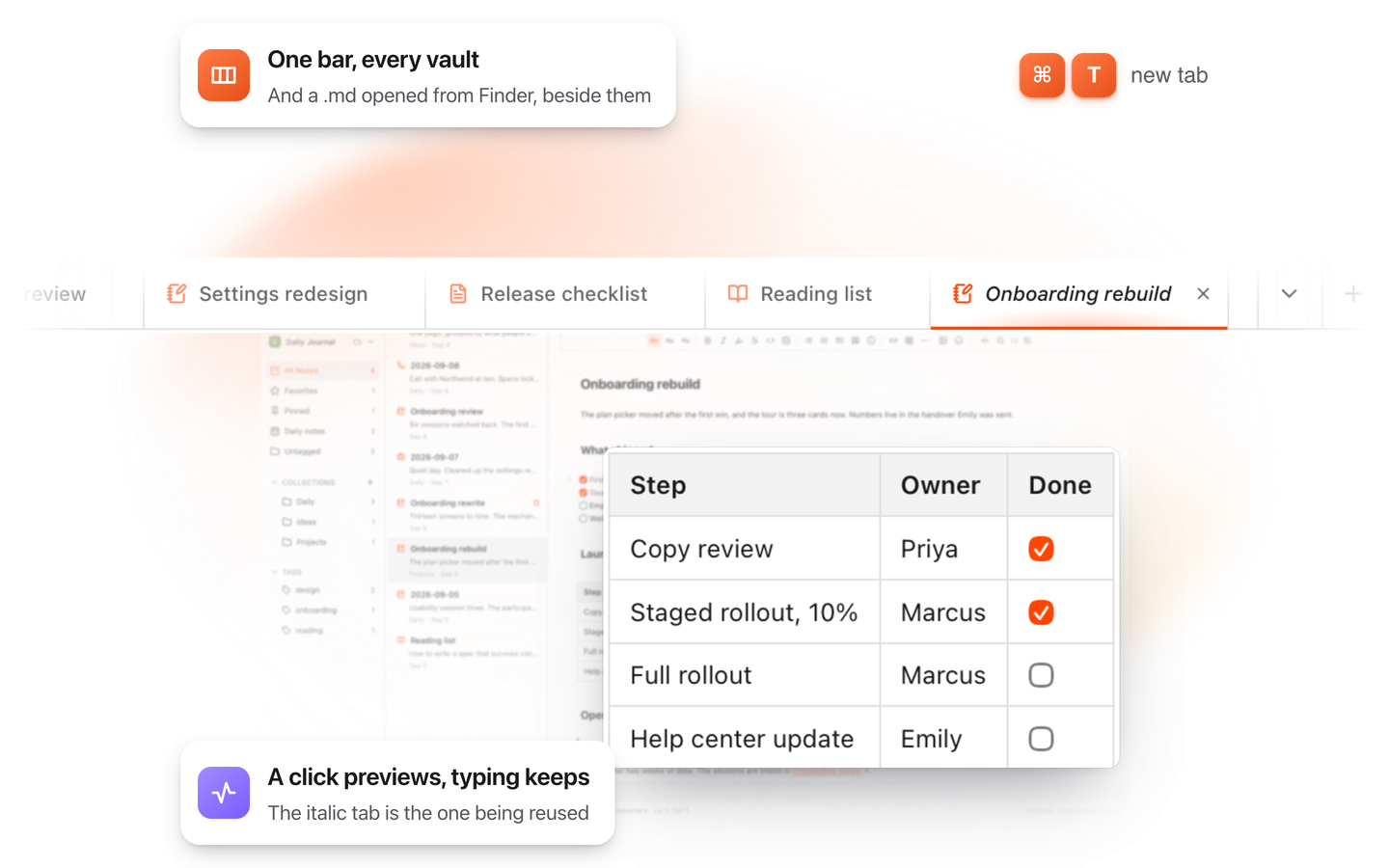
Your whole folder of Markdown notes in tabs, Quick Look previews in Finder, plus a text expander and a clipboard manager.
Start with flowchart TD for top to bottom, or LR for left to right. BT and RL flip them.
Write an id and a label: A[New ticket]. The brackets set the shape, so {Urgent?} draws a decision.
A --> B draws an arrow. Put text on it with A -- Yes --> B or A -->|Yes| B.
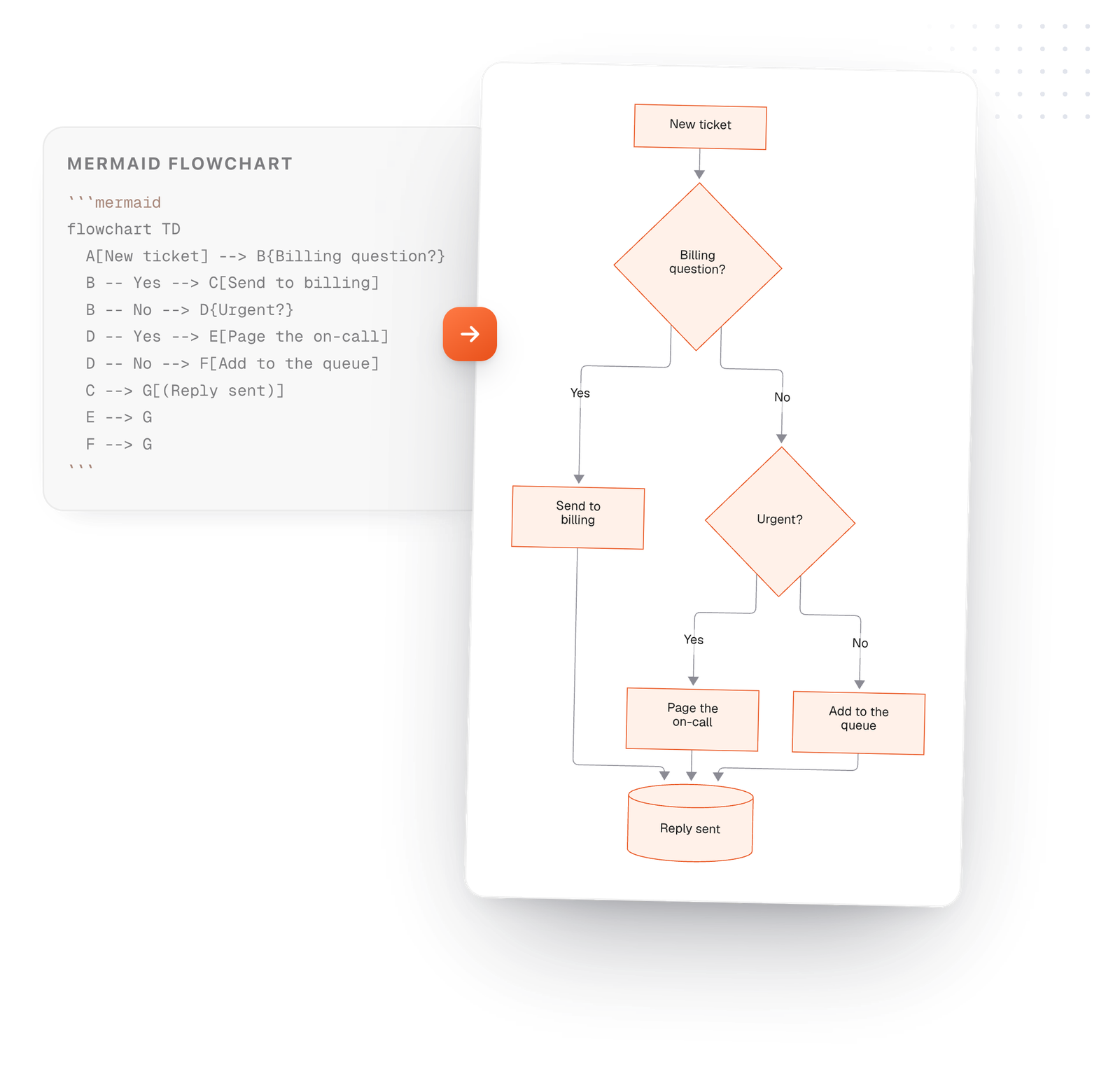
On the Mac, every Mermaid block in your notes draws in TypeFire's colors. Open one full window to zoom in, resize it, link a box to another note, and save it as SVG or PNG.
Free text expander, markdown notes and a clipboard manager. $18 once for unlimited clips, notes sync and AI prompts.
The brackets around a label set the shape. The dashes set the line.
Drawn from the example above
Use a short id like A everywhere, and the label only once. The label is what people see.
A label with brackets or symbols in it goes in quotes: A["Price (USD)"].
Wrap steps in subgraph Billing ... end to draw a box around them with a title.
A line that starts with %% is ignored, so you can leave notes for the next person.
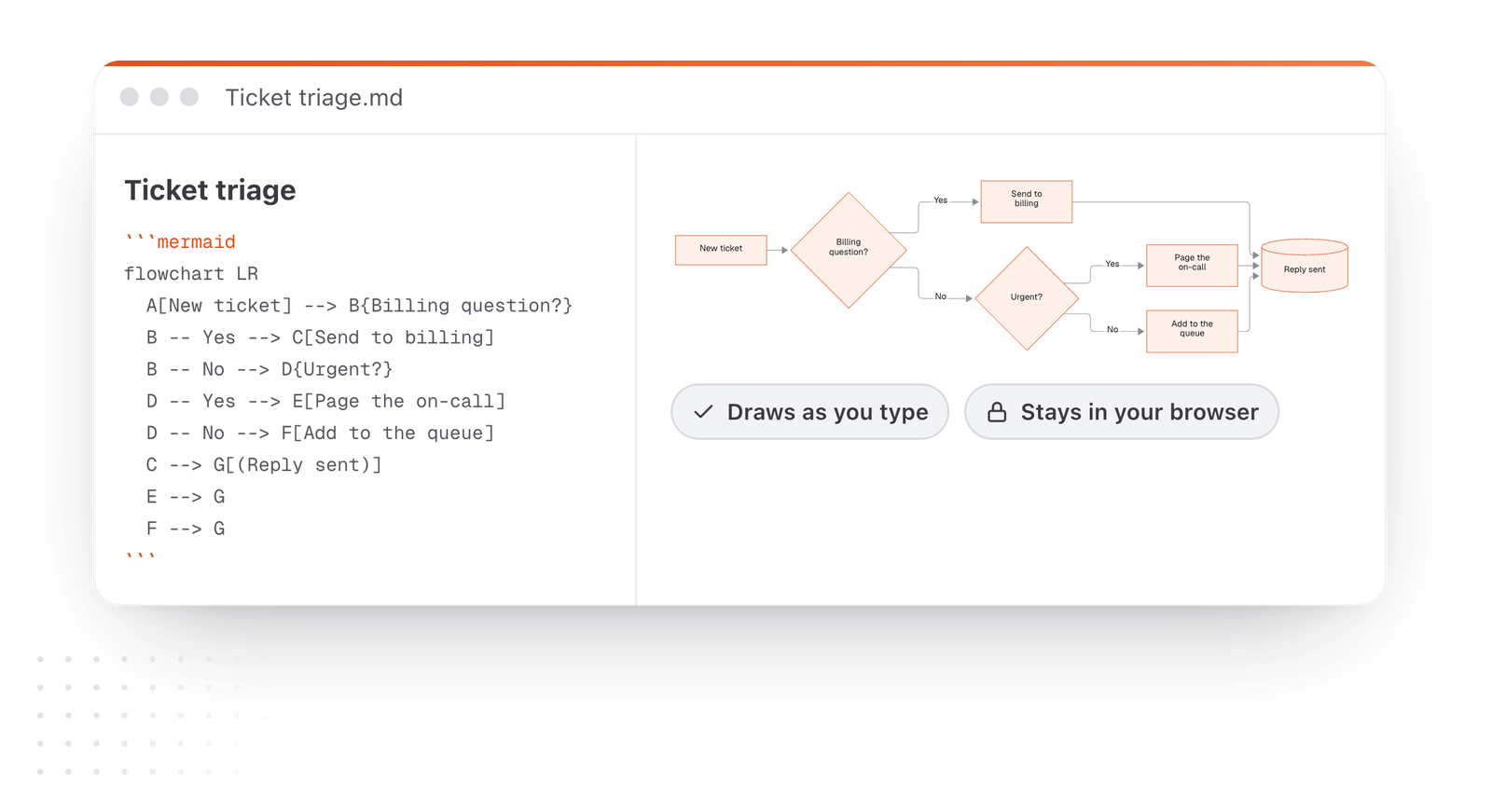
This editor comes from TypeFire, a free app for Markdown notes, a text expander and a clipboard manager. Here it works on the files you open. In the app, it opens your whole folder.
Still not answered?
Put a Mermaid flowchart in a code block marked mermaid.
Start with flowchart TD, then one line per arrow, like A[Start] --> B[Finish]. Apps that draw Mermaid show it as a diagram.
Use curly braces for a diamond, B{Approved?}, then label the arrows leaving it: B -- Yes --> C and B -- No --> D.
Change the word after flowchart: TD or TB for top to bottom, LR for left to right, RL for right to left and BT for bottom to top.
Both start a flowchart. flowchart is the newer keyword and supports more shapes and features, so use it for new diagrams.
Use <br> inside a quoted label: A["First line<br>Second line"].
In TypeFire for Mac, write the label as a quoted note link, A["[[Pricing]]"].
Clicking it opens that note, and the link shows in its backlinks and follows a rename.
Zoom, resize, link a box to a note
8 flowchart examplesCopy one and change it
Link notes in a diagramBoxes that open notes
The Mermaid syntax guideEvery diagram kind, with examples
TypeFire for Mac draws flowcharts in your notes, lets you zoom in, resize them and link a box to another note. Free.
Free text expander, markdown notes and a clipboard manager. $18 once for unlimited clips, notes sync and AI prompts.
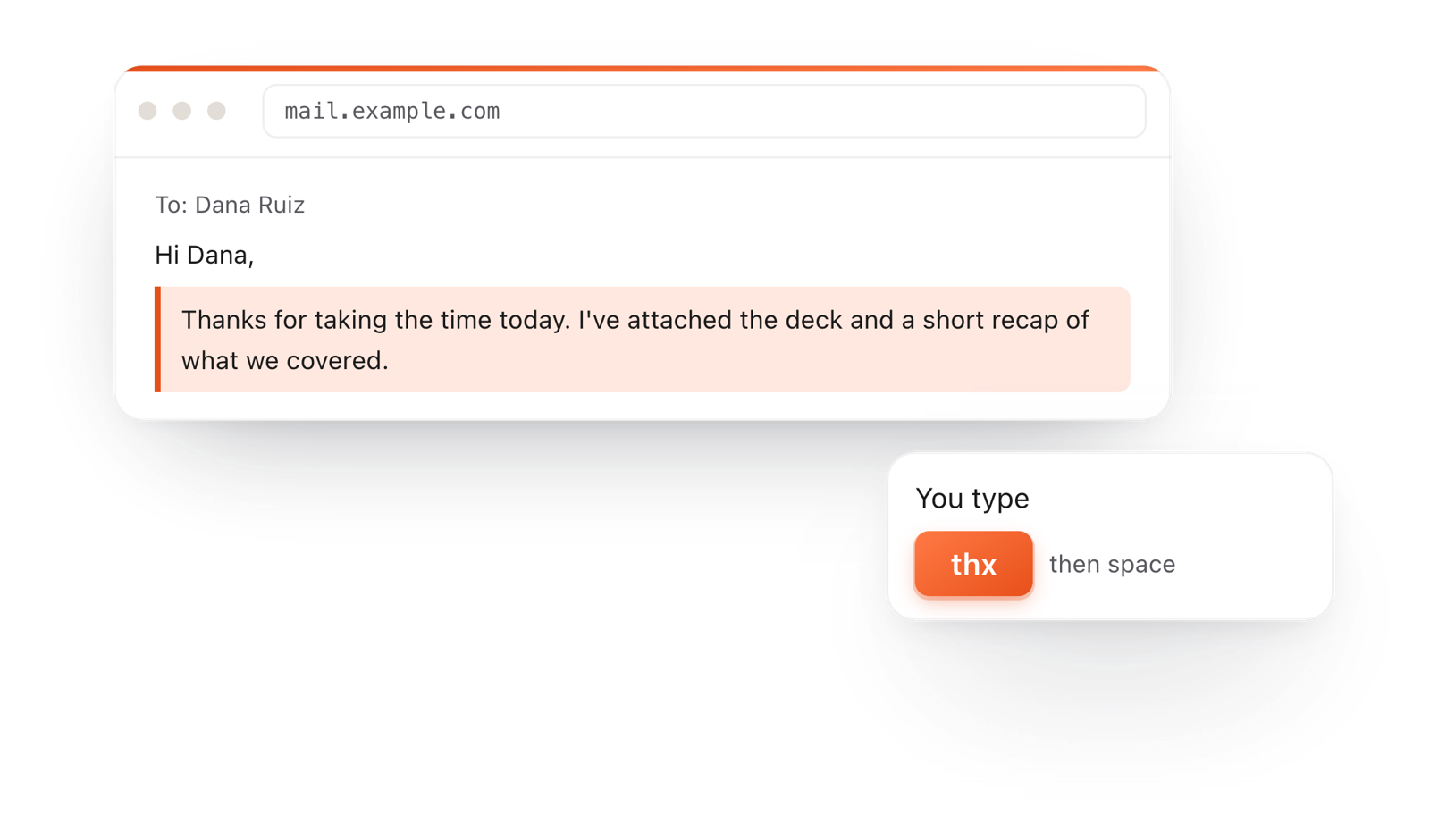
⌘⌃2 your clips⌘⌃1 your snippets