Obsidian Mind Map: 3 Ways to Make One From Your Notes
A mind map is the fastest way to see a topic at a glance: one idea in the middle, everything else branching from it. If your notes live in an Obsidian vault, you have three good ways to make one, and they suit different jobs.
The short version
- Canvas, built into Obsidian: drag notes and cards onto a board and join them. Best when the layout is the thinking.
- A Mermaid mindmap, written as text: indent a line to make a branch, and the map draws itself. Best when you want it fast and inside a note.
- A community plugin that turns an outline into a map. Best if you already think in bullet lists.
1. Draw it on a Canvas
Canvas is one of Obsidian's core plugins. You add cards, notes from your vault, pictures and web pages to an endless board, then drag lines between them; lines get arrowheads and can carry labels. It's saved as a .canvas file in the open JSON Canvas format.
It's the right tool when where things sit matters: a project board, a story map, a wall of research. The trade-off is that you place and connect every card yourself.
2. Write it as text, and let it draw
A Mermaid mind map is an indented list. The first line says mindmap, the next is the center, and every line indented under another becomes its branch:
mindmap
  root((Lisbon trip))
    Flights
      Book by May 1
      Window seats
    Stay
      Alfama
      Near the tram
    Days
      Belem
      Sintra
      Food tour
    Budget
      $2,400
Because it's text, it lives inside the note, searches like any text, and reorganizing it is cut and paste. You never drag a bubble.
Apps that support Mermaid's mind maps draw the block for you. TypeFire for Mac does, in its own colors, light or dark, and it opens an Obsidian vault as it is, so the same file works in both apps. Open the map full window to zoom in, or resize it right in the note.

3. Turn an outline into a map with a plugin
Obsidian's community plugins include several that render a Markdown outline, the bullets you already write, as an interactive mind map. Search the plugin browser for "mind map" and check each one's last update before you install it.
Which one to use
| You want | Use |
|---|---|
| To arrange ideas by hand, with notes on the board | Canvas |
| A quick map inside a note, from a few lines of text | A Mermaid mindmap |
| To see an outline you already wrote as a map | A community plugin |
| The same map in Obsidian and on your Mac, readable at any size | A Mermaid mindmap in TypeFire |
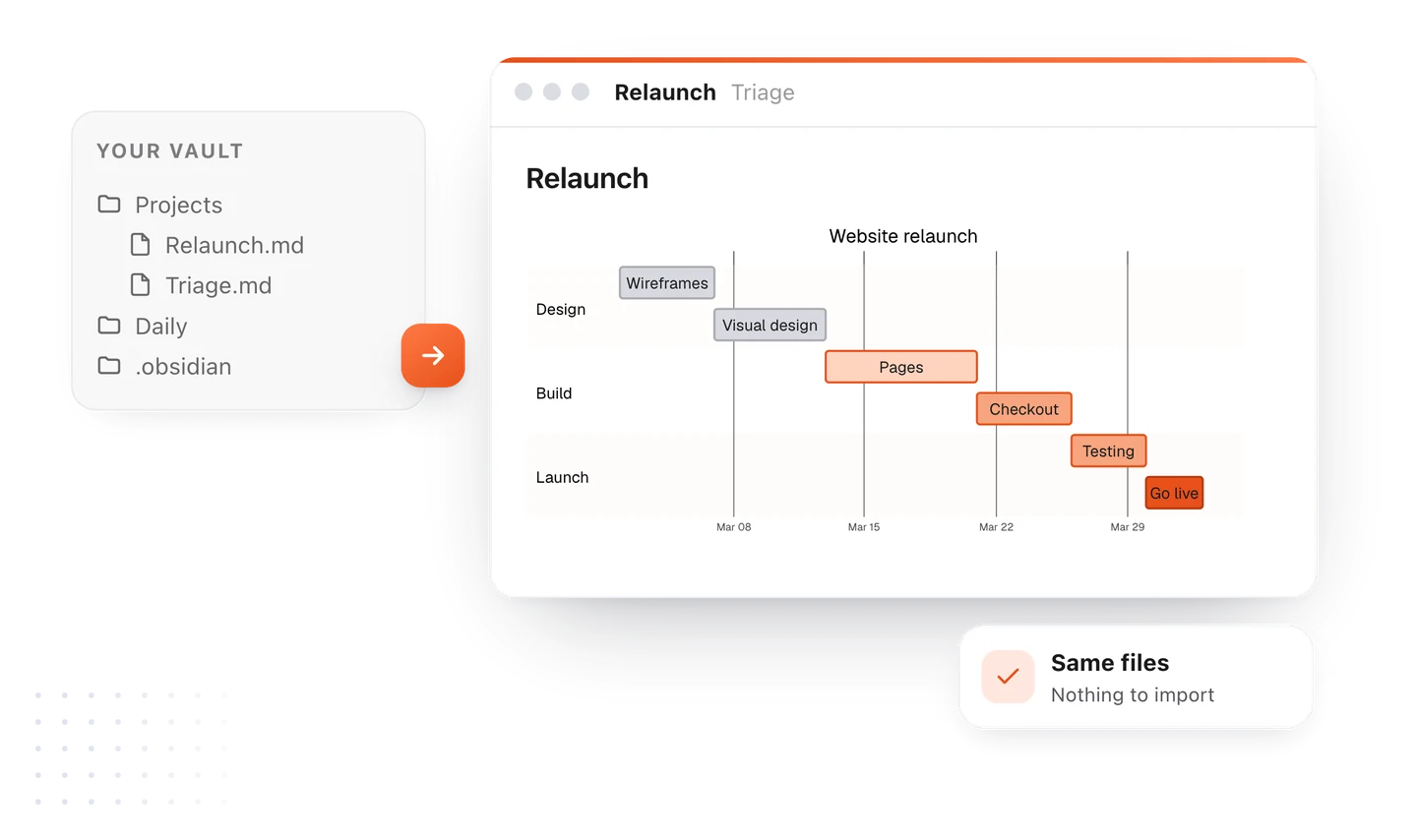
The syntax for every shape and branch is on the Mermaid mind map page, with a live editor to try it free. For everything diagrams do on the Mac, see diagrams in TypeFire, and if your vault already has diagrams in it, this is how they open.
Loved by people who type all day.
Unprompted reactions from users, in their own words.
Used by people at
Company names are places where our users work. They do not imply endorsement or affiliation.