Quick Look Shows Raw Markdown on Mac? The Fixes, in Order
You press Space on a .md file and get a page of hashes, asterisks and pipe characters. Either you never installed a Markdown Quick Look extension, or you did and it has stopped answering. Both are fixable in under two minutes, and the order below is the order that finds the cause fastest.
First, the one line explanation
macOS has never shipped a Markdown renderer for Quick Look. Not in Ventura, not in Sonoma, not in Sequoia, not in macOS 26 Tahoe. Markdown is registered as plain text, so Quick Look does exactly what it does for a .txt file: shows the characters. Every rendered preview you have ever seen on a Mac came from an extension somebody installed.

So if you have never installed one, that is the whole answer. Skip to which one to install.
If you have installed one, work down the list.
The four checks, in order
- Has the app been opened once? macOS discovers a Quick Look extension the first time the app that contains it launches. An app copied from a DMG and never opened has not registered anything yet. Open it, quit it, press Space again. TypeFire is the exception here: its extension registers on install without a first launch.
- Is the extension switched on? Open System Settings, then General, then Login Items and Extensions, then Quick Look. Every installed extension is listed with a switch. Updates occasionally rebuild that list with a switch off.
- Is another extension claiming the same type? Two Markdown extensions means macOS picks one, and it does not always pick the one you expect, or the one you installed last. Remove the one you do not want. An extension that lives inside an app leaves with the app when you drag it to the Trash.
- Reload the generators. In Terminal:
qlmanage -r, thenqlmanage -r cache. This clears Quick Look's cached view of which extension handles what. Press Space again. If it is still raw, log out of macOS and back in, which forces every preview extension to re-register.
Ninety percent of "Quick Look stopped working" is step one or step three.
Three cases that look like a broken extension and are not
The file has no extension. README, CHANGELOG, LICENSE. Without an extension macOS does not know it is Markdown, so no Markdown extension is asked. Rename it to README.md, or install QLStephen, which previews extension-less files as text.
The file is .markdown, .mdown or .mkd. Most extensions handle .md and .markdown; fewer handle the rarer suffixes. Renaming to .md is the reliable fix.
The preview is rendered, but images are missing. Pictures referenced by a relative path need to sit beside the file. An extension that reads them from the file's own folder will show them; one that needs a permission prompt for the folder may not until you grant it.
What changed in Tahoe
Nothing that breaks a working extension. macOS 26 Tahoe loads the same app bundled Quick Look extensions Sonoma and Sequoia did. What it did not add is a Markdown renderer of its own, so the raw text behavior on a fresh Tahoe install is the same as it has always been. If an extension stopped working the day you upgraded, it is step two above: the extension list was rebuilt and the switch is off.
Which one to install {#which-one}
If you have nothing installed, pick one of these and the raw text problem goes away:
- QLMarkdown, free and open source, the most rendering, including Mermaid diagrams and math. Install with Homebrew, then open it once.
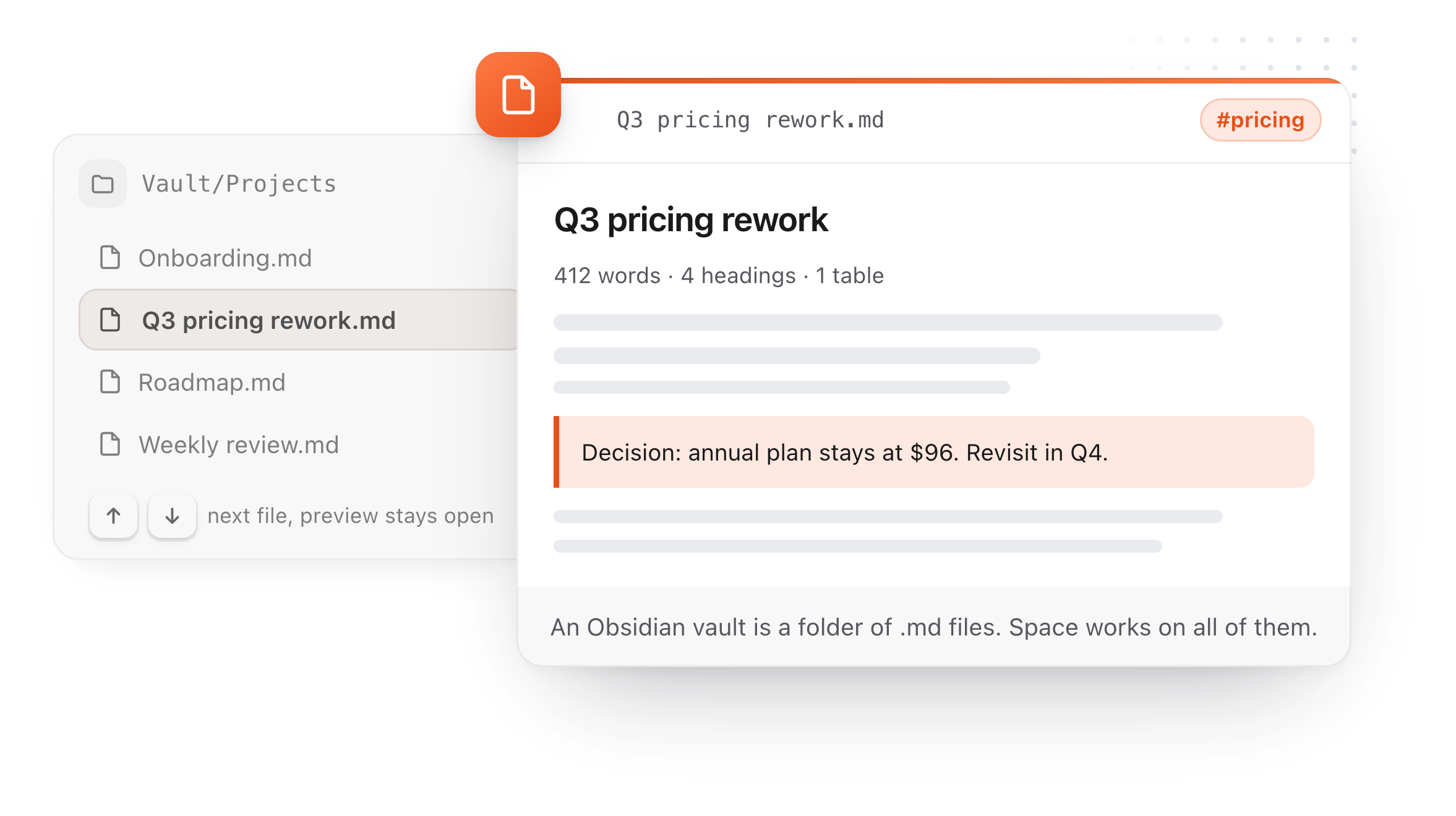
- TypeFire, free, registers on install with nothing to open first, and the same app edits the file on double click and can keep the folder as notes. It does not do Mermaid or math. The full detail is here.
- Markdown Preview by Anybox, $1.99 on the App Store, Mermaid and math, macOS 12 and up.
The full list of Quick Look plugins for Mac covers source code, extension-less files and video as well.
A preview you can trust with a stranger's file
One thing worth knowing while you are fixing this. Markdown can contain raw HTML, and HTML can contain a script or an image that phones home when it loads. A Quick Look preview is exactly the moment you look at a file before deciding to open it, so it should run nothing. TypeFire's preview runs no script and makes no network request, and reads only the file and the pictures beside it. Check what the extension you choose does with raw HTML before you Quick Look a file from someone you do not know.
Download TypeFire for Mac or read how to preview Markdown on a Mac, every method compared.
Loved by people who type all day.
Unprompted reactions from users, in their own words.
Used by people at
Company names are places where our users work. They do not imply endorsement or affiliation.