15 AI Prompts for Summarizing Anything, Ready to Copy
Fifteen prompts for turning long text into something you can read in thirty seconds. Copy any of them into ChatGPT, Claude or Gemini, or save them in TypeFire and run them on highlighted text in any Mac app.
"Summarize this" is the most common prompt there is, and the least predictable. Sometimes you get three bullets, sometimes four paragraphs, and the one date you needed is gone either way. The prompts below fix the length, the format and the reader before the model starts, and each tells it to say "not stated" instead of filling a gap.
The prompts
Threads and meetings · 4 · 5 · 6 · 7
Documents and articles · 8 · 9 · 10 · 11 · 12
Reading critically · 13 · 14 · 15
Quick summaries
1. Three bullets
Summarize the text below in exactly three bullets, each under 20 words, most important first. Use only what's in the text.

[paste text]
2. The one-sentence version
Summarize the text below in one sentence of no more than 25 words that someone could repeat to a colleague.

[paste text]
3. Explain it to someone new
Explain the text below to someone with no background in [topic], in one short paragraph. Define any term they'd need. Don't add facts that aren't in the text.

[paste text]
Threads and meetings
4. Catch me up on this thread
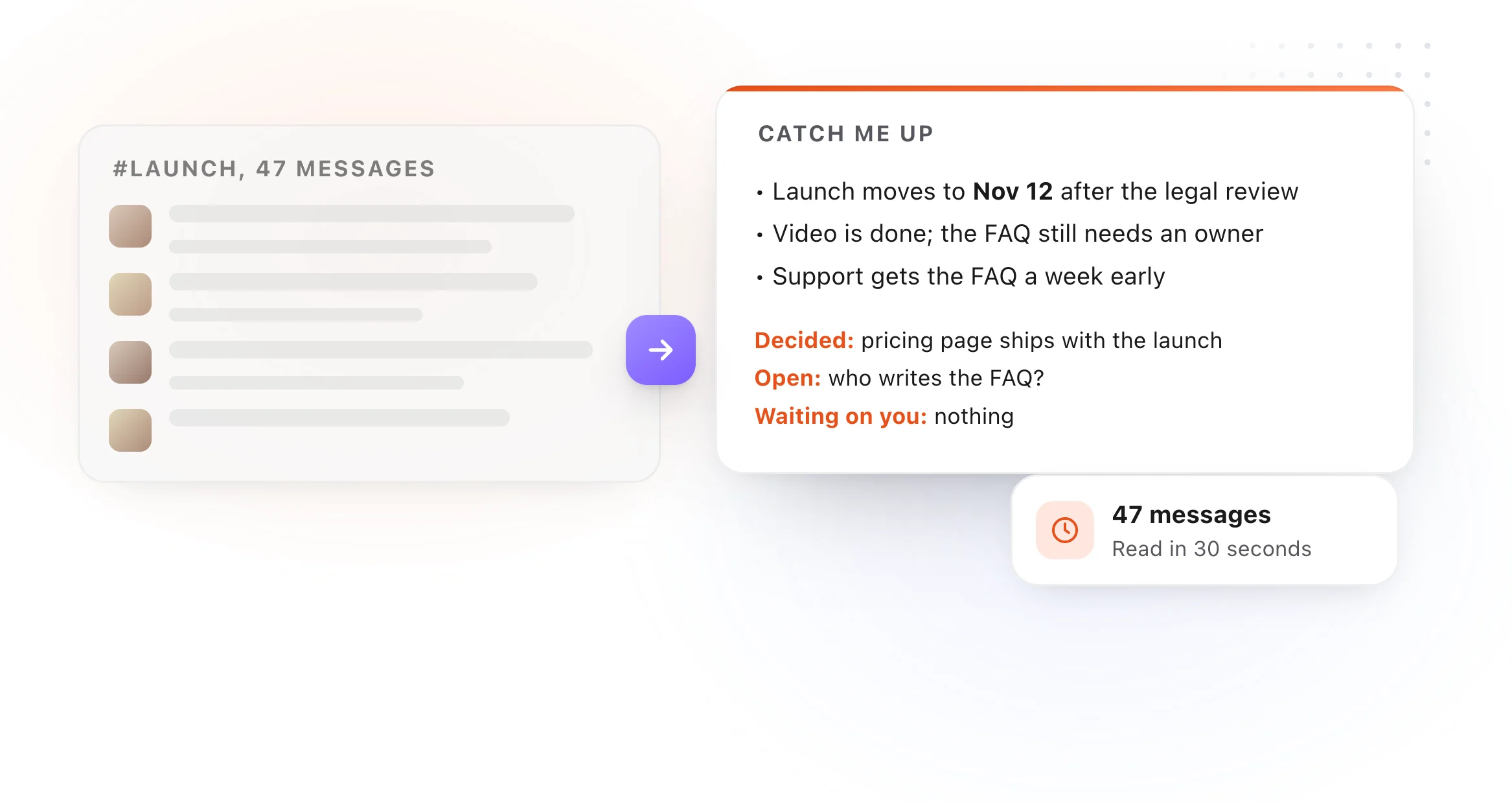
I've missed this thread. In under 100 words, tell me what it's about, where it stands now, and whether anything is waiting on me ([my name]). If nothing is, say so.

[paste thread]
5. Meeting notes to minutes
Turn these raw meeting notes into minutes: attendees, a two-sentence summary, decisions, and action items with an owner and a due date each. Write [OWNER?] or [DATE?] where the notes don't say.

[paste notes]
6. Decisions and open questions
From the text below, list (1) every decision that was made and (2) every question that is still open. Quote the line each one comes from. Nothing else.

[paste text]
7. Who owes what
List every commitment in the text below as a table: who, what, by when. Use "not stated" for missing dates. Leave out anything that's only an idea, not a commitment.

[paste text]
Documents and articles
8. The executive summary
Write an executive summary of the document below for [audience]: the situation in two sentences, the key findings as three bullets, and the recommendation in one sentence. Under 120 words.

[paste document]
9. The numbers only
Extract every number, date, price and percentage from the text below into a table with what each one refers to. Keep the original wording for each.

[paste text]
10. What it means for me
I'm a [role]. Summarize the text below in terms of what it changes for me: what I need to do, what I can ignore, and any deadline. Under 80 words.

[paste text]
11. Section by section
Summarize the text below section by section, keeping each section's heading, with two bullets per section. Use only the text.

[paste text]
12. Summarize the summaries
Below are summaries of the sections of one long document. Combine them into a single summary of five bullets, removing repetition and keeping the most important points from across the whole document.

[paste section summaries]
Reading critically
13. The argument and its weak spot
State the main argument of the text below in one sentence, list the evidence it gives, and point out the weakest step in the reasoning. Be fair to the author.

[paste text]
14. Compare two documents
Compare the two texts below. List what they agree on, where they differ, and anything one covers that the other doesn't, as three short lists.

[paste text A]
---
[paste text B]
15. Questions to ask next
After reading the text below, what are the five most useful questions to ask the author or a colleague? Focus on gaps and assumptions, not on things the text already answers.

[paste text]
Run them without copying anything
Save these as snippets in TypeFire, free, and type an abbreviation to drop one into a chat window. With Pro, save them as Selection Prompts: highlight a thread in Slack, an article in Safari or notes in any app, press the shortcut, and the summary comes back without opening a chat window. Run it on a model on your Mac and the text never leaves it.
More prompt sets: AI prompts for email, AI prompts for writing and editing, AI prompts for code review, and the full set in AI prompt examples.

Fifteen prompts for turning long text into something you can read in thirty seconds. Copy any of them into ChatGPT, Claude or Gemini, or save them in TypeFire and run them on highlighted text in any Mac app.
"Summarize this" is the most common prompt there is, and the least predictable. Sometimes you get three bullets, sometimes four paragraphs, and the one date you needed is gone either way. The prompts below fix the length, the format and the reader before the model starts, and each tells it to say "not stated" instead of filling a gap.
The prompts
Threads and meetings · 4 · 5 · 6 · 7
Documents and articles · 8 · 9 · 10 · 11 · 12
Reading critically · 13 · 14 · 15
Quick summaries
1. Three bullets
Summarize the text below in exactly three bullets, each under 20 words, most important first. Use only what's in the text.

[paste text]
2. The one-sentence version
Summarize the text below in one sentence of no more than 25 words that someone could repeat to a colleague.

[paste text]
3. Explain it to someone new
Explain the text below to someone with no background in [topic], in one short paragraph. Define any term they'd need. Don't add facts that aren't in the text.

[paste text]
Threads and meetings
4. Catch me up on this thread
I've missed this thread. In under 100 words, tell me what it's about, where it stands now, and whether anything is waiting on me ([my name]). If nothing is, say so.

[paste thread]
5. Meeting notes to minutes
Turn these raw meeting notes into minutes: attendees, a two-sentence summary, decisions, and action items with an owner and a due date each. Write [OWNER?] or [DATE?] where the notes don't say.

[paste notes]
6. Decisions and open questions
From the text below, list (1) every decision that was made and (2) every question that is still open. Quote the line each one comes from. Nothing else.

[paste text]
7. Who owes what
List every commitment in the text below as a table: who, what, by when. Use "not stated" for missing dates. Leave out anything that's only an idea, not a commitment.

[paste text]
Documents and articles
8. The executive summary
Write an executive summary of the document below for [audience]: the situation in two sentences, the key findings as three bullets, and the recommendation in one sentence. Under 120 words.

[paste document]
9. The numbers only
Extract every number, date, price and percentage from the text below into a table with what each one refers to. Keep the original wording for each.

[paste text]
10. What it means for me
I'm a [role]. Summarize the text below in terms of what it changes for me: what I need to do, what I can ignore, and any deadline. Under 80 words.

[paste text]
11. Section by section
Summarize the text below section by section, keeping each section's heading, with two bullets per section. Use only the text.

[paste text]
12. Summarize the summaries
Below are summaries of the sections of one long document. Combine them into a single summary of five bullets, removing repetition and keeping the most important points from across the whole document.

[paste section summaries]
Reading critically
13. The argument and its weak spot
State the main argument of the text below in one sentence, list the evidence it gives, and point out the weakest step in the reasoning. Be fair to the author.

[paste text]
14. Compare two documents
Compare the two texts below. List what they agree on, where they differ, and anything one covers that the other doesn't, as three short lists.

[paste text A]
---
[paste text B]
15. Questions to ask next
After reading the text below, what are the five most useful questions to ask the author or a colleague? Focus on gaps and assumptions, not on things the text already answers.

[paste text]
Run them without copying anything
Save these as snippets in TypeFire, free, and type an abbreviation to drop one into a chat window. With Pro, save them as Selection Prompts: highlight a thread in Slack, an article in Safari or notes in any app, press the shortcut, and the summary comes back without opening a chat window. Run it on a model on your Mac and the text never leaves it.
More prompt sets: AI prompts for email, AI prompts for writing and editing, AI prompts for code review, and the full set in AI prompt examples.
Loved by people who type all day.
Unprompted reactions from users, in their own words.
Used by people at
Company names are places where our users work. They do not imply endorsement or affiliation.