See the files your AI agent reads, formatted and up to date.
Agent files first
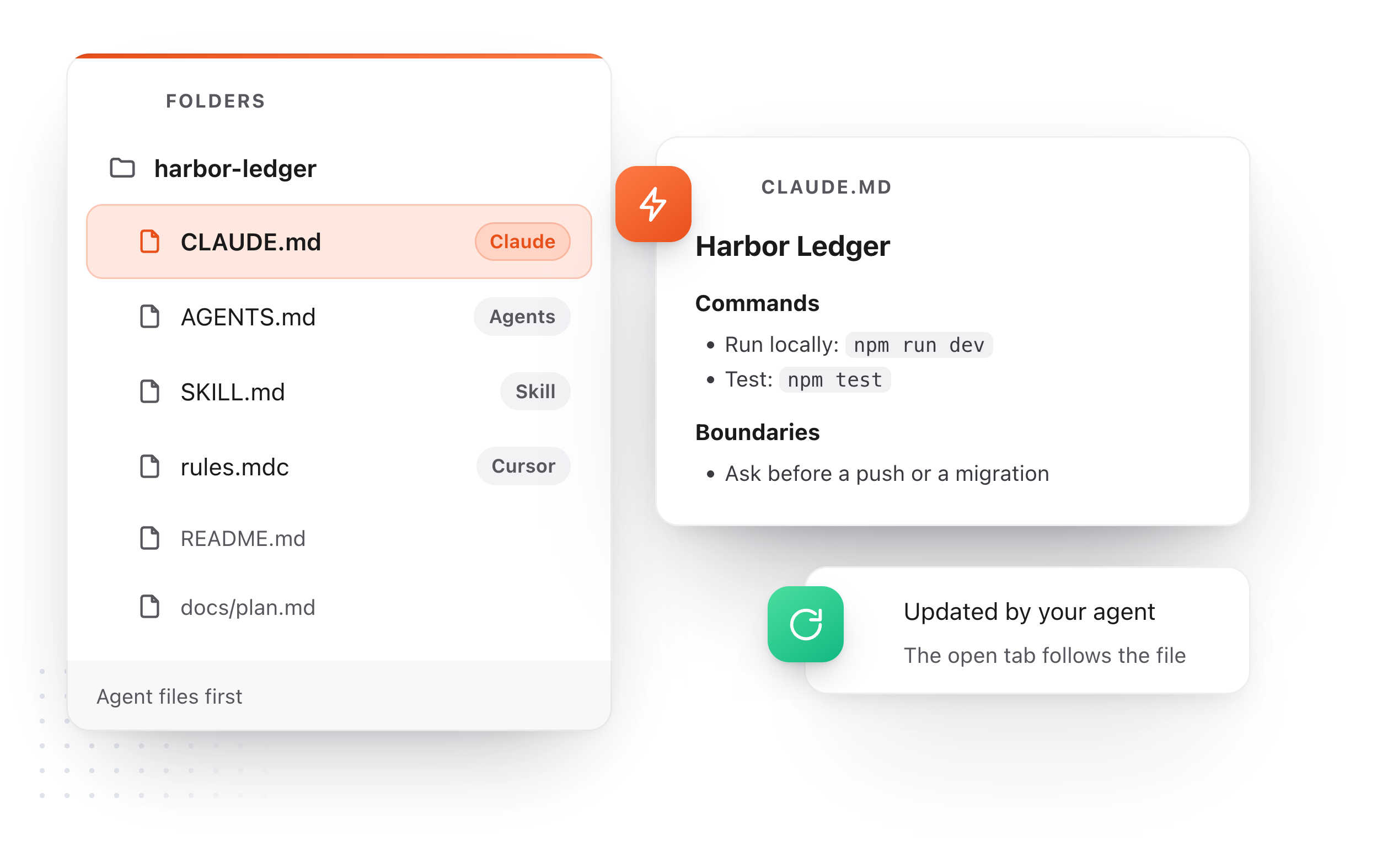
CLAUDE.md, AGENTS.md, SKILL.md and Cursor's rules are labeled and listed at the top.
Follows your agent
When the agent rewrites a file, the open tab updates. A new file appears by itself.
Reads, never rearranges
The folder is not synced or changed. Nothing moves unless you edit and save a file.
The rules your agent follows, one click away.
Agents such as Claude Code, Cursor and Codex take their instructions from Markdown files in the project, and leave plans and notes behind as they work. Choose File, Open Folder and all of it is in the Notes sidebar, in reading order.
Labeled and listed first
Claude, Agents, Skill, Cursor and Gemini files carry a label and sit at the top. The folders that lead to one start open.
A tab per file
Click a file to open it formatted in a tab, beside your own notes.
Without the noise
Dependencies and build output are left out.
node_modules.gitdistbuild
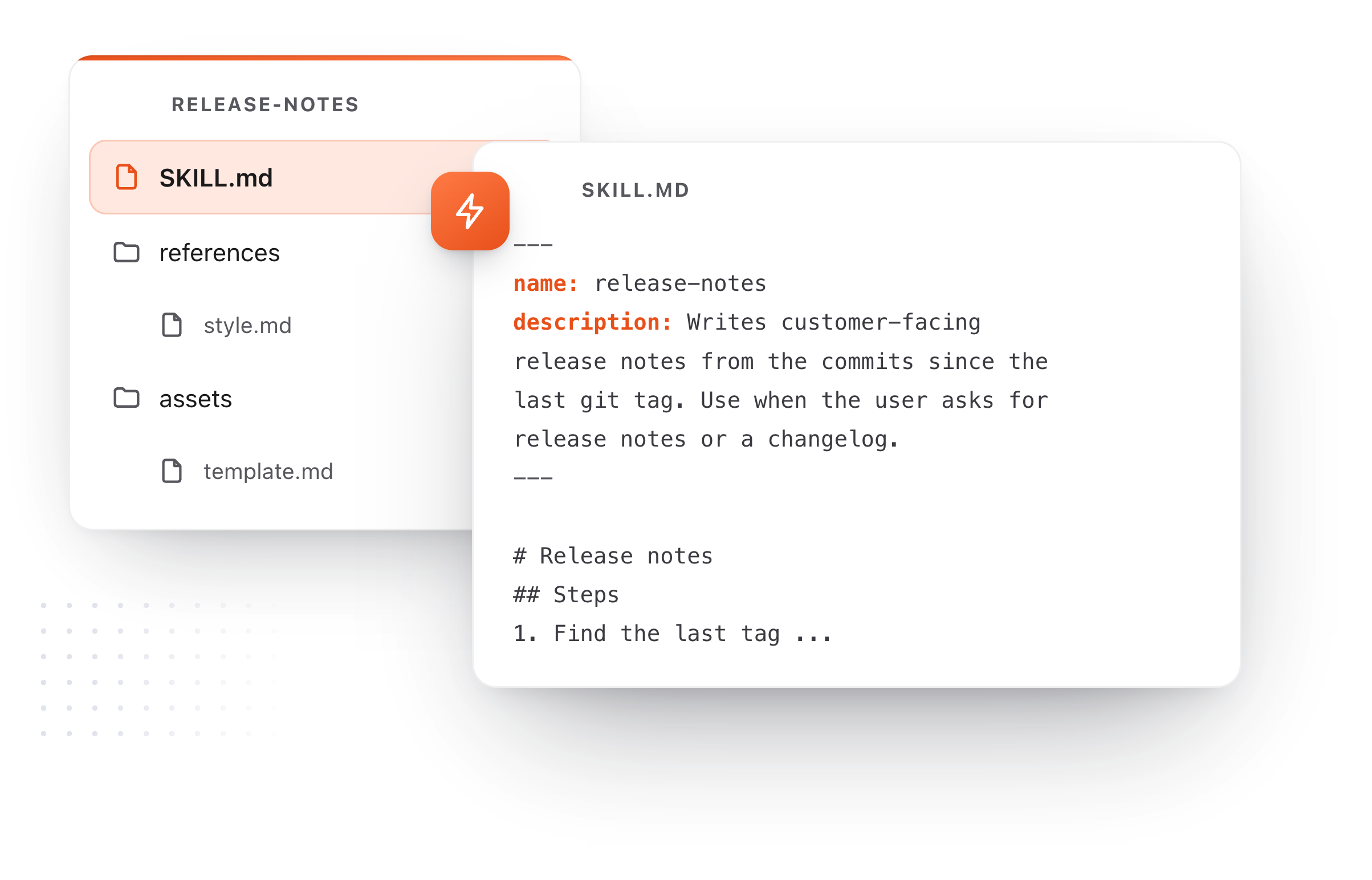
A skill reads like a page, not like a config file.
Agent files are written for a machine and reviewed by a person. TypeFire shows them the way you would want to review them: settings in a table, steps as a list, and a plan's diagram drawn.
Settings as a table
The name and description at the top of a SKILL.md show as a small table above the text, and are saved back exactly as they were.
Diagrams drawn
A Mermaid block in a plan draws as a flowchart you can open full window and zoom.
Space to preview
Press Space on any of these files in Finder and read it formatted, with no app to open.
Or give your agent a notebook of its own.
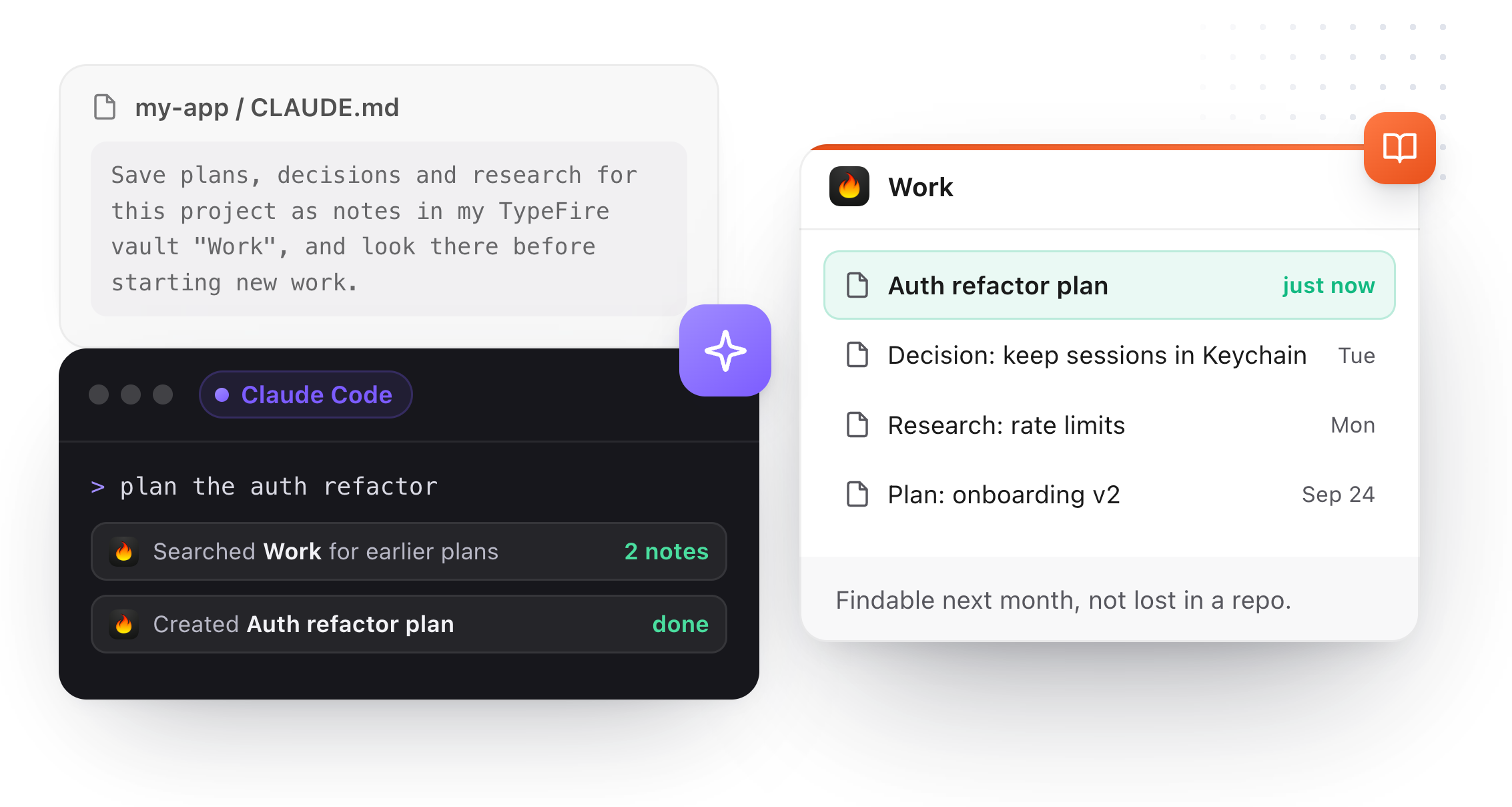
Plans and decisions do not have to pile up as loose files in the repository. Connect your AI app to TypeFire and it can search your notes for context and save what it learns into a vault you choose, where you will find it again.
Your notes as context
Claude, Cursor and Codex can search and read the notes you allow. Free.
Plans saved as notes
One line in CLAUDE.md or AGENTS.md tells the agent to keep its plans in your vault. Saving from an AI app is part of Pro.
On your Mac
The connection stays on your Mac, and Settings lists what each app asked for.
Eighteen dollars. Once.
TypeFire Pro is a single payment that unlocks unlimited clips, Selection Prompts, Prompt Chains, notes sync, note version history and saving from AI apps through MCP. There is no subscription and no per-seat pricing.
Free tier, then one payment
No free tier at all
One time
No free tier
One time
Or $29.99 a year, or $99.99 lifetime
Five snippets free, then a subscription
Project folders, the formatted editor, diagrams and Quick Look are free. Pro is $18 once and adds saving from AI apps, notes sync, version history and more.
Questions
What it opens, what it changes, and what it costs.
Still not answered?
Markdown files that AI coding agents read. CLAUDE.md and AGENTS.md hold the rules for a project and load in every session.
A SKILL.md teaches an agent one job and loads only when a task matches it.
Choose File, Open Folder, or Open Folder in the Notes New menu, and pick the folder.
Its Markdown files appear in the Notes sidebar under Folders, with the agent files labeled and listed first.
No. TypeFire only reads the folder. It is not synced and not added to your vault, and nothing in it changes unless you open a file, edit it and save it yourself.
The open tab updates to match, and a file the agent has just written appears in the list by itself.
Dependencies and build output, such as node_modules, .git, dist and build, so the list shows the files written for people and agents to read.
Yes. Opening project folders, the formatted editor, Quick Look previews and diagrams are free on the Mac.
Reading and searching your notes from an AI app over MCP is free too; saving notes from an AI app is part of Pro, $18 once.
Yes. They all read plain Markdown files in the project folder, and TypeFire shows the same files.
Nothing needs to be installed in the agent for you to read them.
Keep reading
Start one in your browser
AGENTS.md templateRules for every agent
SKILL.md templateTeach an agent one job
TypeFire for AI appsNotes and snippets over MCP
Claude skills, explainedWhat they are and how to write one
A CLAUDE.md exampleWith every section explained
Diagrams in your notesMermaid, readable at any size
TypeFire NotesA Markdown vault on your Mac
Loved by people who type all day.
Unprompted reactions from users, in their own words.
Used by people at
Company names are places where our users work. They do not imply endorsement or affiliation.