CLAUDE.md Example: A Complete File, With Every Section Explained
Claude Code starts every session knowing nothing about your project. It does not know the test command, that money is stored in cents, or that you want to be asked before a push. CLAUDE.md is where you tell it, once.
Below is a complete example you can copy, then each section and why it is there.
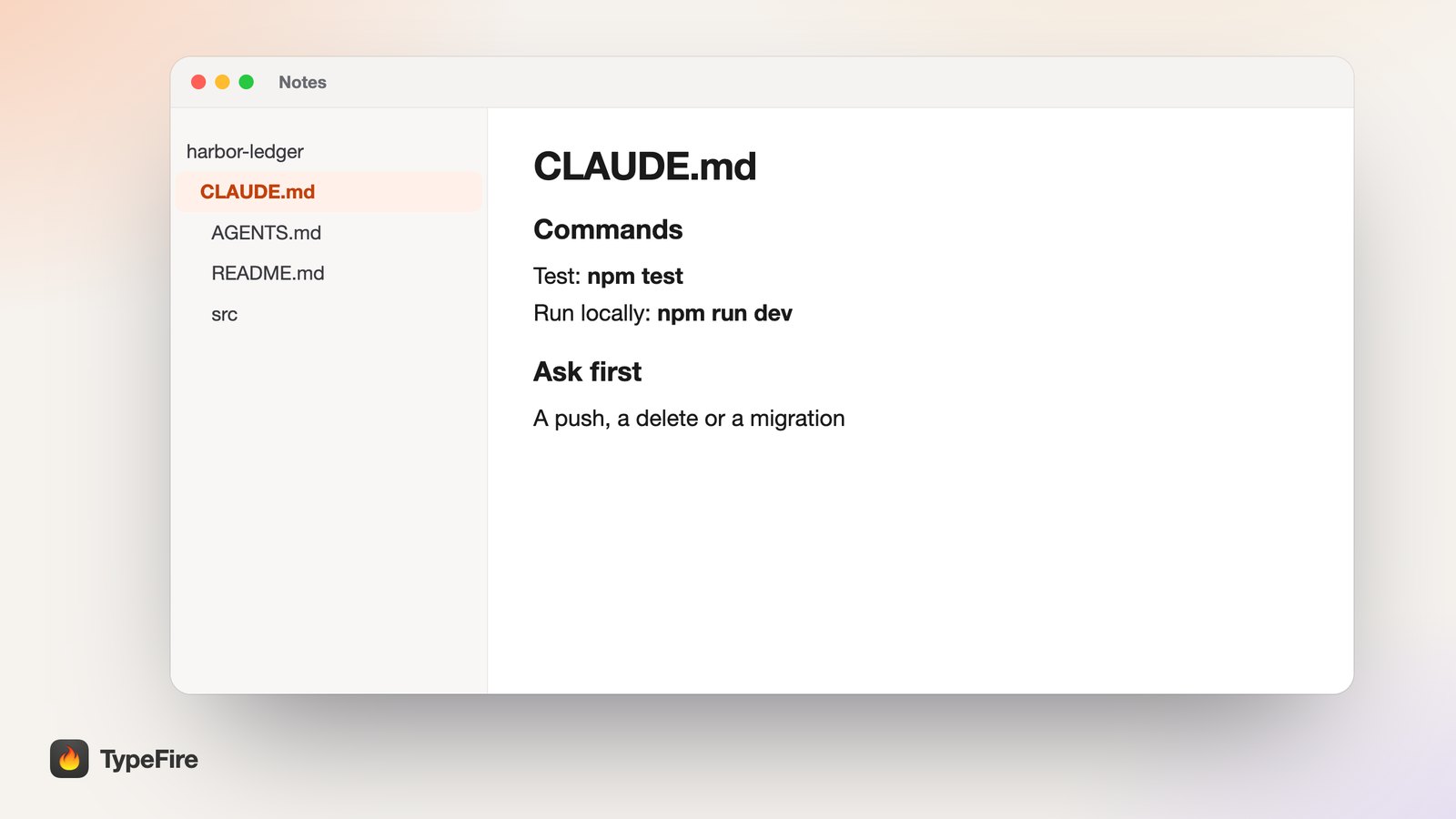
The short version
- CLAUDE.md loads every session, so every line should be true of every task.
- Four sections do most of the work: commands, conventions, things to ask first, and where notes go.
- Two places: the project root for the team's rules,
~/.claude/CLAUDE.mdfor yours. - Start with
@AGENTS.mdif other agents work on the project too.
A complete CLAUDE.md example
This one is for a made-up invoicing app called Harbor Ledger.
# CLAUDE.md

@AGENTS.md

## Commands

- Install: `npm install`
- Run locally: `npm run dev`
- Test: `npm test`
- Lint: `npm run lint`

Run the tests before you say a change is done.

## Conventions

- TypeScript everywhere, no `any`.
- One component per file, named like the file.
- Money is stored in cents, as integers.

## Ask first

- A push, a delete or a database migration.
- A new dependency.

## Notes

Save plans and decisions as notes in my TypeFire vault "Harbor Ledger",
and look there before starting new work.
That is the whole file. You can edit this example in your browser with the free CLAUDE.md template and download it.
What each section does
Commands
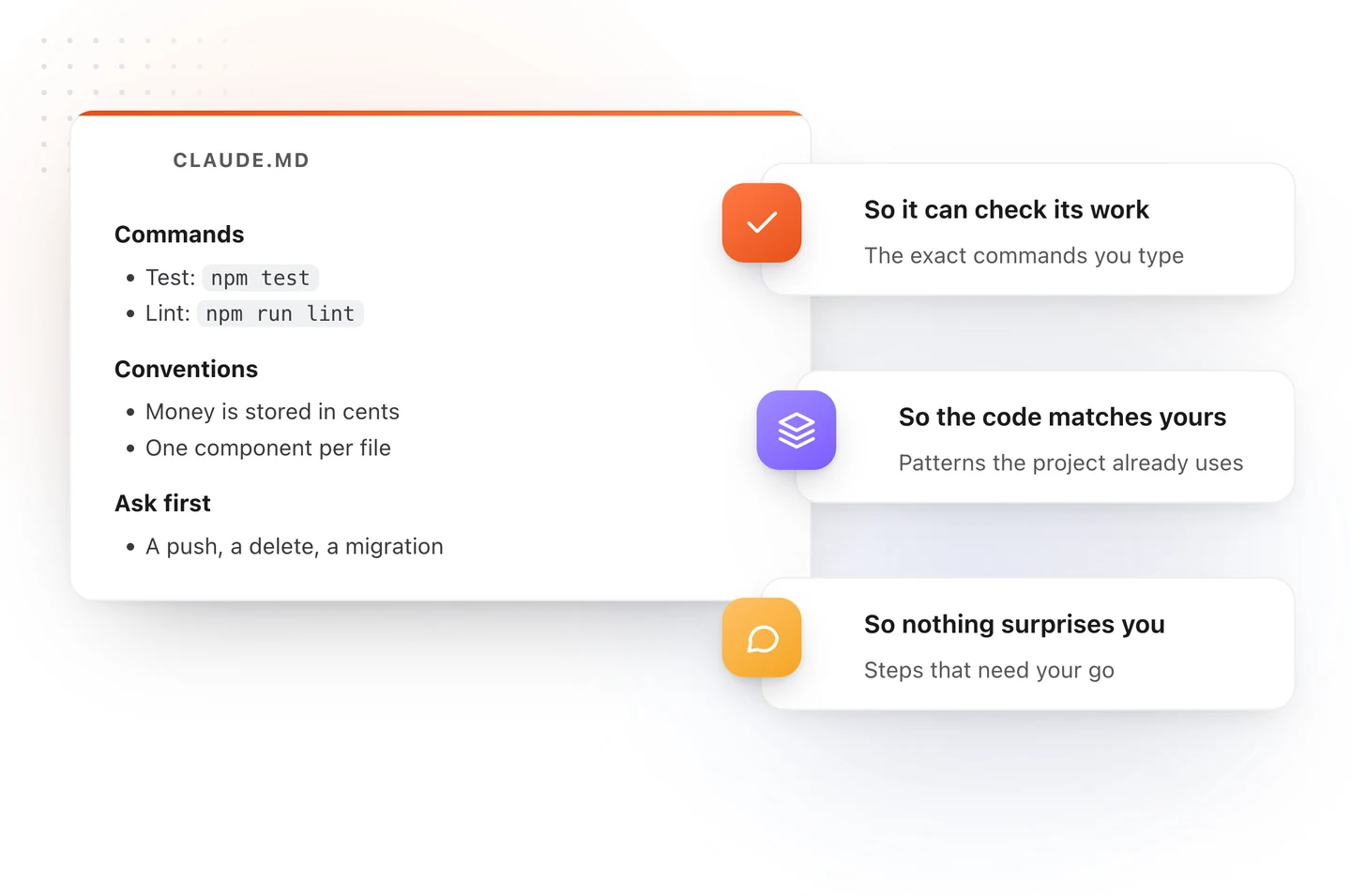
Write the commands exactly as you type them. The most useful line in the file is the test command, because Claude can then check its own work before telling you it is finished.
Conventions
List the patterns your project already follows that Claude could not guess from one file: how money is stored, how files are named, which library you use for dates. Skip anything a linter already enforces.
Ask first
Name the steps that need your go. A push, a delete and a migration are the usual three. This section is what stops a helpful agent from being helpful in a way you cannot undo.
Notes
Claude writes plans as it works, and by default they pile up as loose files in the repository. One line tells it where they belong instead. With TypeFire connected over MCP, that can be a vault of Markdown notes on your Mac. See Claude Code memory with a notes vault.
Where CLAUDE.md goes
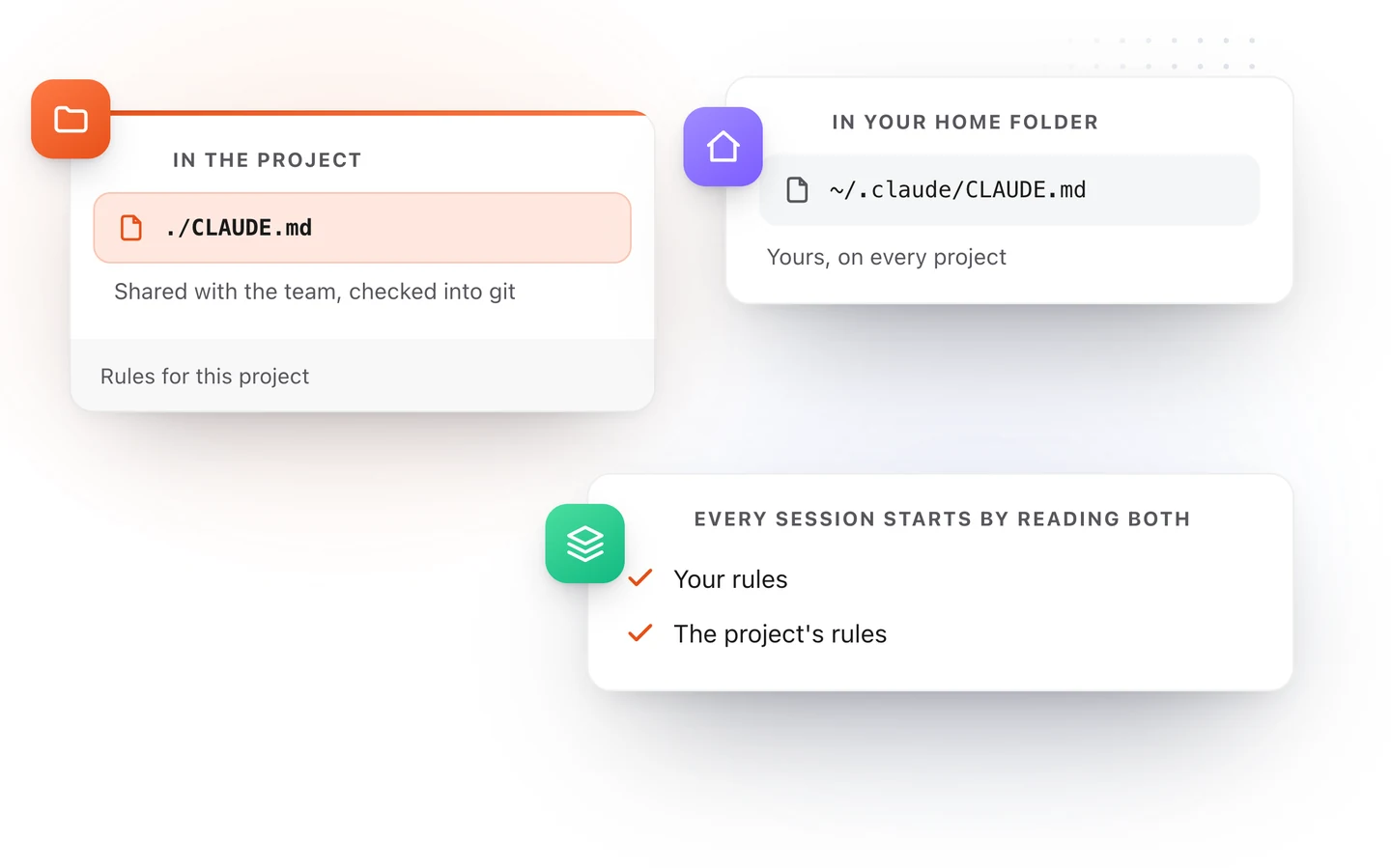
| File | What goes in it |
|---|---|
CLAUDE.md at the top of the project |
Rules the whole team shares. Check it into git. |
~/.claude/CLAUDE.md in your home folder |
Your own rules, on every project: how you like plans explained, what to ask first. |
CLAUDE.local.md in the project |
Your personal notes for this project, kept out of git. |
Run /init in Claude Code and it writes a first project file from your codebase. /memory opens these files for editing.
One set of rules for every agent
Most other coding agents read a file called AGENTS.md. If your team uses Claude Code alongside Cursor or Codex, you do not want two copies of the same rules drifting apart.
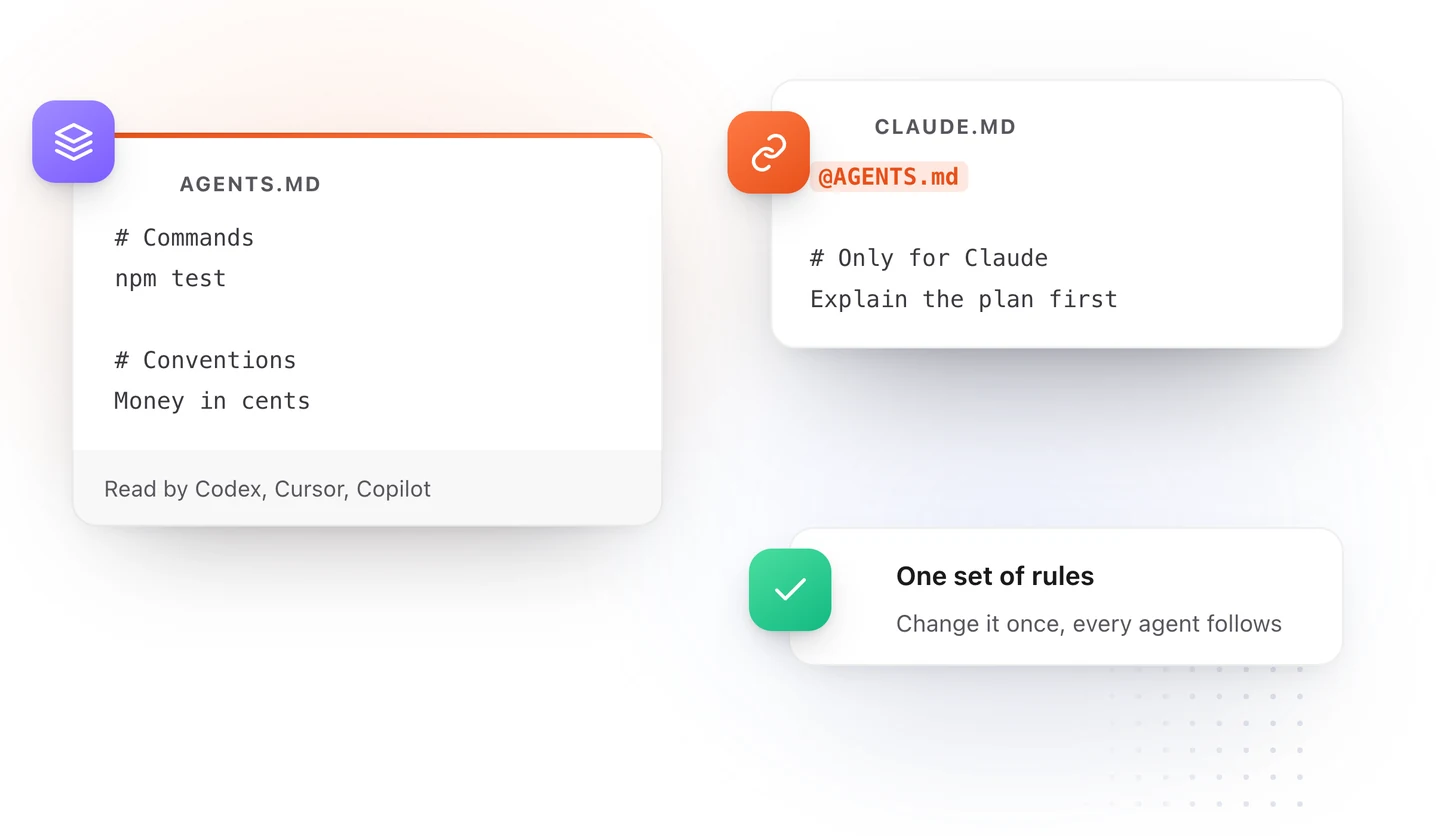
A line that starts with @ and a path pulls that file in. So put the shared rules in AGENTS.md, start CLAUDE.md with @AGENTS.md, and add only the Claude-specific lines below it. Our AGENTS.md example covers that file, and there is a free AGENTS.md template to start from.
What to leave out
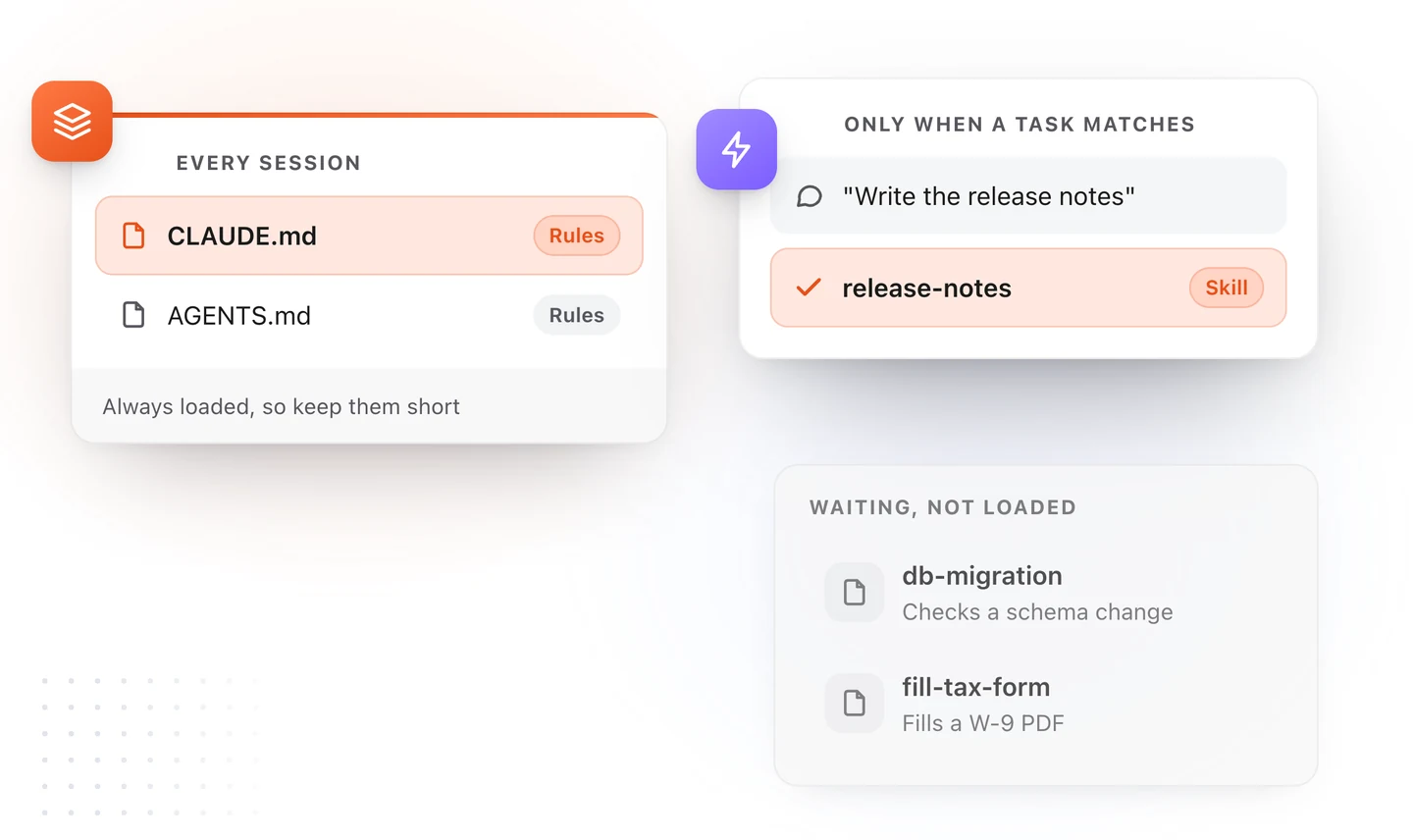
- Long procedures. How to write release notes or run a migration check is a job, not a rule. Make it a skill, which loads only when that job comes up.
- Whole documents. Do not paste the product spec. Link to it, or keep it as a note Claude can search.
- Anything a tool enforces. If the formatter fixes it, Claude does not need a sentence about it.
- Rules without reasons. "Use Postgres" will be followed until Claude sees a reason not to. "Use Postgres, because we need row-level security" tells it when the rule still applies.
Keep CLAUDE.md in view while Claude works
CLAUDE.md changes: you add a line when Claude gets something wrong twice, and Claude edits it when you ask it to remember something.
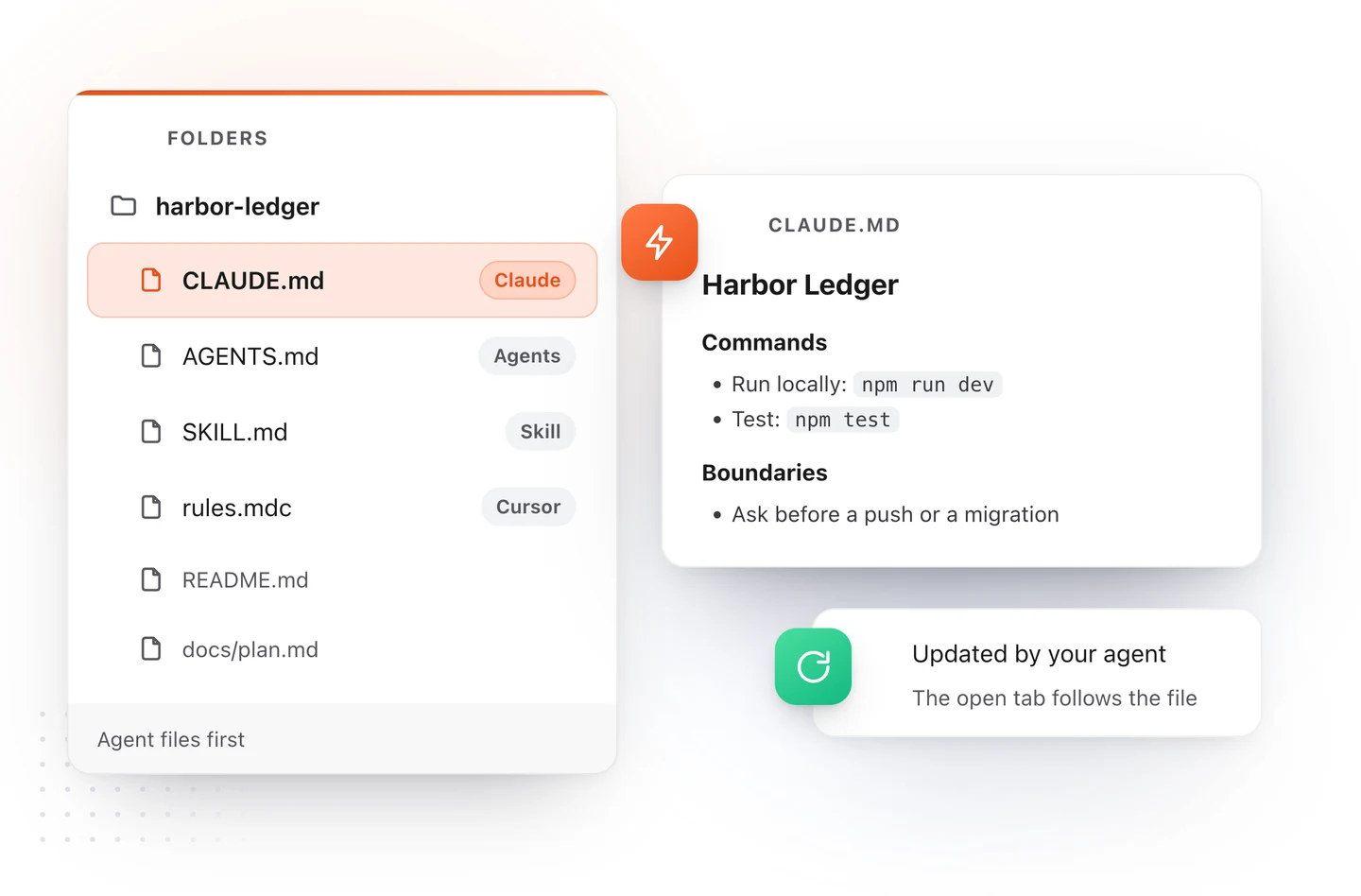
TypeFire 7 for Mac opens a project folder and lists CLAUDE.md, AGENTS.md and every SKILL.md first, formatted like a document. When Claude rewrites the file, the tab you have open follows. It only reads the folder, so nothing in your project changes unless you edit and save a file yourself. See AI agent files on the Mac.
Download TypeFire for Mac, free. Or start your file in the browser with the CLAUDE.md template.
Loved by people who type all day.
Unprompted reactions from users, in their own words.
Used by people at
Company names are places where our users work. They do not imply endorsement or affiliation.