Setup notes
Inline code
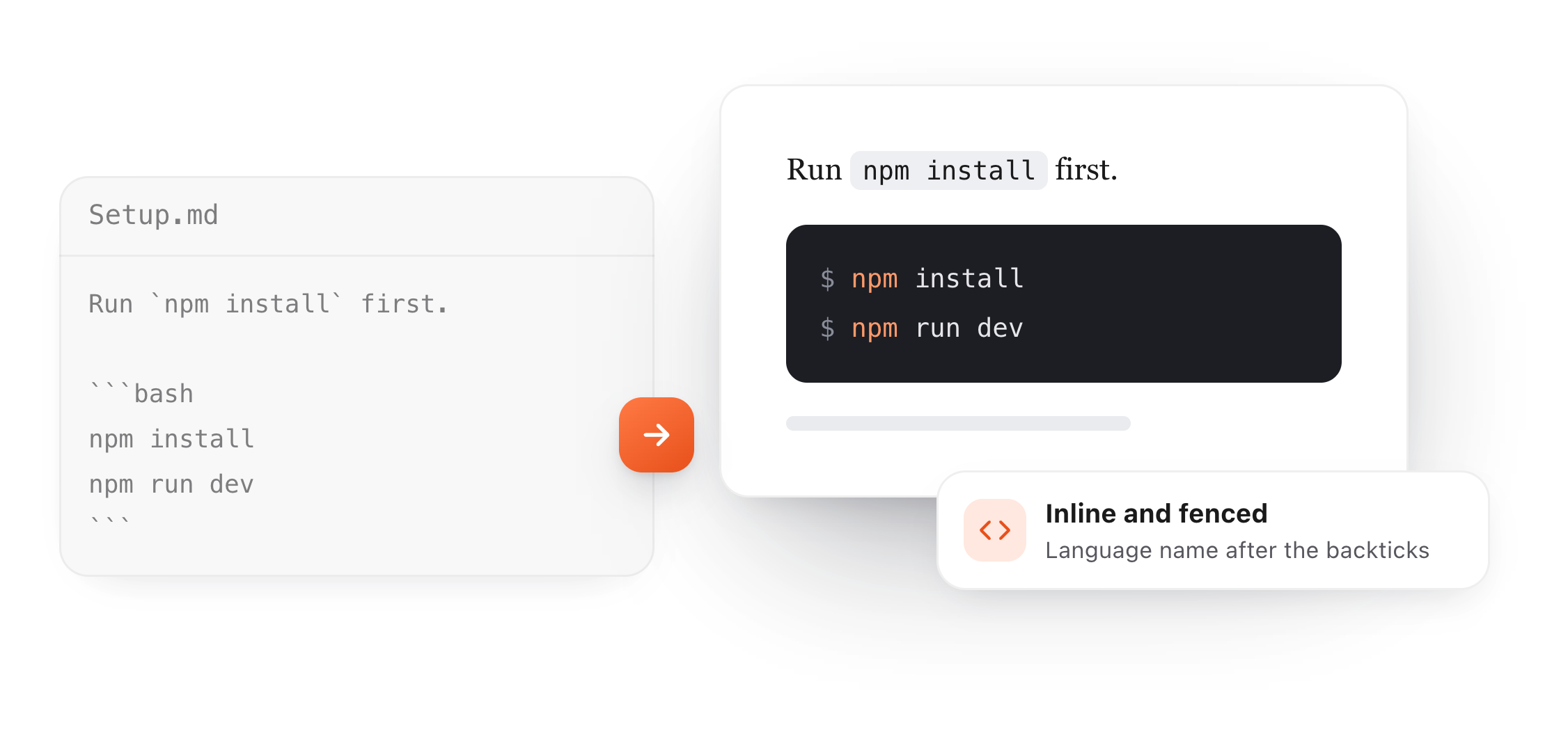
Run npm install first, then open config.json.
A fenced code block
npm install
npm run dev
With a language name
def greet(name):
    return f"Hello, {name}!"
Showing a diff
- timeout = 30
+ timeout = 60
Wrap a word in single backticks for inline code, or put three backticks on the lines above and below a block. Add a language name after the opening three for highlighting. Every example below is live.
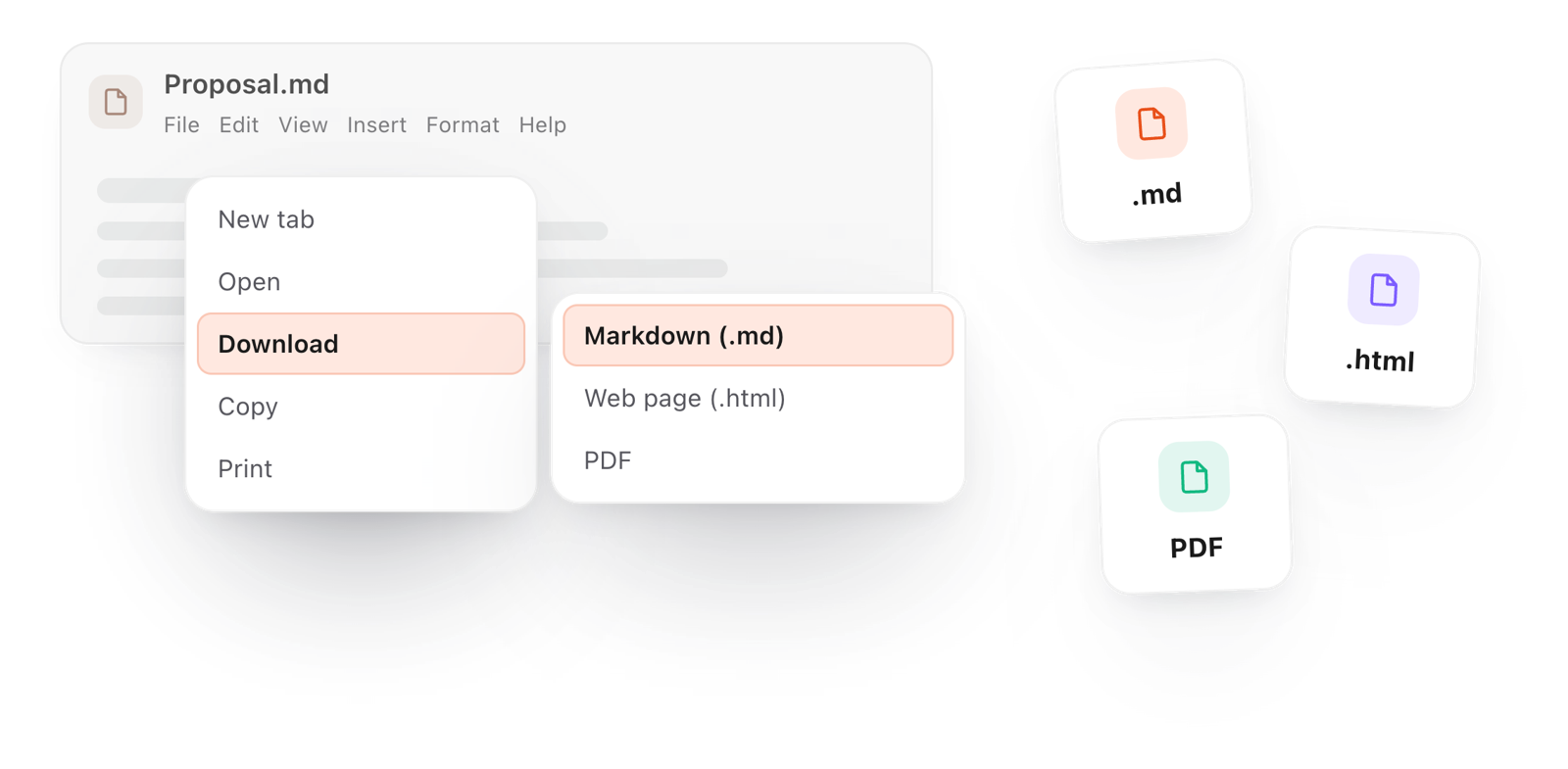
Free in your browser. On a Mac, TypeFire opens every .md file like this, right from Finder.Download free for Mac
Run npm install first, then open config.json.
npm install
npm run dev
def greet(name):
return f"Hello, {name}!"
- timeout = 30
+ timeout = 60
This editor comes from TypeFire, free for Mac
Your whole folder of Markdown notes in tabs, Quick Look previews in Finder, plus a text expander and a clipboard manager.
Wrap it in single backticks: `npm install`. Use it for a command, a file name or a value inside a sentence.
Put ``` on a line by itself, the code under it, and ``` again to close it. Spacing and line breaks stay exactly as typed.
Write the language right after the opening backticks, like ```python or ```bash, so the renderer can color the code.
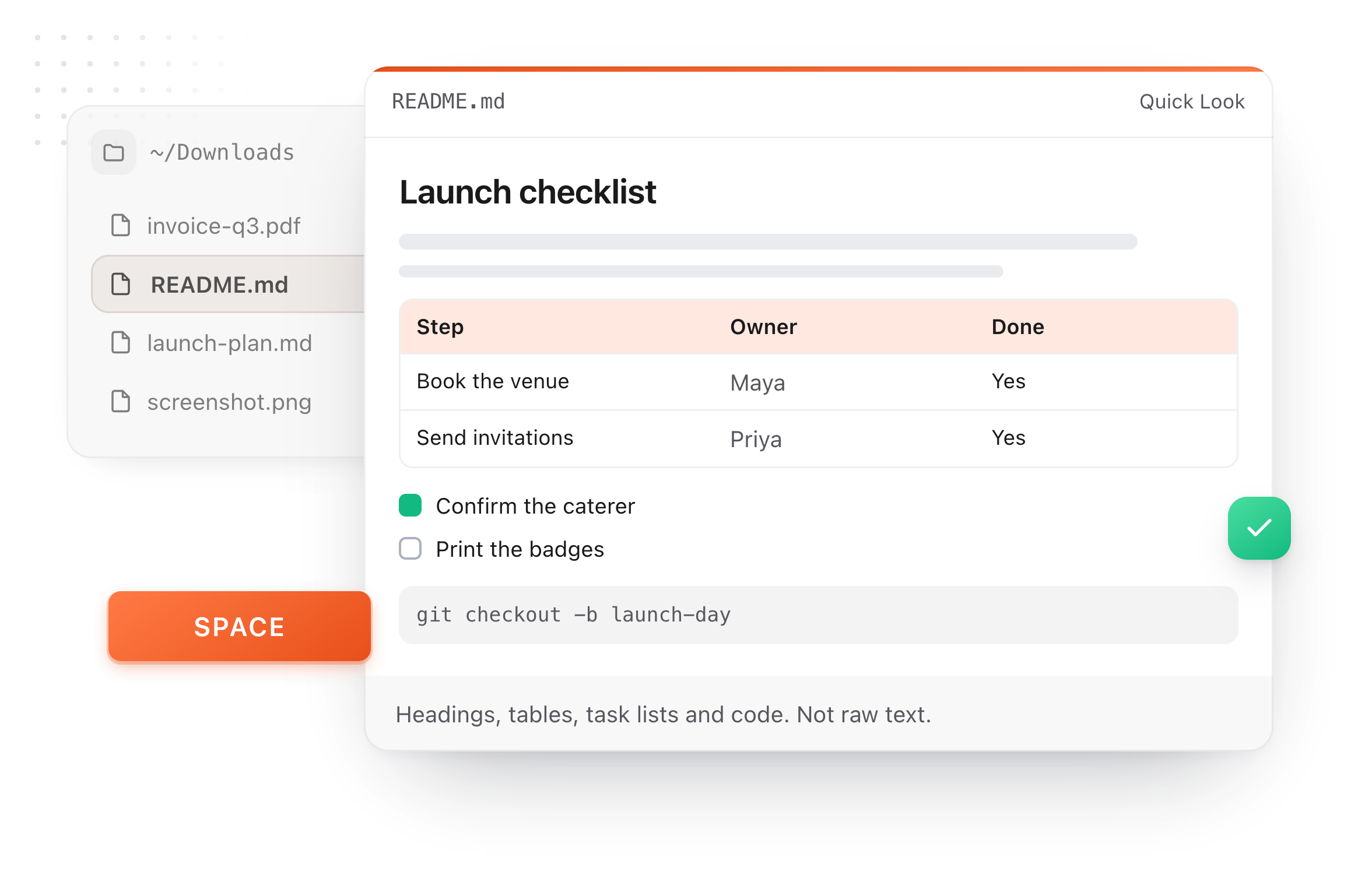
The same editor on your whole folder of Markdown notes, plus a text expander and a clipboard manager. On a Mac, every .md file previews in Finder when you press Space.
Free text expander, markdown notes and a clipboard manager. $18 once for unlimited clips, notes sync and AI prompts.
Write these right after the opening backticks. The same names work on GitHub, GitLab and most renderers.
Code blocks are simple until a backtick appears inside one.
Use two backticks around it, with a space: `` `like this` `` shows the backticks.
Open and close the block with four backticks instead, and the three inside stay as text.
~~~ opens and closes a block the same way as ```, handy when the code is full of backticks.
Indenting every line four spaces also makes a code block, but it can't name a language, so fences are better.
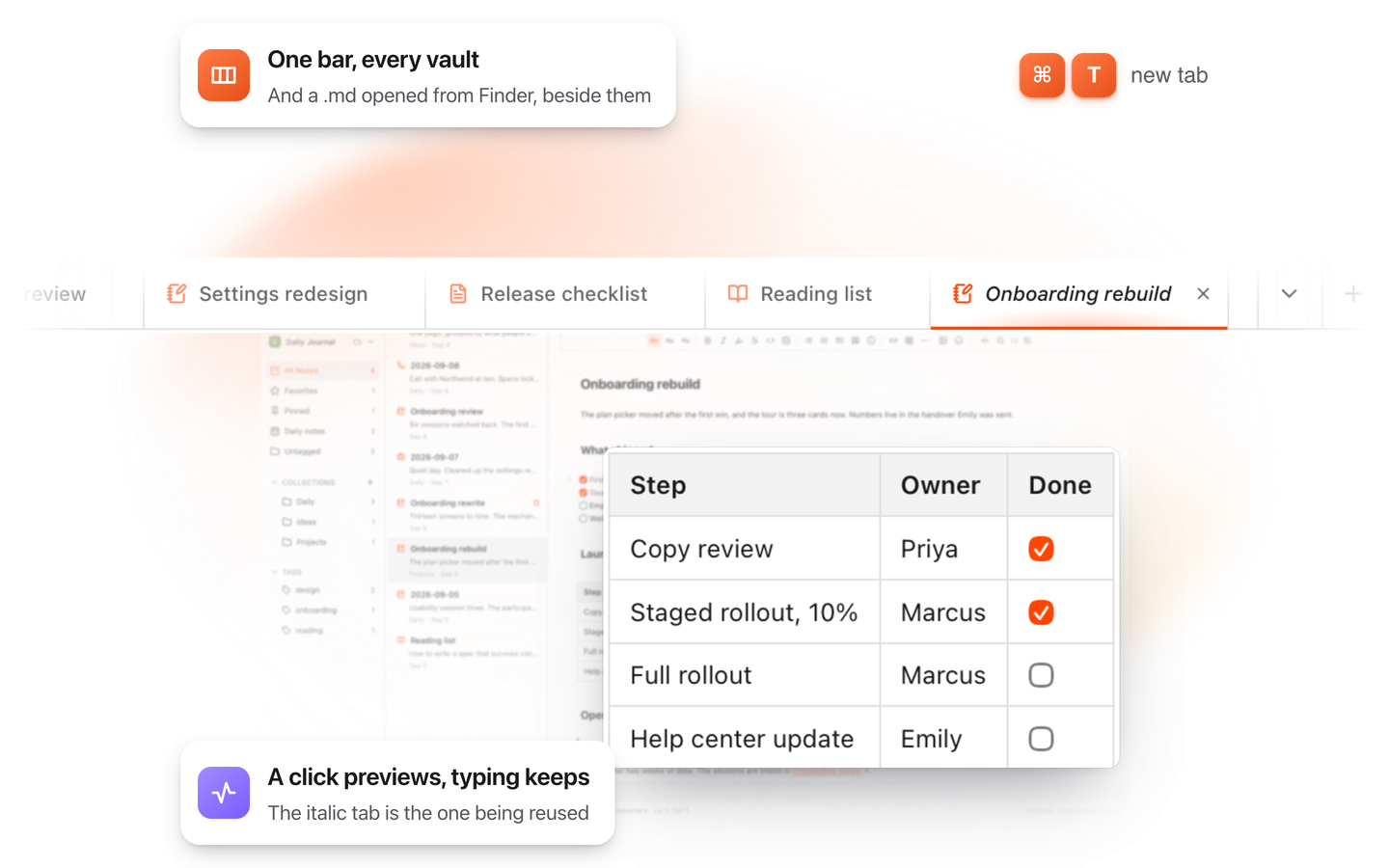
This editor comes from TypeFire, a free app for Markdown notes, a text expander and a clipboard manager. Here it works on the files you open. In the app, it opens your whole folder.
Still not answered?
Put three backticks (```) on a line by itself, the code underneath, then three backticks again to close it.
Wrap the text in single backticks, like `this`.
It shows in a monospace font inside the sentence.
Write the language name right after the opening backticks, for example ```python.
The renderer colors the code if it knows the language.
Open and close the block with four backticks, or with ~~~, and three backticks inside stay as text.
Both make a code block. A fenced block with ``` can name its language and is easier to read, so it's the one to use.
Write a README.md
TypeFire's editor formats as you type, code blocks included, on the Mac and in your browser. Free.
Free text expander, markdown notes and a clipboard manager. $18 once for unlimited clips, notes sync and AI prompts.
⌘⌃2 your clips⌘⌃1 your snippets