Diwali sale. Pro for $10 instead of $18 with code DIWALI26 at checkout, until November 15.
Free · Live examples · No sign-up

Markdown lists: bulleted, numbered and nested

Start a line with - and a space for a bullet, or 1. and a space for a number. Indent to nest. The lists below are live, so add an item and see it fall into place.

Free in your browser. On a Mac, TypeFire opens every .md file like this, right from Finder.Download free for Mac

Trip plan.md
FileEditViewInsertFormatHelp
Trip plan.md

Trip plan

A bulleted list

  • Passport
  • Phone charger
  • Rain jacket

A numbered list

  1. Check in online
  2. Print the boarding pass
  3. Leave by 7 AM

A nested list

  • Pack
    • Clothes for four days
    • Toiletries
  • Book
    • Airport parking
    • Dinner on Friday

A list that starts at 4

  1. Board the plane
  2. Find your seat
Loading the editor…Your files stay in your browser
  • Your files never leave your browser
  • Free, no sign-up
  • Download as Markdown, Word, a web page or a PDF

This editor comes from TypeFire, free for Mac

Your whole folder of Markdown notes in tabs, Quick Look previews in Finder, plus a text expander and a clipboard manager.

How it works

Make a list in Markdown

  1. 01

    Bullets

    Start each line with - and a space. * and + work too, but stick to one in a list.

  2. 02

    Numbers

    Start each line with a number, a period and a space: 1. The list counts up from the first number.

  3. 03

    Nest

    Indent a line so it starts under the text of the item above: two spaces under a bullet, three under 1.

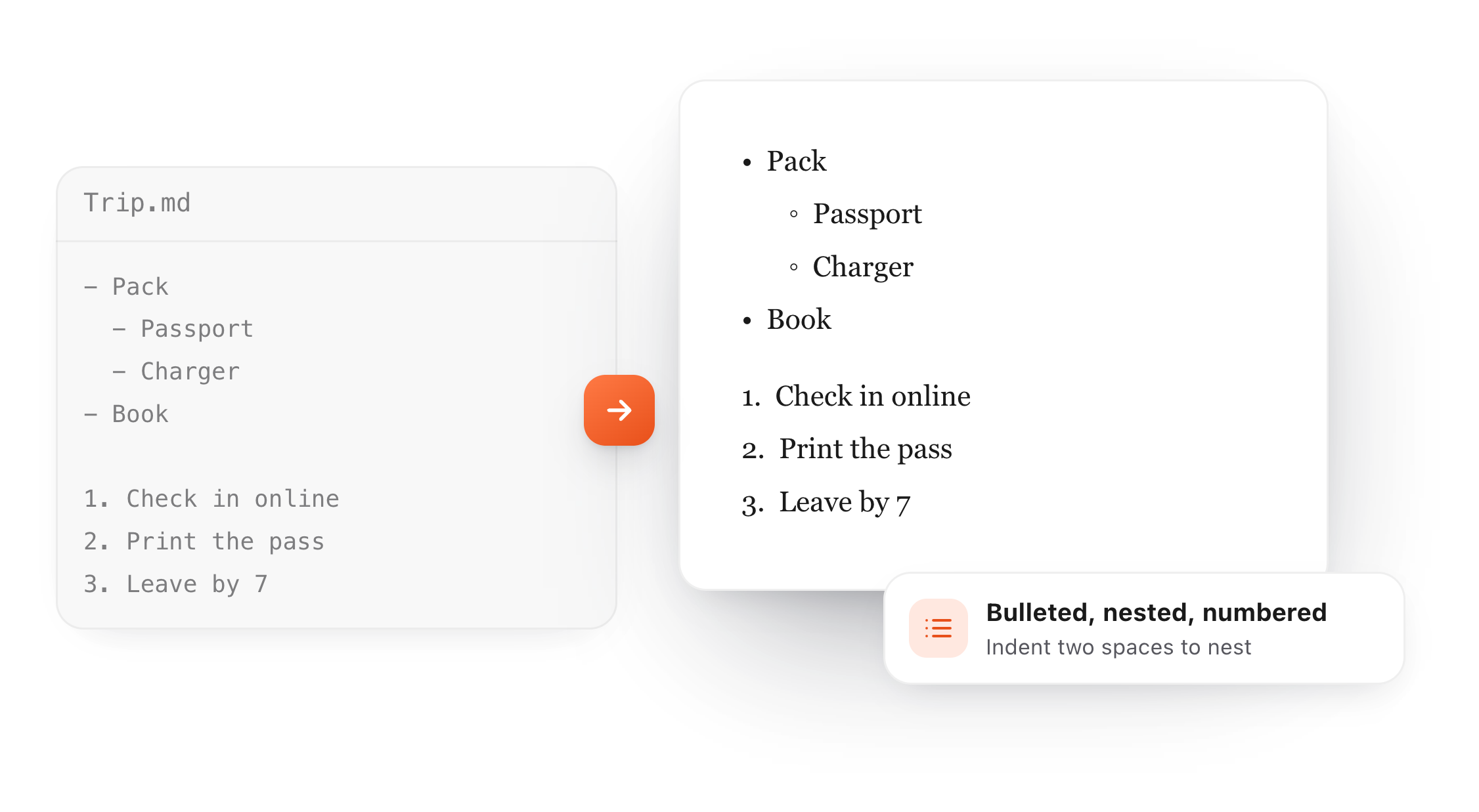
A bulleted list with nested items and a numbered list in Markdown, shown formatted
Free for Mac and Chrome

Like this editor? Get TypeFire.

The same editor on your whole folder of Markdown notes, plus a text expander and a clipboard manager. On a Mac, every .md file previews in Finder when you press Space.

Download free for MacAdd to Chrome7 day Pro trial, no card required.

Free text expander, markdown notes and a clipboard manager. $18 once for unlimited clips, notes sync and AI prompts.

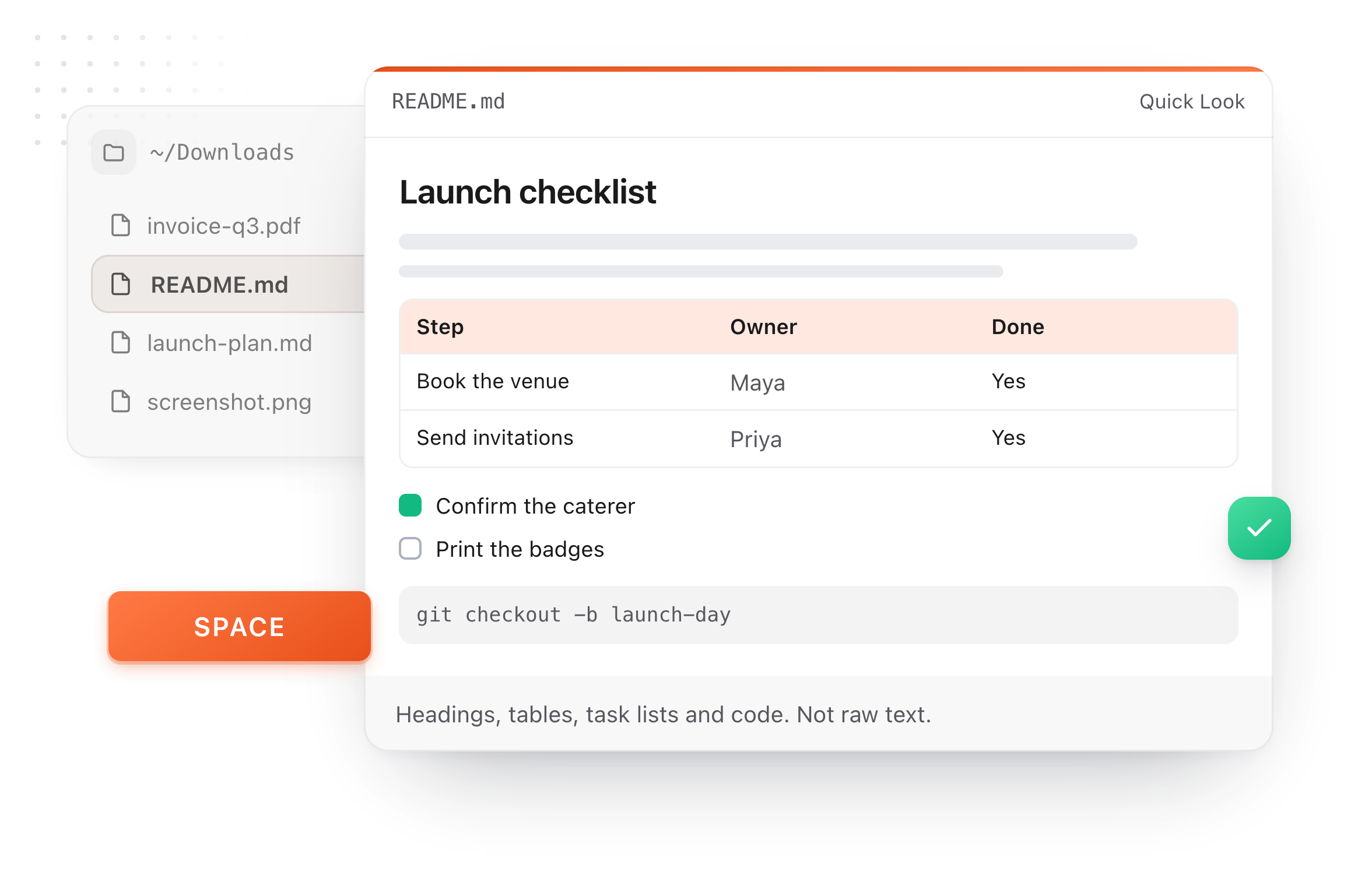
A README.md previewed in Finder with Quick Look on a Mac, after pressing Space
At a glance

List syntax at a glance

Each line on the left turns into the item on the right.

- Milk
You get:A bullet
Notes:* and + make bullets too
1. Preheat the oven
You get:A numbered step
Notes:The first number sets the start
- Oat milk
You get:A nested bullet
Notes:Indent two spaces under a bullet
- [ ] Buy bread
You get:A checkbox
Notes:See Markdown checkboxes
1986\. A great year
You get:Plain text
Notes:The backslash stops the list
What it does

Lists that come out right

A few rules explain almost every list that looks wrong.

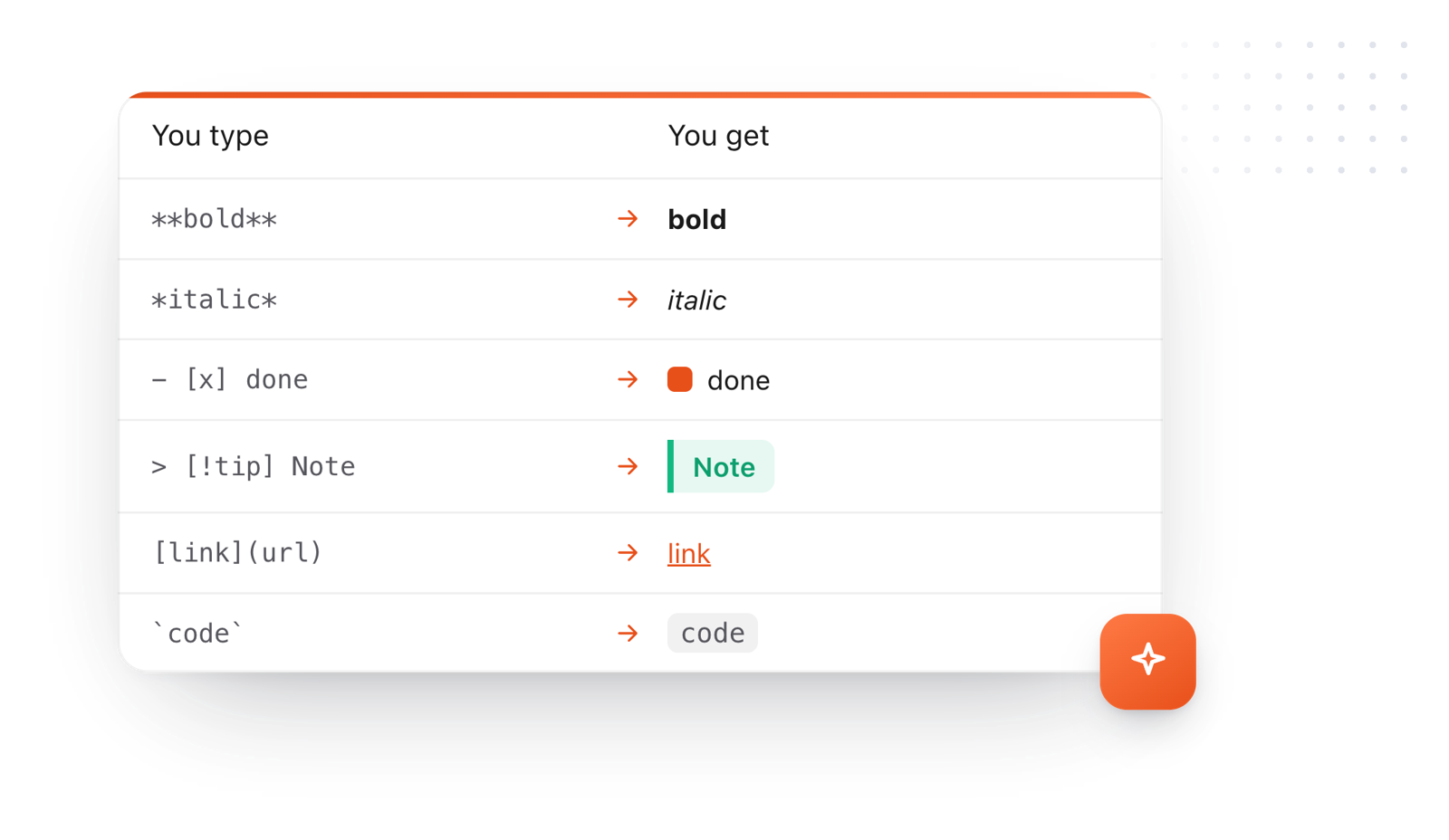
Markdown syntax and what it makes: bold, italic, a done task, a callout, a link and inline code
  1. The first number counts

    A list that starts at 4. counts 4, 5, 6, whatever numbers follow. Use 1. on every line and it numbers itself.

  2. Leave a blank line before it

    Some renderers need an empty line between a paragraph and the list under it, so add one.

  3. Blank lines between items add space

    Put an empty line between items and each one gets paragraph spacing. Leave them out for a tight list.

  4. Stop a line becoming a list

    A line like 1986. A great year turns into a list. Write 1986\. with a backslash to keep it as text.

Take it further

The same editor, without the browser tab

This editor comes from TypeFire, a free app for Markdown notes, a text expander and a clipboard manager. Here it works on the files you open. In the app, it opens your whole folder.

TypeFire for Mac with several Markdown notes open in one tab bar

TypeFire for Mac

  • Press Space on any .md file in Finder and read it rendered, with Quick Look.
  • Open a folder of Markdown, an Obsidian vault included, with tabs, search and links.
  • A text expander and a clipboard history in the same free app.
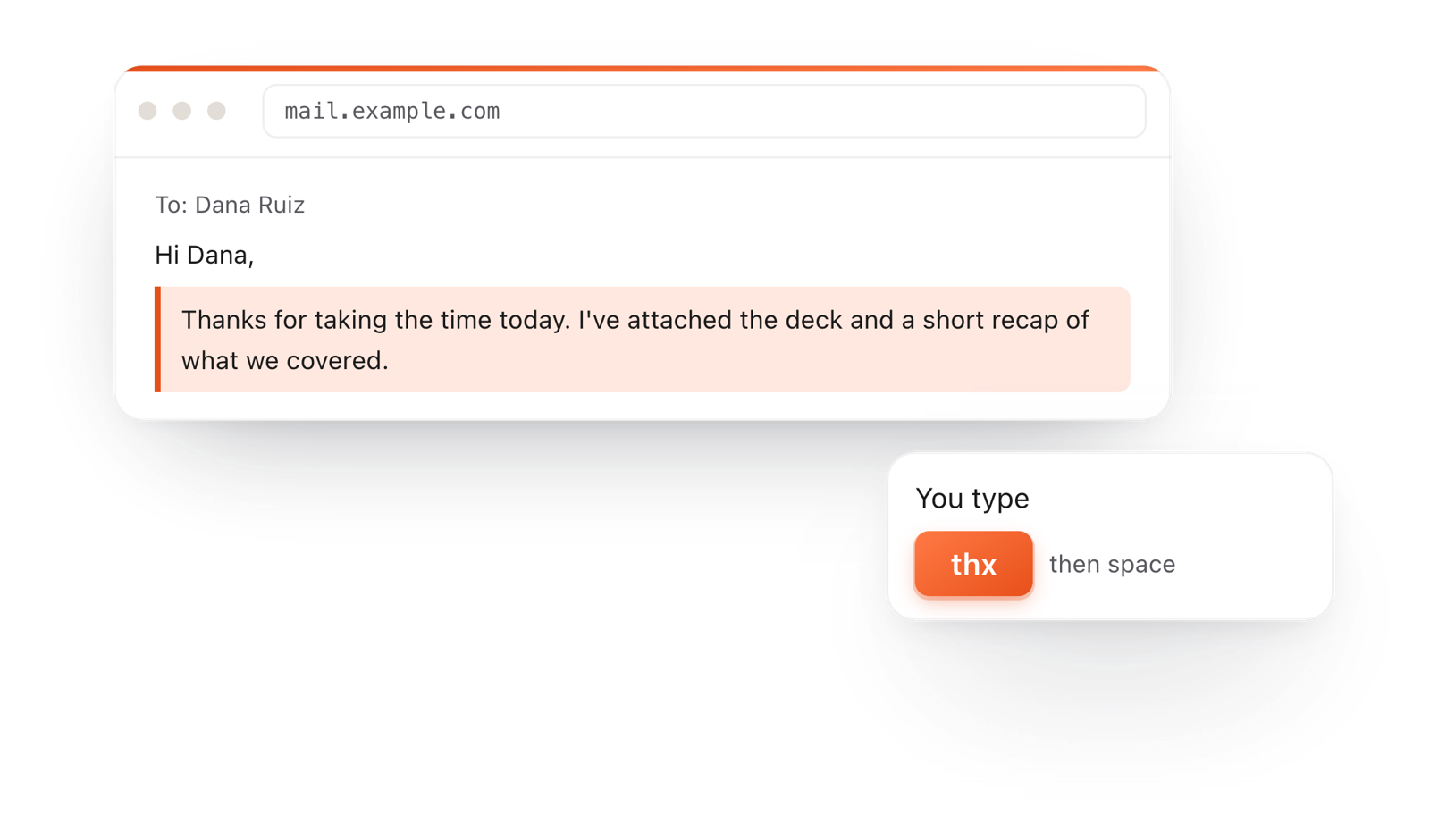
In a browser email, typing thx and a space expands into a whole thank-you reply

TypeFire for Chrome

  • This editor in its own tab, one click from the toolbar.
  • Your folder of .md notes in tabs, with search and links.
  • A text expander and your clipboard history on every site.

Frequently asked questions

Still not answered?

Start each line with a dash and a space: - Milk.

An asterisk or a plus sign works too.

Start each line with a number, a period and a space: 1.

Preheat the oven. You can write 1. on every line and the list numbers itself.

Indent the item so it lines up with the text of the item above it: two spaces under a bullet, three under a number.

Yes. Start the first item with that number, like 4., and the list counts up from there.

Check for a space after the dash or period, and a blank line between the list and the paragraph above it.

Mixed indentation also breaks nesting.

Write Markdown without looking it up

TypeFire's editor formats lists as you type, on the Mac and in your browser. Free.

Download free for MacAdd to ChromeSee what $18 adds7 day Pro trial, no card required.

Free text expander, markdown notes and a clipboard manager. $18 once for unlimited clips, notes sync and AI prompts.

your clips your snippets