Diwali sale. Pro for $10 instead of $18 with code DIWALI26 at checkout, until November 15.
Free · Live examples · No sign-up

Markdown line breaks, three ways

In Markdown, pressing Enter once usually does nothing: the two lines join into one. End the line with two spaces or a backslash, or use <br>, to break it. Every example below is live, so change it and see.

Free in your browser. On a Mac, TypeFire opens every .md file like this, right from Finder.Download free for Mac

Line breaks.md
FileEditViewInsertFormatHelp
Line breaks.md

Line breaks in Markdown

Two spaces at the end of a line

Harbor Foods
14 Pier Road
Portland, ME

A backslash at the end of a line

Order 5520
Ships Friday
Tracking to follow

The HTML tag

Line one
Line two

A blank line starts a new paragraph

This is the first paragraph.

This is the second one.

One Enter, nothing else

The editor keeps these two lines apart, but a published page joins them into one paragraph.
Loading the editor…Your files stay in your browser
  • Your files never leave your browser
  • Free, no sign-up
  • Download as Markdown, Word, a web page or a PDF

This editor comes from TypeFire, free for Mac

Your whole folder of Markdown notes in tabs, Quick Look previews in Finder, plus a text expander and a clipboard manager.

How it works

Add a line break in Markdown

  1. 01

    Two spaces

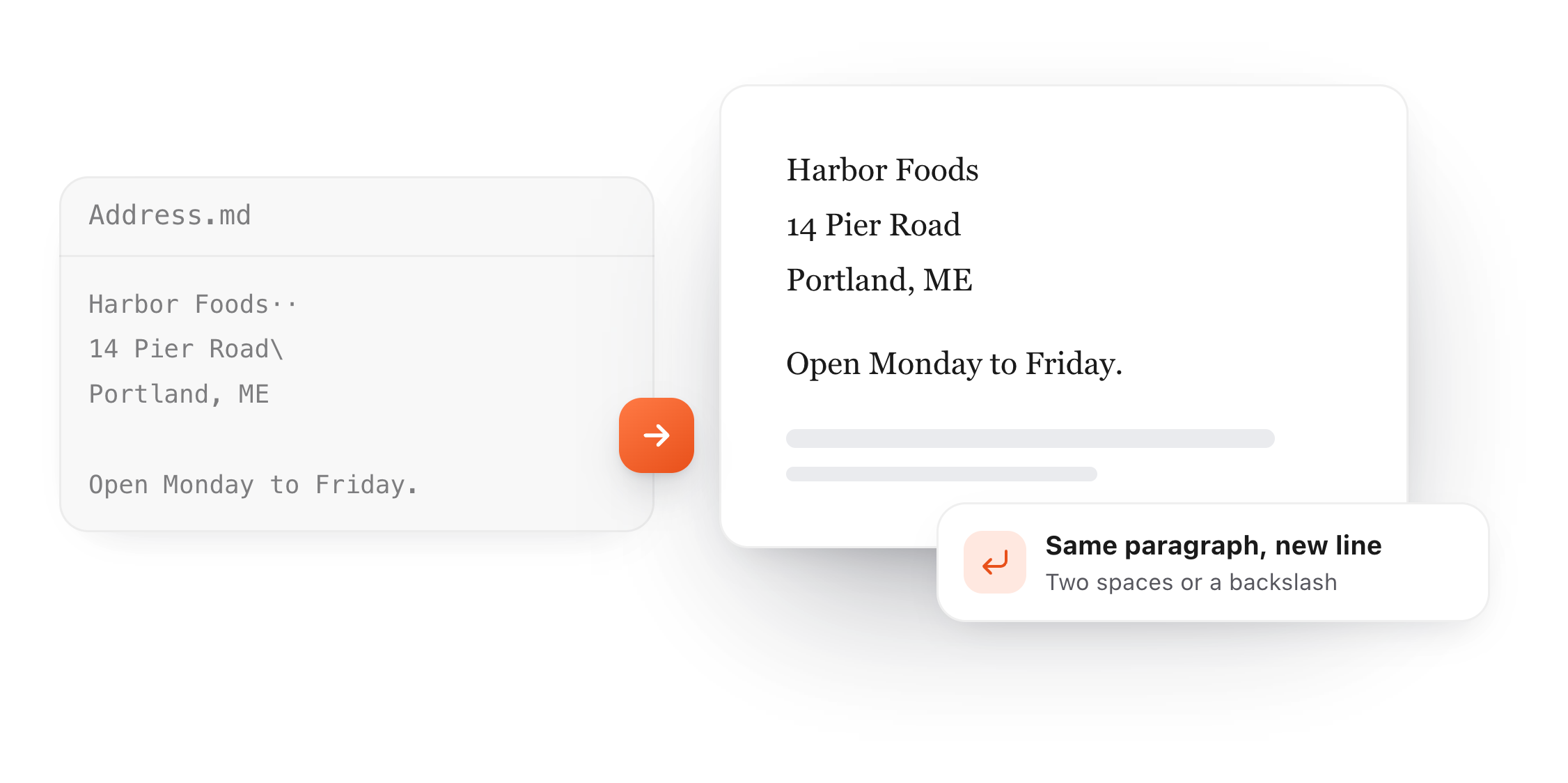
    End the line with two spaces, then press Enter. It works almost everywhere, but you can't see the spaces, and some editors remove them.

  2. 02

    A backslash

    End the line with \ and press Enter. Same result, and you can see it. GitHub and every CommonMark renderer read it.

  3. 03

    The <br> tag

    Type <br> where the line should break. Use it inside a table cell, where the other two can't go.

An address written in Markdown with two trailing spaces and a backslash, shown as three lines in one paragraph
Free for Mac and Chrome

Like this editor? Get TypeFire.

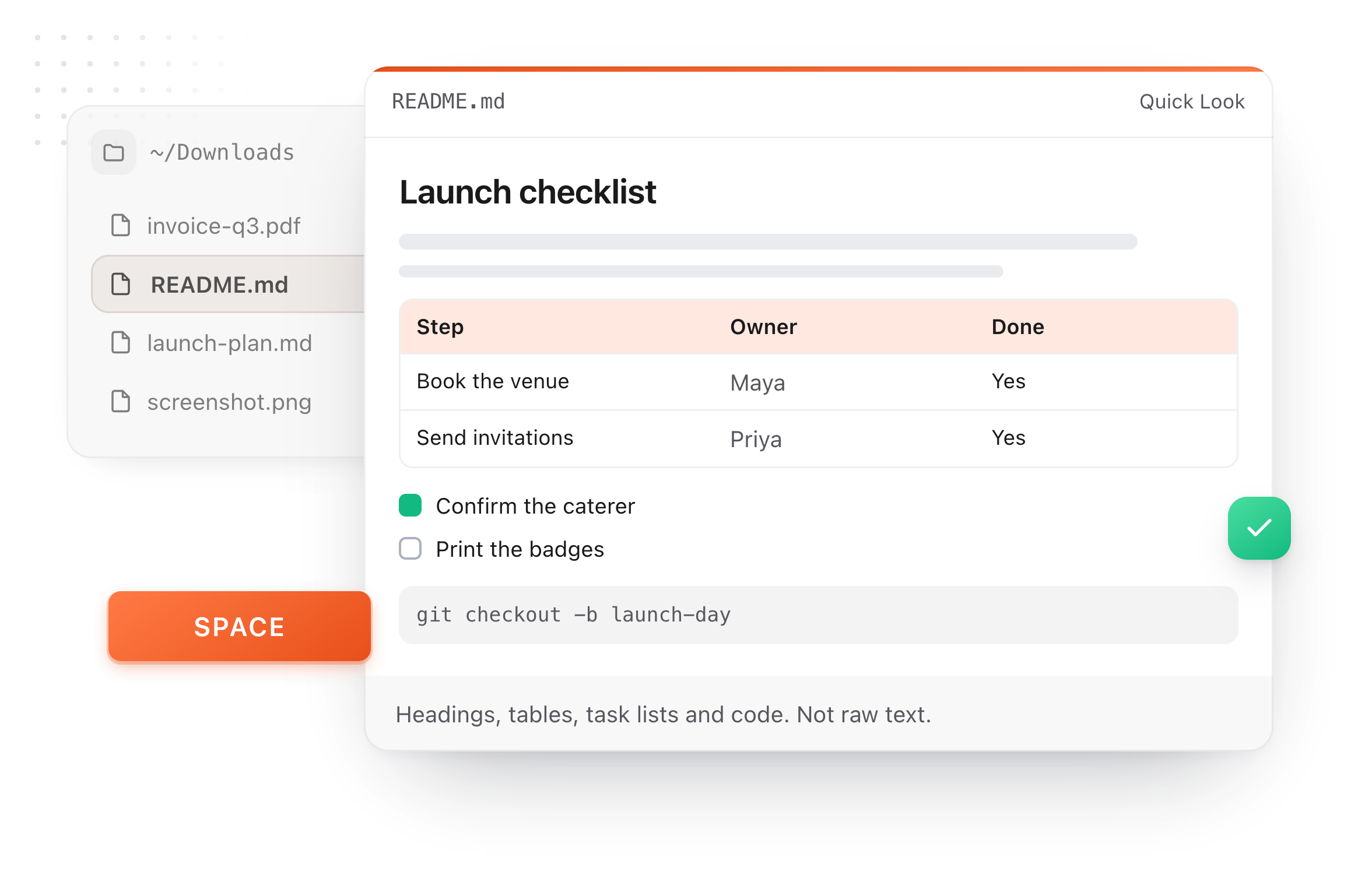
The same editor on your whole folder of Markdown notes, plus a text expander and a clipboard manager. On a Mac, every .md file previews in Finder when you press Space.

Download free for MacAdd to Chrome7 day Pro trial, no card required.

Free text expander, markdown notes and a clipboard manager. $18 once for unlimited clips, notes sync and AI prompts.

A README.md previewed in Finder with Quick Look on a Mac, after pressing Space
At a glance

Where one Enter is enough

Whether a single line break shows depends on the app reading your Markdown.

A README or .md file on GitHub
Does one Enter break the line?:No
What to use:Two spaces, a backslash or <br>
A GitHub issue, comment or pull request
Does one Enter break the line?:Yes
What to use:Enter is enough
Obsidian, default settings
Does one Enter break the line?:Yes
What to use:Enter is enough
Static site generators and most converters
Does one Enter break the line?:No
What to use:Two spaces, a backslash or <br>
A Markdown table cell
Does one Enter break the line?:No line breaks at all
What to use:<br> inside the cell
What it does

Why the line didn't break

Markdown joins lines on purpose, so a paragraph reflows to fit the screen.

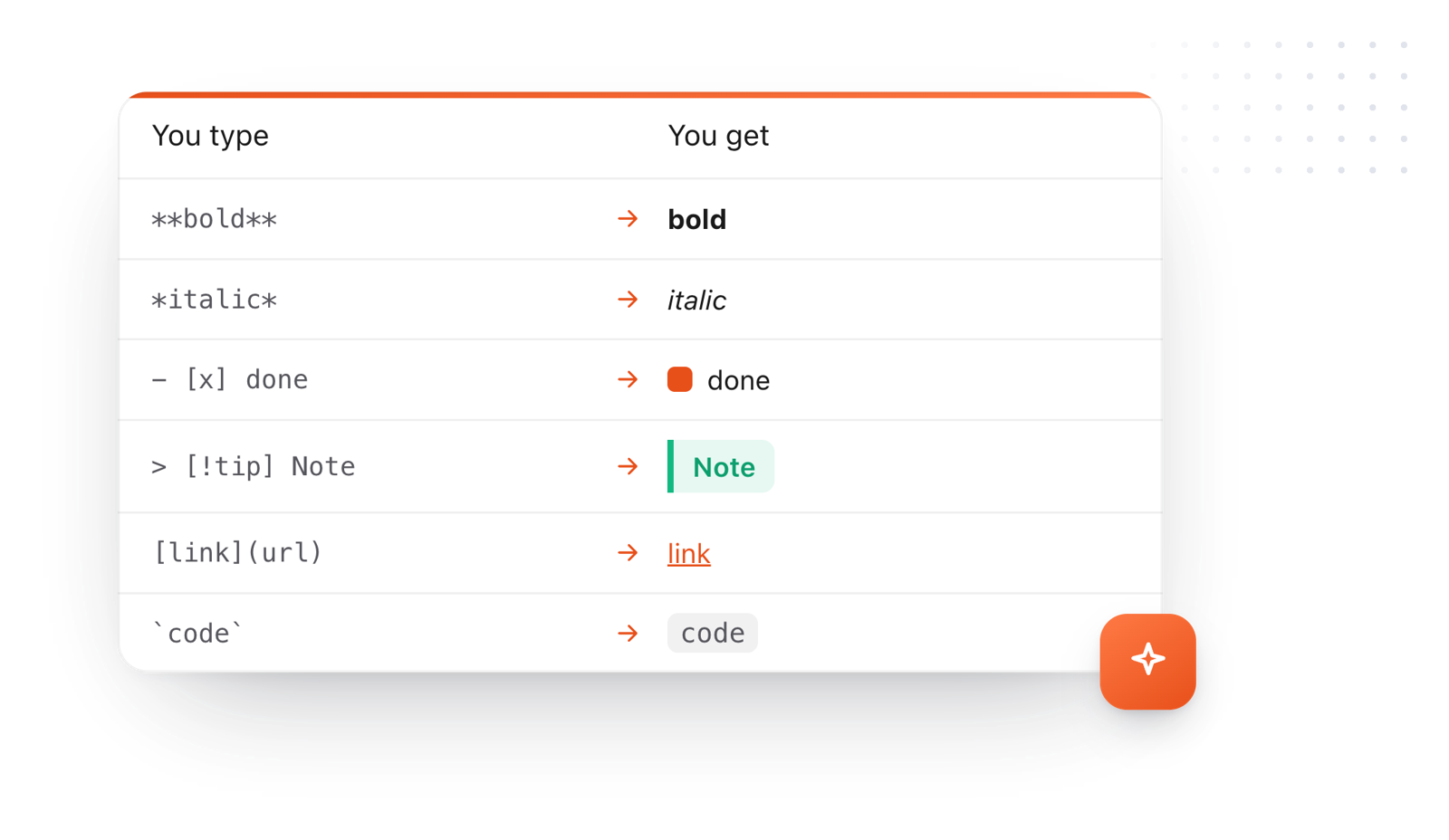
Markdown syntax and what it makes: bold, italic, a done task, a callout, a link and inline code
  1. One Enter joins lines

    In standard Markdown a single line break is a space. The lines are one paragraph until you mark the break.

  2. A blank line is a new paragraph

    Press Enter twice to start a new paragraph, with space above it. That's different from a line break inside one.

  3. Extra blank lines are ignored

    Three blank lines look the same as one. For more space, put <br> on a line of its own.

  4. Some apps break on Enter

    GitHub comments and Obsidian show a single Enter as a new line. A README on GitHub does not, so use a break there.

Take it further

The same editor, without the browser tab

This editor comes from TypeFire, a free app for Markdown notes, a text expander and a clipboard manager. Here it works on the files you open. In the app, it opens your whole folder.

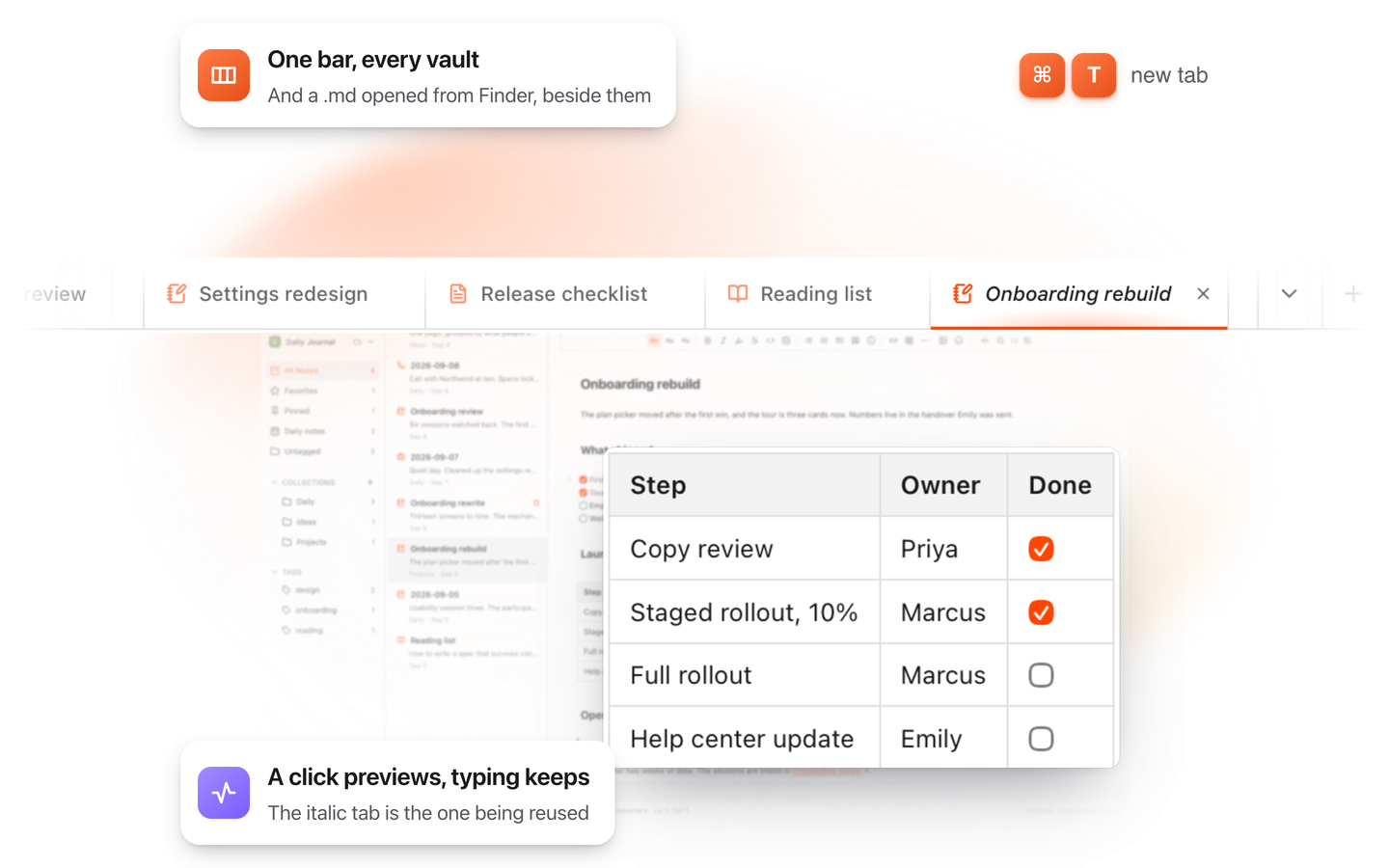
TypeFire for Mac with several Markdown notes open in one tab bar

TypeFire for Mac

  • Press Space on any .md file in Finder and read it rendered, with Quick Look.
  • Open a folder of Markdown, an Obsidian vault included, with tabs, search and links.
  • A text expander and a clipboard history in the same free app.
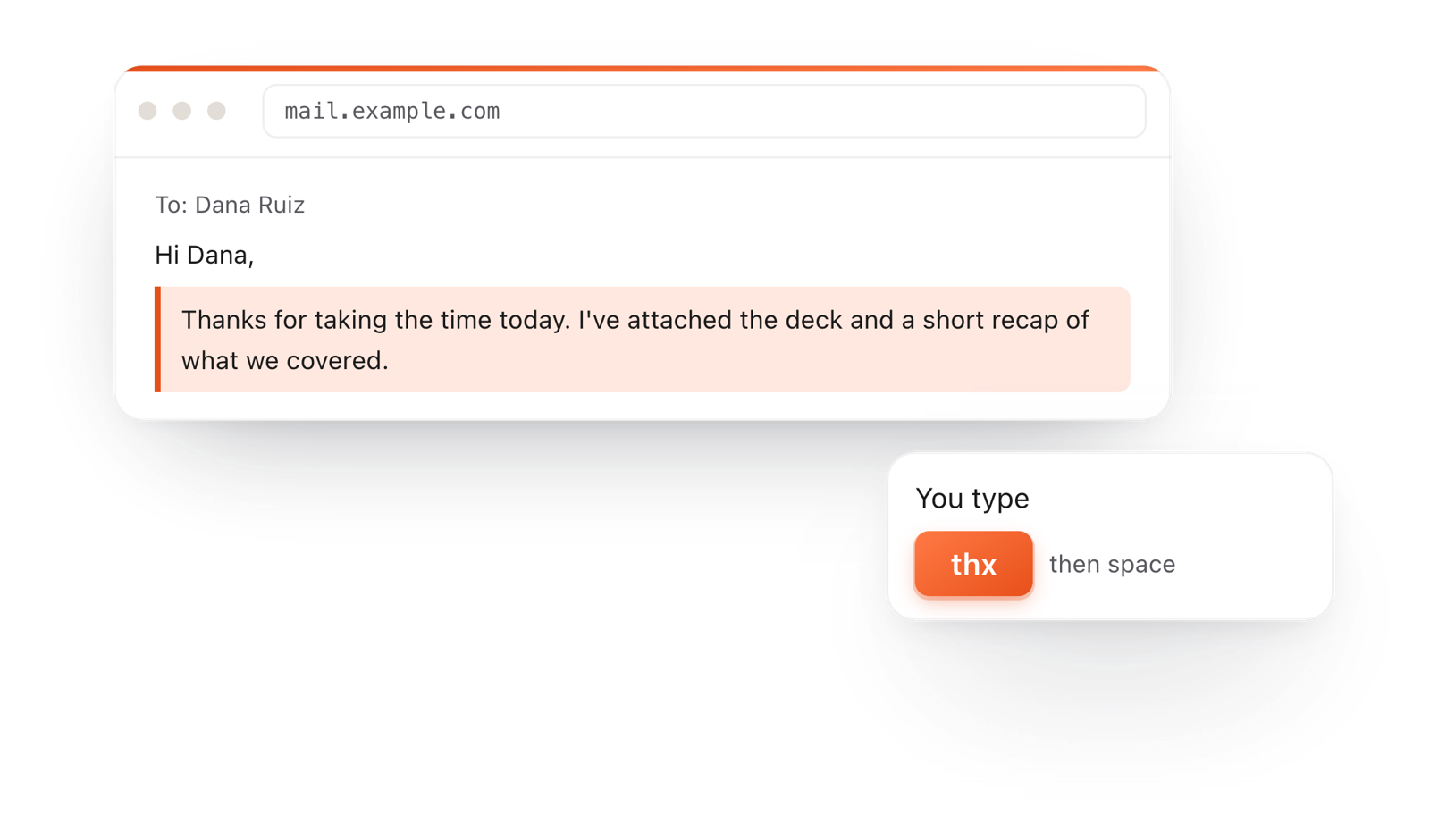
In a browser email, typing thx and a space expands into a whole thank-you reply

TypeFire for Chrome

  • This editor in its own tab, one click from the toolbar.
  • Your folder of .md notes in tabs, with search and links.
  • A text expander and your clipboard history on every site.

Frequently asked questions

Still not answered?

End the line with two spaces or a backslash, then press Enter.

You can also type <br> where the line should break.

Standard Markdown treats a single line break as a space, so the lines join into one paragraph.

Mark the break with two spaces, a backslash or <br>, or press Enter twice for a new paragraph.

A line break starts a new line inside the same paragraph, with no gap.

A blank line starts a new paragraph, with space above it.

Type <br> inside the cell. Two spaces and a backslash don't work in a table.

Markdown ignores extra blank lines. Put <br> on a line of its own for each extra line of space.

Yes. In a README or .md file, use two spaces, a backslash or <br>.

In issues, comments and pull requests, a single Enter already starts a new line.

Write Markdown without looking it up

TypeFire's editor formats as you type, on the Mac and in your browser, with every element a / away. Free.

Download free for MacAdd to ChromeSee what $18 adds7 day Pro trial, no card required.

Free text expander, markdown notes and a clipboard manager. $18 once for unlimited clips, notes sync and AI prompts.

your clips your snippets