Mermaid Diagram Too Small? 6 Ways to Make It Readable
You write a careful flowchart, paste it into your notes, and get a strip of boxes with labels too small to read. It isn't your diagram. Most apps that draw Mermaid squeeze a diagram until it fits the width of the page, and a wide one pays for that with its text.
Here are six ways to get it back, from a one-line fix you can paste into any Mermaid block to opening the diagram where you can zoom and move around.
The short version
- Stop the shrinking: put
%%{init: {"flowchart": {"useMaxWidth": false}}}%%on the first line. - Bigger text: set
fontSizethe same way. - Change the shape: turn a long
LRchart intoTD, or split it into smaller ones. - Zoom in: open it in a viewer with pan and zoom, like TypeFire’s full-window viewer on the Mac.
Why Mermaid diagrams end up tiny
Mermaid draws your diagram at its natural size first, then, by default, scales the whole picture down so it's never wider than the space it sits in. That setting is called useMaxWidth, and it's on for flowcharts, sequence diagrams, Gantt charts and most other kinds.
For a small diagram you'll never notice. For a ten-step pipeline or a three-month plan it's the difference between a readable chart and a gray smudge, because the text is scaled down with everything else.
1. Turn off shrink-to-fit
Add one line before the diagram type. The diagram keeps its natural size, and if it's wider than the page, the page scrolls sideways instead.
%%{init: {"flowchart": {"useMaxWidth": false}}}%%
flowchart LR
  A[Lead] --> B[Call] --> C[Demo] --> D[Trial] --> E[Proposal]
Swap flowchart for the kind you're drawing: "sequence", "gantt", "class" or "state". The setting belongs under the diagram kind, not at the top level, which is the most common reason it seems to do nothing.
2. Make the text bigger
If the layout is fine and only the text is small, raise the font size. The boxes grow to fit.
%%{init: {"themeVariables": {"fontSize": "20px"}}}%%
flowchart TD
  A[Alert fires] --> B{Customers affected?}
You can put both settings in the same line: %%{init: {"themeVariables": {"fontSize": "20px"}, "flowchart": {"useMaxWidth": false}}}%%.
3. Turn a long chart on its side
A left-to-right chart is as wide as it is long. The same steps drawn top to bottom are as wide as the widest row, which is usually two or three boxes. Change flowchart LR to flowchart TD and most "too small" flowcharts fit the page at full size.
4. Fix Gantt charts specifically
A Gantt chart is as wide as its whole schedule, so long plans get squeezed hardest. Three things help:
| Fix | Line to add | What it does |
|---|---|---|
| Keep its size | %%{init: {"gantt": {"useMaxWidth": false}}}%% |
Scrolls instead of shrinking |
| Fewer date labels | tickInterval 1week |
One label a week, not one a day |
| Shorter dates | axisFormat %b %d |
"Mar 08" instead of a full date |
5. Split it up
If a diagram needs zooming to read, it may be two diagrams. Draw the overview with a box for each phase, then one small diagram per phase. In Mermaid you can also group steps with subgraph Billing ... end, which at least makes a big chart easier to scan.
6. Open it where you can zoom
Some diagrams are big on purpose: an architecture map, a full data model. For those you want pan and zoom, not a smaller font.
- On GitHub, Mermaid diagrams in READMEs, issues and pull requests come with their own pan and zoom controls.
- In Obsidian, the team has said built-in pan and zoom is on the way, and in the meantime community plugins add it.
- On a Mac, in TypeFire, open any diagram full window. Drag to move, and pinch or Command-scroll to zoom toward the pointer. A wide diagram in a note keeps a readable size and scrolls sideways, and its labels follow your note's text size.
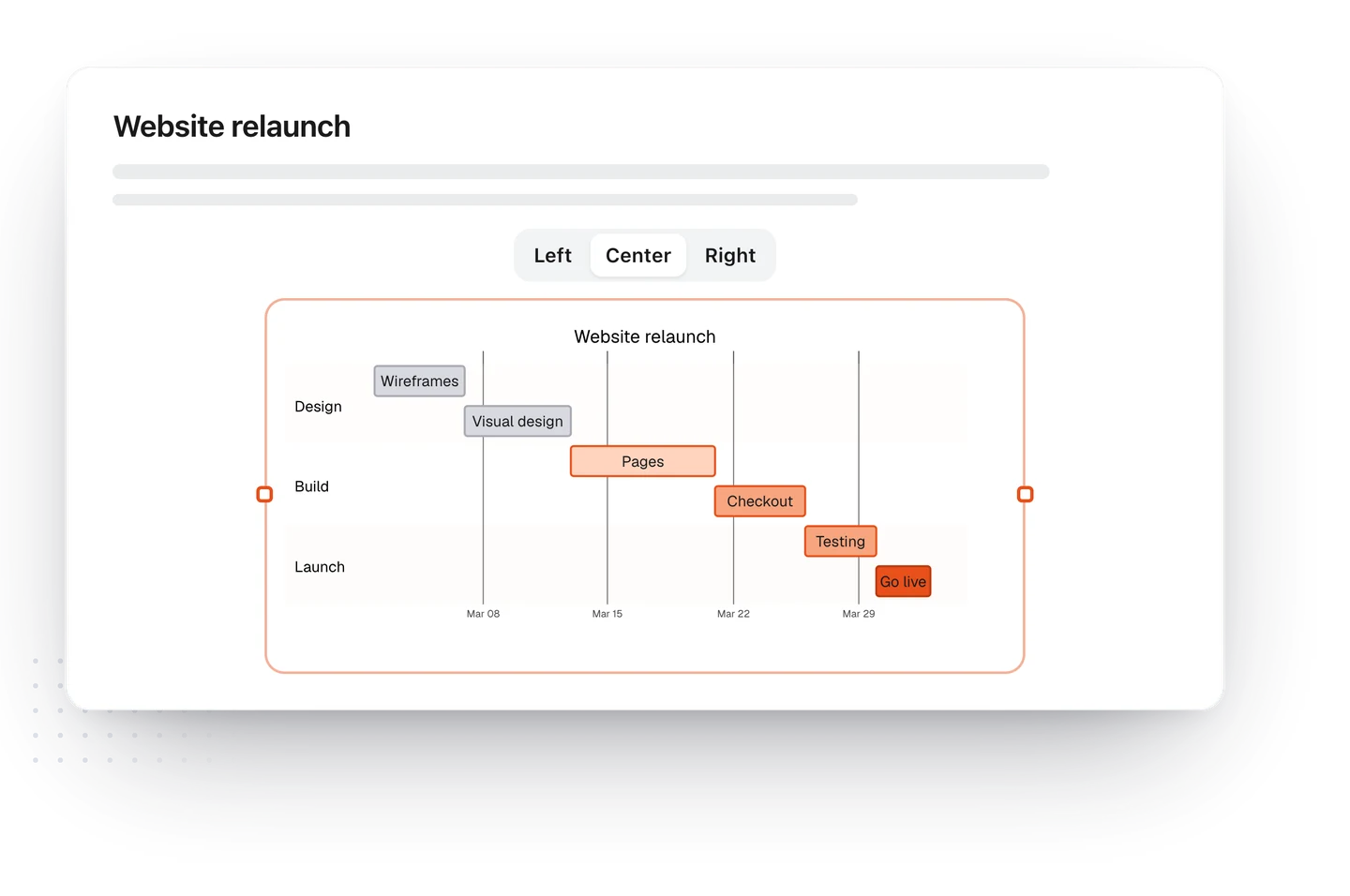
TypeFire also lets you size a diagram inside the note: drag its edge to resize it and pick left, center or right. The choice is saved as a comment other Mermaid apps ignore, so the same file still opens everywhere else.
Which fix to use
| Your problem | Best fix |
|---|---|
| A long left-to-right flowchart | Switch to TD (fix 3) |
| Everything fits but the text is tiny | Raise fontSize (fix 2) |
| A long project plan | Gantt fixes (fix 4) |
| A big diagram you need to study | A viewer with zoom (fix 6) |
| A diagram you keep scrolling around | Split it up (fix 5) |
Want to try the fixes without installing anything? Paste your diagram into the free Mermaid live editor and change it line by line. For the Mac, diagrams in TypeFire covers the viewer, resizing and linking boxes to notes, and if your diagrams live in an Obsidian vault, this page shows how to open the same files.
Loved by people who type all day.
Unprompted reactions from users, in their own words.
Used by people at
Company names are places where our users work. They do not imply endorsement or affiliation.