Trip planning
Try this
- Add
Packunder the root, indented likeFlights. - Give it items of its own, indented one step further.
A Mermaid mind map is an indented list. The first line is the middle of the map, and each line indented under another becomes its branch. Type the example below and watch it grow.
Free in your browser. On a Mac, TypeFire opens every .md file like this, right from Finder.Download free for Mac
Pack under the root, indented like Flights.This editor comes from TypeFire, free for Mac
Your whole folder of Markdown notes in tabs, Quick Look previews in Finder, plus a text expander and a clipboard manager.
Write mindmap on the first line, then the center idea on the next, indented, like root((Lisbon trip)).
Every line indented under another becomes its branch. Indent one more step for a sub-branch.
Wrap a label in (( )) for a circle, ( ) for round corners or [ ] for a square.

On the Mac, every Mermaid block in your notes draws in TypeFire's colors. Open one full window to zoom in, resize it, link a box to another note, and save it as SVG or PNG.
Free text expander, markdown notes and a clipboard manager. $18 once for unlimited clips, notes sync and AI prompts.
Indentation does the work. Brackets only change the shape.
Drawn from the example above
If you can write a bulleted list, you can write a mind map. Move a line and the branch moves.
Reordering branches is cut and paste, not dragging bubbles around a canvas.
Each main branch gets its own color, so the map reads at a glance.
The map sits in a Markdown note with the rest of your thinking, searchable like any text.
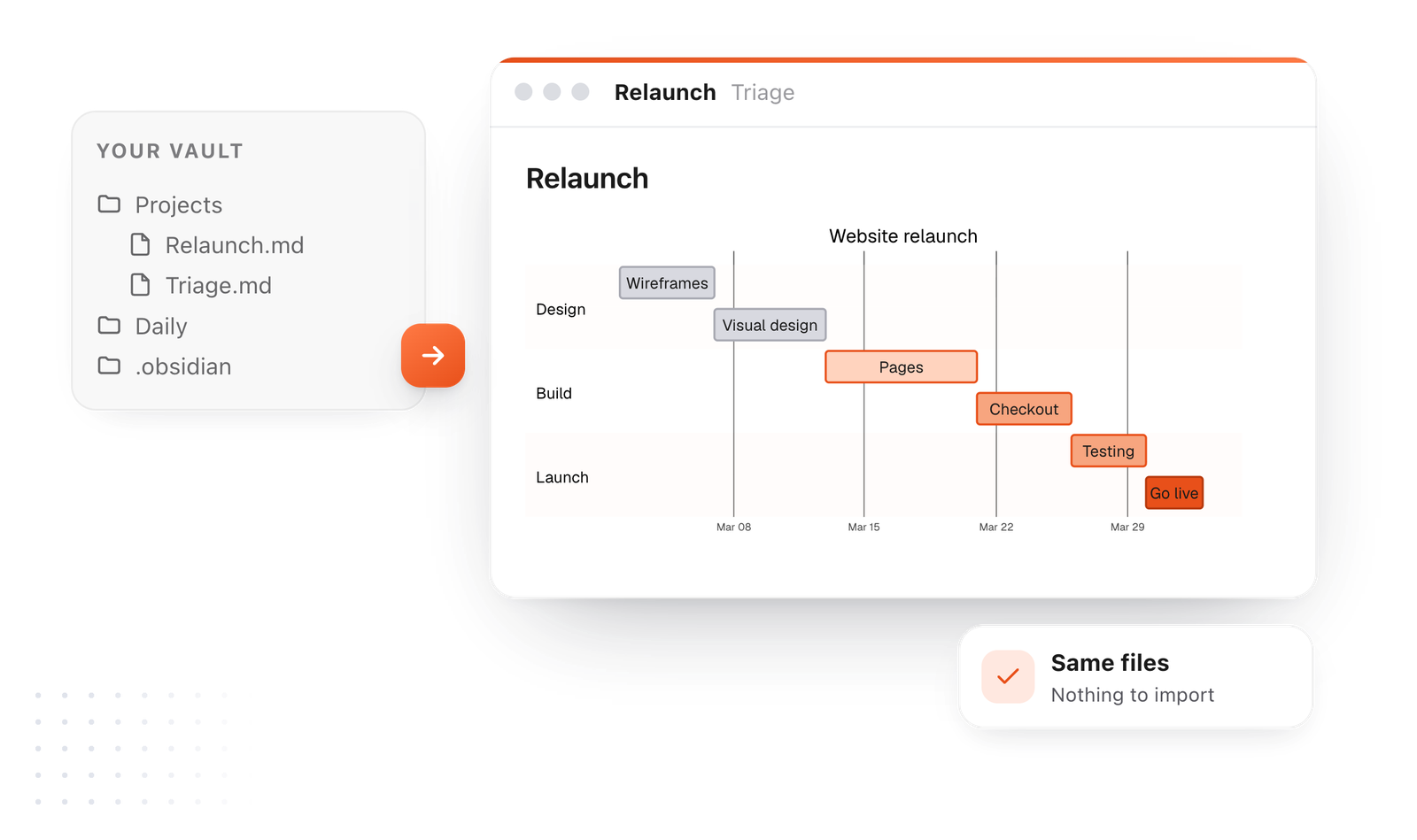
This editor comes from TypeFire, a free app for Markdown notes, a text expander and a clipboard manager. Here it works on the files you open. In the app, it opens your whole folder.

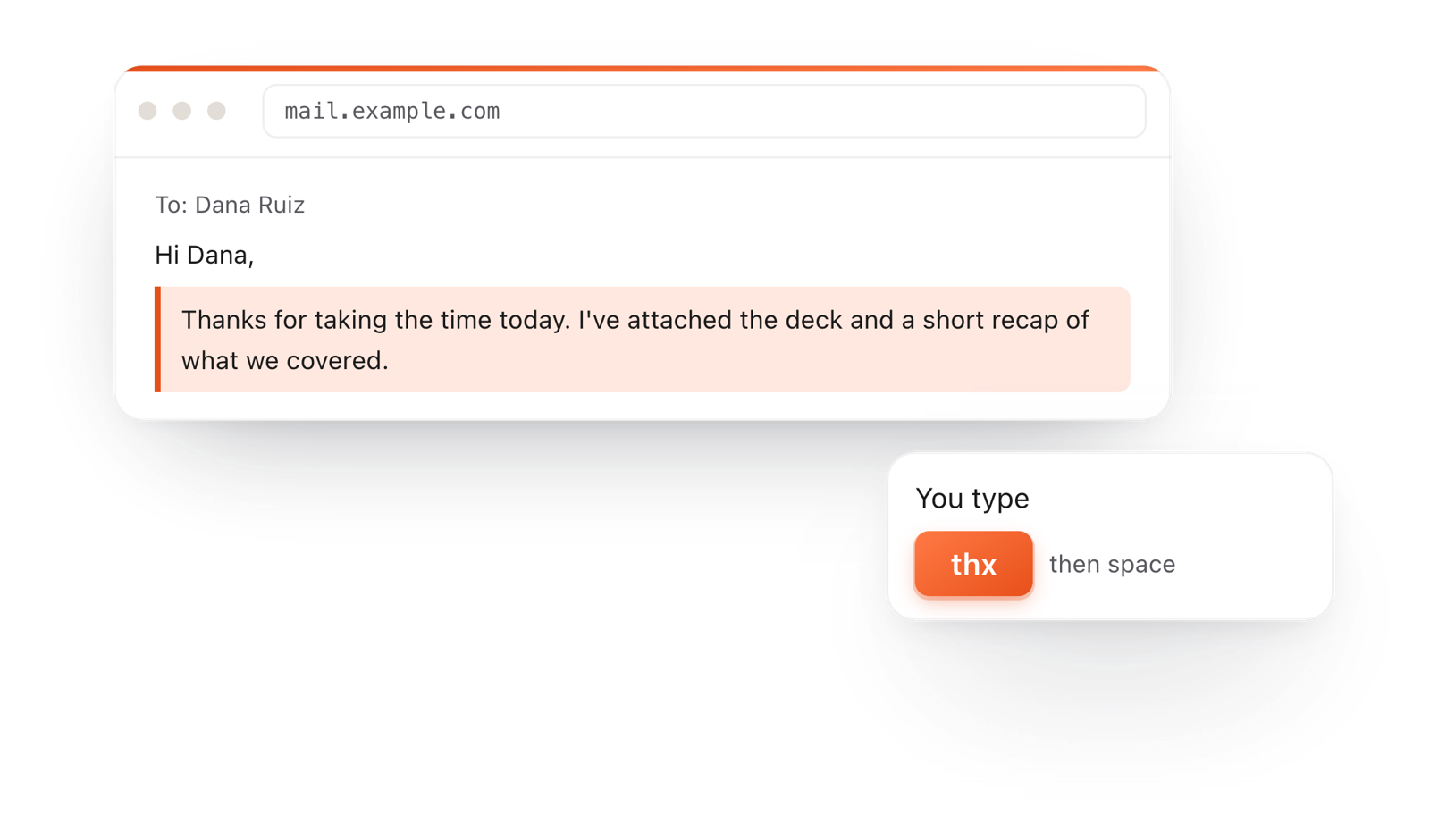
Still not answered?
Use a Mermaid mind map in a code block marked mermaid.
Write mindmap, then the center idea, then indent each branch under its parent.
By indentation. A line belongs to the closest line above it with less indentation, the same way a nested list works.
Yes. root((Idea)) draws a circle, (Text) rounded corners, [Text] a square and {{Text}} a hexagon.
You can write the same Mermaid mind map in any note.
TypeFire opens Obsidian vaults as they are and draws the map in TypeFire's colors, with a viewer to zoom in.
In this editor, download the document as a PDF with the map drawn in it.
TypeFire for Mac also saves a diagram as SVG or PNG.
Zoom, resize, link a box to a note
Mind maps from Obsidian notesCanvas, text or a plugin
The Mermaid syntax guideEvery diagram kind, with examples
TypeFire for Mac draws mind maps in your notes, Obsidian vaults included. Free.
Free text expander, markdown notes and a clipboard manager. $18 once for unlimited clips, notes sync and AI prompts.
⌘⌃2 your clips⌘⌃1 your snippets