New: TypeFire 7 and TypeFire for Chrome 2.0.
Free template · Edit in place · Download

AGENTS.md template and editor

AGENTS.md tells AI coding agents how to work in your project. Start from the template below, replace the commands and rules with your own, and download it to the top of your repository.

Free in your browser. On a Mac, TypeFire opens every .md file like this, right from Finder.Download free for Mac

AGENTS.md
FileEditViewInsertFormatHelp
AGENTS.md

AGENTS.md

Project

Harbor Ledger is an invoicing app: a React front end in web/ and a Node API in api/.

Commands

  • Install: npm install
  • Run locally: npm run dev
  • Test: npm test
  • Lint and format: npm run lint

Run the tests before you say a change is done.

Conventions

  • TypeScript everywhere, no any.
  • One component per file, named like the file.
  • Money is stored in cents, as integers.

Boundaries

  • Ask before a database migration, a dependency upgrade or a push.
  • Never edit files in generated/.

Memory

Save plans and decisions as notes, not as loose files in the repository.
Loading the editor…Your files stay in your browser
  • Your files never leave your browser
  • Free, no sign-up
  • Download as Markdown, Word, a web page or a PDF

This editor comes from TypeFire, free for Mac

Your whole folder of Markdown notes in tabs, Quick Look previews in Finder, plus a text expander and a clipboard manager.

How it works

Write an AGENTS.md in three steps

  1. 01

    Start with the commands

    How to install, run, test and lint. An agent that knows the test command checks its own work.

  2. 02

    Add the rules that matter

    Conventions a new teammate would need on day one, and anything the agent must never do.

  3. 03

    Download and place it

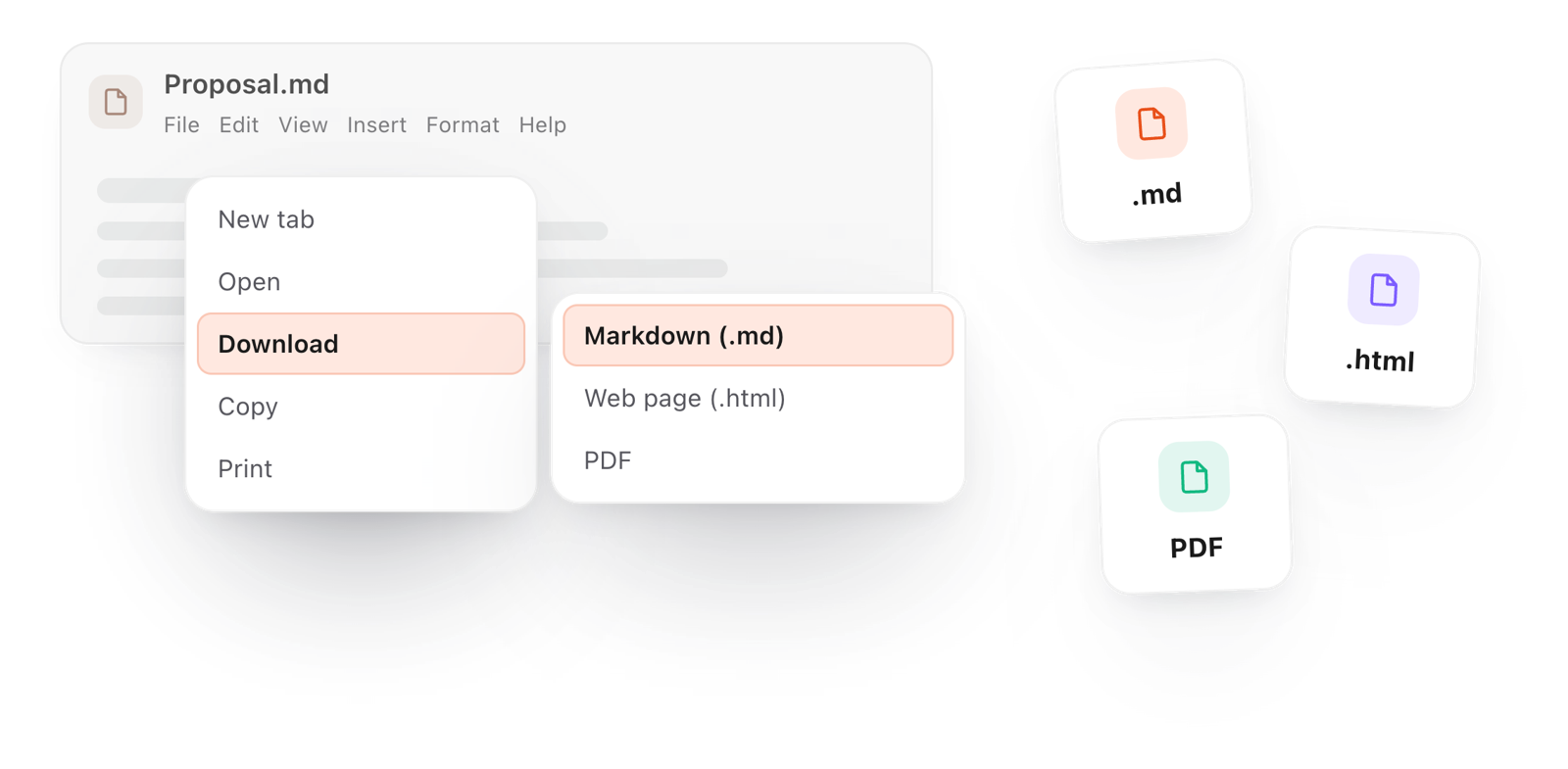
    File > Download > Markdown, name it AGENTS.md, and put it at the root of the repository.

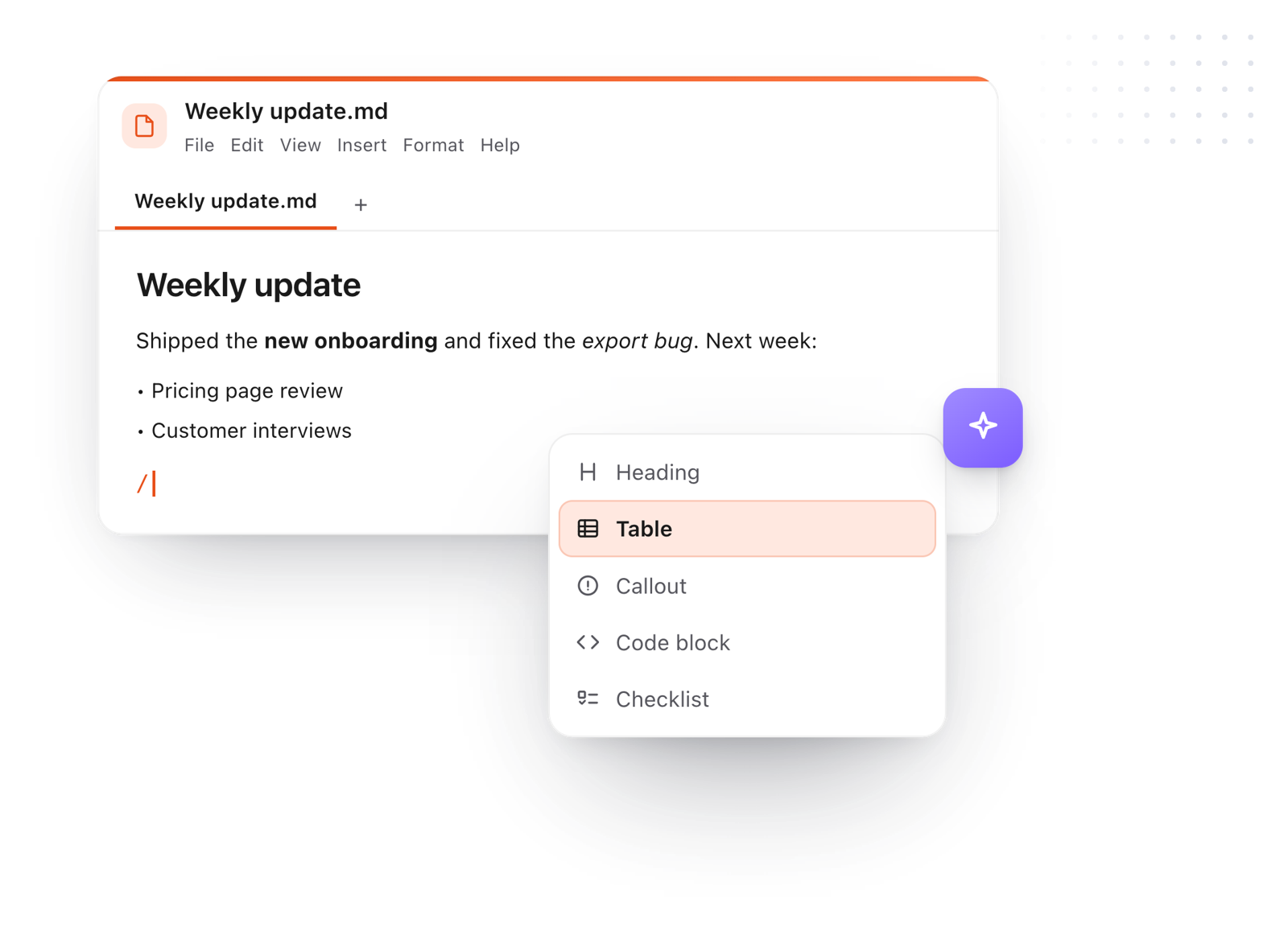
The slash menu adding a heading while writing an AGENTS.md file
Free for Mac and Chrome

Like this editor? Get TypeFire.

The same editor on your whole folder of Markdown notes, plus a text expander and a clipboard manager. On a Mac, every .md file previews in Finder when you press Space.

Download free for MacAdd to Chrome7 day Pro trial, no card required.

Free text expander, markdown notes and a clipboard manager. $18 once for unlimited clips, notes sync and AI prompts.

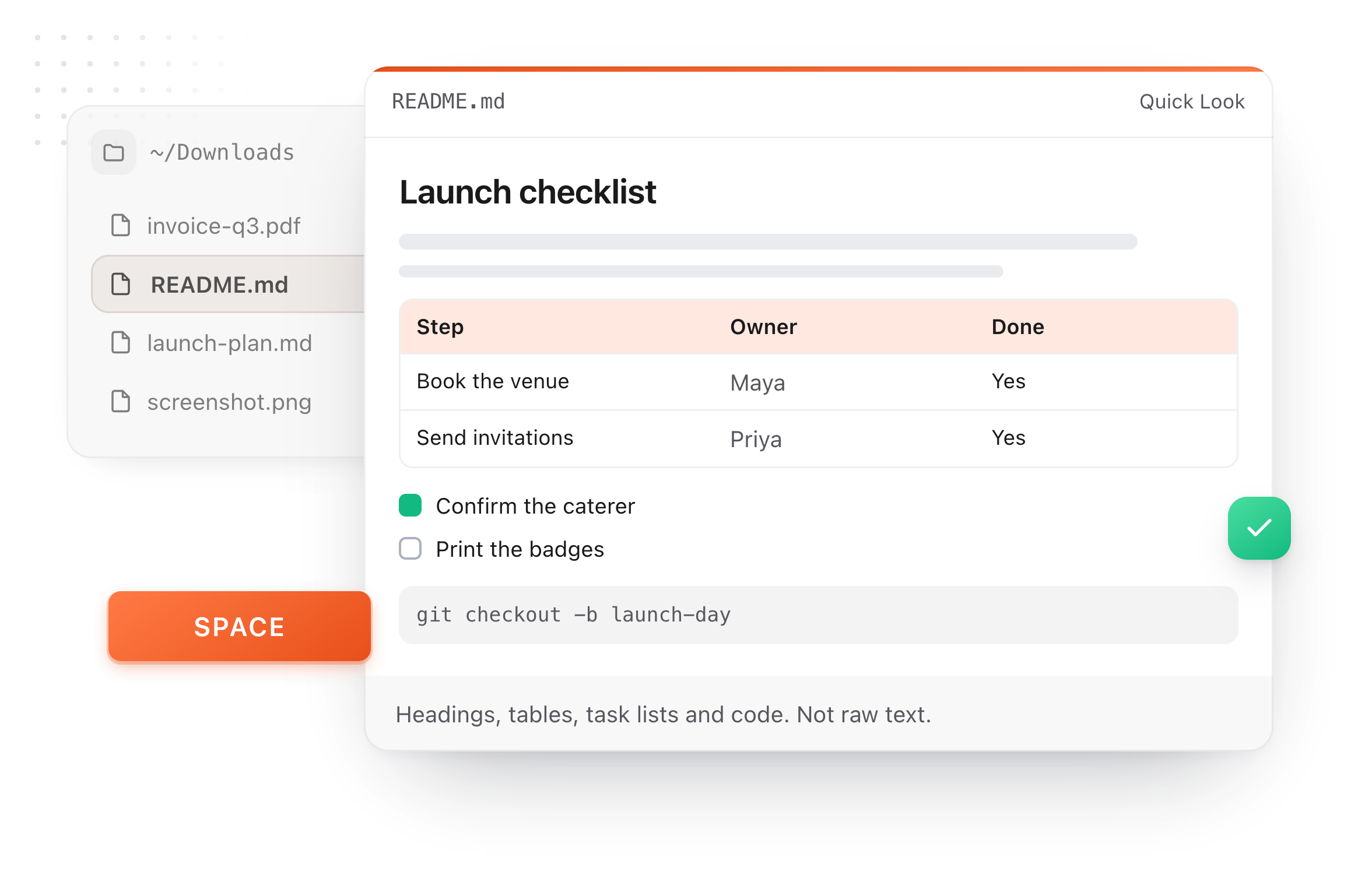
A README.md previewed in Finder with Quick Look on a Mac, after pressing Space
What it does

What a good AGENTS.md holds

Think of it as a README written for agents: short, specific, and true of every task.

  1. Commands

    Install, run, test, lint and build, written exactly as you type them.

  2. Project layout

    Where the code, the tests and the docs live, in a few lines.

  3. Conventions

    Naming, formatting and the patterns the project already uses.

  4. Boundaries

    What needs your go first: a push, a migration, a delete.

  5. Read by most agents

    Codex, Cursor, GitHub Copilot, Gemini CLI and others read AGENTS.md. For Claude Code, start CLAUDE.md with an @AGENTS.md line and it reads the same rules.

The File menu, downloading the file as Markdown
Take it further

The same editor, without the browser tab

This editor comes from TypeFire, a free app for Markdown notes, a text expander and a clipboard manager. Here it works on the files you open. In the app, it opens your whole folder.

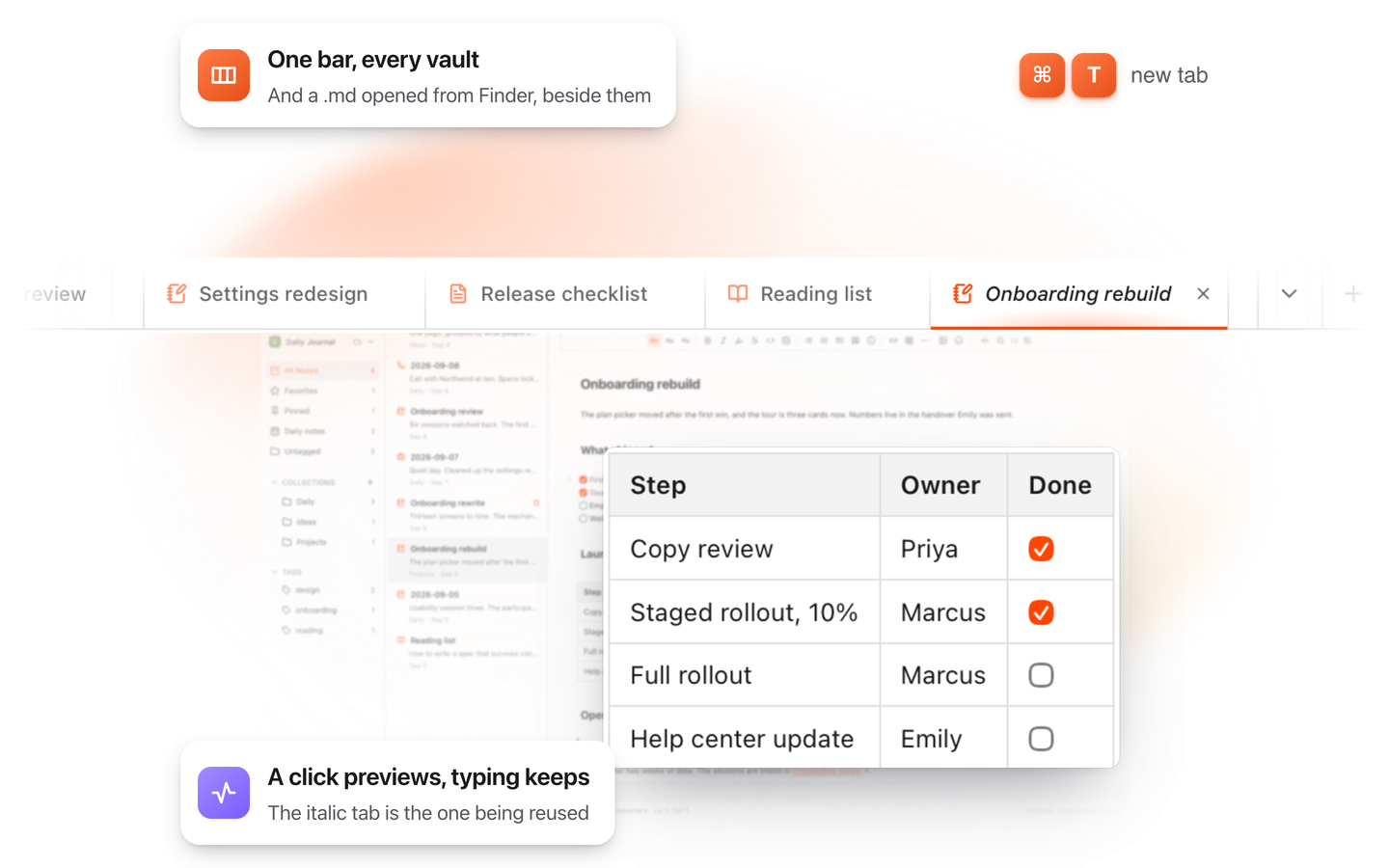
TypeFire for Mac with several Markdown notes open in one tab bar

TypeFire for Mac

  • Press Space on any .md file in Finder and read it rendered, with Quick Look.
  • Open a folder of Markdown, an Obsidian vault included, with tabs, search and links.
  • A text expander and a clipboard history in the same free app.
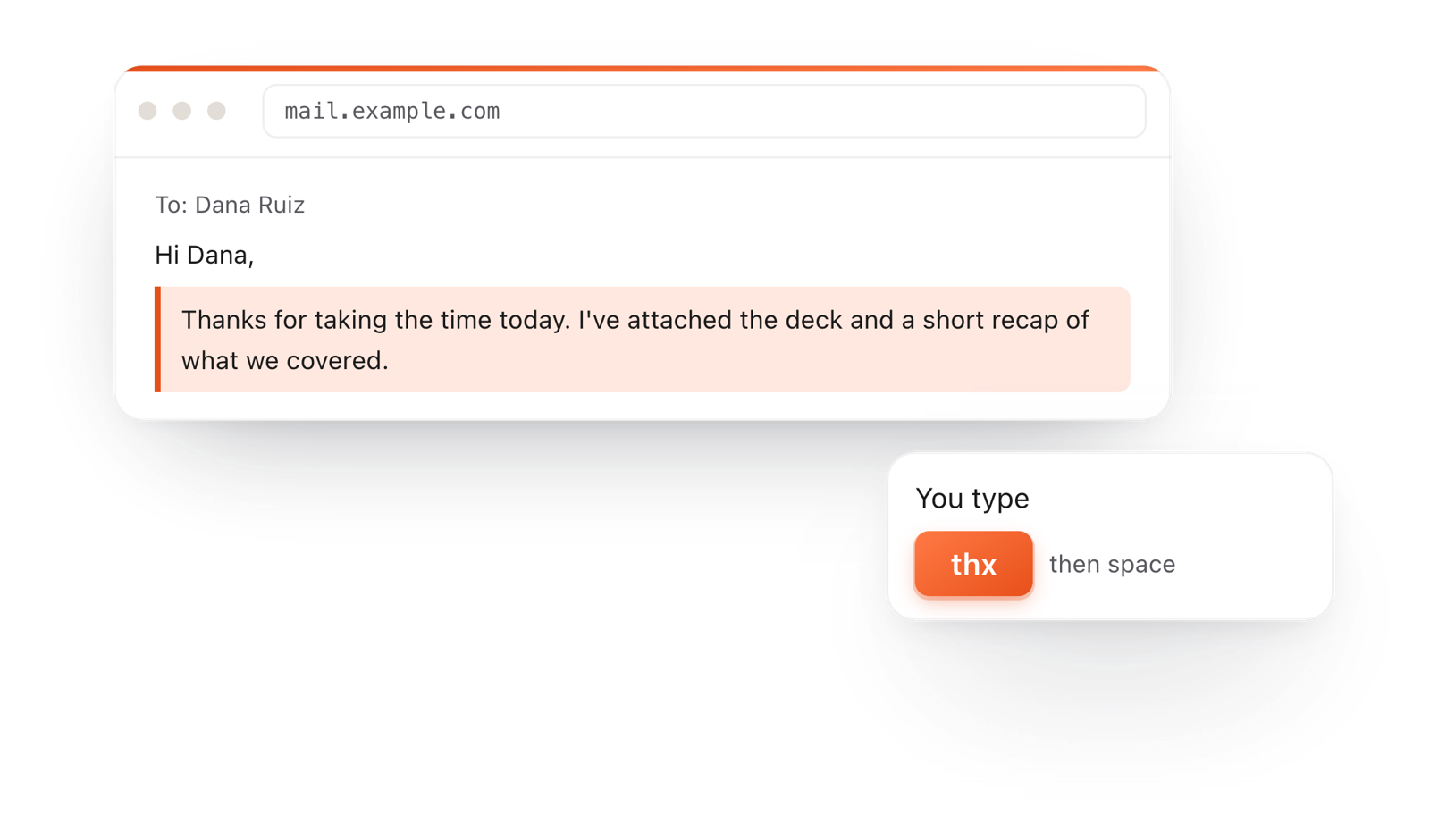
In a browser email, typing thx and a space expands into a whole thank-you reply

TypeFire for Chrome

  • This editor in its own tab, one click from the toolbar.
  • Your folder of .md notes in tabs, with search and links.
  • A text expander and your clipboard history on every site.

Frequently asked questions

Still not answered?

A Markdown file at the root of a repository that tells AI coding agents how to work on the project: commands, conventions, testing and anything else a new contributor would need.

At the top of the repository. A large project can add another in a subfolder for rules that apply only there.

If you use more than one agent, put shared instructions in AGENTS.md, since most agents read it.

For Claude-specific rules, keep a CLAUDE.md that starts with an @AGENTS.md line and adds them below.

Short enough to be true of every task. It loads in every session, so move a long procedure into a skill and link long documents instead of pasting them.

It is free with no account, and what you write stays in your browser until you download it.

Keep your agent files in view

TypeFire 7 for Mac opens a project folder and lists AGENTS.md, CLAUDE.md and SKILL.md first, formatted, and updates them as your agent writes. Free.

Download free for MacAdd to ChromeSee what $18 adds7 day Pro trial, no card required.

Free text expander, markdown notes and a clipboard manager. $18 once for unlimited clips, notes sync and AI prompts.

your clips your snippets