New: TypeFire 7 and TypeFire for Chrome 2.0.
Free template · Edit in place · Download

CLAUDE.md template and editor

CLAUDE.md is the file Claude Code reads at the start of every session. Start from the template below, replace the commands and rules with your own, and download it to your project.

Free in your browser. On a Mac, TypeFire opens every .md file like this, right from Finder.Download free for Mac

CLAUDE.md
FileEditViewInsertFormatHelp
CLAUDE.md

CLAUDE.md

@AGENTS.md

Commands

  • Install: npm install
  • Run locally: npm run dev
  • Test: npm test

Run the tests before you say a change is done.

How I like to work

  • Explain the plan in a few lines before a large change.
  • Make the smallest change that fixes the problem.
  • Ask before a push, a delete or a database migration.

Conventions

  • TypeScript everywhere, no any.
  • Money is stored in cents, as integers.

Notes

Save plans and decisions as notes, and look there before starting new work.
Loading the editor…Your files stay in your browser
  • Your files never leave your browser
  • Free, no sign-up
  • Download as Markdown, Word, a web page or a PDF

This editor comes from TypeFire, free for Mac

Your whole folder of Markdown notes in tabs, Quick Look previews in Finder, plus a text expander and a clipboard manager.

How it works

Write a CLAUDE.md in three steps

  1. 01

    Say how the project runs

    The commands to install, run and test, written exactly as you type them.

  2. 02

    Add your rules

    The conventions Claude should follow and the things it should ask about first.

  3. 03

    Download and place it

    File > Download > Markdown, name it CLAUDE.md, and put it at the top of the project. Rules that are yours on every project go in ~/.claude/CLAUDE.md.

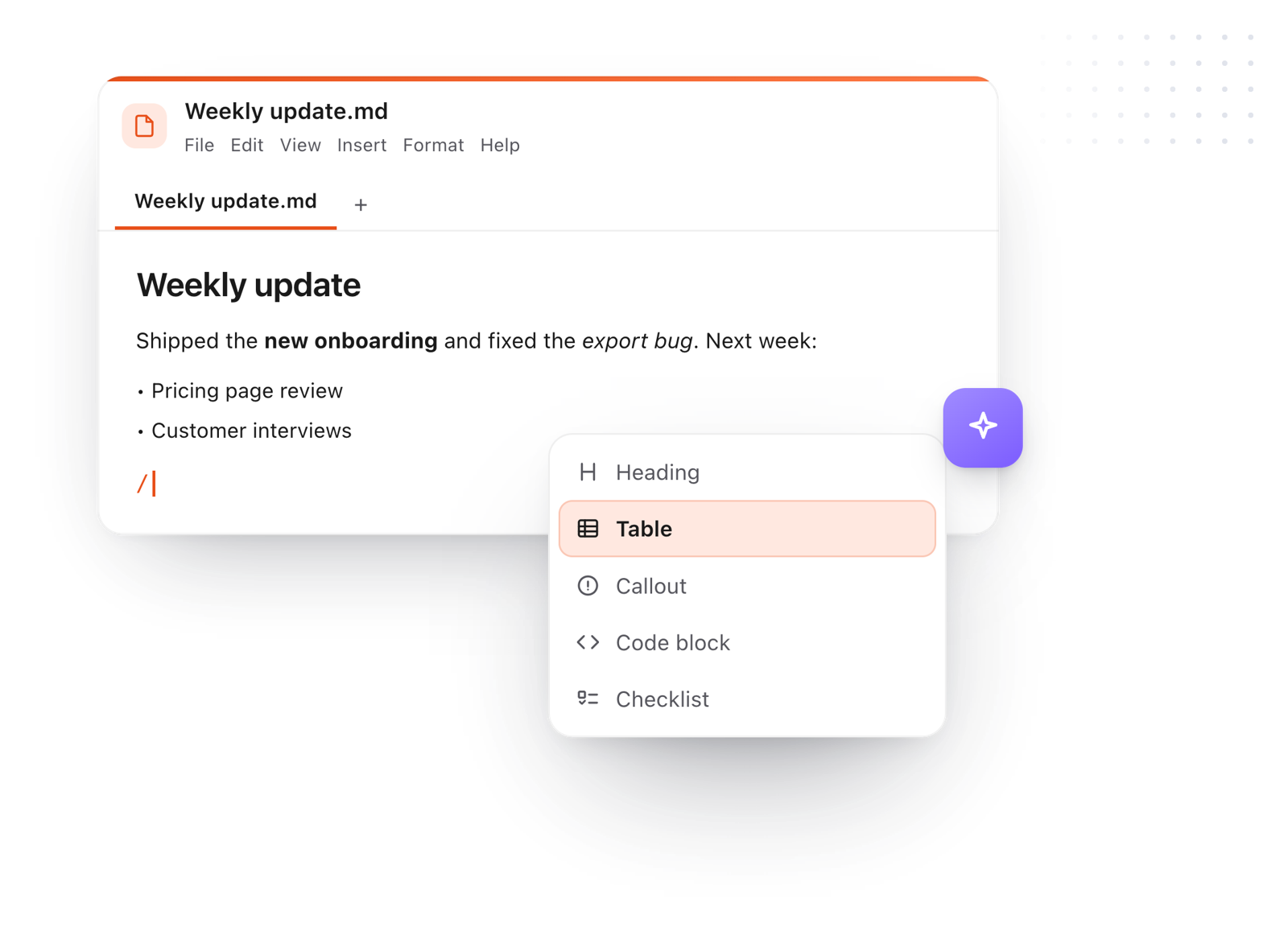
The slash menu adding a heading while writing a CLAUDE.md file
Free for Mac and Chrome

Like this editor? Get TypeFire.

The same editor on your whole folder of Markdown notes, plus a text expander and a clipboard manager. On a Mac, every .md file previews in Finder when you press Space.

Download free for MacAdd to Chrome7 day Pro trial, no card required.

Free text expander, markdown notes and a clipboard manager. $18 once for unlimited clips, notes sync and AI prompts.

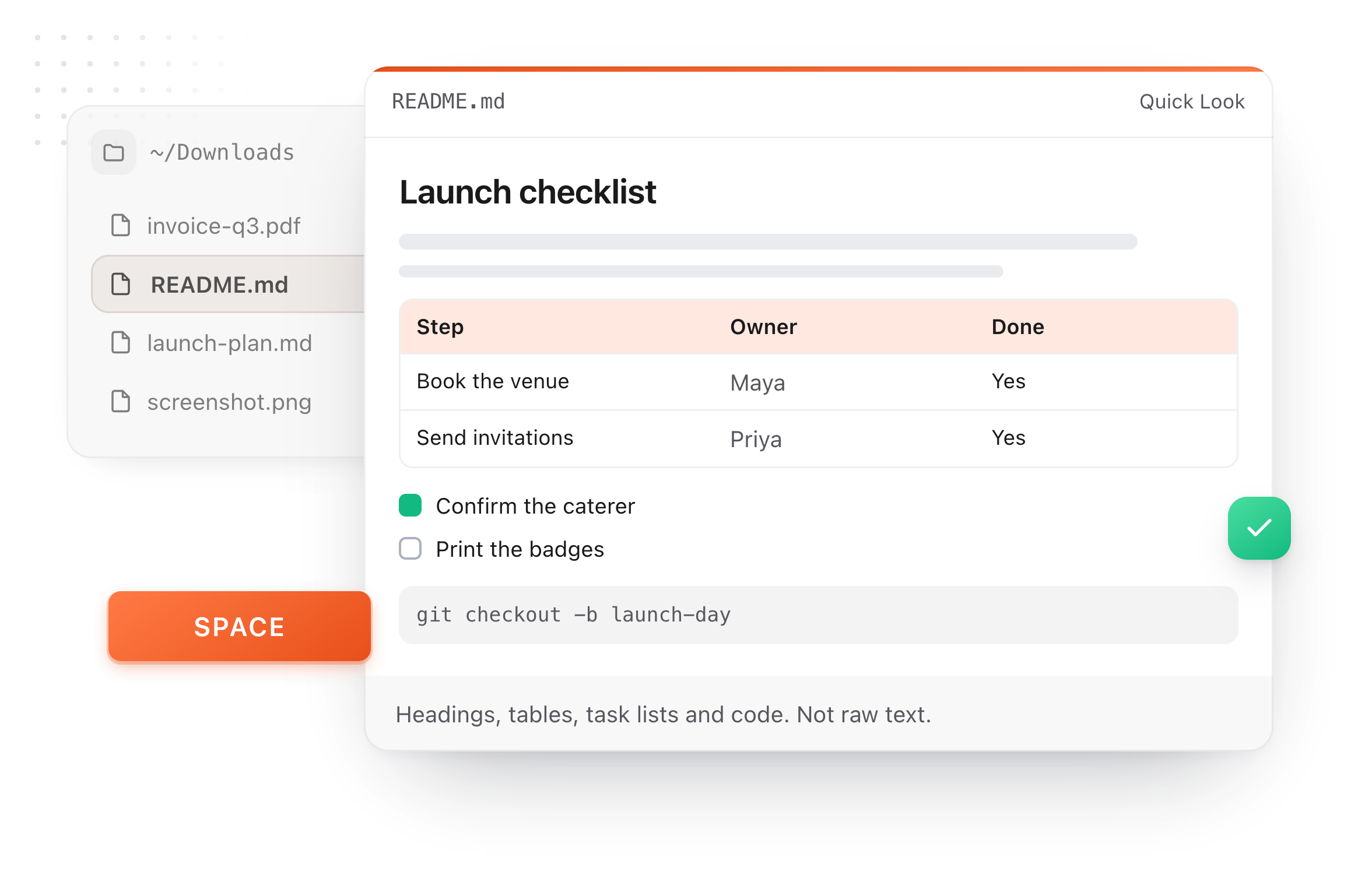
A README.md previewed in Finder with Quick Look on a Mac, after pressing Space
What it does

What belongs in a CLAUDE.md

It loads in every session, so every line should earn its place.

  1. Commands

    Install, run, test and lint. Claude checks its own work when it knows the test command.

  2. Conventions

    The patterns your project already uses, stated plainly.

  3. Things to ask first

    A push, a delete, a migration: name the steps that need your go.

  4. Imports

    A line such as @AGENTS.md pulls another file in, so one set of rules can serve every agent.

  5. Keep it short

    A long file is read less carefully. Move a procedure into a skill and keep the rules here.

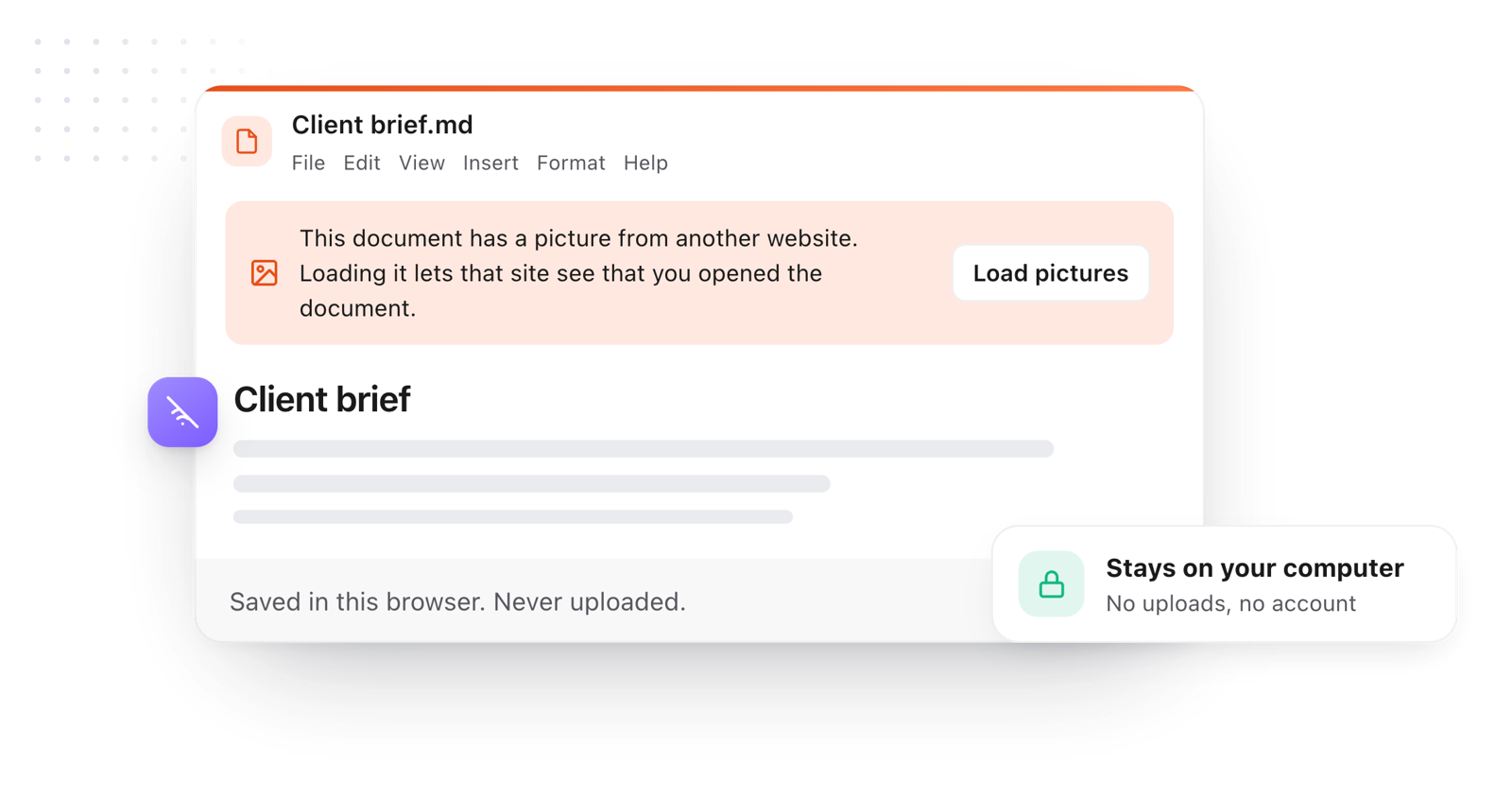
The file stays in the browser and is never uploaded
Take it further

The same editor, without the browser tab

This editor comes from TypeFire, a free app for Markdown notes, a text expander and a clipboard manager. Here it works on the files you open. In the app, it opens your whole folder.

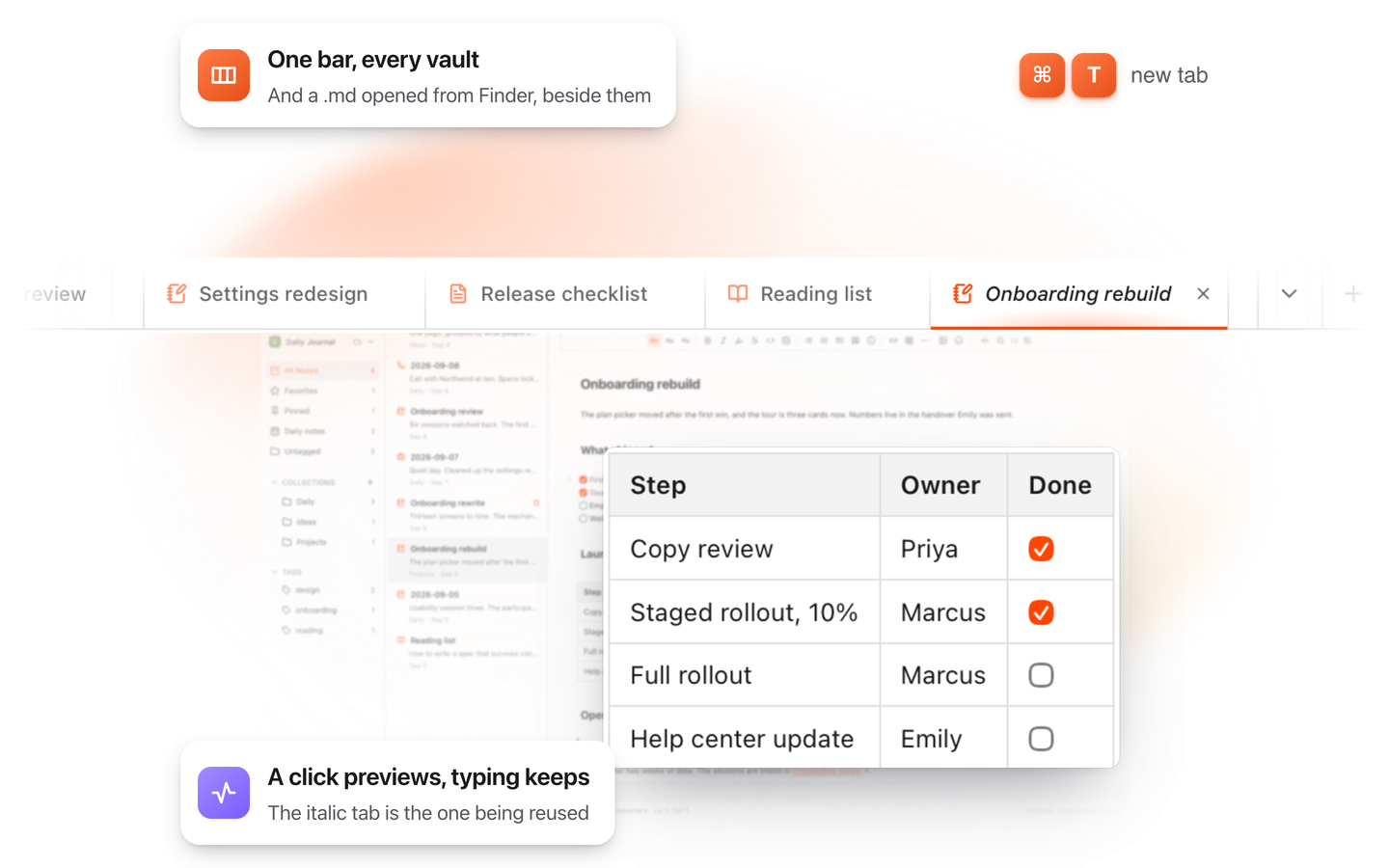
TypeFire for Mac with several Markdown notes open in one tab bar

TypeFire for Mac

  • Press Space on any .md file in Finder and read it rendered, with Quick Look.
  • Open a folder of Markdown, an Obsidian vault included, with tabs, search and links.
  • A text expander and a clipboard history in the same free app.
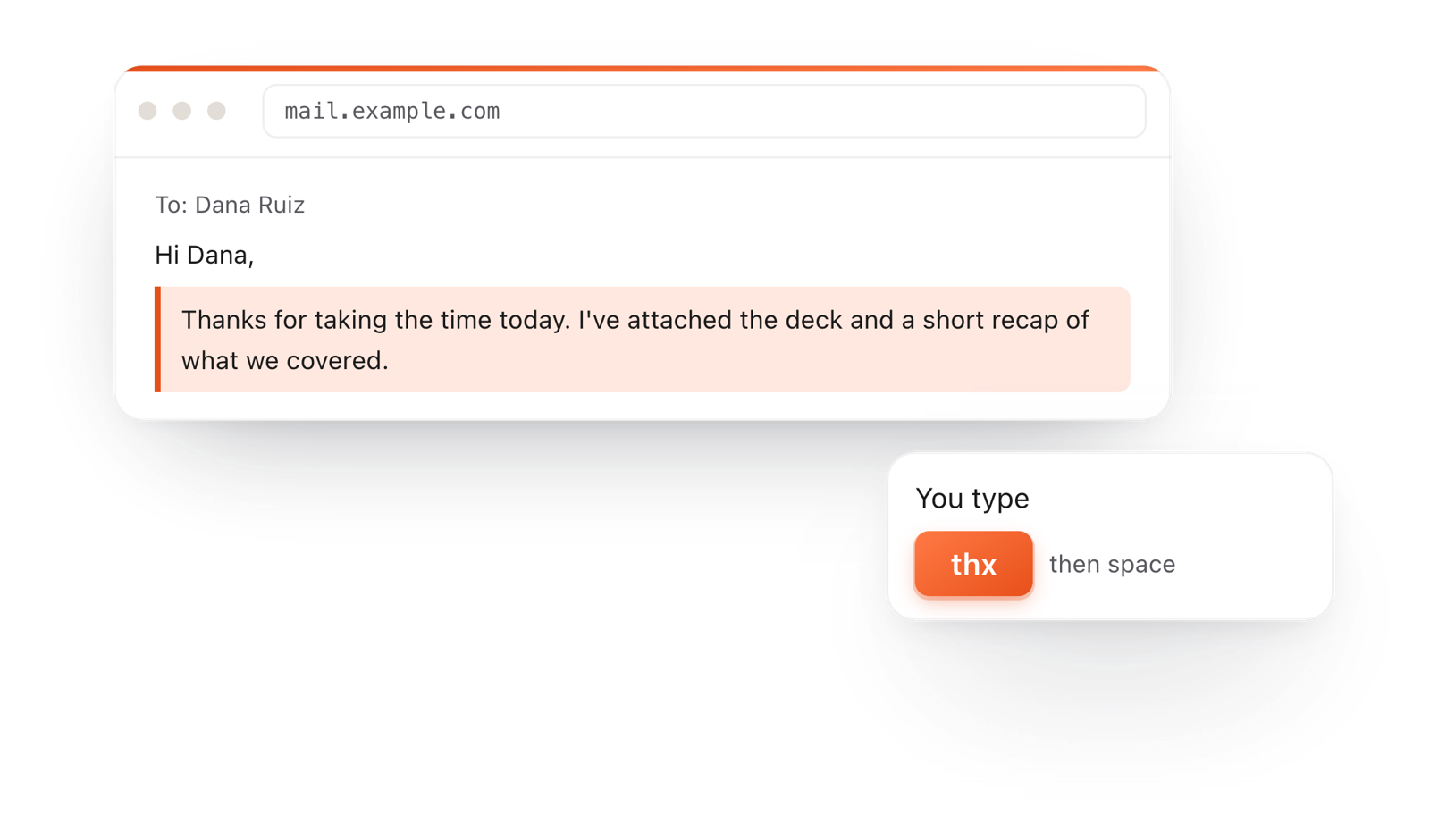
In a browser email, typing thx and a space expands into a whole thank-you reply

TypeFire for Chrome

  • This editor in its own tab, one click from the toolbar.
  • Your folder of .md notes in tabs, with search and links.
  • A text expander and your clipboard history on every site.

Frequently asked questions

Still not answered?

A Markdown file of instructions that Claude Code loads at the start of every session: how the project runs, its conventions and your rules.

At the top of the project, for rules the whole team shares.

Your personal rules for every project go in ~/.claude/CLAUDE.md.

If you use more than one agent, keep shared instructions in AGENTS.md and start CLAUDE.md with an @AGENTS.md line, then add anything specific to Claude below it.

CLAUDE.md is loaded every session and holds rules.

A skill, written as a SKILL.md, is loaded only when a task matches and teaches one procedure.

As short as it can be while still true of every task.

Link long documents instead of pasting them in.

It is free with no account, and what you write stays in your browser until you download it.

Keep CLAUDE.md in view while Claude works

TypeFire 7 for Mac opens a project folder and lists CLAUDE.md, AGENTS.md and SKILL.md first, formatted, and updates them as Claude writes. Free.

Download free for MacAdd to ChromeSee what $18 adds7 day Pro trial, no card required.

Free text expander, markdown notes and a clipboard manager. $18 once for unlimited clips, notes sync and AI prompts.

your clips your snippets