Website relaunch plan
Try this
- Change
8don Pages to12dand watch Checkout and Testing slide. - Add
excludes weekendsunderdateFormatto skip Saturdays and Sundays.
A Mermaid Gantt chart is a project plan written as text: a section per phase, a line per task, a start date or the task it follows, and how long it takes. Change a duration below and every task after it moves.
Free in your browser. On a Mac, TypeFire opens every .md file like this, right from Finder.Download free for Mac
8d on Pages to 12d and watch Checkout and Testing slide.excludes weekends under dateFormat to skip Saturdays and Sundays.This editor comes from TypeFire, free for Mac
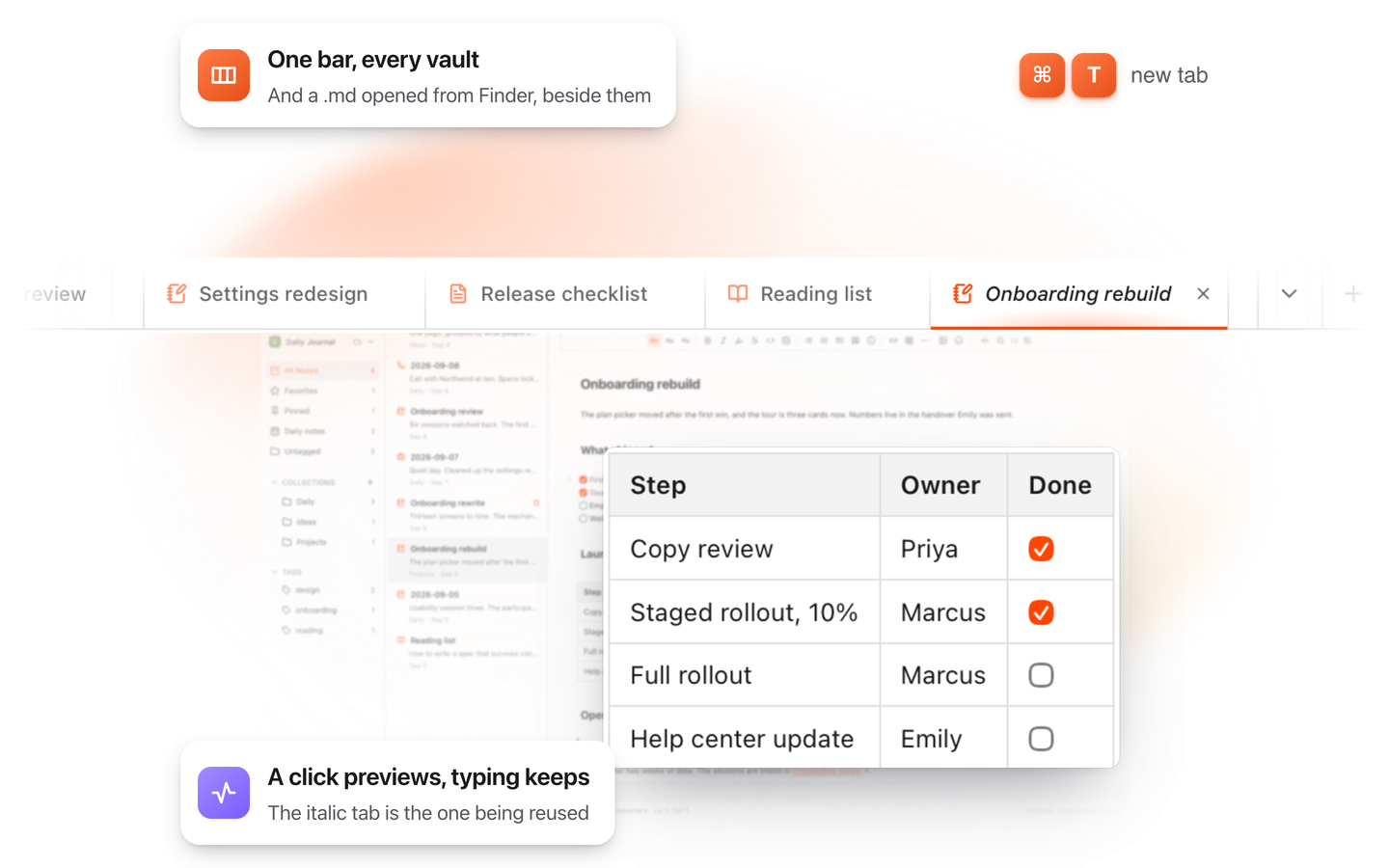
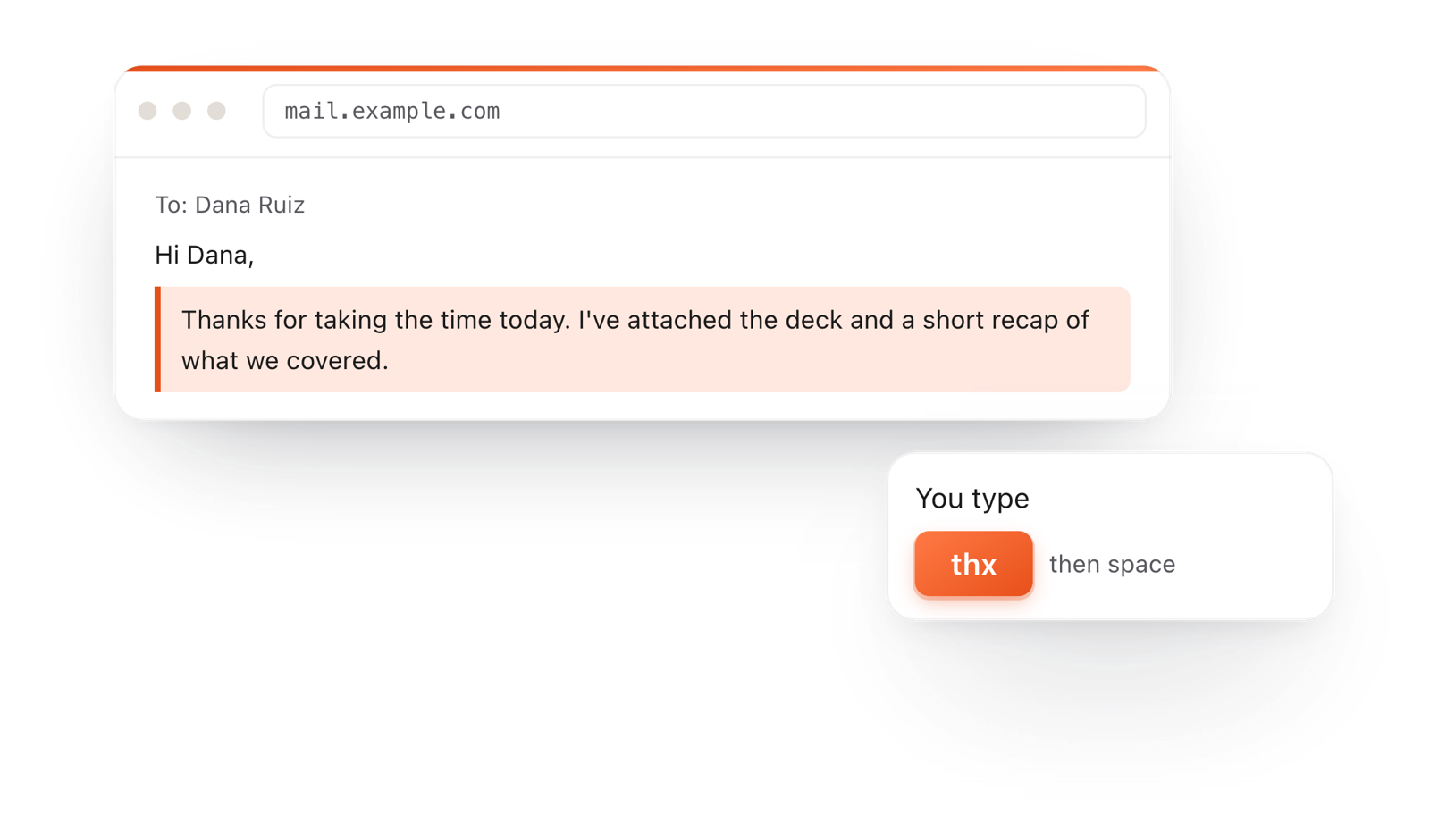
Your whole folder of Markdown notes in tabs, Quick Look previews in Finder, plus a text expander and a clipboard manager.
Start with gantt, a title, and dateFormat YYYY-MM-DD so Mermaid can read your dates.
A section line starts a group. Each task is Name :id, start, length, like Wireframes :d1, 2026-03-02, 5d.
Write after d1 instead of a date, and the task starts when d1 ends. Change one length and the plan updates.
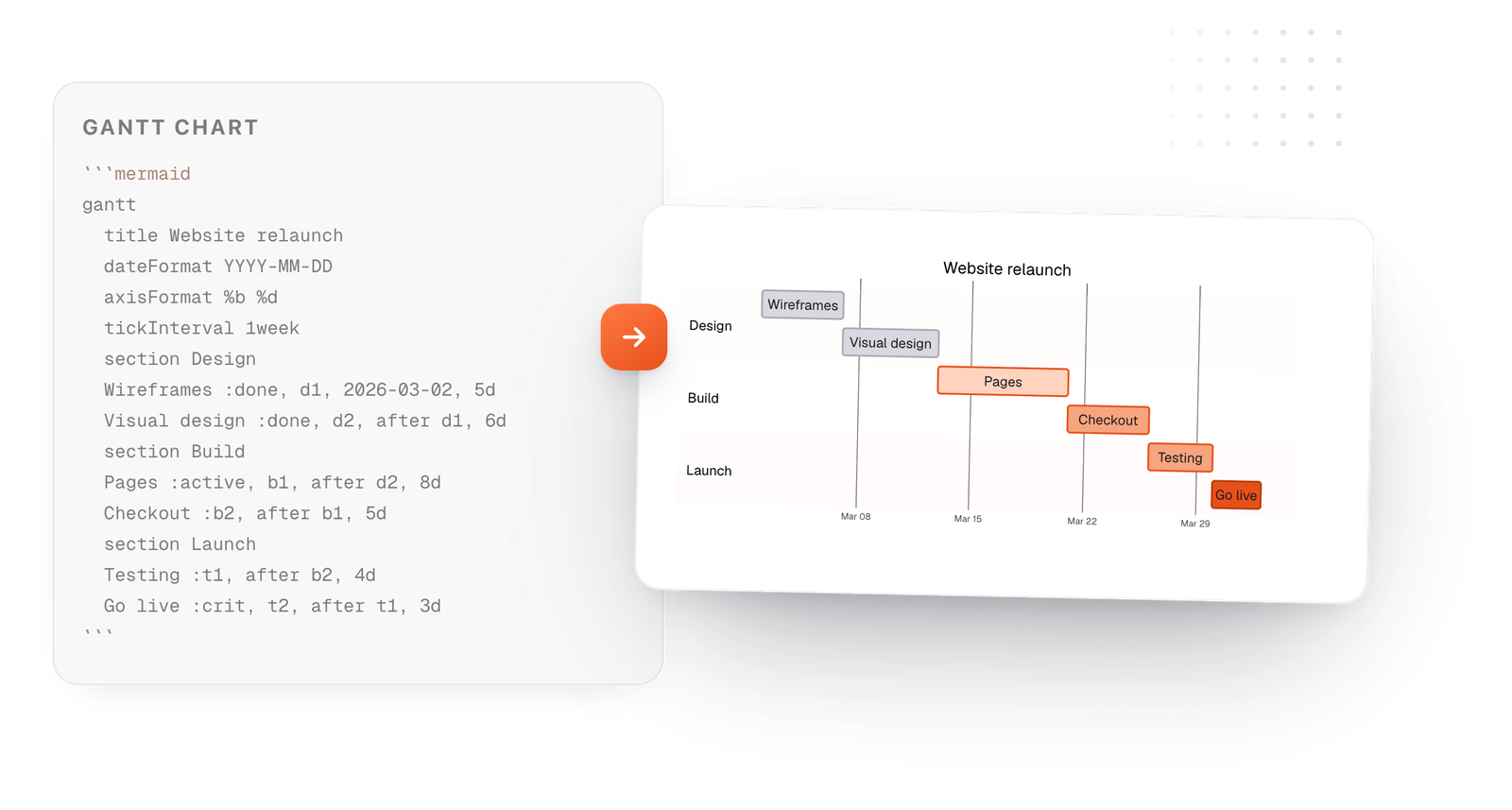
On the Mac, every Mermaid block in your notes draws in TypeFire's colors. Open one full window to zoom in, resize it, link a box to another note, and save it as SVG or PNG.
Free text expander, markdown notes and a clipboard manager. $18 once for unlimited clips, notes sync and AI prompts.
Each task line is a name, a colon, then its details, separated by commas.
Drawn from the example above
Add done, active or crit before the id to color a task, like :done, d1, 2026-03-02, 5d.
A task with milestone and 0d draws a diamond, good for a launch date.
excludes weekends keeps tasks from counting Saturdays and Sundays as working days.
In TypeFire for Mac a long plan keeps its text readable and scrolls sideways instead of shrinking.
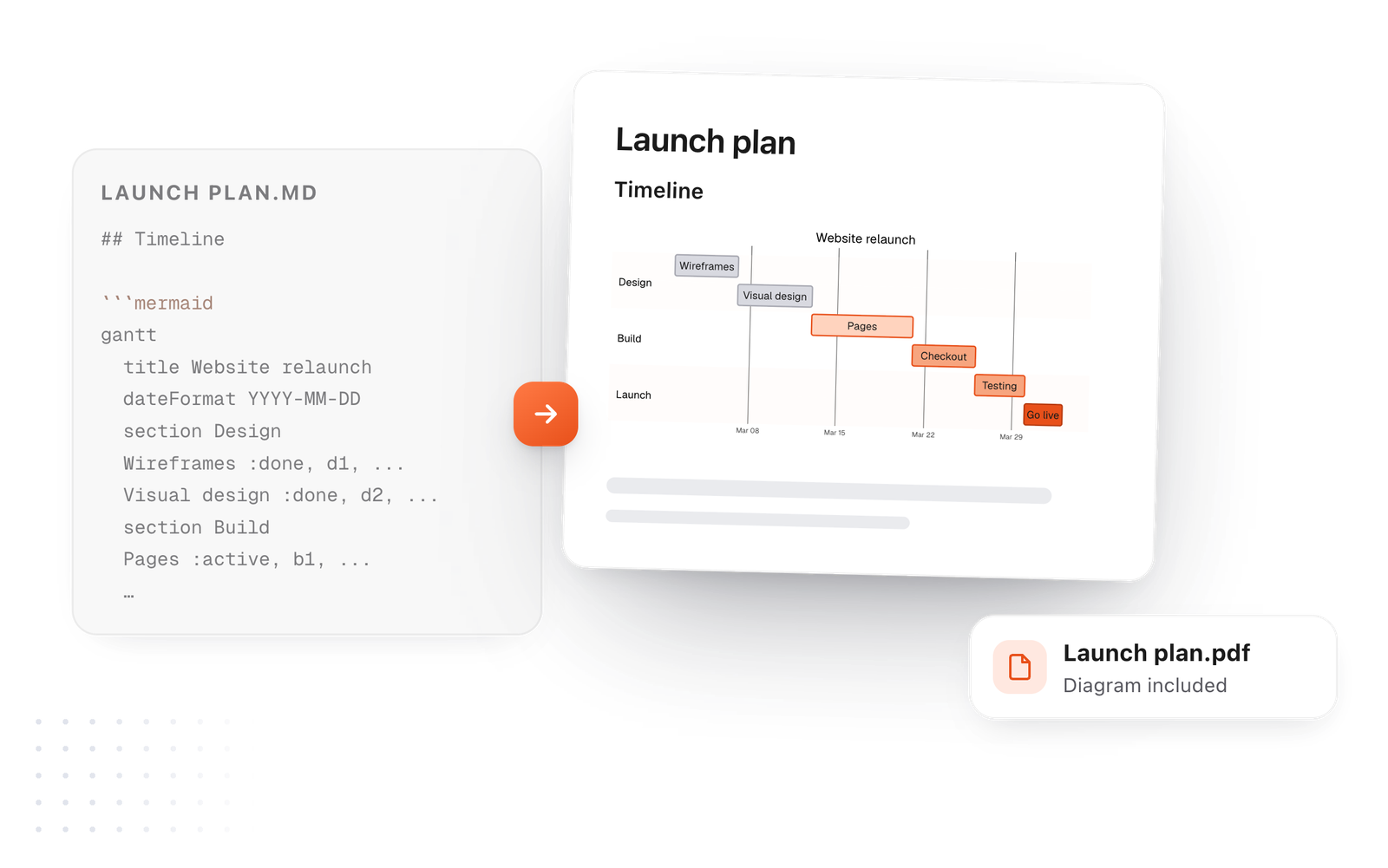
This editor comes from TypeFire, a free app for Markdown notes, a text expander and a clipboard manager. Here it works on the files you open. In the app, it opens your whole folder.
Still not answered?
Yes. Write a Mermaid Gantt chart in a code block marked mermaid.
Apps that draw Mermaid, like GitHub and TypeFire, show it as a chart.
Give the first task an id, then write after followed by that id in place of a start date: Checkout :b2, after b1, 5d.
Add the milestone tag and a length of 0d: Go live :milestone, m1, after t1, 0d.
It draws as a diamond.
Put done, active or crit before the id, separated by commas, like Testing :crit, t1, after b2, 4d.
Long plans get squeezed to fit the page in many apps.
TypeFire keeps the text at a readable size and lets the chart scroll sideways, and on the Mac you can open it full window and zoom.
Zoom, resize, link a box to a note
Markdown to PDF with diagramsDrawn, not code
The Mermaid syntax guideEvery diagram kind, with examples
In TypeFire for Mac a Gantt chart never shrinks to fit. Open it full window, zoom in, save it as an image. Free.
Free text expander, markdown notes and a clipboard manager. $18 once for unlimited clips, notes sync and AI prompts.
⌘⌃2 your clips⌘⌃1 your snippets