Order statuses
Try this
- Add
Shipped --> Returned: customer returns it. - End it with
Returned --> [*].
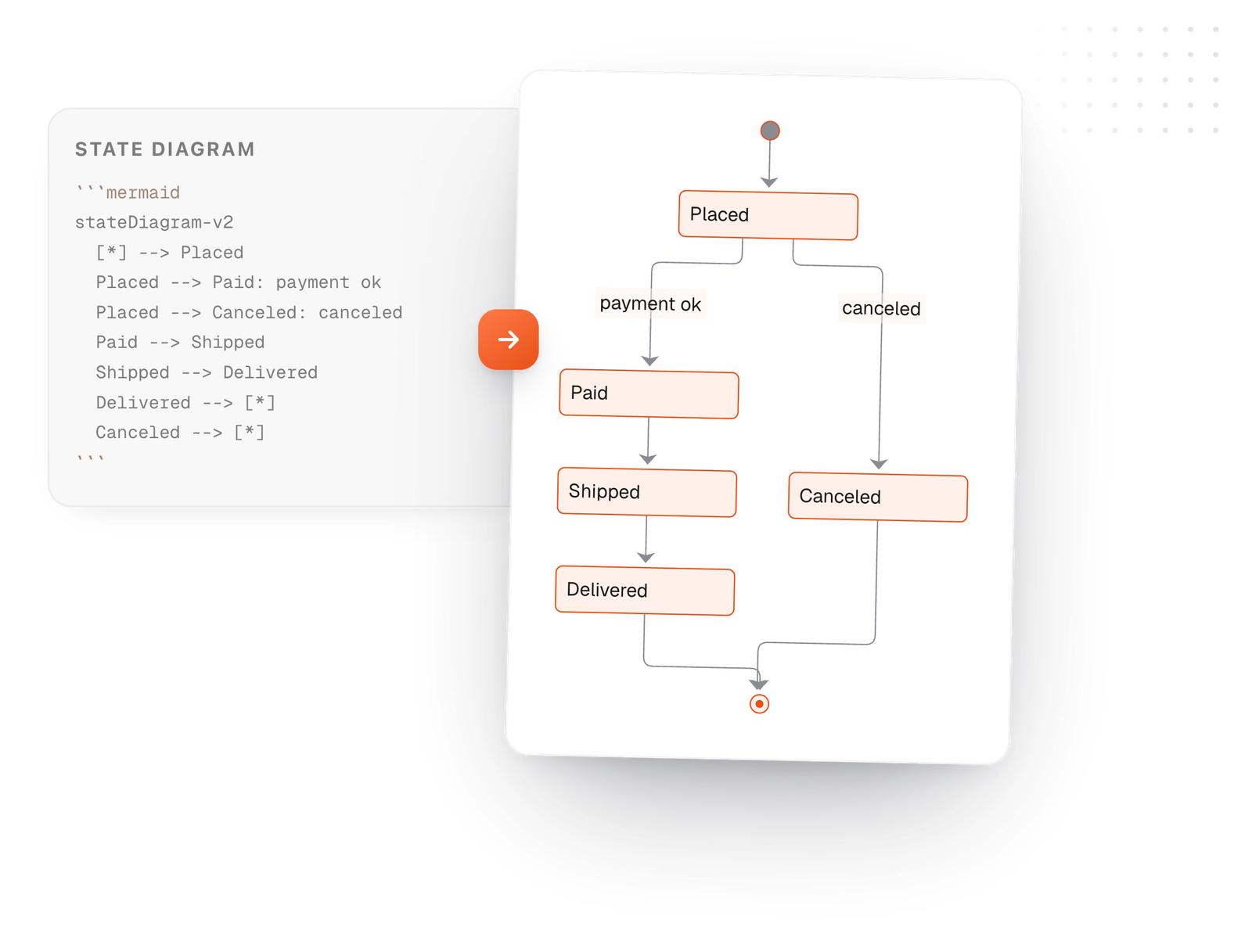
A state diagram shows the statuses something can be in and what moves it from one to the next. In Mermaid that's one line per move: Placed --> Paid: payment ok. Edit the example and watch it redraw.
Free in your browser. On a Mac, TypeFire opens every .md file like this, right from Finder.Download free for Mac
Shipped --> Returned: customer returns it.Returned --> [*].This editor comes from TypeFire, free for Mac
Your whole folder of Markdown notes in tabs, Quick Look previews in Finder, plus a text expander and a clipboard manager.
Begin with stateDiagram-v2. [*] --> Placed draws the start, and Delivered --> [*] draws an end.
One line per transition: Placed --> Paid. Add a colon and text to say what causes it.
Wrap states in state Fulfillment { ... } to draw a composite state with its own inner steps.
On the Mac, every Mermaid block in your notes draws in TypeFire's colors. Open one full window to zoom in, resize it, link a box to another note, and save it as SVG or PNG.
Free text expander, markdown notes and a clipboard manager. $18 once for unlimited clips, notes sync and AI prompts.
Every line is a state, a move, or a group.
Drawn from the example above
Paid, Shipped, Canceled. Nouns or past tense read better than actions.
A word on each arrow, like payment ok, makes the rules clear to someone new.
state check <<choice>> draws a decision point with several ways out.
Add direction LR on its own line to draw left to right.
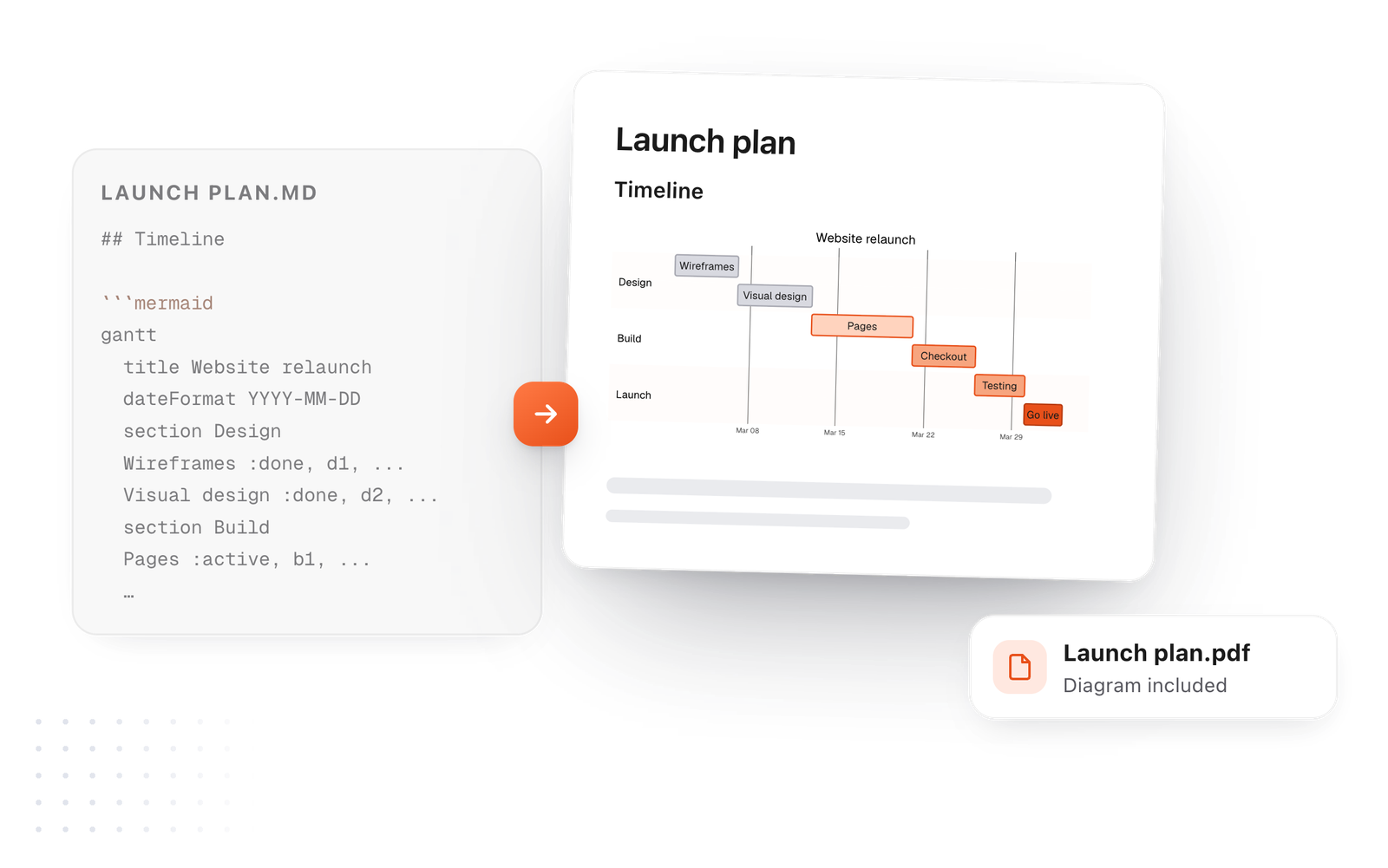
This editor comes from TypeFire, a free app for Markdown notes, a text expander and a clipboard manager. Here it works on the files you open. In the app, it opens your whole folder.
Still not answered?
Write a Mermaid stateDiagram-v2 in a code block marked mermaid, with [*] for the start and end and one line per transition.
stateDiagram-v2 is the newer renderer with better layout.
Use it for new diagrams; the syntax is the same.
Add a colon and text after the arrow: Placed --> Paid: payment ok.
Use a composite state: state Fulfillment { Picking --> Packing } and link to it like any other state.
Yes. Declare state check <<choice>>, then draw arrows out of it with a label on each.
Zoom, resize, link a box to a note
The Mermaid syntax guideEvery diagram kind, with examples
8 flowchart examplesCopy one and change it
TypeFire for Mac draws state diagrams in your notes, in light and dark, with a viewer to zoom in. Free.
Free text expander, markdown notes and a clipboard manager. $18 once for unlimited clips, notes sync and AI prompts.
⌘⌃2 your clips⌘⌃1 your snippets