Library model
Try this
- Add
class Loanwith a+Date duefield. - Join it with
Member "1" --> "*" Loan.
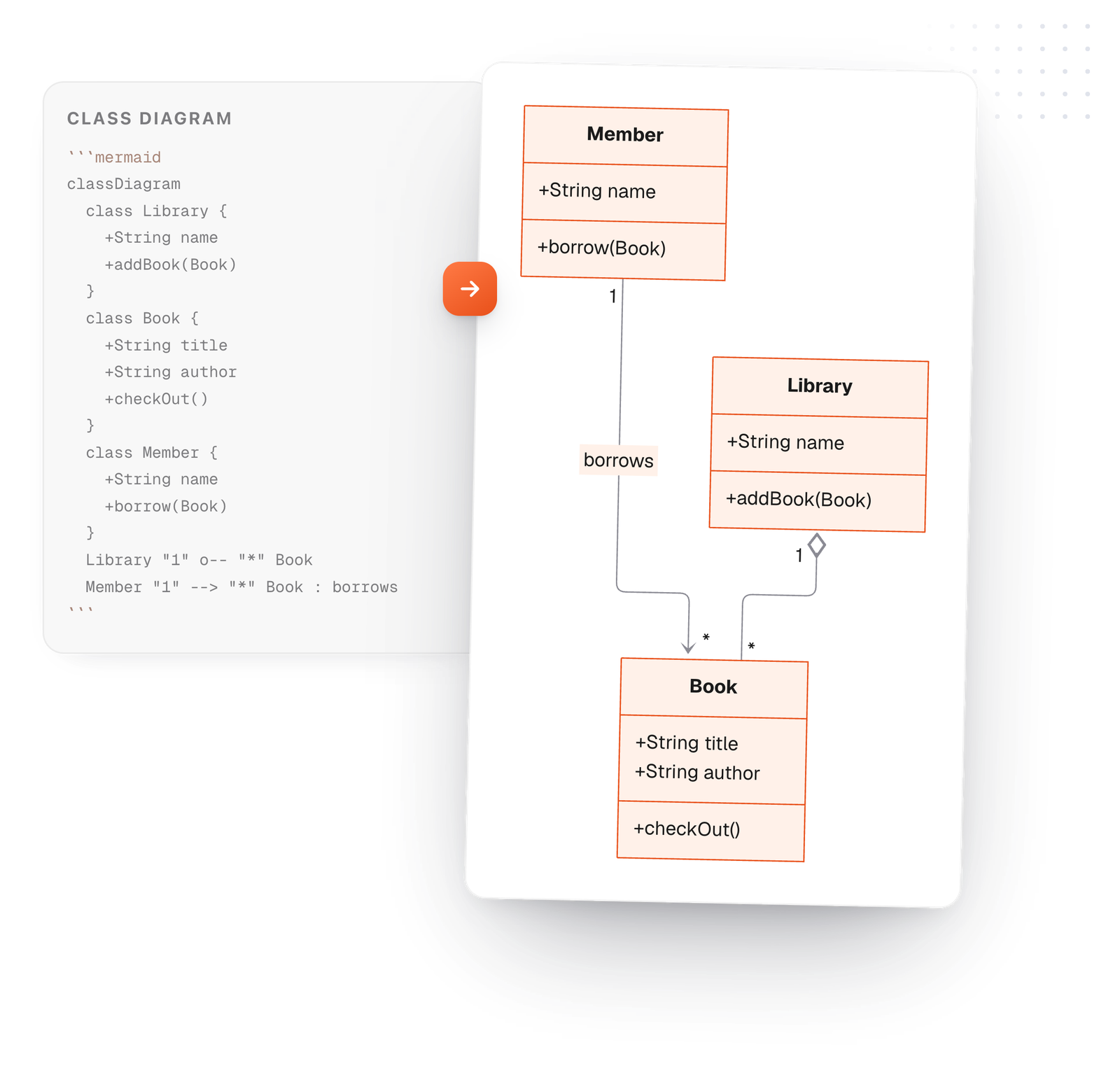
A class diagram shows the parts of a system and how they relate. In Mermaid each class is a block of fields and methods, and each relationship is one line. Edit the example and it redraws.
Free in your browser. On a Mac, TypeFire opens every .md file like this, right from Finder.Download free for Mac
class Loan with a +Date due field.Member "1" --> "*" Loan.This editor comes from TypeFire, free for Mac
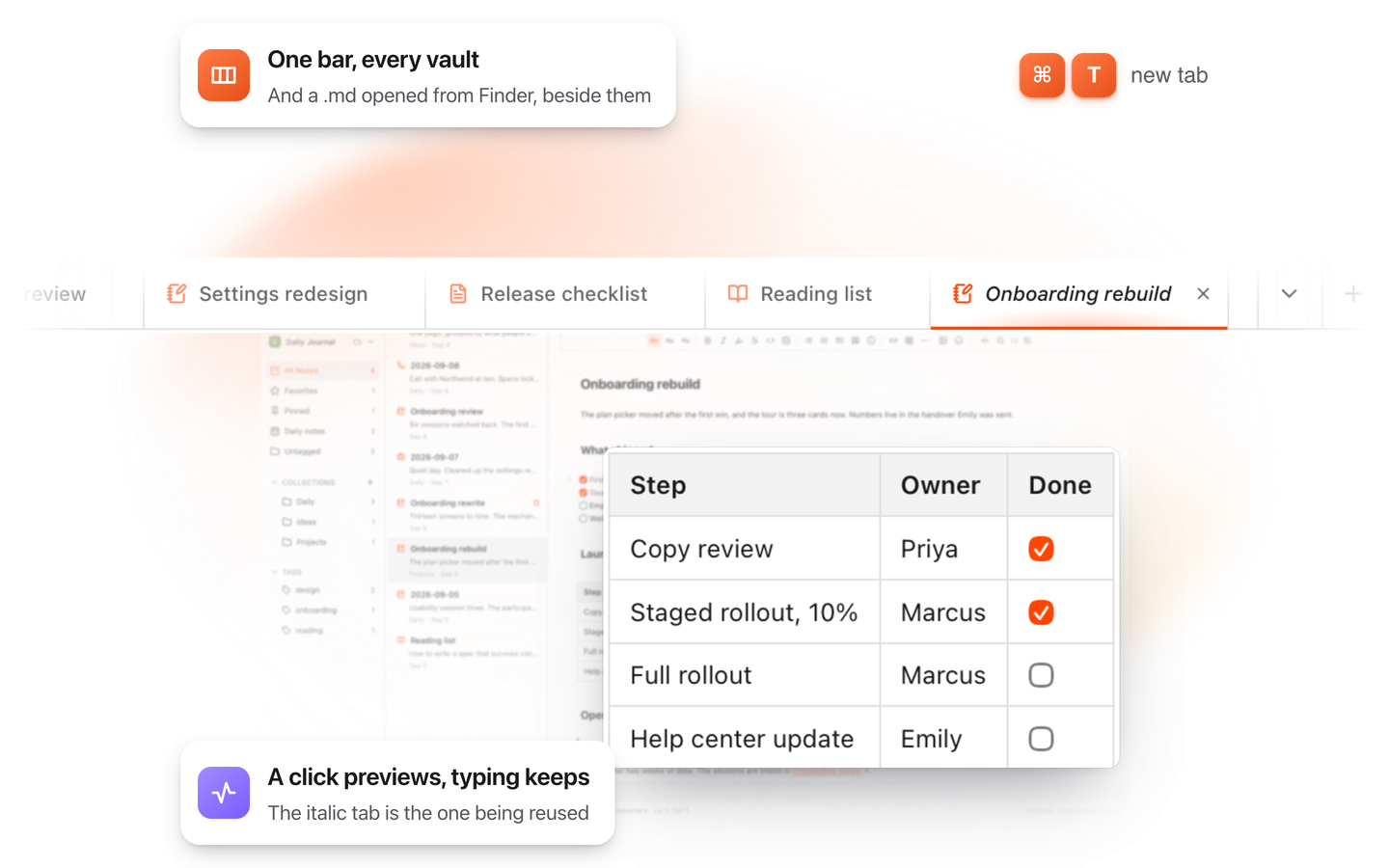
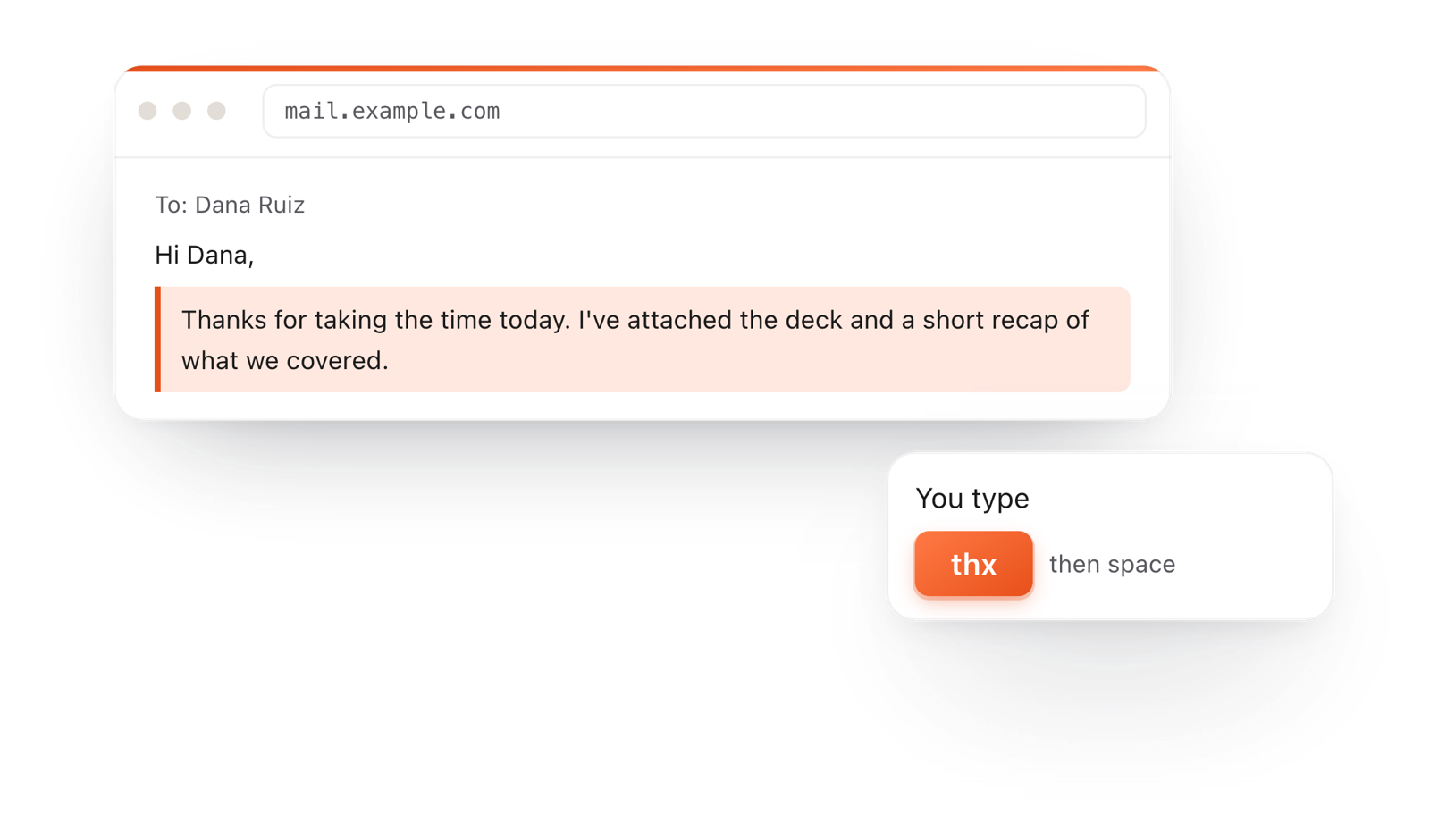
Your whole folder of Markdown notes in tabs, Quick Look previews in Finder, plus a text expander and a clipboard manager.
Start with classDiagram, then class Book { ... } with one member per line inside the braces.
Start a member with + for public, - for private, # for protected or ~ for package. Add () for a method.
One line per relationship. The symbol in the middle sets the kind, and quoted numbers set how many.
On the Mac, every Mermaid block in your notes draws in TypeFire's colors. Open one full window to zoom in, resize it, link a box to another note, and save it as SVG or PNG.
Free text expander, markdown notes and a clipboard manager. $18 once for unlimited clips, notes sync and AI prompts.
The arrow in the middle of the line sets the relationship.
Drawn from the example above
Draw the three or four classes that matter for the question at hand, not the whole codebase.
"1" and "*" on either side of a line tell readers one library holds many books.
Add : borrows at the end of a relationship to say what it means.
Write List~Book~ for a generic type and it draws as List<Book>.
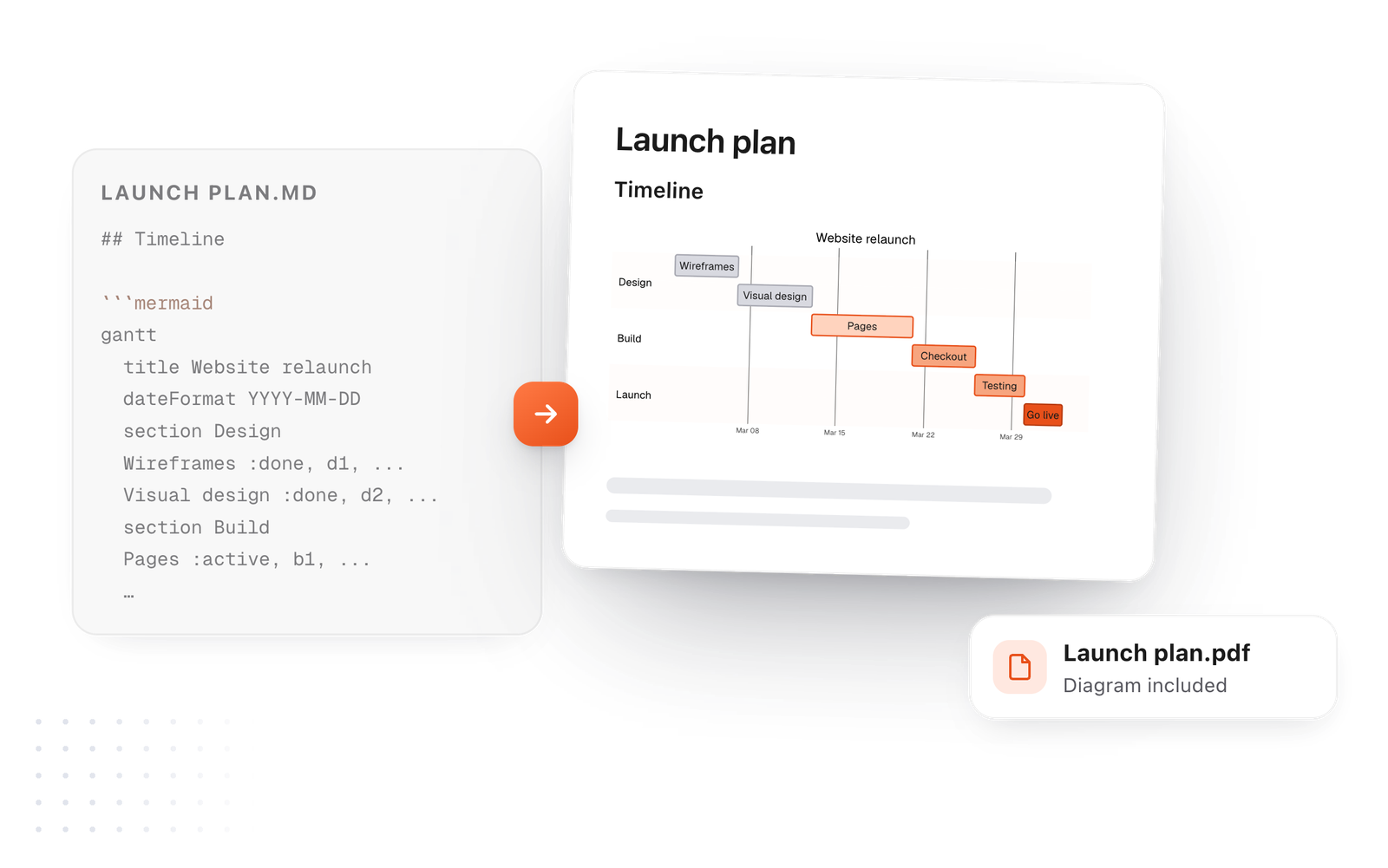
This editor comes from TypeFire, a free app for Markdown notes, a text expander and a clipboard manager. Here it works on the files you open. In the app, it opens your whole folder.
Still not answered?
Write a Mermaid classDiagram in a code block marked mermaid.
Declare each class with its members, then add one line per relationship.
Use <|-- with the parent on the left: Animal <|-- Dog means Dog inherits from Animal.
*-- is composition: the part can't exist without the whole. o-- is aggregation: the part can exist on its own.
Start it with a minus sign, like -String password. + is public, # protected and ~ package.
Yes. Put quoted values on either side of the line: Library "1" o-- "*" Book.
Zoom, resize, link a box to a note
The Mermaid syntax guideEvery diagram kind, with examples
Diagrams from ChatGPT or ClaudePrompts that draw the first time
TypeFire for Mac draws class diagrams in your notes, with a viewer to zoom in on the big ones. Free.
Free text expander, markdown notes and a clipboard manager. $18 once for unlimited clips, notes sync and AI prompts.
⌘⌃2 your clips⌘⌃1 your snippets