A Mermaid sequence diagram
Try this
- Add
Note right of Payments: Takes about 2 secondsbefore the last line. - Put
autonumberon the second line to number every message.
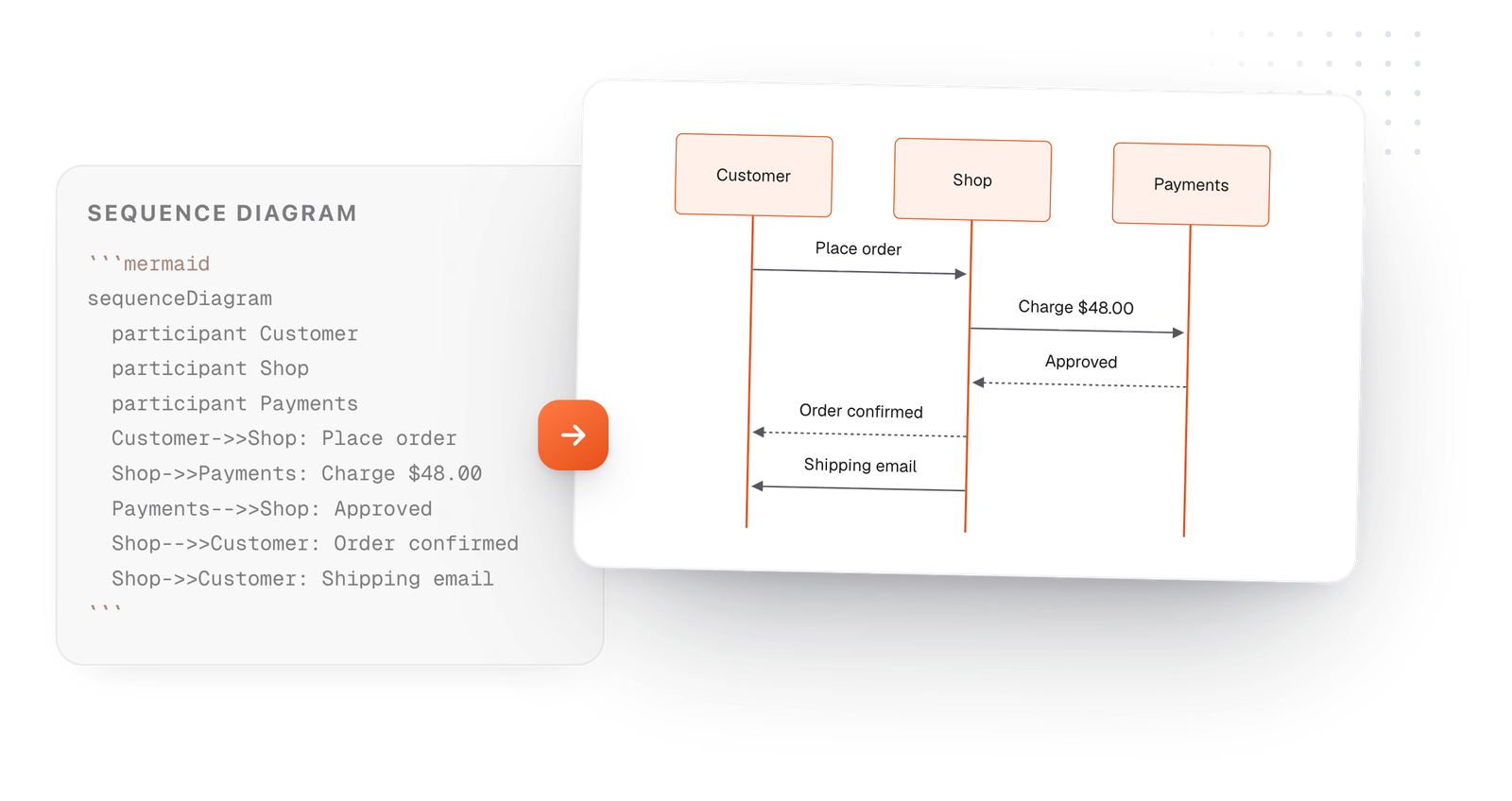
A sequence diagram shows who sends what to whom, in order, top to bottom. In Mermaid that's one line per message: Customer->>Shop: Place order. Edit the example below and it redraws as you type.
Free in your browser. On a Mac, TypeFire opens every .md file like this, right from Finder.Download free for Mac
Note right of Payments: Takes about 2 seconds before the last line.autonumber on the second line to number every message.This editor comes from TypeFire, free for Mac
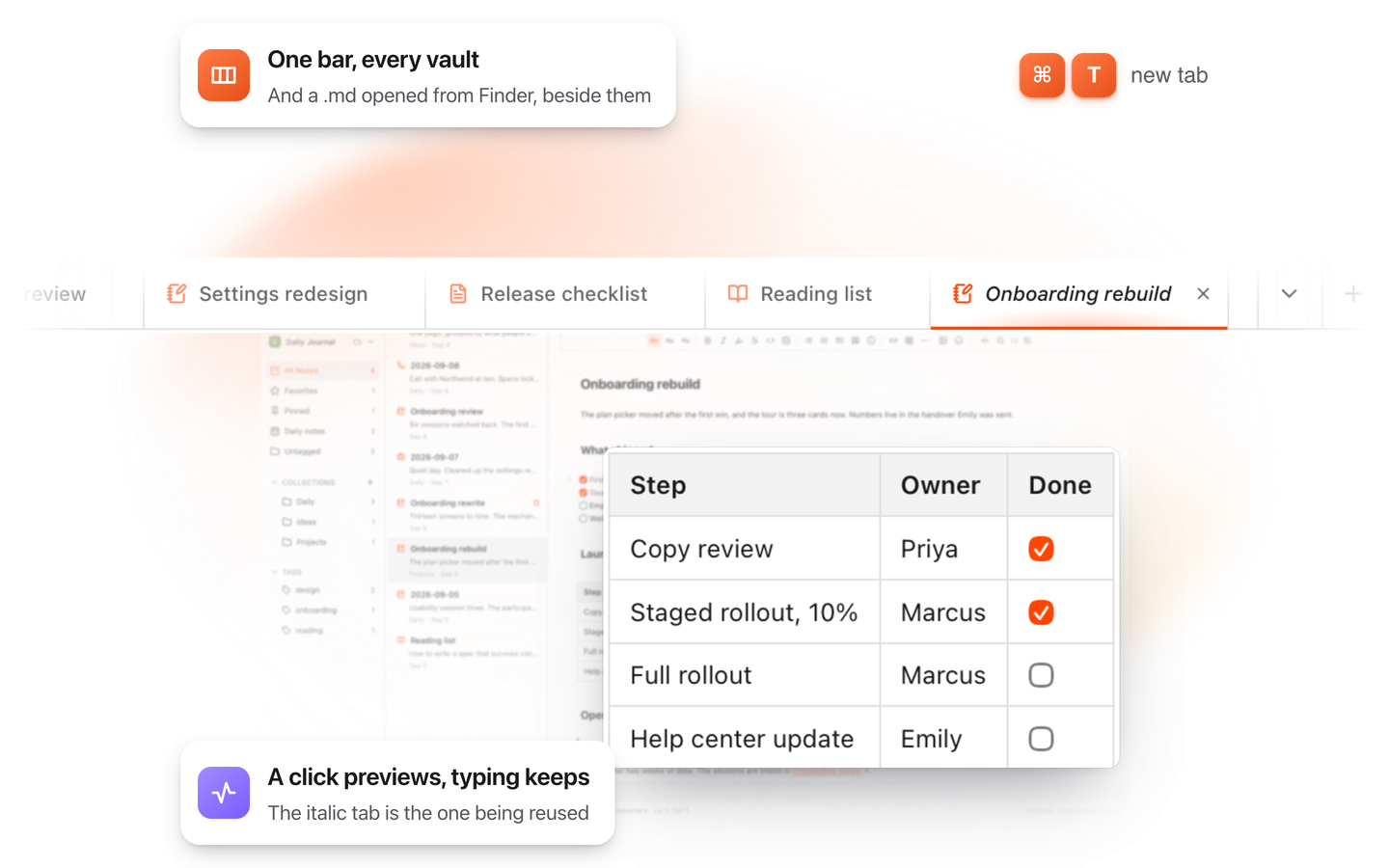
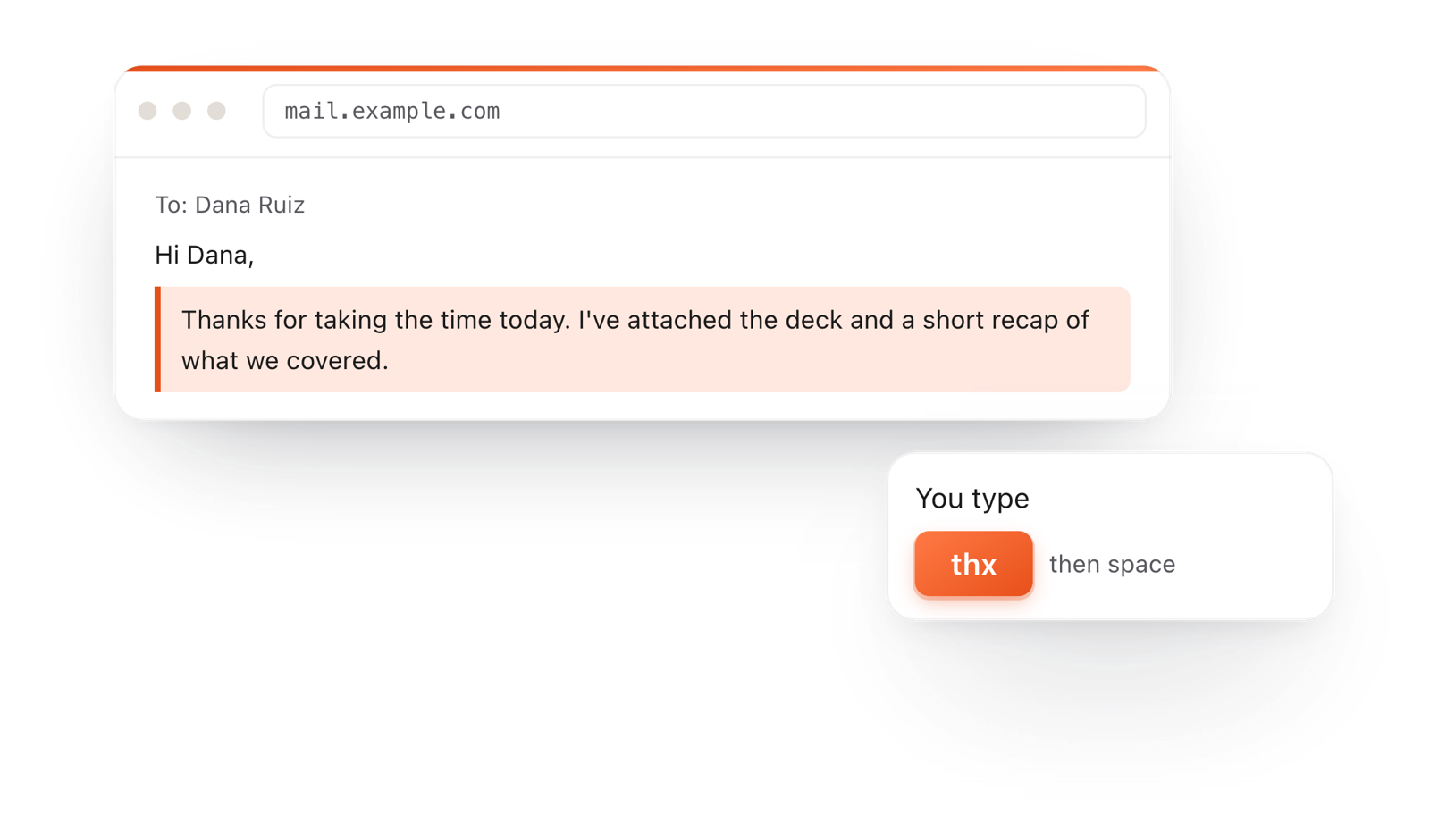
Your whole folder of Markdown notes in tabs, Quick Look previews in Finder, plus a text expander and a clipboard manager.
Start with sequenceDiagram, then a participant line for each one. They're drawn left to right in that order.
Write A->>B: text for a message with a solid arrow, and B-->>A: text for a reply with a dashed one.
Notes, loops, alternatives and numbering each take one line, so the diagram stays easy to read as text.
On the Mac, every Mermaid block in your notes draws in TypeFire's colors. Open one full window to zoom in, resize it, link a box to another note, and save it as SVG or PNG.
Free text expander, markdown notes and a clipboard manager. $18 once for unlimited clips, notes sync and AI prompts.
Two characters decide what a message looks like.
Drawn from the example above
Each line happens after the one above it, so write messages in the order they happen.
Use actor instead of participant to draw a stick figure for a person.
Wrap two paths in alt Paid ... else Declined ... end to show both outcomes in one diagram.
A message label is one line. Put the detail in a note beside it.
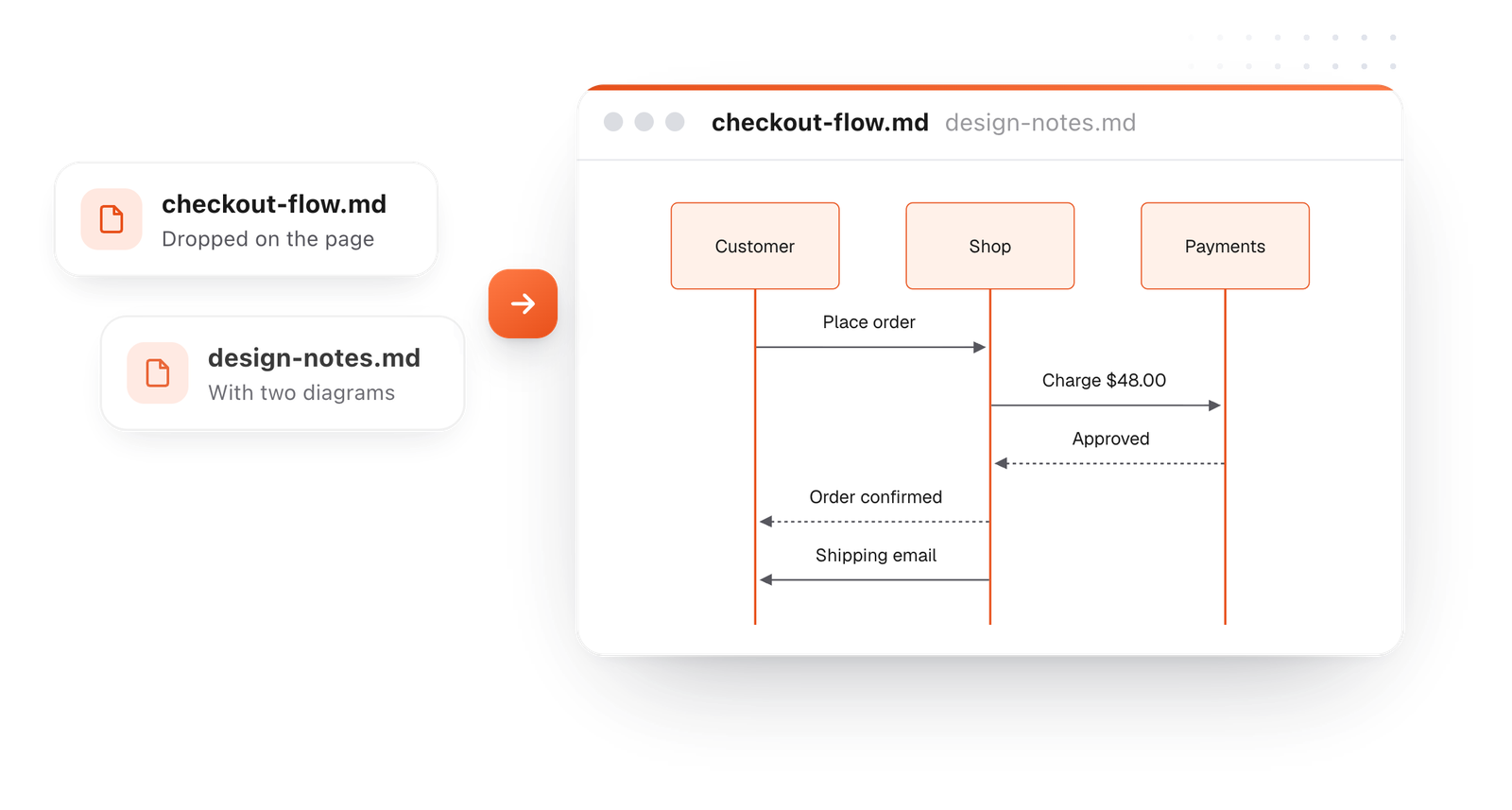
This editor comes from TypeFire, a free app for Markdown notes, a text expander and a clipboard manager. Here it works on the files you open. In the app, it opens your whole folder.
Still not answered?
Put Mermaid in a code block marked mermaid. Start with sequenceDiagram, list participants, then write one message per line, like Alice->>Bob: Hello.
->> draws a solid line and -->> a dashed one.
Dashed lines are the usual way to show a reply.
Write Note right of Shop: text, or Note left of, or Note over Shop,Payments: text to span two participants.
Wrap the messages in loop Label ... end, or in alt Label ... else Other ... end for two paths. opt ... end shows an optional step.
Yes. Add autonumber on its own line after sequenceDiagram and every message gets a number.
Zoom, resize, link a box to a note
Diagrams from ChatGPT or ClaudePrompts that draw the first time
The Mermaid syntax guideEvery diagram kind, with examples
TypeFire for Mac draws them in your notes, with a viewer to zoom in and save as SVG or PNG. Free.
Free text expander, markdown notes and a clipboard manager. $18 once for unlimited clips, notes sync and AI prompts.
⌘⌃2 your clips⌘⌃1 your snippets