Monthly budget
Paste your own Mermaid below, or use this one.
Open the diagram to save it as a PNG or an SVG.
Need the diagram as a picture for a slide, a doc or a chat? Paste your Mermaid and save it as a PNG or an SVG, or copy it as a picture and paste it anywhere. It's drawn and made right here in your browser.
Free in your browser. On a Mac, TypeFire opens every .md file like this, right from Finder.Download free for Mac
Paste your own Mermaid below, or use this one.
Open the diagram to save it as a PNG or an SVG.
This editor comes from TypeFire, free for Mac
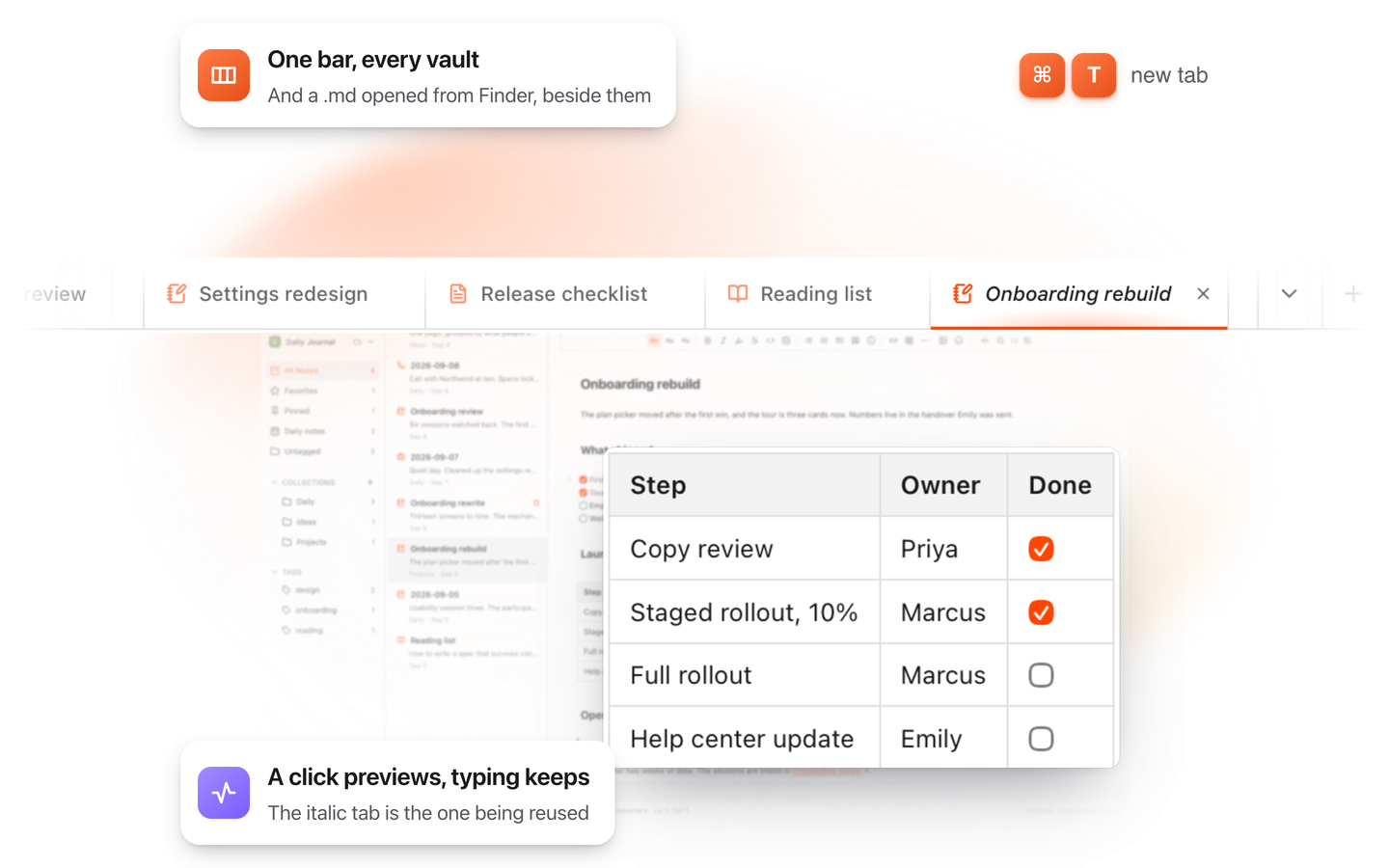
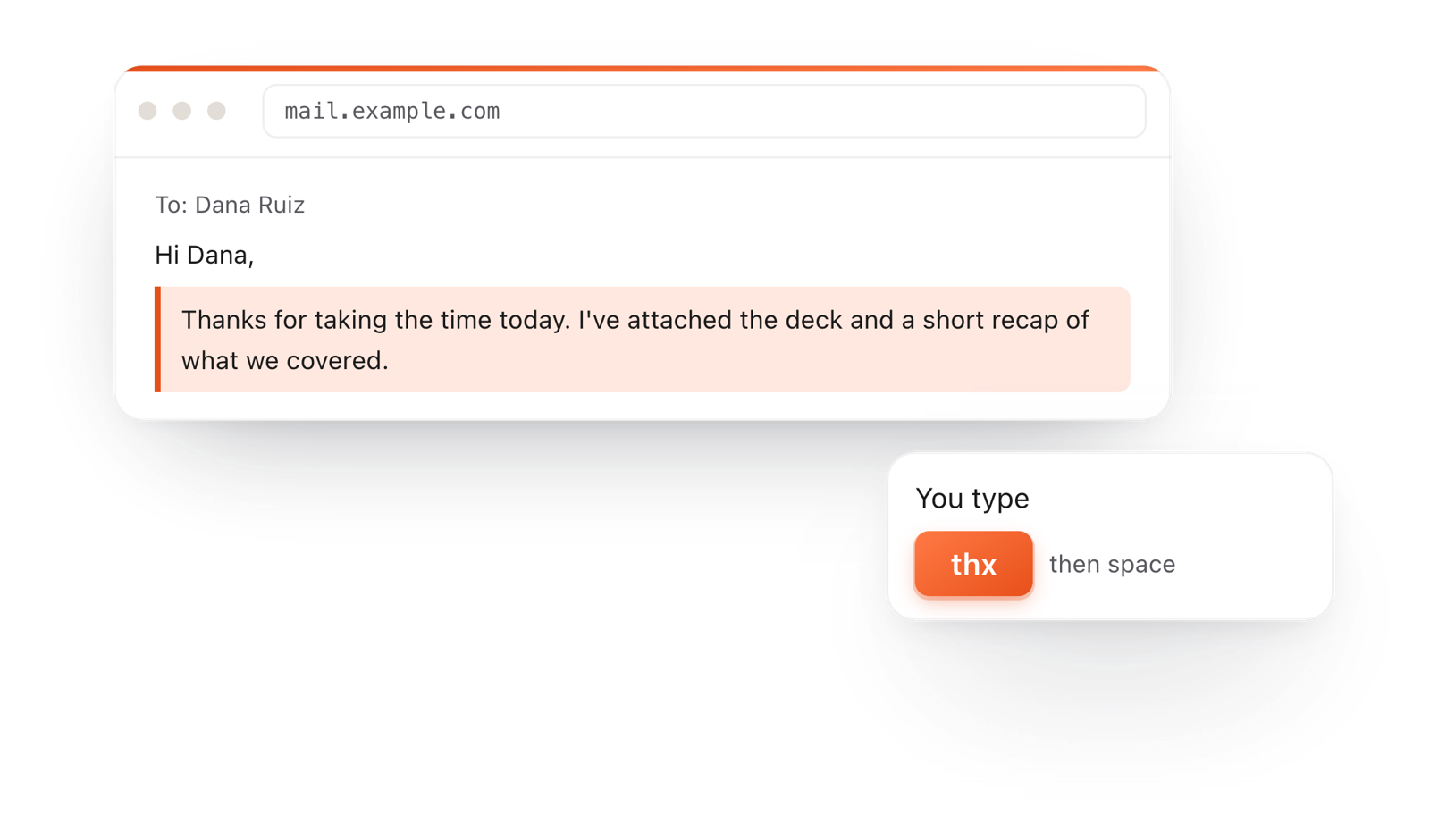
Your whole folder of Markdown notes in tabs, Quick Look previews in Finder, plus a text expander and a clipboard manager.
Paste a ```mermaid block, or a whole Markdown file, into the editor. The diagram draws at once.
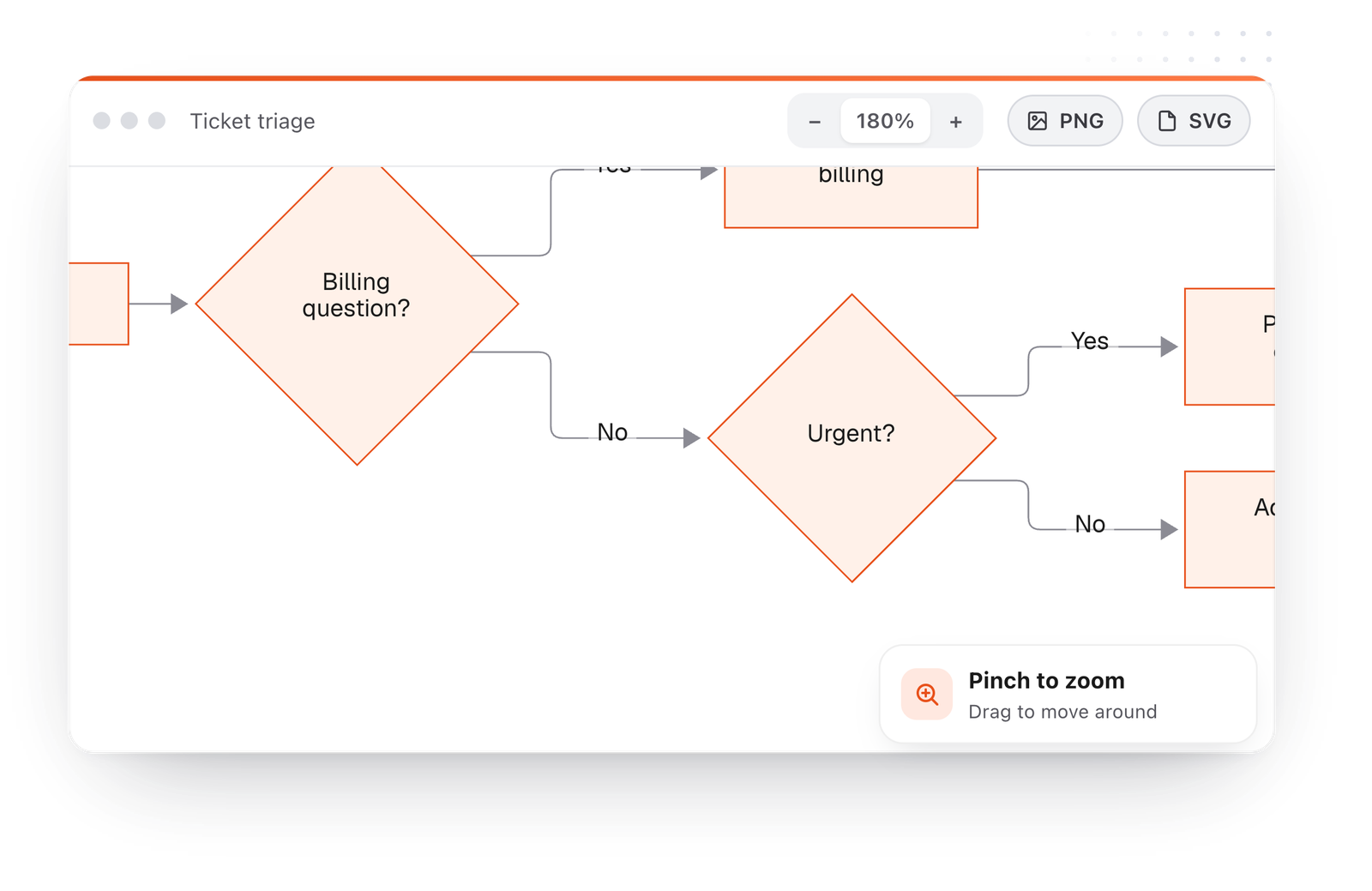
Hover over it for its bar, or open it full window, where you can zoom in to check the detail.
Save PNG for slides and docs, save SVG for an image that stays sharp at any size, or Copy as picture and paste it straight into a chat.
On the Mac, every Mermaid block in your notes draws in TypeFire's colors. Open one full window to zoom in, resize it, link a box to another note, and save it as SVG or PNG.
Free text expander, markdown notes and a clipboard manager. $18 once for unlimited clips, notes sync and AI prompts.
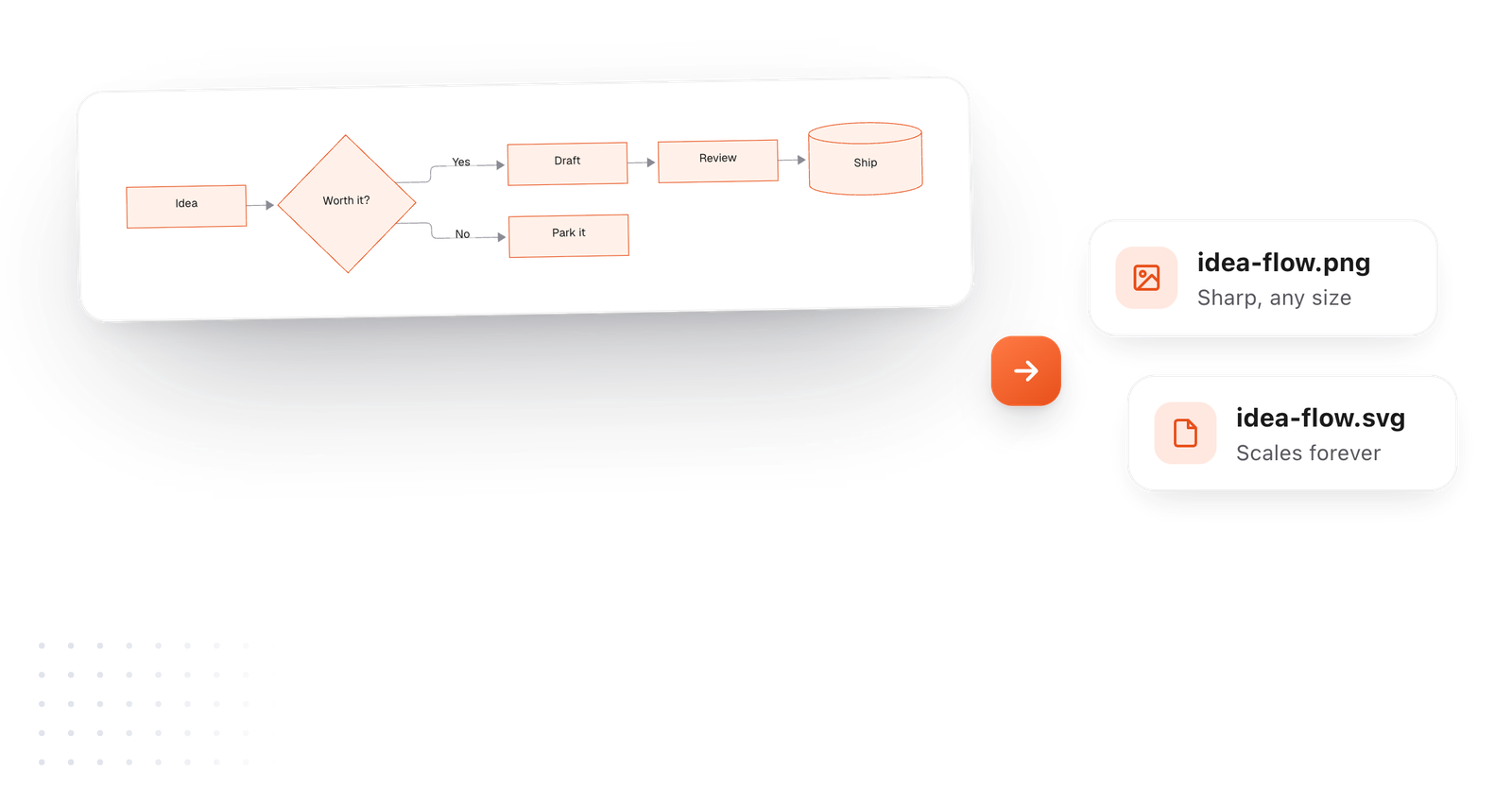
Both come from the same diagram. Pick by where it's going.
Drawn from the example above
Slides, email, chat and docs all take a PNG. It's saved sharp, at a size made for screens.
An SVG is drawn from shapes, so it stays crisp in print, on a big screen or zoomed all the way in.
A saved or copied diagram is always the light drawing, so it reads on a white slide or document whatever theme you write in.
Keep the Mermaid next to the image. To change the picture later, edit a word and save again.
This editor comes from TypeFire, a free app for Markdown notes, a text expander and a clipboard manager. Here it works on the files you open. In the app, it opens your whole folder.
Still not answered?
Paste the Mermaid into the editor on this page, open the diagram and save it as a PNG.
It's free and happens in your browser.
No. The diagram is drawn and the image is made in your browser.
Nothing is sent to a server.
PNG for slides, docs, chat and email. SVG for websites and print, where you want it sharp at any size.
To paste it somewhere right away, use Copy as picture.
A saved or copied diagram is always the light drawing, so it reads on a white slide or page whatever theme you write in.
Yes. Download it as a PDF from the File menu and every diagram is drawn in the PDF.
Yes. In TypeFire for Mac, open any diagram in a note full window and save it as SVG or PNG.
Zoom, resize, link a box to a note
Markdown to PDF with diagramsDrawn, not code
Diagram too small?Six ways to read a big one
In TypeFire for Mac, open any diagram in a note and save it as SVG or PNG. Free.
Free text expander, markdown notes and a clipboard manager. $18 once for unlimited clips, notes sync and AI prompts.
⌘⌃2 your clips⌘⌃1 your snippets