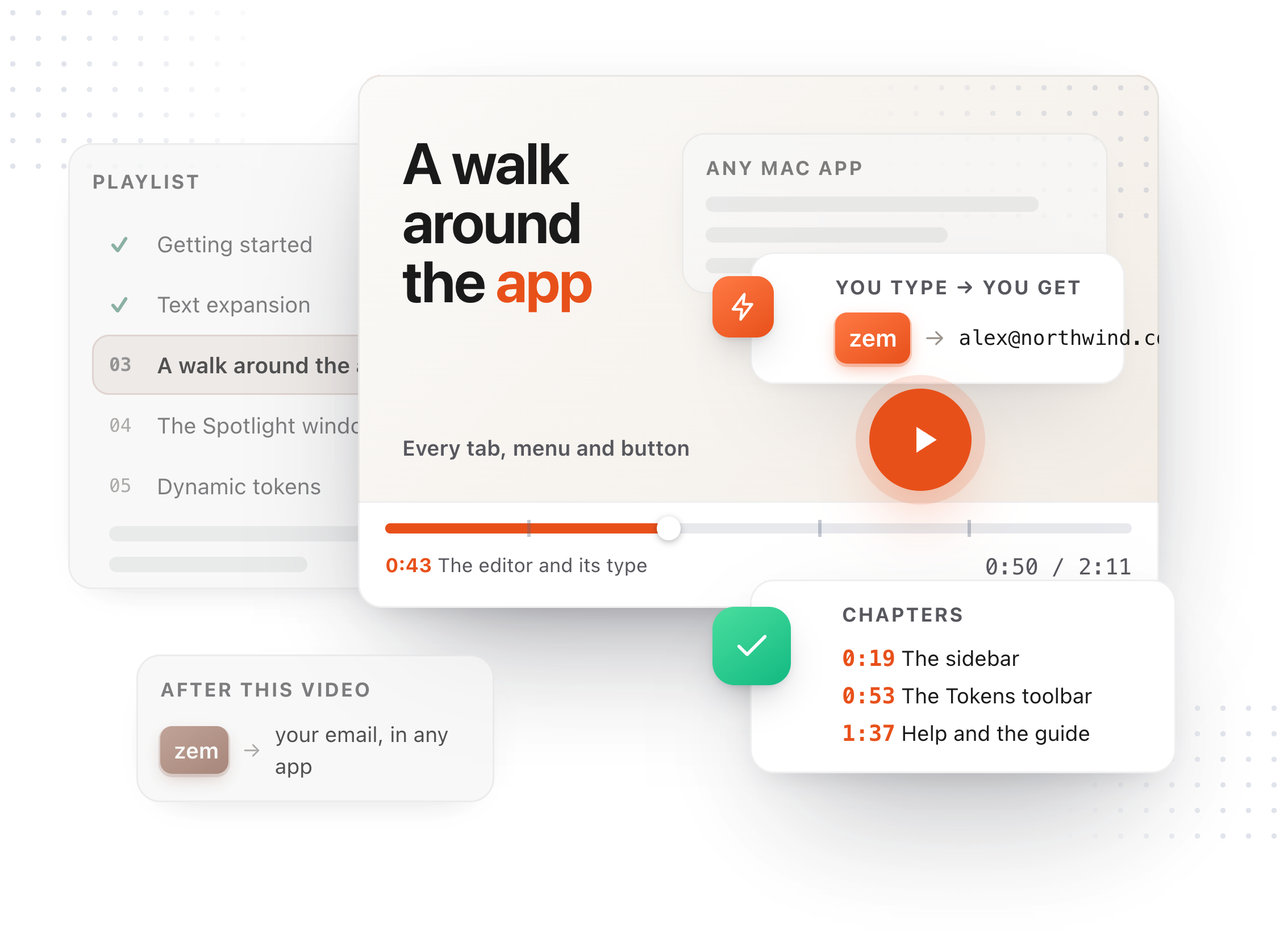
Chapters
Transcript
This is the main window. Across the top, three worlds: Snippets, Clips, and Notes. Click a tab, or with nothing selected, press 1, 2, or 3. This tour stays in Snippets. Clips and Notes each have their own videos. The sidebar filters the list. All Snippets, your favorites, then collections, which are folders in your vault, and tags, which cut across them. The list, with search above it. Click into the box and a card lists the search operators, which get their own video. Type, and the list filters as you go. Click a snippet and the editor opens beside the list. At the top, its type: Text Expansion, Selection Prompt, or Chain. Under that, the Tokens toolbar. Every button is a menu, and every entry is a token that becomes its value when the snippet expands. Dates, in any format, and relative ones like tomorrow or next month. The time. Keystrokes, and the clipboard. A fill-in field, which asks you for a value at the moment the snippet expands. And AI, which hands part of the text to your model. Pick one and it lands in the body. Tomorrow's date, as a token. Along the bottom, four things. The theme. The Weave graph. Settings. And Help. Help holds the keyboard shortcuts, the guide, these video tutorials, and a way to send feedback. Shortcuts is a panel over the window, one page, every key. The guide is the full manual, in its own window, searchable by section. And Settings is the gear. The AI provider, shortcuts, sync, your plan, all of it lives in there, and the Settings video goes through it tab by tab.