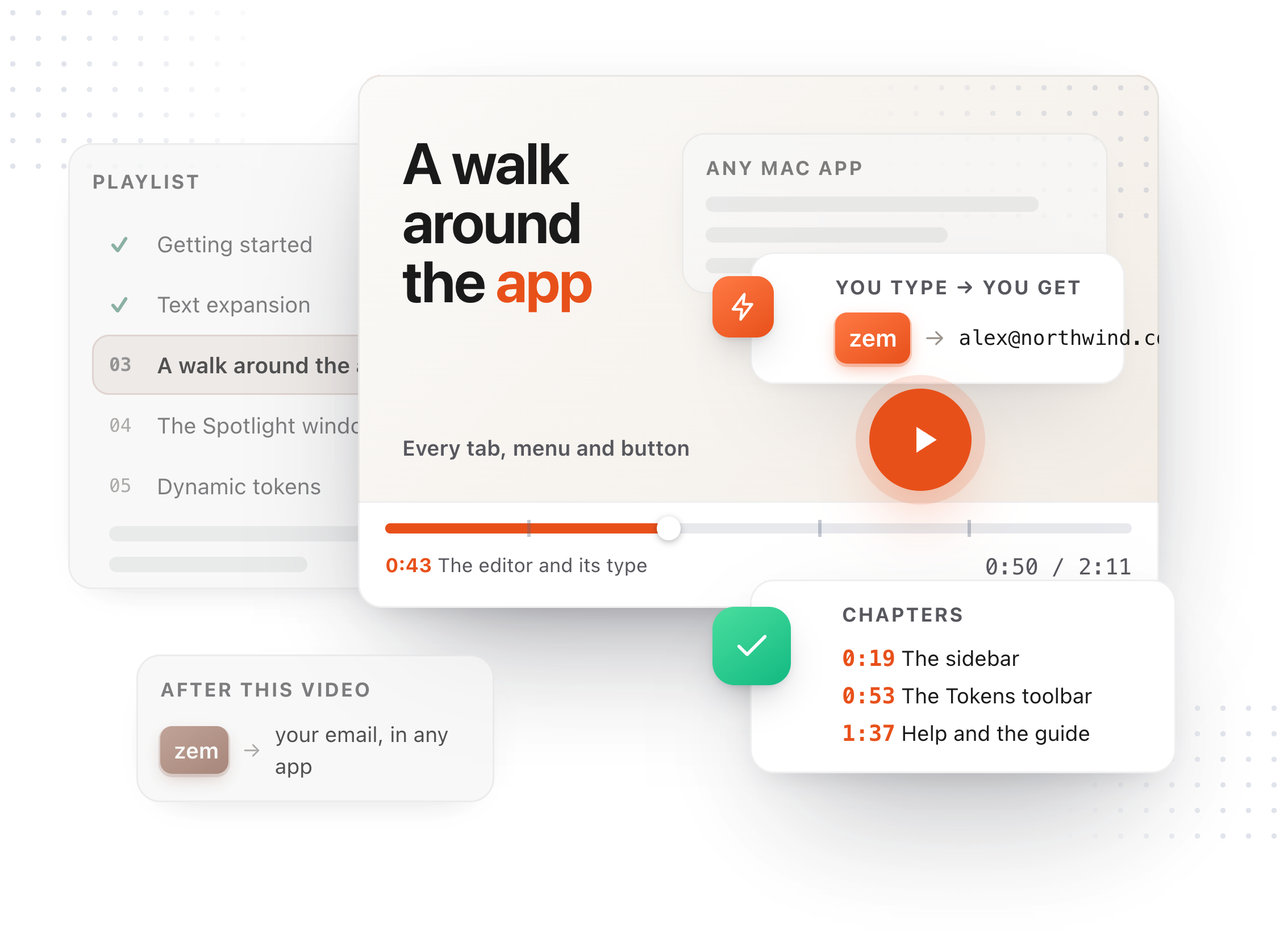
Chapters
Transcript
A snippet is text you type often, saved once. Start with New. Give it a title. The title is only for you. Then the text itself, the way you want it to land. A collection is a folder. A tag is a label. Both are for finding it later. Now the trigger. An abbreviation is a few letters you type, and TypeFire swaps them for the snippet right where you typed them. Press Save once. After that it saves itself as you type. Or give it a keyboard shortcut, which pastes it from any app. Press Record, then the keys. Half a second after you stop typing, it is live in every app on your Mac. Now a real form. Five details, and each one is a snippet. Click a field and type its trigger. The ones with a keyboard shortcut need no trigger at all. Press the keys, and the snippet is pasted in. Every detail, correct, in a few keystrokes. The snippet you just made is the one that filled the last field.