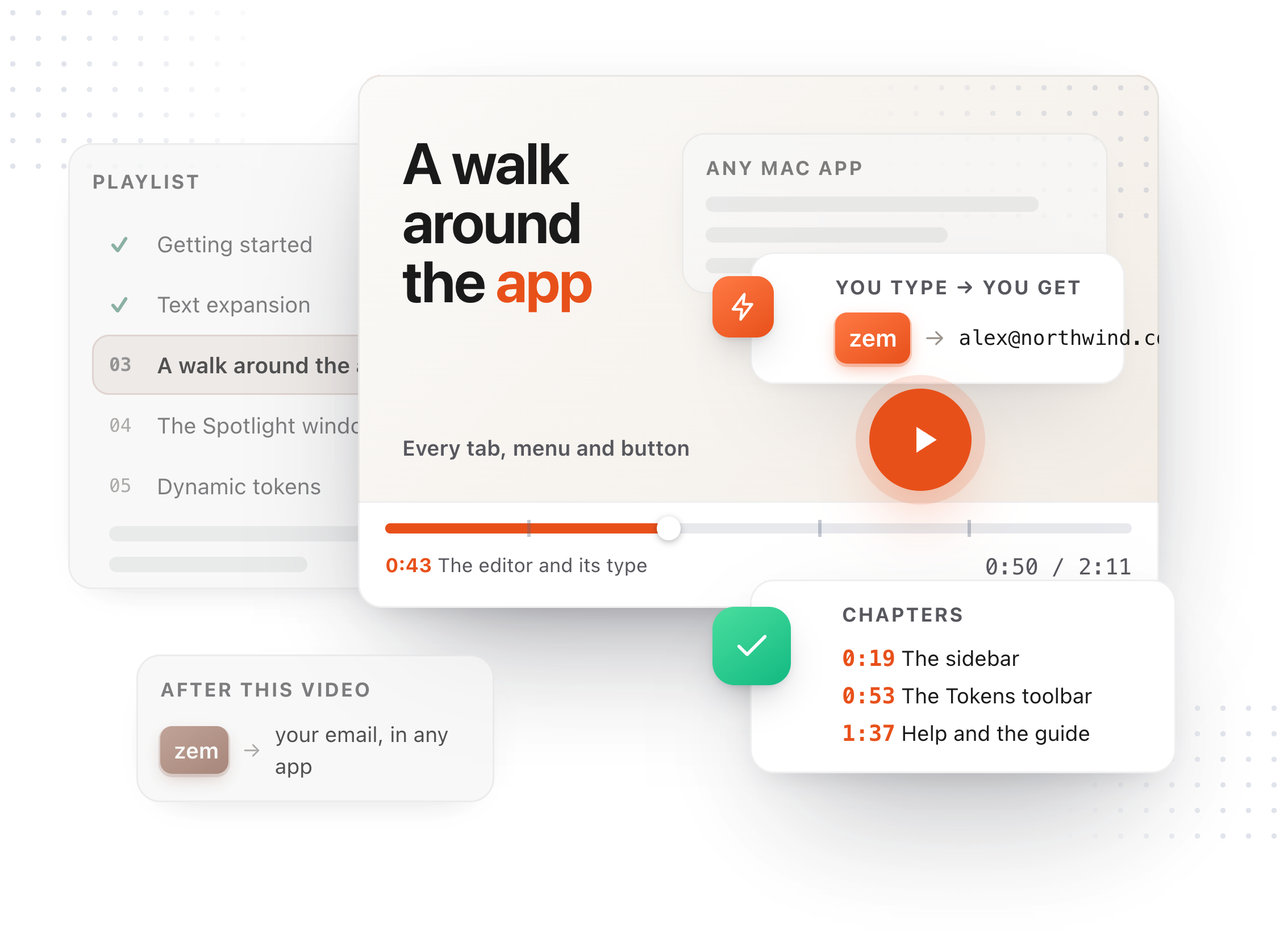
Chapters
Transcript
If you use TypeFire on more than one Mac, iCloud sync keeps them the same. It goes through your own iCloud Drive; TypeFire has no server in the path. Settings, then iCloud. Three switches, one per world, each off until you turn it on. Snippets first. This one is free, always. Clipboard history: on the free plan, your ten most recent clips follow you, which is everything a free history holds. Pro syncs the whole library. Images are off by default, because they are much larger, and the switch tells you how much before you flip it. Notes, and their attachments, plus version history. That one is Pro. Two Macs on the same account: the newest edit wins, and a delete on one Mac is a delete on the other. Sync runs by itself, and Sync now runs it this second. Anything detected as a password or a secret never syncs, whatever the switches say. And turning a switch off deletes nothing: what is on this Mac stays on this Mac.