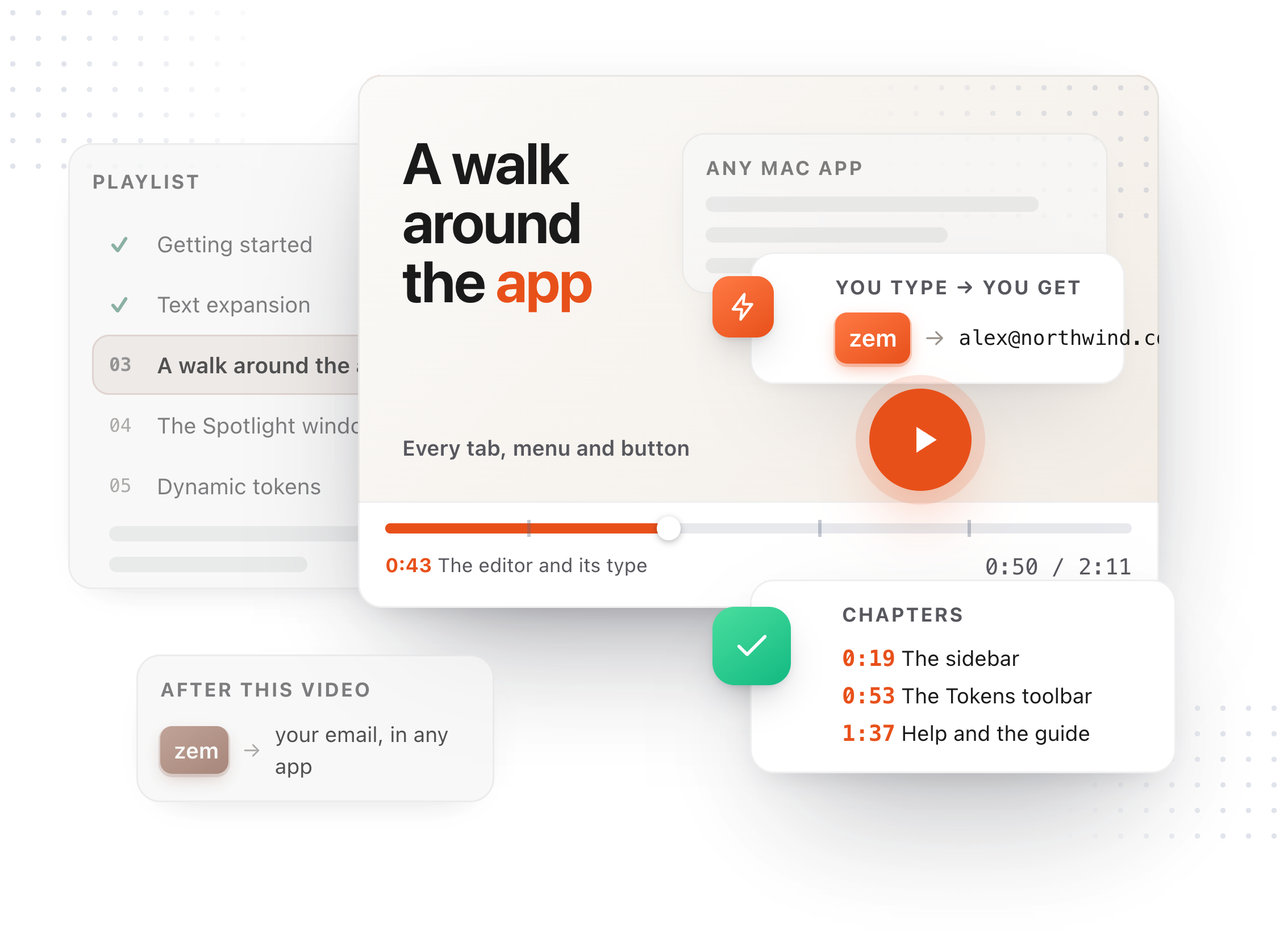
Chapters
Transcript
Anything that uses a model is set up in one place. Settings, then AI. Nothing is chosen yet. The card at the top always says what TypeFire is using. Three of these cost nothing: Apple Intelligence, Gemini's free tier, and a model on your own Mac. On an Apple silicon Mac running macOS 26, Apple Intelligence is one click. Green means ready. Everything runs on this Mac, and nothing leaves it. Prefer a cloud model? Gemini has a generous free tier. Paste the key from AI Studio, then press Test. A green dot on the card. The key was checked before it was trusted. Running Ollama? Pick Custom, and point it at your own machine. The address is the base, without chat completions on the end. TypeFire adds that itself. Then the model, spelled the way you pulled it. Whichever you pick, every AI snippet, prompt and chain runs on it from now on.